

GetResponse pop-ups and forms for WordPress
Collect GetResponse contacts on your WordPress site with pop-ups, inline forms and countdown offers. Each form can add tags and fields, so the right follow-up starts.
Connect GetResponse to WordPress in six steps
You need your GetResponse API key, from the API tab under Integration & API in GetResponse.
- 1Install the Convertful plugin
In WordPress, open Plugins, Add New and search for Convertful. Install and activate the free plugin.
- 2Connect your site
Click Connect to Convertful on the plugin page, then Approve. New to Convertful? Create your account on the same screen.
- 3Paste your GetResponse API key
In Convertful, open Integrations, add GetResponse and paste the key.
- 4Pick defaults and fields
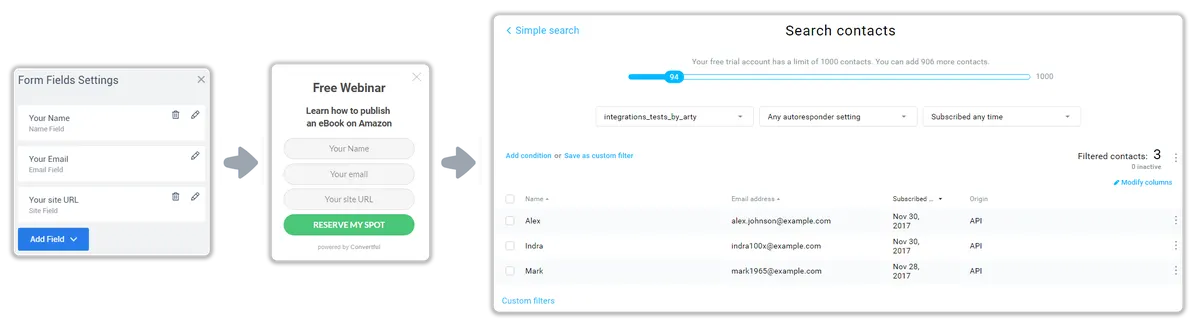
Choose the list and tags new contacts get by default. Custom fields are matched for you, and you can change any match.
- 5Add actions to the button
On the submit button, add contacts to a list, add or remove tags, or update a custom field.
- 6Place it and publish
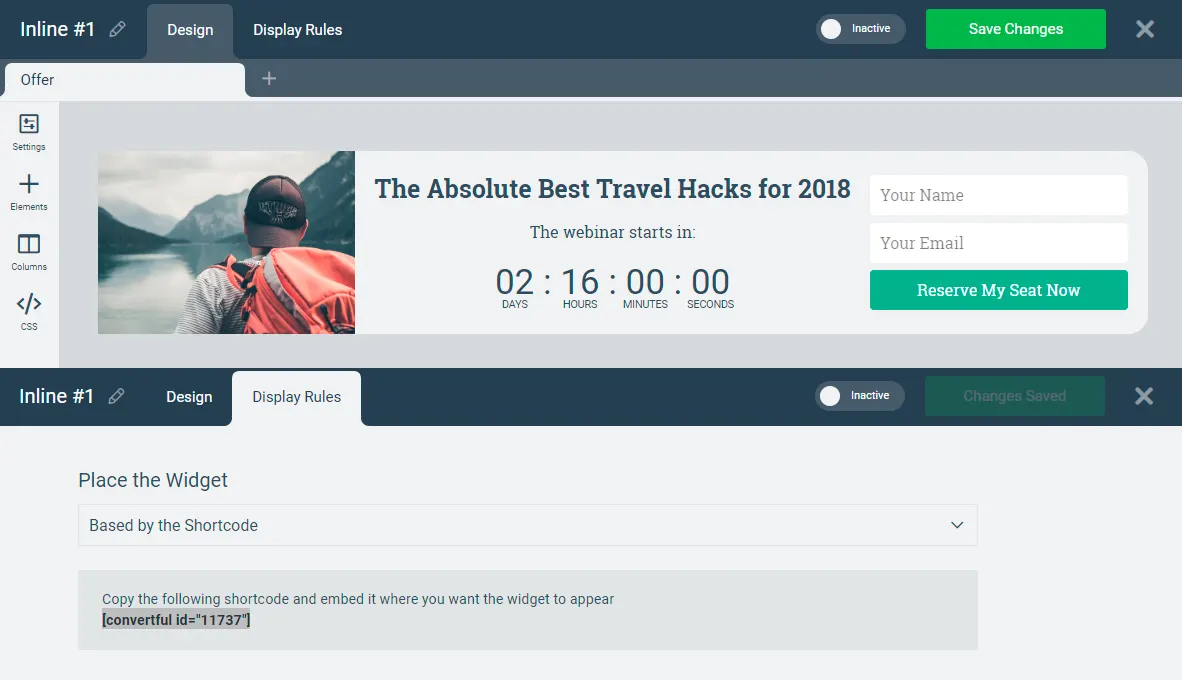
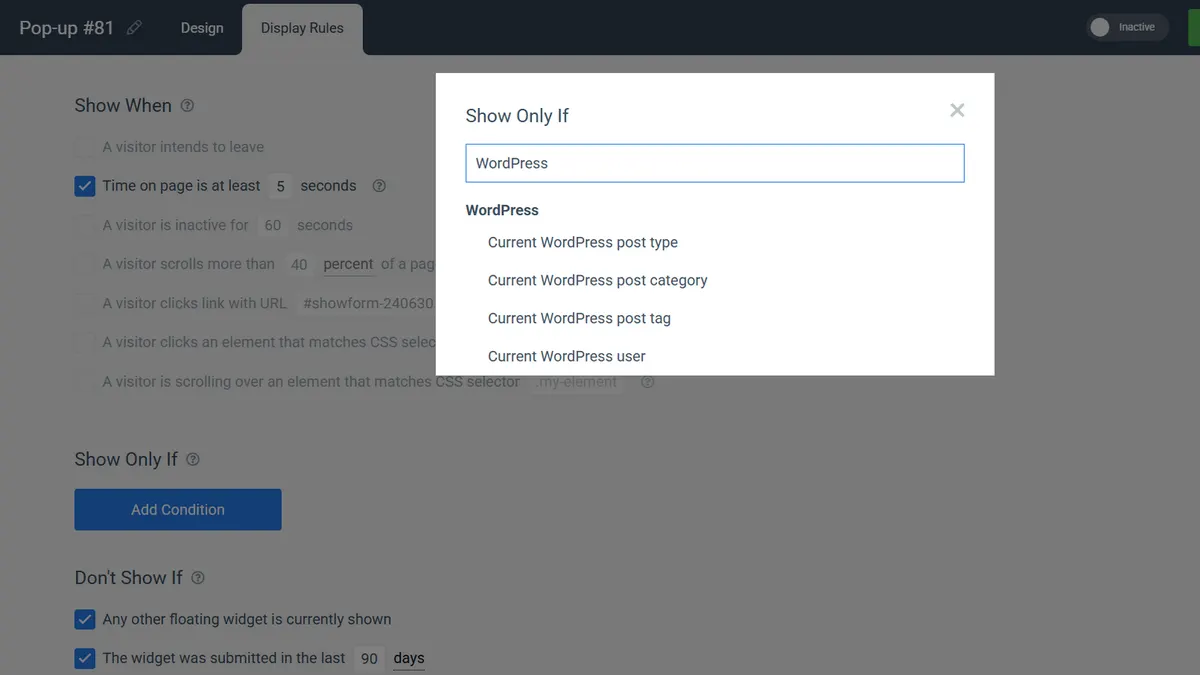
Show it by category, tag or post type, or embed it in a post with a shortcode. Save and activate.
Lists, tags and fields in GetResponse
Each widget can add contacts to its own list, tag them with the offer they chose and fill any GetResponse custom field. Webinar sign-ups, guide downloads and newsletter readers stay easy to tell apart.
Offers for tagged contacts
On Growth and above, widgets can check GetResponse tags, lists and custom fields before they show. Invite only webinar registrants to the replay, or offer the course only to readers who downloaded the guide.
- From your newsletters. Add
?conv_email=[[email]]to the links in GetResponse emails so Convertful knows who clicked. - WordPress rules too. Combine them with a post category, tag or post type.
GetResponse widgets for WordPress sites
GetResponse and WordPress questions
Why does Convertful say campaign instead of list?
GetResponse calls lists campaigns in its API, and the Convertful actions use that name. Add contact to campaign adds the contact to the GetResponse list you pick.
Can a GetResponse tag start an automation?
Yes, if your GetResponse workflow starts when that tag is added. Convertful adds the tag the moment the reader submits.
Can I add a countdown to a form?
Yes. A countdown can run to a fixed date, such as a webinar start, or start per visitor for an evergreen deadline.
Where are the GetResponse settings explained?
The GetResponse setup docs cover the API key, defaults, field matching and every action.
Other WordPress setup guides
Add your first GetResponse form to WordPress
Install the free plugin, paste your API key and pick a template.