

Kit (ConvertKit) pop-ups for WordPress
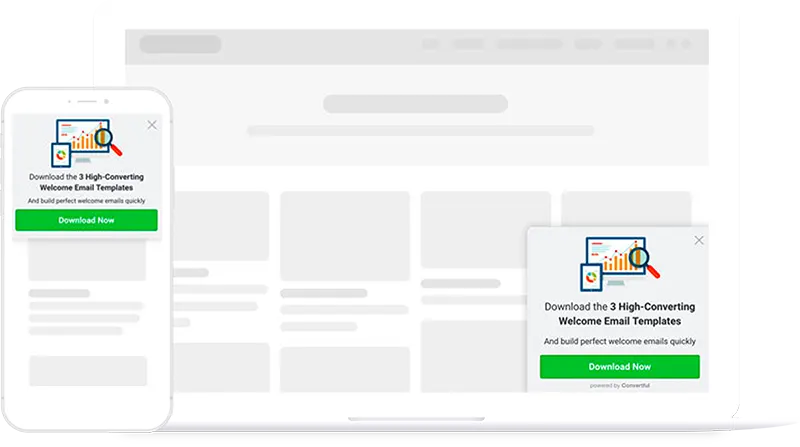
Grow your Kit list from your WordPress posts with pop-ups, scroll boxes and inline forms. Each one can add readers to a Kit form or sequence and tag them by topic.
Connect Kit to WordPress in six steps
You need your Kit API key and API secret, both in your Kit account settings.
- 1Install the Convertful plugin
In WordPress, open Plugins, Add New and search for Convertful. Install and activate the free plugin.
- 2Connect your site
Click Connect to Convertful on the plugin page, then Approve. If you are new to Convertful, create your account on the same screen.
- 3Add your Kit API key and secret
In Kit, open Account Settings and click Show under API Secret. Paste the key and the secret into the Kit integration in Convertful.
- 4Pick a default form and tags
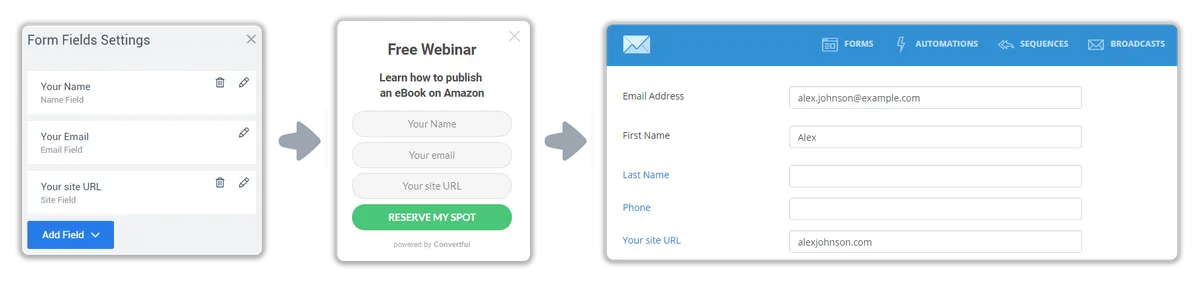
Choose the Kit form and tags new subscribers get by default. Custom fields are matched for you, and you can change any match.
- 5Add actions per widget
On the submit button, add readers to a Kit form or sequence, add or remove tags, or update a custom field.
- 6Place it and publish
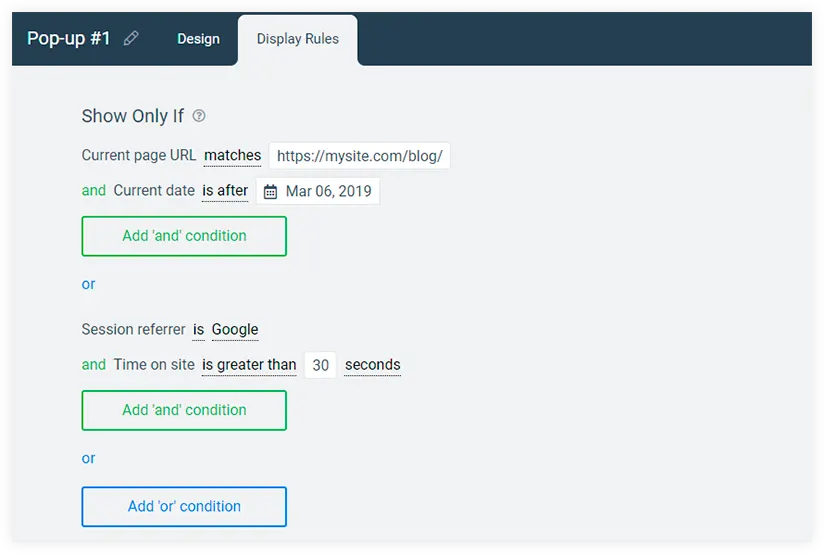
Show it by post category or tag, or embed it in posts with a shortcode. Save and activate.
Send readers to the right sequence
Start a Kit sequence the moment a reader signs up, or add them to a Kit form so the automations you built in Kit take over. Tags record what each person was reading, so your broadcasts reach the right readers.
Different offers for tagged readers
On Growth and above, widgets can read Kit tags and fields. Show your paid course only to readers tagged with the free course, and stop showing the free guide to people who already have it.
Add ?conv_email={{ subscriber.email_address }} to the links in your Kit emails, and Convertful recognises readers who click through.
Kit widgets for WordPress sites
Kit and WordPress questions
Does this work now that ConvertKit is called Kit?
Yes. It is the same integration, listed as Kit in Convertful. The Kit setup docs show each screen.
Should I add readers to a Kit form or a sequence?
Use a Kit form when your Kit automations start from a form sign-up. Add readers to a sequence when you want those emails to start straight away. One button can do both.
Can I tag readers by what they were reading?
Yes. Show a widget on one category and give it its own Kit tag. Every reader who signs up there gets that tag.
Other WordPress setup guides
Grow your Kit list from WordPress
Install the free plugin, add your Kit API key and publish your first form.