

Ask for the email once they have read half the article
A small box slides in from the corner after the reader has scrolled as far as you choose. It never covers the content, and it closes with one click.

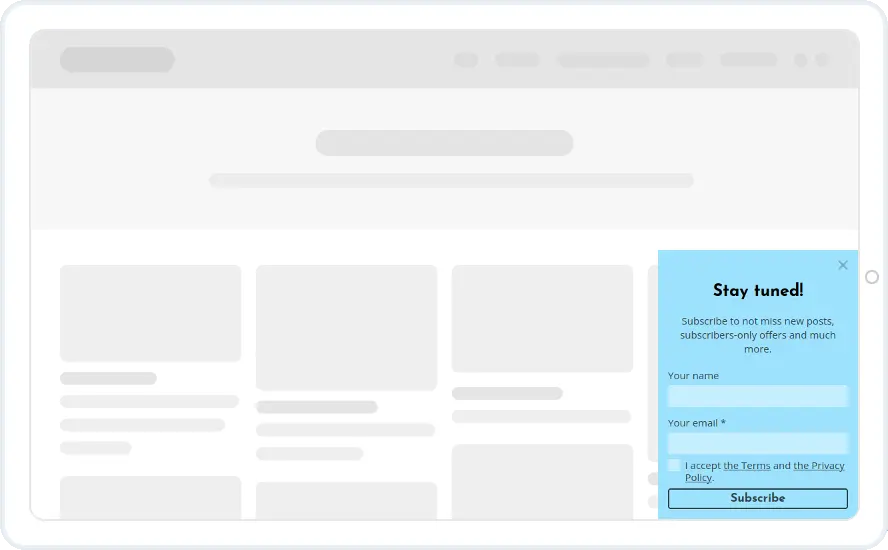
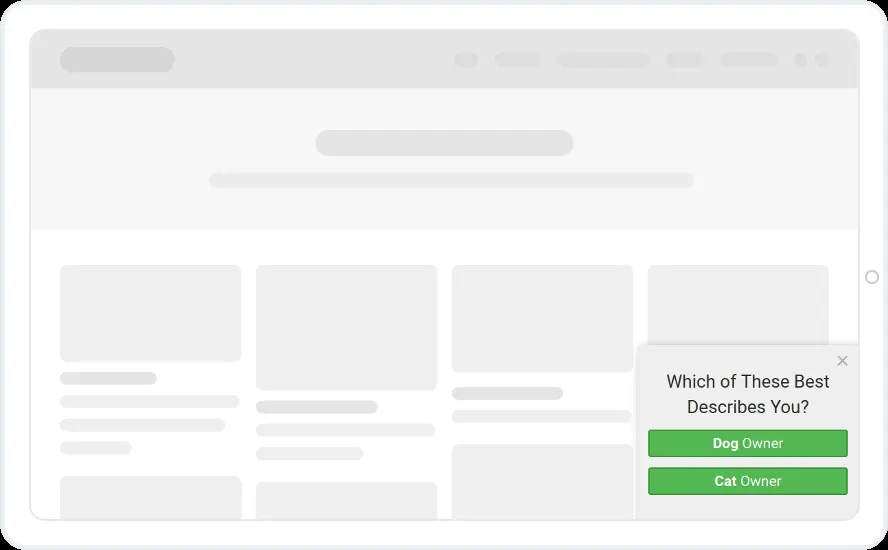

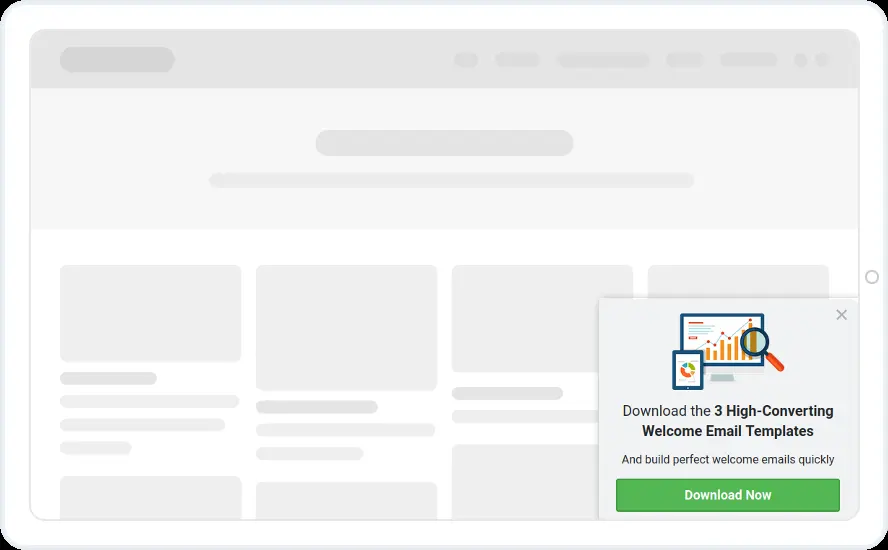


A form that waits until the reader is interested
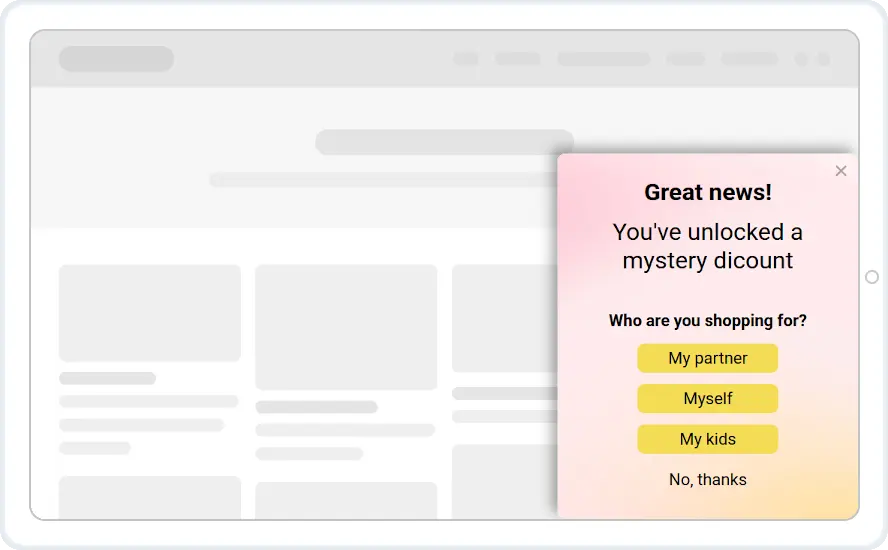
The box stays hidden until the reader reaches the depth you set, then slides in from a bottom corner with a sign-up form, a content upgrade, a discount or a short survey. Readers who are not interested keep scrolling, and readers who are can sign up without losing their place.
- Any content inside. Forms, images, countdown timers, videos, yes/no buttons, spin-to-win wheels and multi-step surveys.
- Any corner, any size. Bottom left or bottom right, with a width and padding you control.
- Mobile version prepared automatically. On phones it becomes a compact bottom sheet that still closes in one tap.
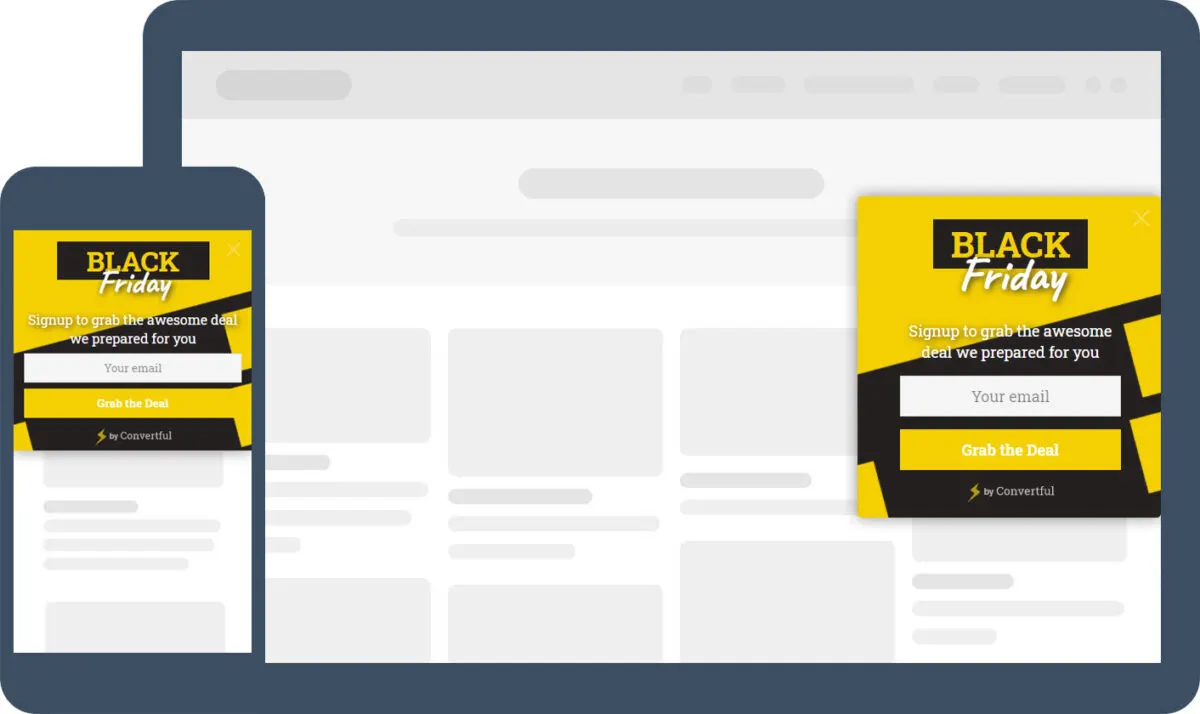
Open it at the right depth, or on another trigger
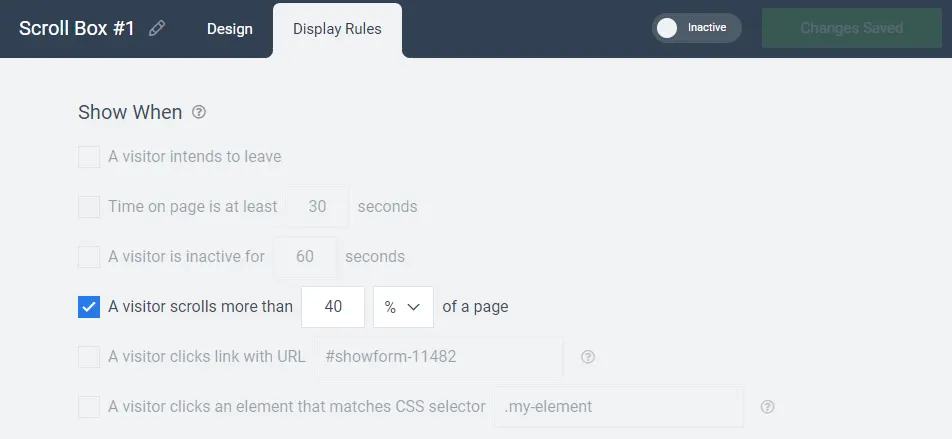
Set the depth in percent or pixels and A/B test two depths to see which brings more signups. You can also open it after a delay, on inactivity, as a desktop visitor heads for the exit or when someone clicks a link, and limit it to certain pages, categories, devices or countries.
- Scroll depth in percent or pixels. Test two depths and keep the better one.
- Pause for subscribers. Hide it from people who already signed up or recently closed another widget.
- Different offers per section. Target by URL, post category or tag so each article carries a relevant upgrade.
Scroll box templates to start from
Sign-up forms, content upgrades, welcome discounts, short surveys and prize wheels. Every template is included on every plan, along with all 27 email and CRM integrations.

What customers say
“These are a very high-converting way to drive new email subscribers to your list. If you’re looking for detailed functionality at a low price point, I suggest you look into Convertful.”

“54 conversions in less than 24 hours! Thank you Convertful”

“The form/CTA builder is easy to use and puts many other tools to shame”

Scroll box questions
How is a scroll box different from a pop-up?
A pop-up appears in the centre of the screen and dims the page behind it. A scroll box sits in a corner, leaves the page readable and appears once the reader has scrolled. You build both in the same editor with the same display rules.
At what scroll depth should it appear?
Halfway down the page is a sensible place to start. Then A/B test two depths and keep the one that brings more signups.
Does a scroll box work on mobile?
Yes. Convertful prepares a mobile version automatically; it appears as a compact sheet at the bottom of the screen. You can also show a different offer, or none at all, to mobile visitors.
Can I show a different scroll box on each article?
Yes. Target by URL, post category or tag. Publishers use this to offer a content upgrade related to each article rather than one generic newsletter form.
Add a scroll box to your posts
Start with one of 27 templates and connect it to your email tool during the free trial.