

A popup builder for people who would rather not wait on a developer
Build pop-ups, floating bars, scroll boxes and welcome mats in one drag-and-drop editor. Show each one on exit intent, after a scroll or a delay, split test the wording, and send every lead straight to your email tool.
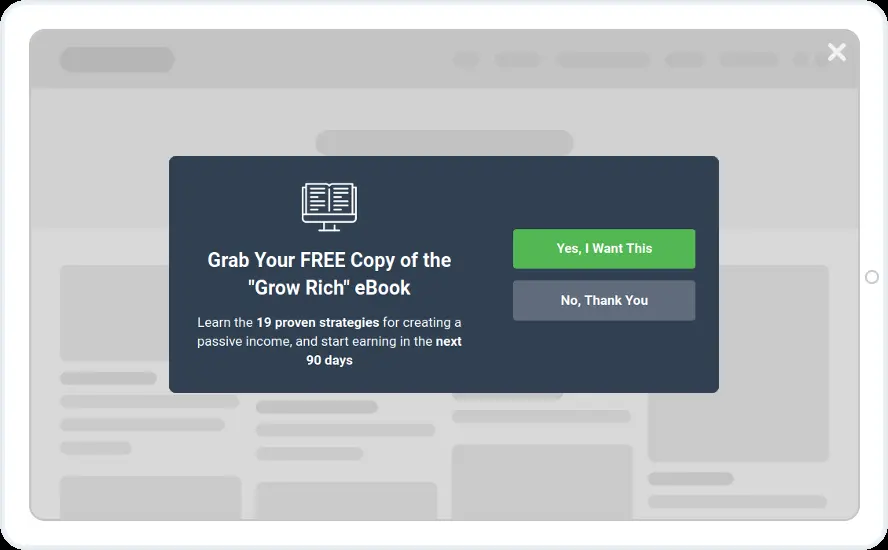
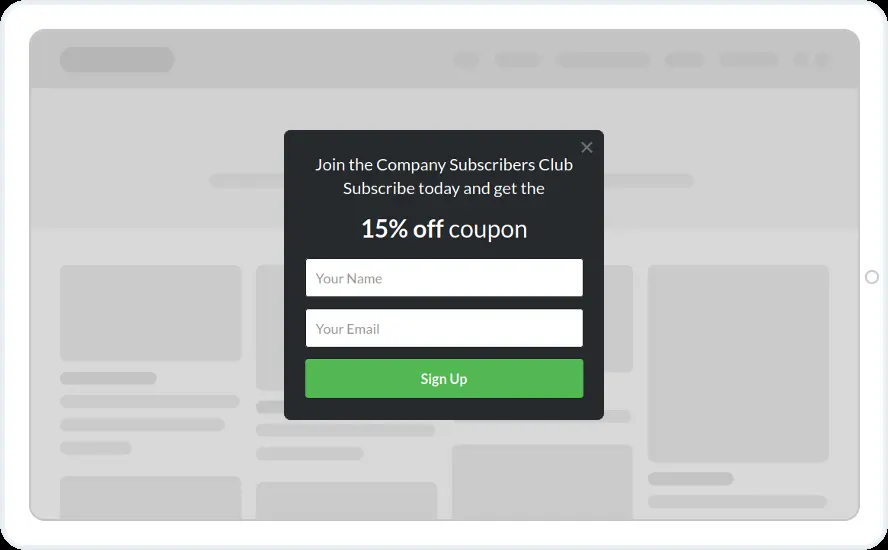
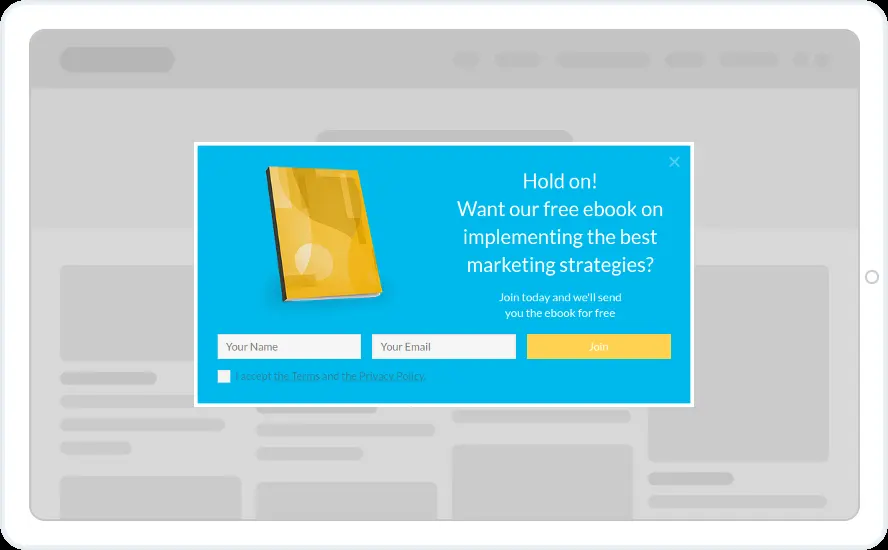
Stores, blogs, SaaS teams and agencies use the same editor
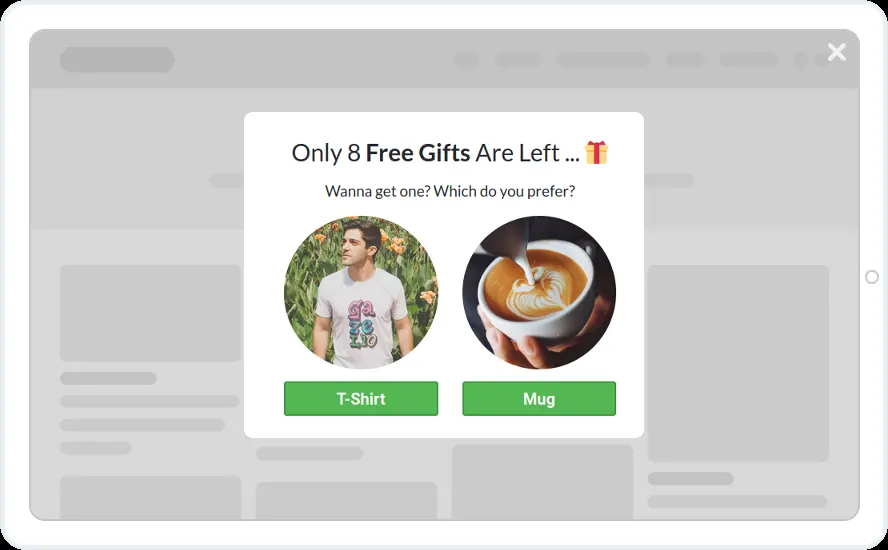
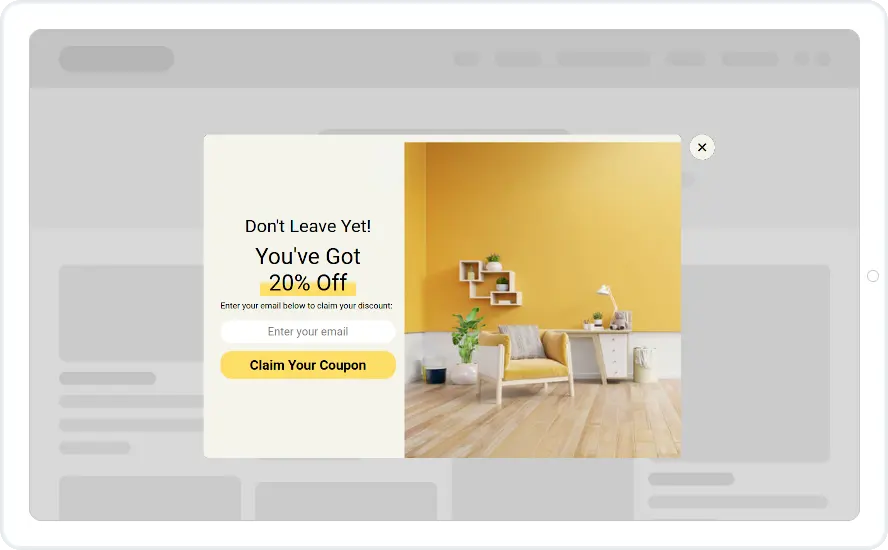
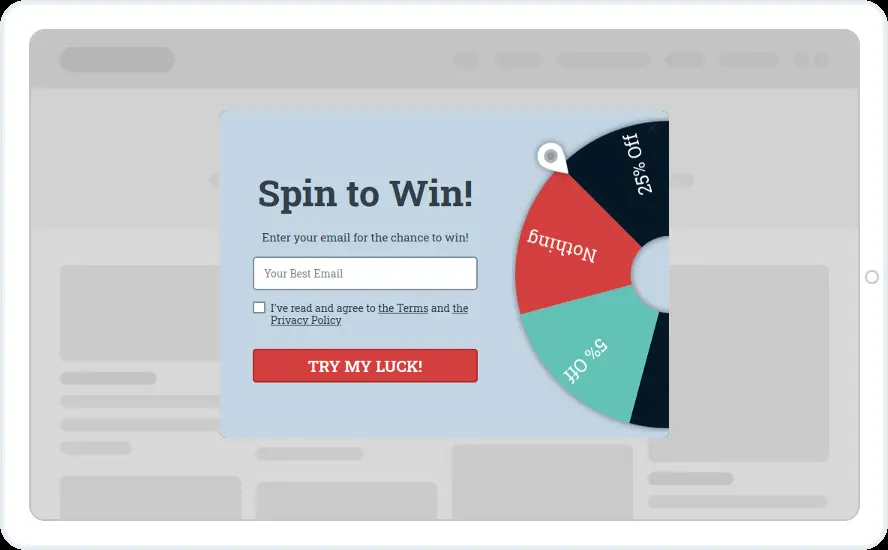
- Online stores. Shopify, WooCommerce or any other platform: welcome discounts, cart-saver offers and spin-to-win wheels.
- Blogs and media sites. Content upgrades, content locking and newsletter sign-ups by post category.
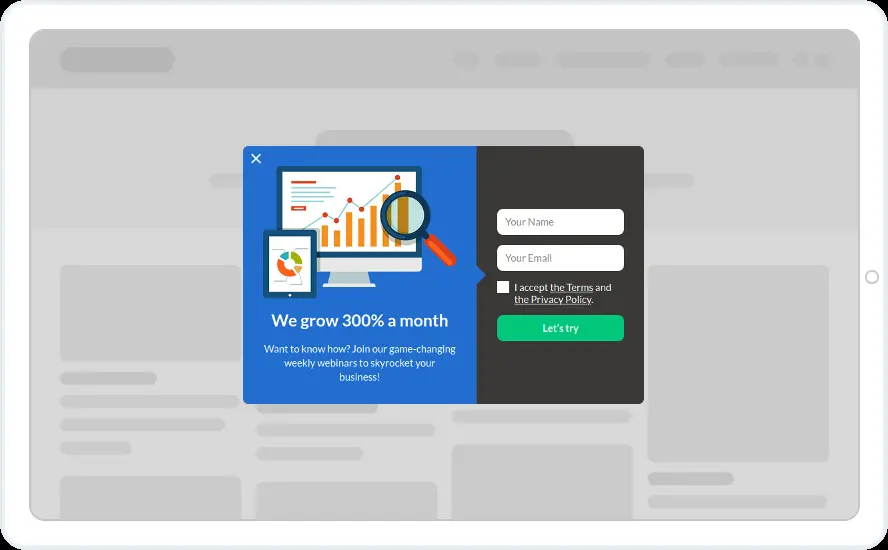
- SaaS and service businesses. Yes/no screens, quizzes and webinar promotions on the pages that matter.
- Agencies. One login for every client site, with sub-accounts so each client sees only their own widgets.
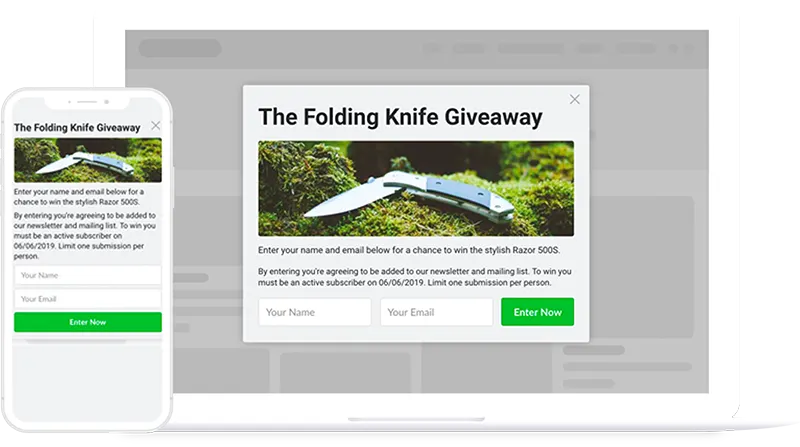
Every widget type, template and integration on every plan
Every plan gets every widget type, template and integration. You pay for pageviews, sites and team seats.
Seven widget formats
Pop-ups, scroll boxes, floating bars, full-screen welcome mats, inline forms, floating buttons and chat bubbles, all edited in the same builder.
300+ templates
41 pop-up designs alone, plus seasonal, eCommerce, blog and industry sets. Search the template directory by keyword.
Precise display rules
Exit intent, scroll depth, inactivity, clicks, visit number, country and more. Combine them so each offer reaches the visitors it was made for.
A/B testing with live analytics
Run two or more versions, compare conversion rates and keep the winner. AI can draft the variations. Starter plans and above.
Leads land where you work
27 native email and CRM integrations, plus Zapier, n8n, Integrately and webhooks for everything else.
Conversion extras built in
Countdown timers with evergreen deadlines, dynamic text replacement, retargeting pixels, spin-to-win, scratch cards, video and social buttons.
What a first pop-up looks like
Start from a design that works
Pick one of 300+ templates, or let the AI assistant write the headline and create the image (Starter and above).
Make it sound like you
Change the words, colours and fields, add a countdown or a wheel, and check how it looks on a phone.
Show it at the right moment
As a desktop visitor heads for the exit, after half the page or on the cart page only. Skip people who already subscribed.
Watch the signups arrive
Each new lead lands in your email tool with the tags you chose, ready for your welcome email.
What to look for in a popup builder
Take this list to any tool you are comparing.
- 1Triggers beyond a timer
Exit intent, scroll depth, inactivity and clicks on a specific element each catch a different moment.
- 2Frequency control
A way to stop showing a widget for a set time after it was viewed, closed or submitted.
- 3Native connection to your email tool
Field and tag mapping straight into your email tool or CRM, so nobody has to download and upload a CSV file.
- 4Split testing you can read
A conversion report per version, and ideally a significance check before you call a winner.
- 5A real mobile layout
A layout designed for phones, plus a way to keep full-screen offers away from mobile visitors arriving from Google.
- 6Pricing you can predict
What counts towards the limit, what happens when you reach it, and whether leads or widgets are capped.
What the Convertful popup builder includes
Where a feature starts above Solo, the plan is named.
| Capability | Convertful |
|---|---|
| Widget types | Pop-ups, scroll boxes, floating bars, welcome mats, inline forms, floating buttons, chat bubbles. Every plan. |
| Templates | 300+ in the template directory, searchable by keyword. Every plan. |
| Triggers | Exit intent, time on page, page scroll, inactivity, element click, embedded, schedule and recurring limited events (recurring events from Starter). |
| Targeting | Page URL and parameters, visit source, visit number, time on site, pages viewed, date, screen width, platform, cookies, country, region and city, other widgets, WordPress category and tag. |
| Elements | Text, dynamic text, form fields, buttons, images, progress bars, wheel, scratch card, follow and share buttons, video and YouTube Shorts, testimonials, countdown timer, custom HTML. Every plan. |
| A/B testing | Two or more versions, traffic split, live conversion rates, AI-generated variations. Starter and above. |
| Multi-step widgets | Surveys, quizzes, yes/no screens and any sequence of screens. Starter and above. |
| AI features | Text suggestions, image generation, automatic A/B variations. Starter and above. |
| Integrations | 27 native email and CRM platforms, Zapier, n8n, Integrately, webhooks. Every plan. |
| Two-way CRM sync | Prefill known fields and personalise text. Starter and above. |
| CRM display rules | Show or hide widgets by CRM tags and fields. Growth and above. |
| Analytics | Impressions, conversions, conversion rate, click-through rate, trends, leaderboard, button-click summary. Every plan. |
| Branding | Small Convertful badge on Solo, removed from Starter. |
| Team and clients | 5 sub-accounts on Growth, 10 on Enterprise, unlimited with white label on Agency plans. |
Campaigns people build with it
Each one has a ready-made template and a how-to. Figures come from Convertful’s features page and case studies.
Welcome discount pop-up
For first-time visitors, with an evergreen countdown. LittleSizzle converts 30.29% of visitors to its sample page into subscribers.
Exit-intent cart saver
A discount on cart and checkout pages, shown as the shopper leaves. It brings back about 21% of them.
Spin-to-win or scratch card
A wheel or card that trades a coupon for an email address, with a unique code per spin on Shopify and WooCommerce.
Content upgrade pop-up
A checklist or PDF related to the post, which about 3.2% of readers take.
Yes/no welcome mat
Ask a question before the form. About 4.5% of new visitors sign up.
Segmentation survey
Tag visitors by their answer and show each group a different offer.
What users say about the builder
“Been using Convertful for over a year and it is the best popup marketing software available anywhere”

“The form/CTA builder is easy to use and puts many other tools to shame”

“Very beautiful UI, extremely easy to use and setup. Doesn’t disrupt site speed in any way.”

“I've been using Convertful across 4 of our company websites. As an agency owner, driving calls booked and email subscribers (for retargeting) is paramount to my business. I can track over $25,000 in sales that have closed from emails originating from Convertful opt-ins.”

Guides on pop-ups and timing
How the leading builders compare, when to show a pop-up, and how exit intent works.
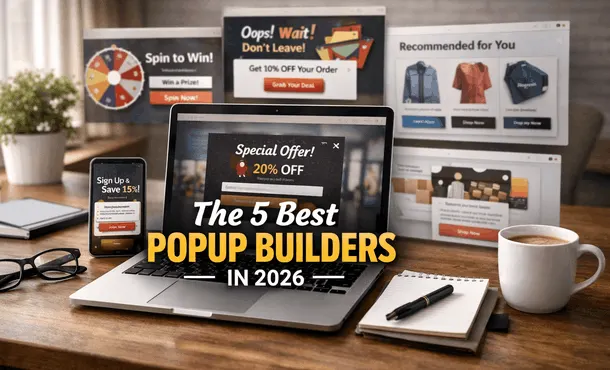
Best Popup Builders in 2026: The Buyer's Shortlist
We compared 10 popup builders on price, pageviews, widgets, targeting, A/B tests and integrations. See pricing, ratings and which fits SMBs …

Best Timing for Popups: When to Show Popups for More Conversions
Discover the best timing for popups to boost conversions. Learn when to show popups based on user behavior, scroll depth, exit intent, and t…
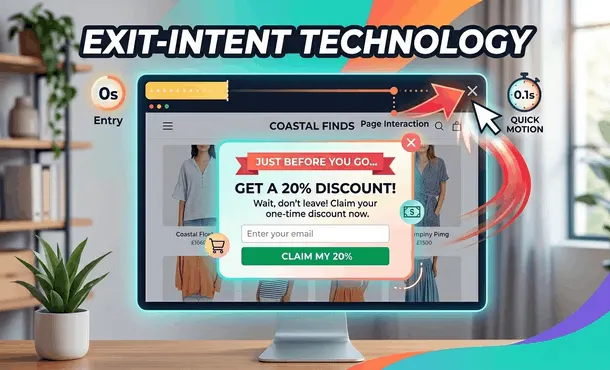
Exit-Intent Technology: How Exit Popups Can Help You Grow Your Business
Discover how exit-intent popups boost conversions, recover abandoned visitors, grow email lists, and increase sales with proven strategies a…
Popup builder questions
Does the popup builder work on my website platform?
Yes, on any site where you can add a script tag. Paste the connection script, add it through Google Tag Manager, or use the free WordPress plugin or the Shopify app.
Do I need a developer or any coding?
No. Everything is done in the drag-and-drop editor and the rules panel. Custom CSS and JavaScript are there if you want them, but nothing requires them.
Which email tools and CRMs does it connect to?
27 native integrations, including Mailchimp, ActiveCampaign, HubSpot, Klaviyo, Kit, GetResponse, AWeber and Customer.io, plus Zapier, n8n, Integrately and webhooks for everything else. Two-way sync starts on Starter, and showing widgets by the tags already in your CRM starts on Growth.
What counts towards the pageview limit?
A pageview is counted only when a Convertful widget is actually shown to a visitor. Several widgets on the same page count once, and inline forms count only when scrolled into view.
What does it cost?
Solo is $9 a month, or $7 a month billed yearly, for 10,000 pageviews on one site. Starter starts at $29 a month ($17 yearly), Growth at $69 ($47 yearly) and Enterprise at $179 ($97 yearly). Every plan has a free 14-day trial and a 14-day money-back guarantee on your first subscription.
Build your first pop-up during the free trial
Every widget type, template and integration is on every plan, from Solo at $7 a month billed yearly.