

Yes/no forms
Show a yes/no question before the form so more visitors read the offer and more of them agree to it.
Good for: Agencies, Digital Businesses, Bloggers, eCommerce
- A template: Yes/No Exit Intent Pop-ups, included on Starter and above
- A display rule: exit intent
- Your email tool or CRM, connected once, so every lead lands there (optional)
Visitors close most pop-ups before reading them. As a result, visitors gradually learn to close popups with forms without bringing much attention to the offers. You can break this pattern by showing the yes/no callout step first, so more people would read the proposal and more will agree.
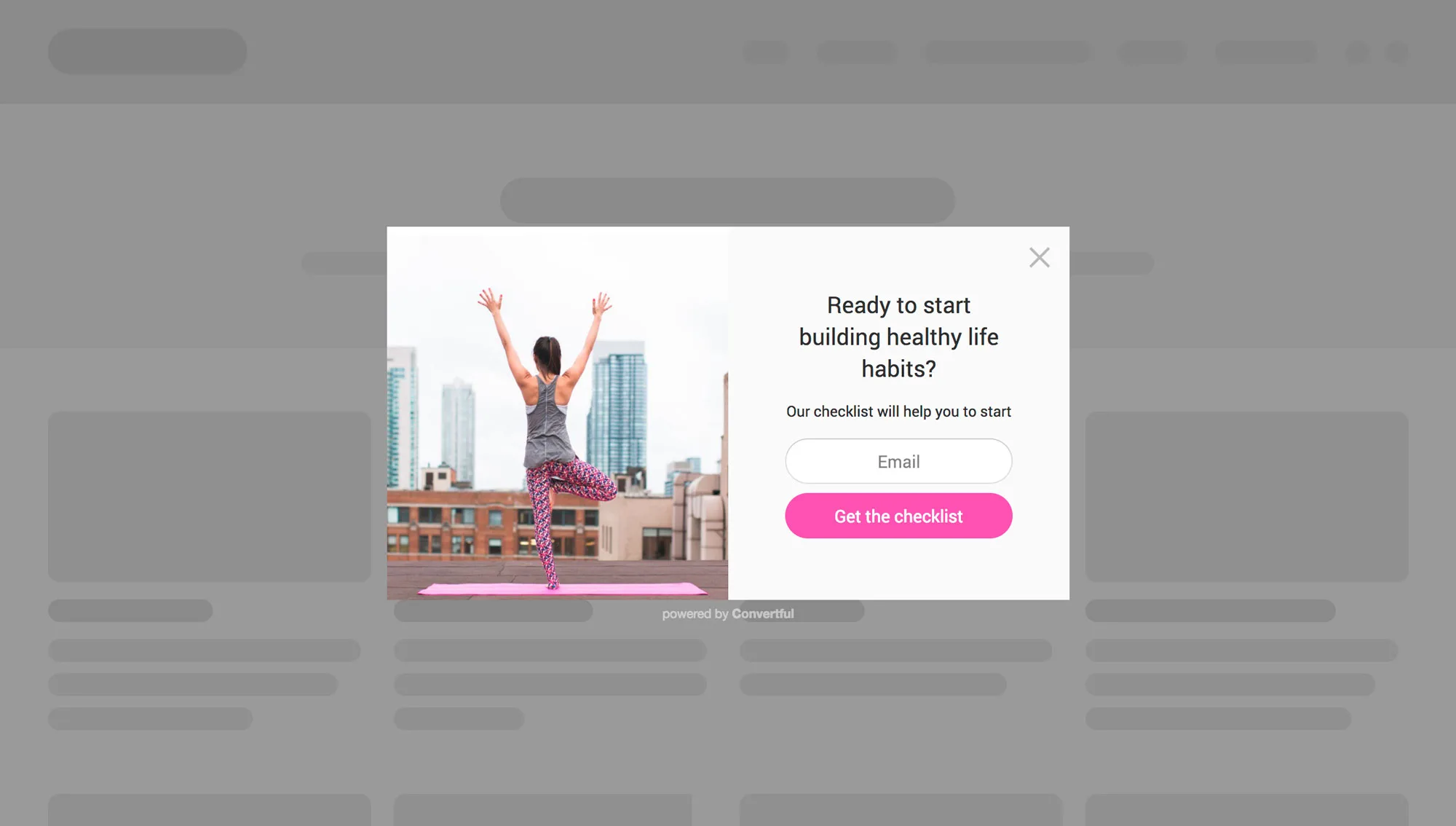
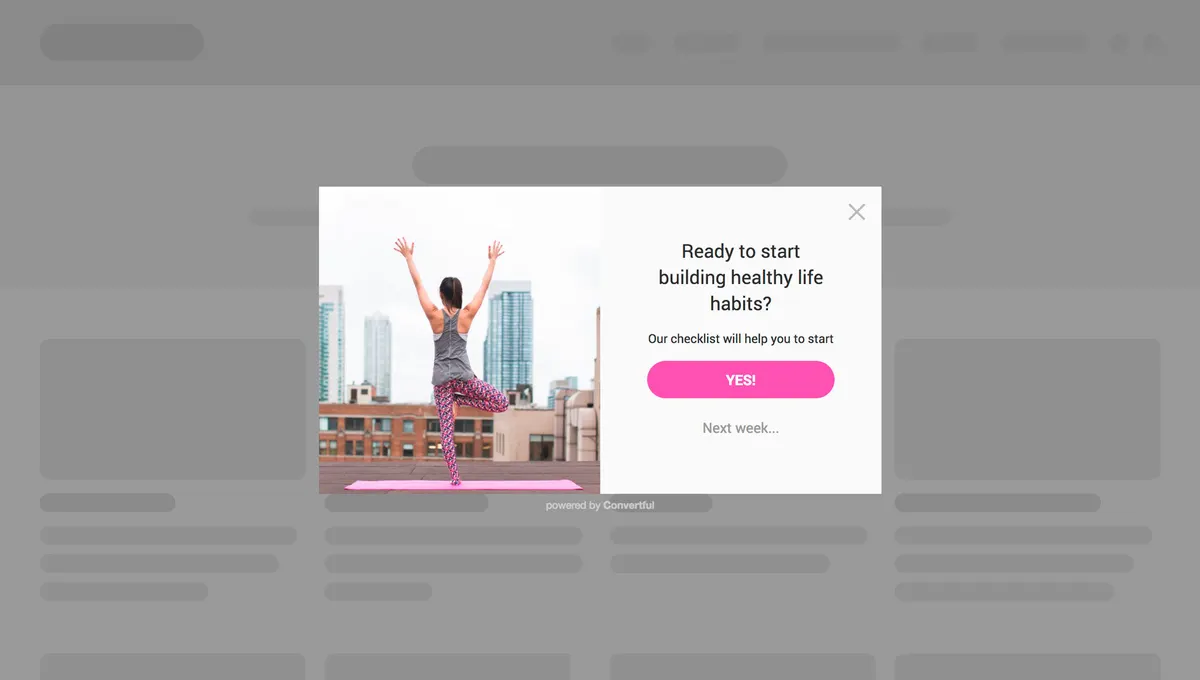
How to do this:
- Create a widget and add the text message with the offer description.
- Add a yes/no callout step to your widget (Widget preview → ‘Plus’ tab → Callout)
- Adjust text for ‘Callout’ (fewer details) and ‘Offer’ (more details) steps (Widget preview → Switching Callout/Offer tabs)
“The form/CTA builder is easy to use and puts many other tools to shame”

Set this up during your free trial
Start from the template, change the words and colours, choose who sees it and publish.
Questions about Yes/no forms
Why ask a question before showing the form?
Many visitors have learned to close any pop-up that opens with a form without reading it. A short callout with a yes/no choice breaks that pattern, so more people read the proposal before they see a field to fill in.
Where do I set up the yes/no step?
In the widget preview open the Plus tab and choose Callout. Keep the callout text short and put the details on the Offer step; you switch between the two with the Callout and Offer tabs. Yes/no screens are included from the Starter plan.
Can I show a yes/no form only to some visitors?
Yes. Display rules cover exit intent, time on page, scroll depth, visit number, page URL, country, device and referral source, and you can hide it from people who already subscribed. On Growth and above you can also use tags and fields from your email tool or CRM.
Can the sign-ups go to my email tool or CRM?
Yes. Every form field, including prize names, coupon codes and survey answers, can map to a field or tag in any of the 27 native integrations, or go to any other system through Zapier, n8n or webhooks.
Try this on your own site
Free for 14 days on every plan. Cancel from your billing page at any time.