

Get more signups and sales from your website
Show pop-ups, floating bars and other widgets to people arriving from your ads, readers halfway down a post and shoppers about to leave. New leads go straight to Mailchimp, Klaviyo, ActiveCampaign, HubSpot or whichever email tool you use.
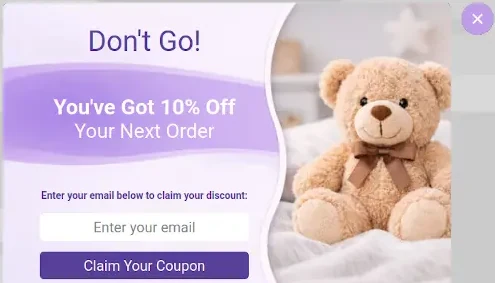

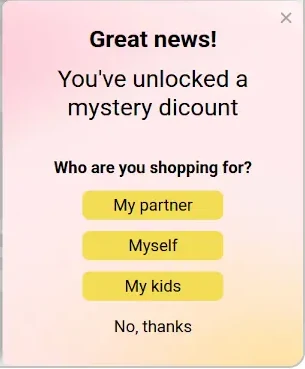
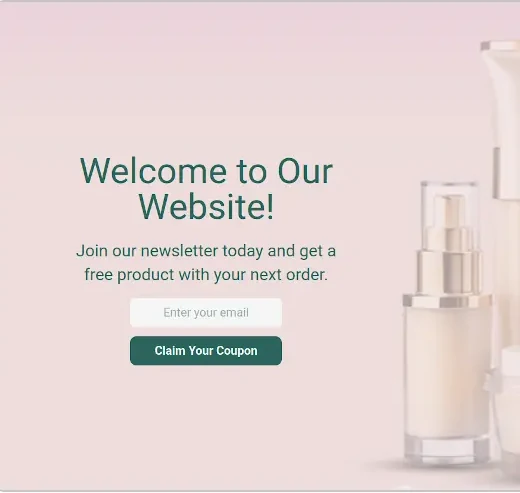
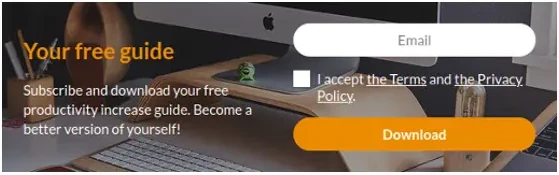
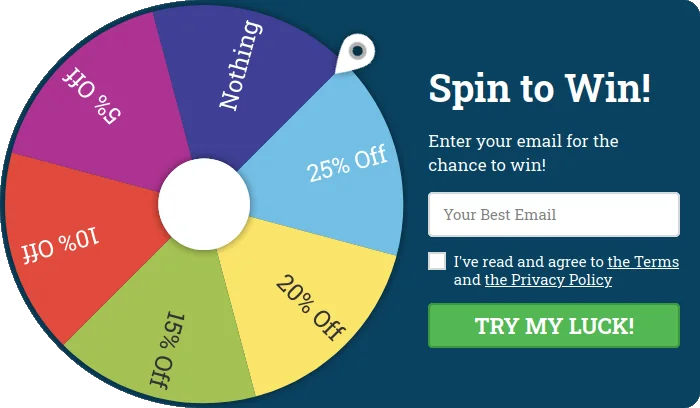
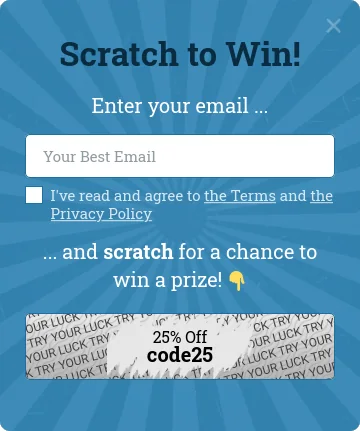
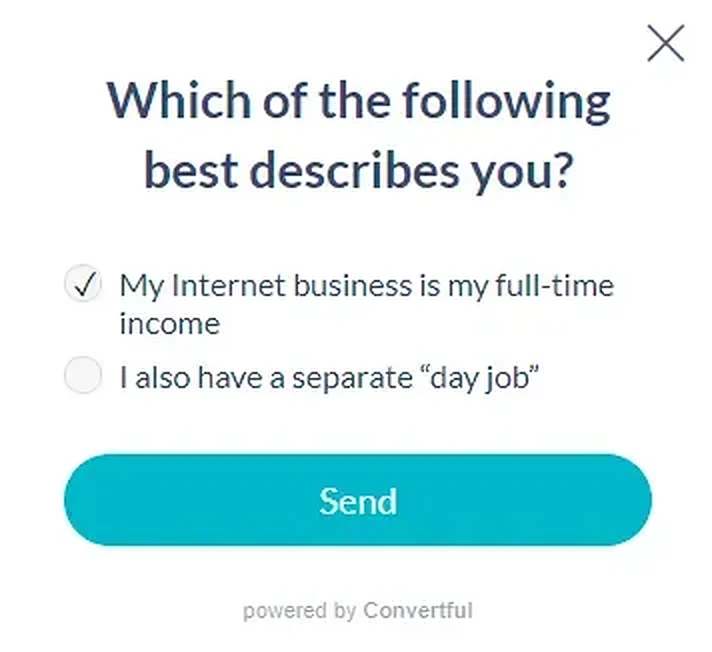
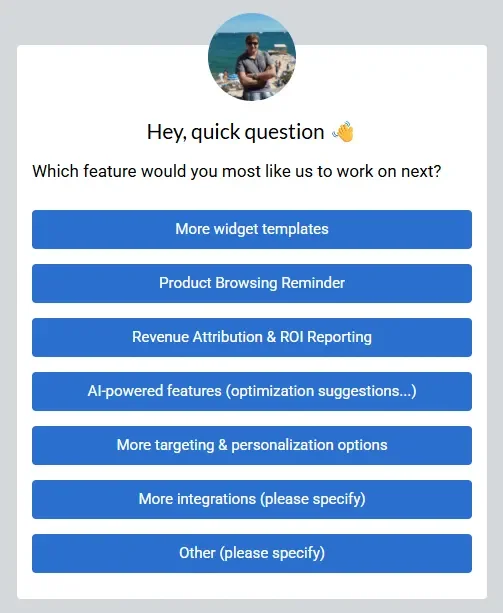
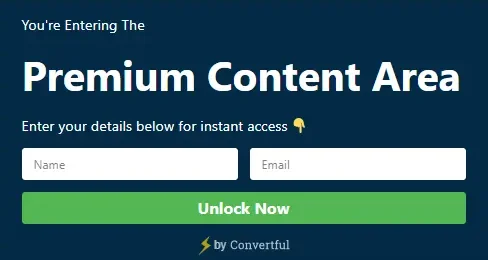

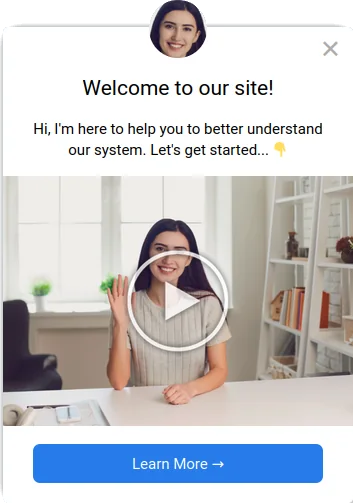
Showing to: Exit intent · Desktop Build this pop-up
leads collected with Convertful, and counting


Connects to the tools you already use
 WordPress
 Shopify


 WooCommerce

 Google Tag Manager


 Zapier
 Brevo


 n8n



Most visitors leave and never come back
Someone reads your page, likes what they see and closes the tab. Without their email address you have no way to reach them again. A well-timed offer gives them a reason to stay in touch.
Before Without Convertful
- Wait for a developer to build a campaign
- Show the same generic offer to every visitor
- Guess what works instead of testing it
- Change the code to update a word
- Copy leads into your email tool by hand
After With Convertful
- Build a campaign yourself in the visual editor
- Choose offers by visitor, page and device
- Compare versions with A/B testing on Starter and above
- Edit text, fields and images without code
- Send signups to your connected email tool or CRM
From template to live widget
Add your site
Connect through a plugin, app or script.
Choose a template
Start with one of 300+ templates or a blank canvas.
Make it yours
Edit the text, design and fields. Check the mobile preview.
Set the rules and activate
Choose who sees the widget and when. Connect your email tool and activate.
Choose how your offer appears
Interrupt with a pop-up, sit inside the article or wait for the visitor to click. Each one is mobile-ready automatically and edited in the same drag-and-drop editor.
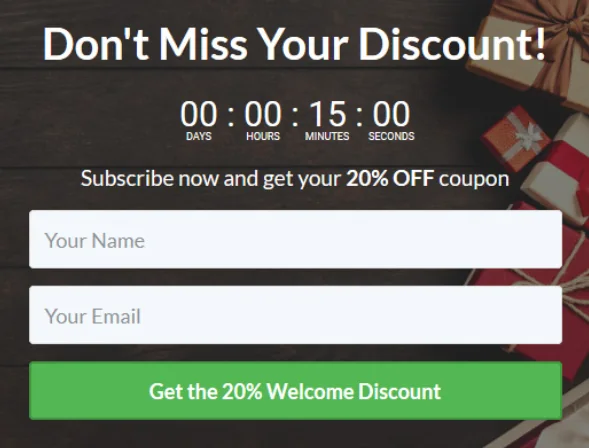
Pop-ups
Show a focused offer over the page.

Floating bars
Keep an announcement at the top or bottom.
Inline forms
Place a signup form inside your content.
Chat bubbles
Open a prepared message, video or form.
Start with an offer for your audience
Four campaigns stores, publishers and service businesses start with.
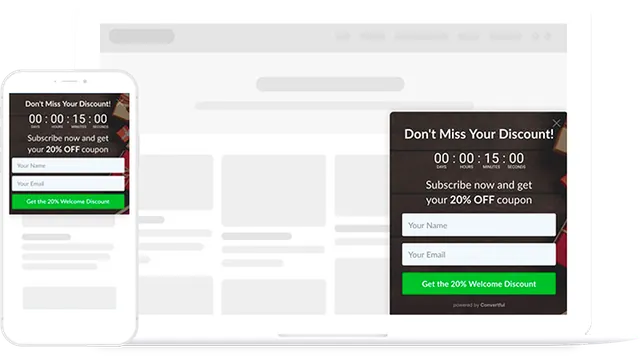
Welcome discounts
Offer new shoppers a first-order discount.
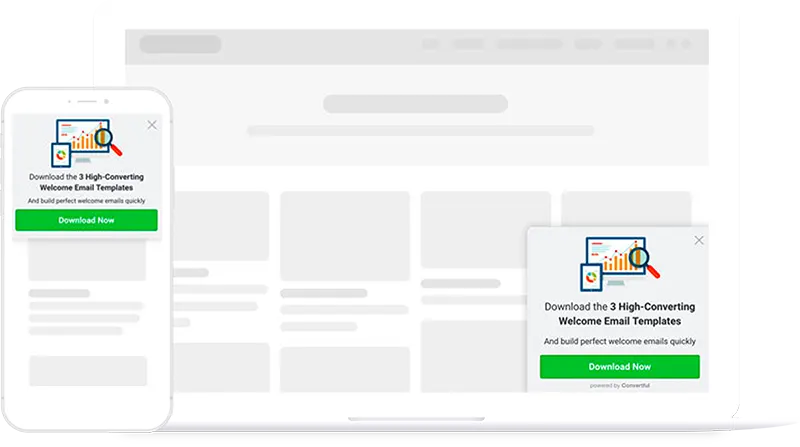
Content upgrades
Offer readers a download related to the article.
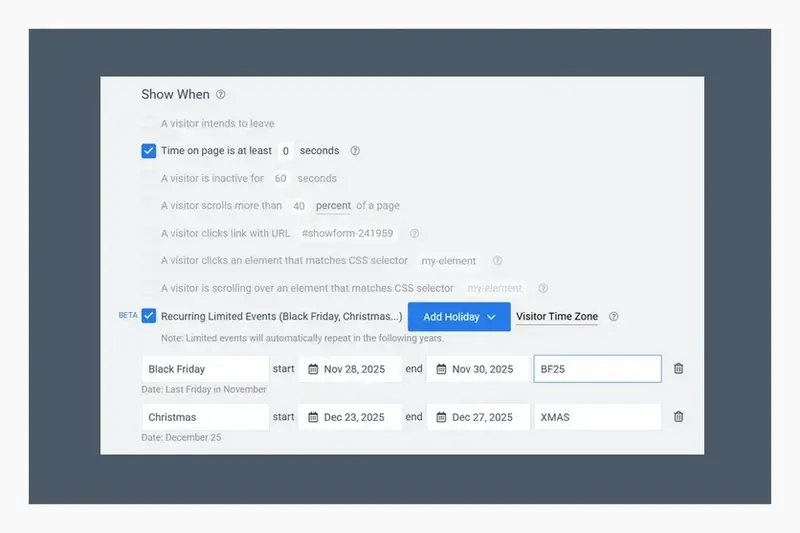
Seasonal campaigns
Schedule an offer once and it returns for the same event every year.
Chat bubbles
Let visitors open your welcome video, offer or enquiry form.
Pick exactly who sees each offer, and when
Show it after a delay, a scroll or a click, or as a desktop visitor moves to leave. Then narrow it down by page, device, country and where the visitor came from.
- Hide your sign-up offer from people who are already on your list
- Give someone a break after they close a widget, so nobody sees the same pop-up on every page
- Use tags and fields from your email tool to show offers to particular customers
Built for the way your site makes money
Online stores
Offer discounts and collect signups on store pages.
Bloggers and publishers
Offer newsletters or downloads related to the article.
Agencies
Run every client site from one login and give each client access to their own widgets.
Local businesses
Collect callback, quote and viewing requests for any local business, from real estate agents to car dealerships.
In their own words

“These are a very high-converting way to drive new email subscribers to your list. If you’re looking for detailed functionality at a low price point, I suggest you look into Convertful.”Neil Patel Co-founder, NP Digital
“I can track over $25,000 in sales that have closed from emails originating from Convertful opt-ins.”
 Deepak ShuklaFounder, Pearl Lemon
“54 conversions in less than 24 hours!”
 Francisco CaceresDigital Marketer
Individual customer experiences; results vary.
Ideas you can copy
A real store’s welcome discount, and two guides on when a pop-up helps and when it gets in the way.
How LittleSizzle used welcome discounts
A store's welcome-discount campaign, with reported results and placements.
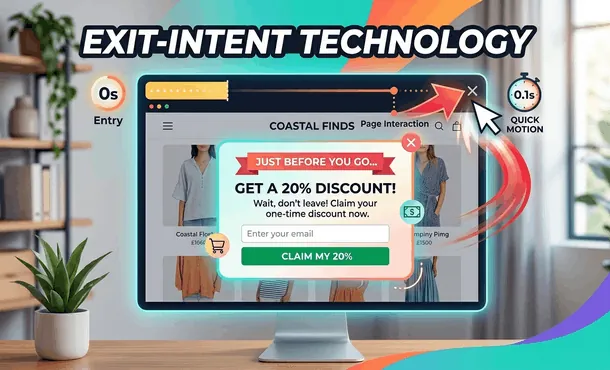
Exit-Intent Technology: How Exit Popups Can Help You Grow Your Business
How exit-intent detection works and how to use it without annoying the people who were about to leave.
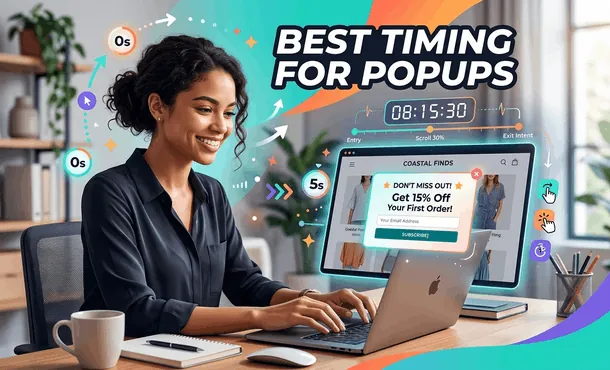
Best Timing for Popups: When to Show Popups for More Conversions
First-time visitors rarely buy on the spot. Here is when a pop-up helps and when it gets in the way.
Questions people ask before they start
Which websites can I use it on?
WordPress, Shopify and any other site where you can paste a script, either into the page or through Google Tag Manager. The WordPress plugin and Shopify app connect your site for you.
Do I need to know how to code?
No. You build and change every widget in the visual editor, starting from a template. The only technical step is connecting your site once.
What is included in each plan?
Every plan includes all widget types, all 300+ templates, unlimited widgets and leads, and the email and CRM integrations. A/B testing, the AI writer, multi-step widgets and two-way CRM sync start on Starter. Using CRM tags as display rules starts on Growth. The pricing page has the full list.
What happens after the trial?
If you keep your account, your plan continues on the billing period you picked. If not, cancel from your billing page before the 14 days are up and you pay nothing. Your first paid subscription also comes with a 14-day money-back guarantee.
Try it on your own site for 14 days
Plans start at $7 a month billed yearly, with unlimited widgets and leads on every plan.
Start my free 14-day trial