

Ask visitors one question and see the answers as they vote
Find out which product to launch, which topics readers want or where your customers heard about you. You build the poll in the same editor as your pop-ups, and the votes appear in the widget’s analytics.
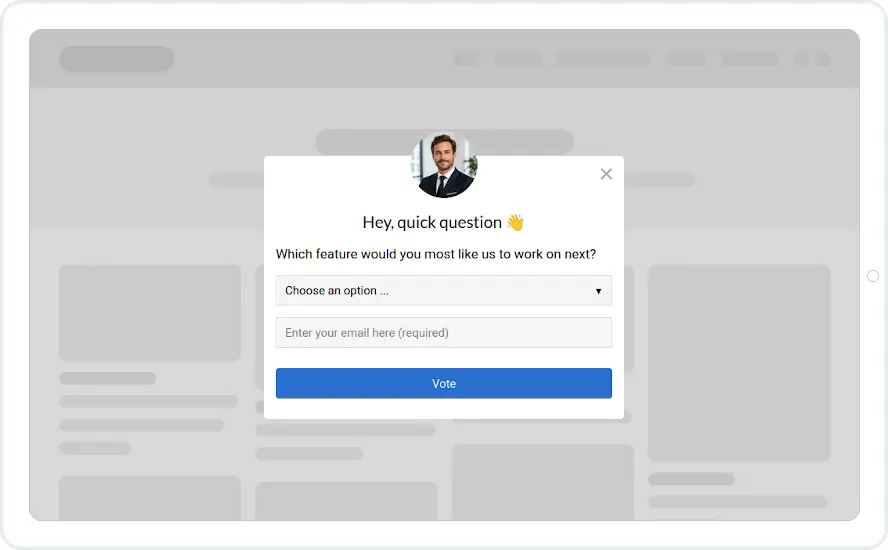
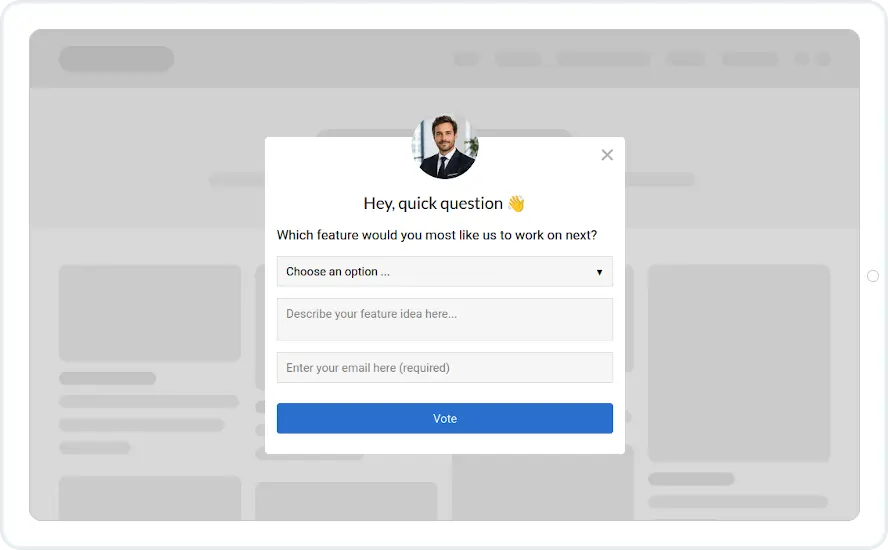
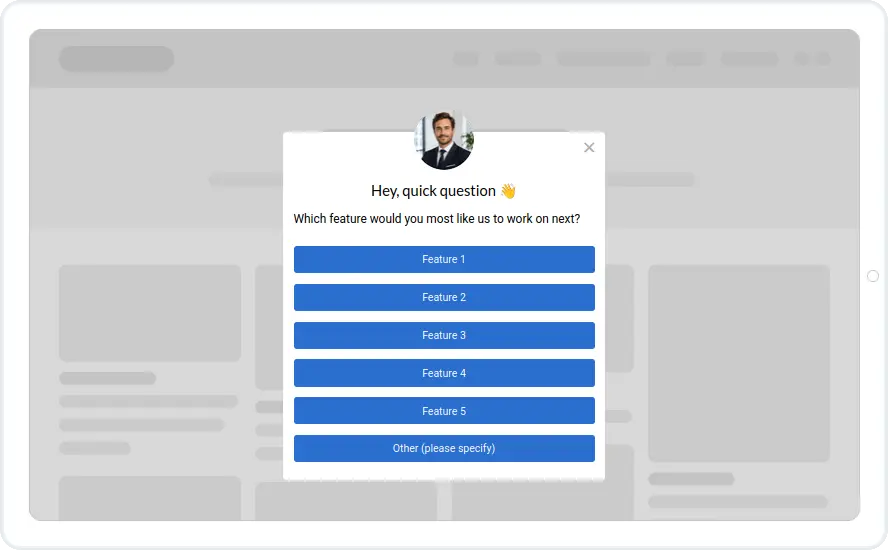
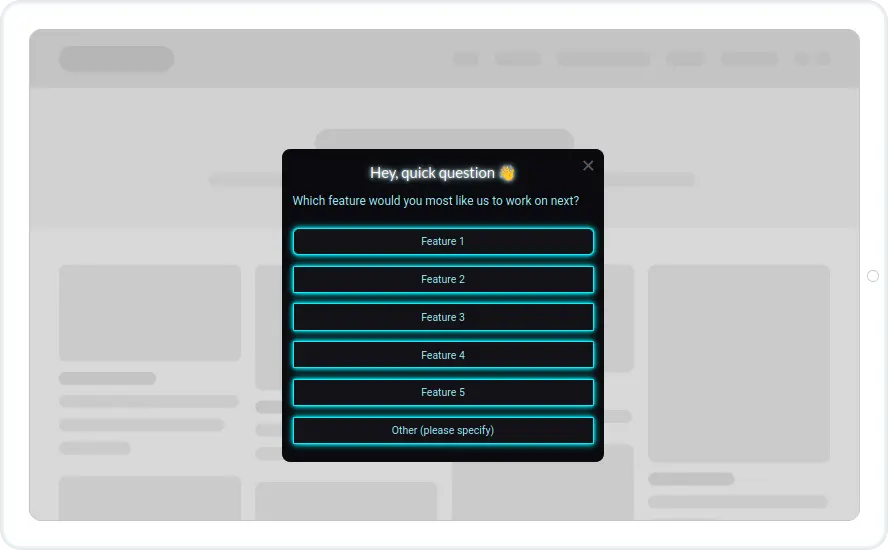
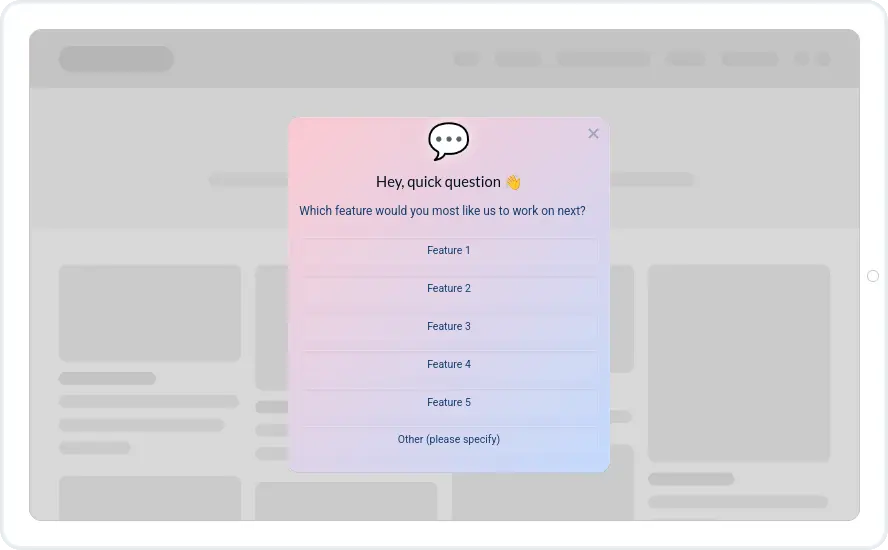
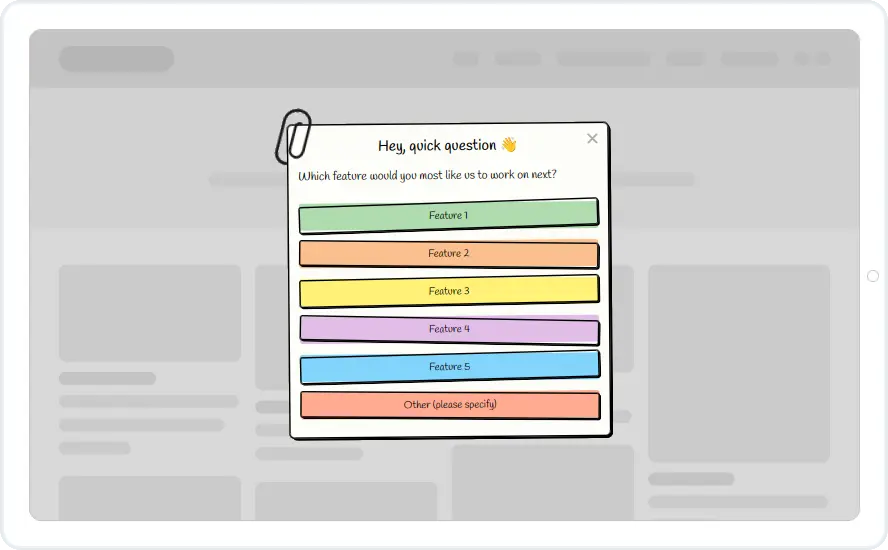
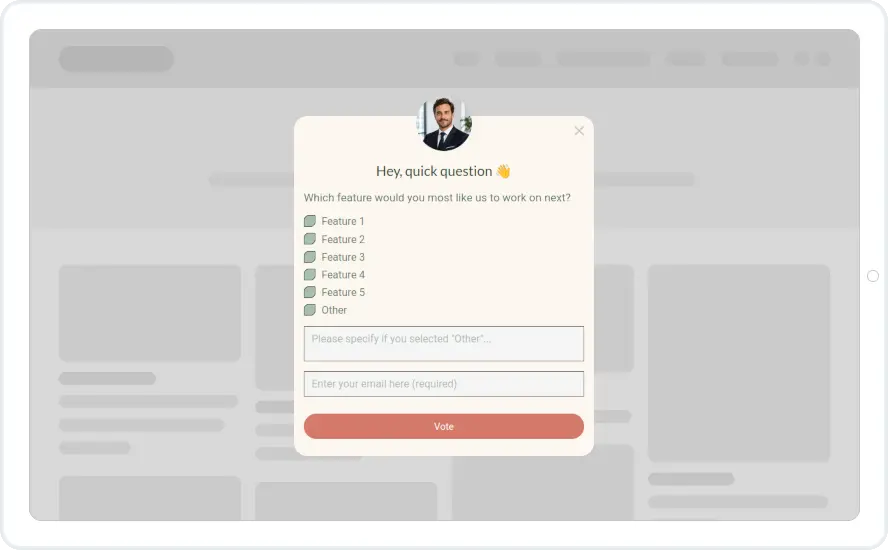
Start from one of nine poll templates
Each template has a question and a set of answers you can restyle to match your site. Prefer a blank start? Add answer buttons to any widget.
- Edit everything. Change the question, answers, colours and fonts in the drag-and-drop editor.
- Mobile ready. A mobile version of every widget is prepared automatically and can be fine-tuned.
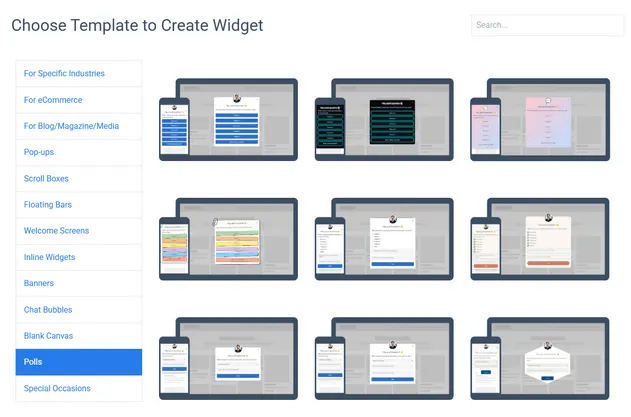
Four ways to collect an answer
Choose the format that fits the question. Buttons are fastest for visitors and simplest to read in analytics.
Buttons
One click per vote. The quickest option for visitors, and every click is counted in analytics.
Radio buttons
A list of options with one allowed answer, submitted with a button. Good for three to six choices.
Dropdown
Good for long lists such as 'How did you find us?' where buttons would take too much space.
Text field
For open questions. The visitor also enters an email so the answer is saved with their contact under Subscribers.
See which answer is winning
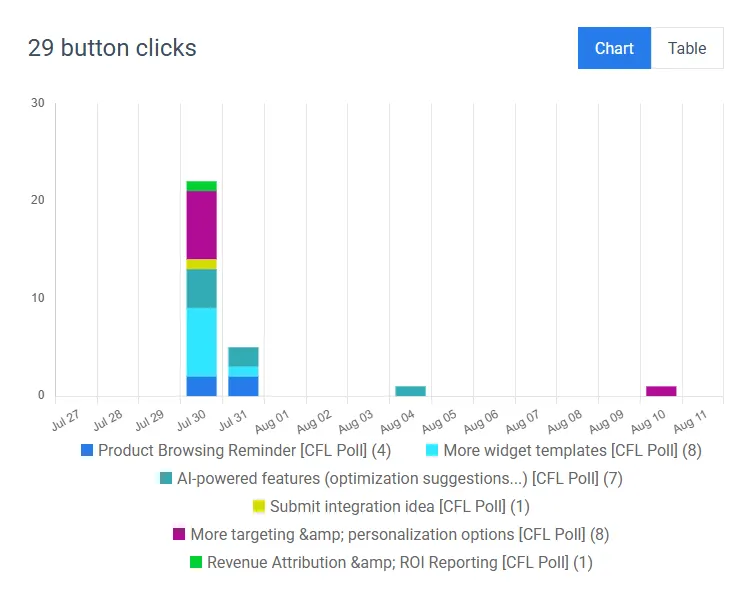
Each answer’s votes show by day and in total, so you can read the result at a glance. Written answers are saved with the visitor’s email, ready to export or follow up.
- Compare answers. See which answer got the most clicks and how the split changed over the campaign.
Questions worth asking
A poll is quick to answer, so you can ask things a long survey never gets to.
Which product should we launch next?
Let visitors pick between two or three options before you commit stock or development time.
What kind of content would you like more of?
Ask blog readers which topics to cover and plan the next month around the answer.
How did you hear about us?
A dropdown of channels on the thank-you or pricing page tells you where real customers come from.
Which feature should we build next?
Put your roadmap to a vote and show customers you listen.
Pick who sees it and when
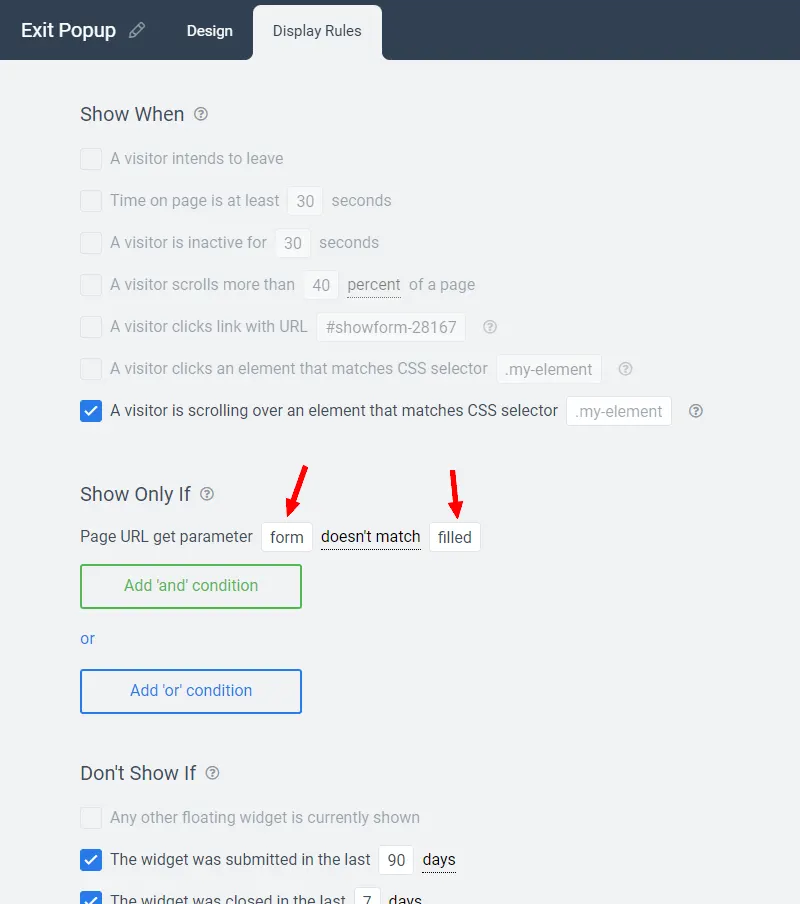
Ask returning visitors only, on the pricing page, after 30 seconds, at 50% scroll or as someone is about to leave.
- Triggers. Exit intent, time on page, scroll depth, inactivity, element click.
- Conditions. Page URL, visit number, device, country, referral source.
- CRM data. On Growth and above, use your CRM tags to ask customers and prospects different questions.
- Don’t show again. Leave visitors alone once they have answered or closed the poll.
What customers say about Convertful
“Convertful is the only marketing tool that really helps me to easily capture, interact and convert visitors into clients. It is the tool that I recommend to my clients and the only one that I use in my own websites for almost all marketing tasks.”

“My experience has been excellent and their customer support is super responsive when you need them”

Guides on polls and visitor feedback
How the poll feature works, what else is new, and how surveys can segment your visitors.
Introducing Polls in Convertful: A Simple Way to Collect Visitor Feedback
Discover how to run polls with Convertful, use our new poll templates, collect visitor feedback, and easily view and analyze your results.
Convertful Fall 2026 Update
Discover what’s new in Convertful: improved analytics, widget notes, template search, new Poll and seasonal templates, and more.
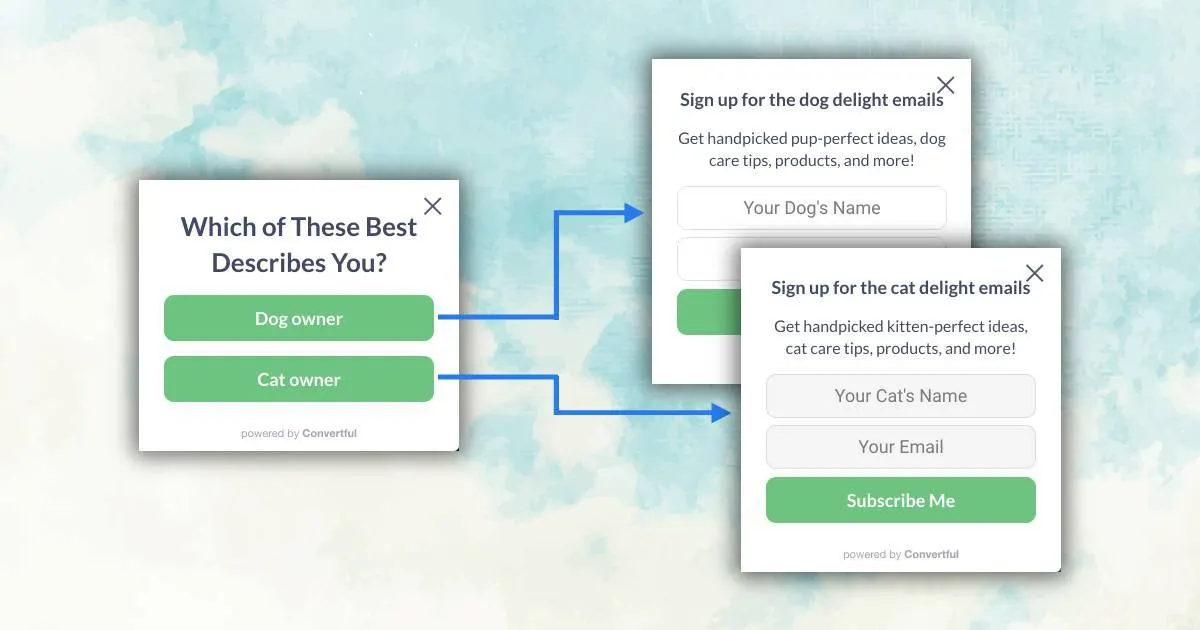
How to Auto-Segment 5.8% of Your eCommerce Visitors
The simple 4-steps guide on how to implement the eCommerce Segmentation Survey to your online store in 20 minutes.
Questions about polls
Is there a limit on how many polls I can run?
No. Widgets are unlimited on every plan. Only pageviews are counted, and a poll counts a pageview only when it is actually shown.
Do visitors need to give their email to vote?
Not for button, radio or dropdown answers. If you use a free-text field, the visitor also enters an email so the answer can be saved with their contact under Subscribers.
Which plans include polls?
Poll templates are in the template library on every plan, including Solo. Multi-step widgets, where the poll is followed by further screens, start on Starter plans.
Can I ask a different question on different pages?
Yes. Create one poll per question and use the page URL rule to decide where each one appears. Each poll keeps its own results in analytics.
Can poll answers go to my email tool or CRM?
If the poll includes an email field, the submission goes to your connected email tool or CRM like any other form. Buttons can also add tags, so you can segment subscribers by their answer.
Ask your first question during the free trial
Poll templates are included on every plan.