

Sign-up forms inside your articles and pages
Place a sign-up form, content upgrade or content lock where the reader already is: after the intro, mid-article or at the end. Nothing pops up, and a pageview is only counted when the form is actually seen.
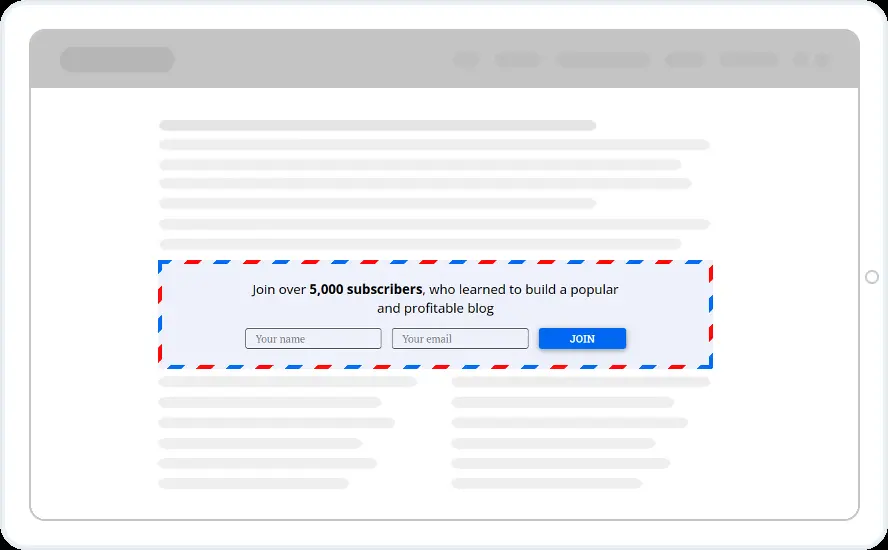
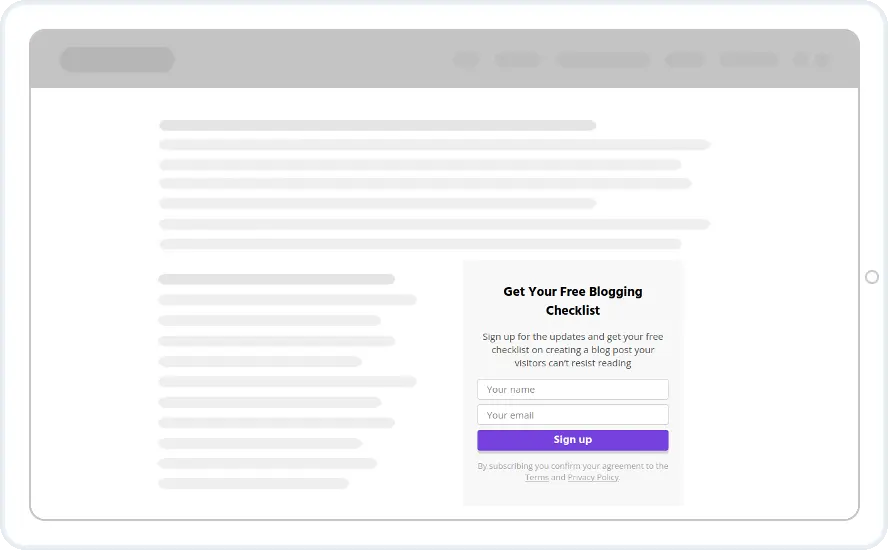
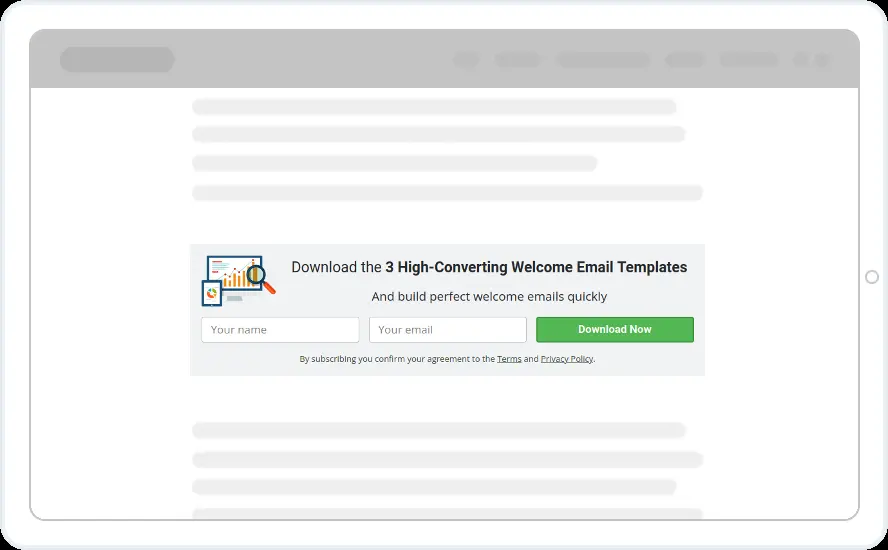
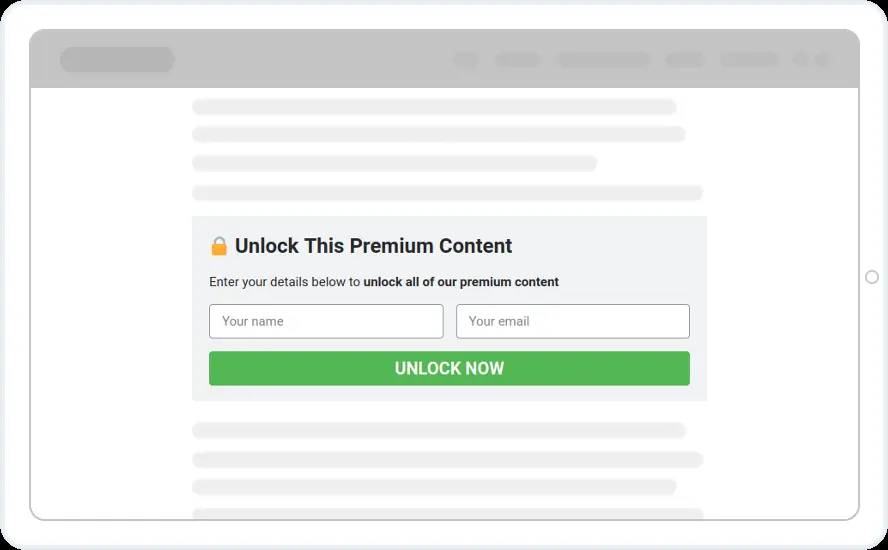
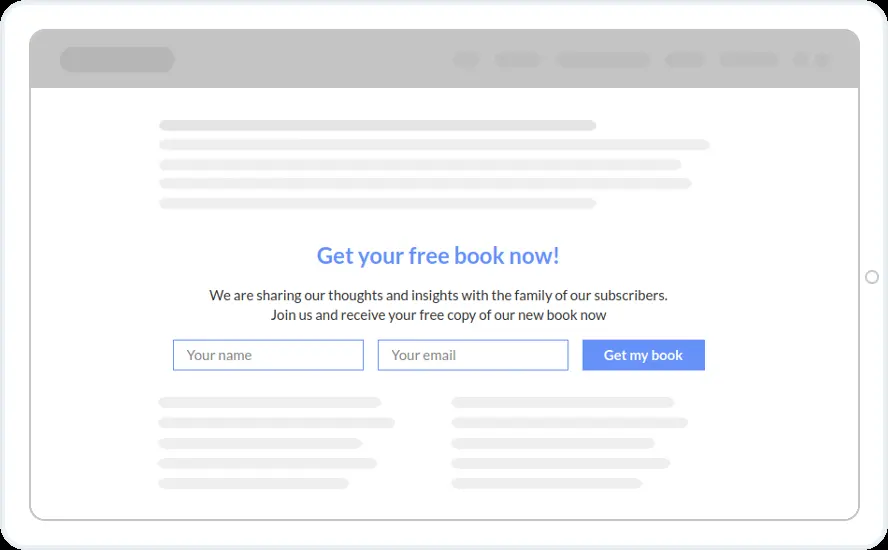
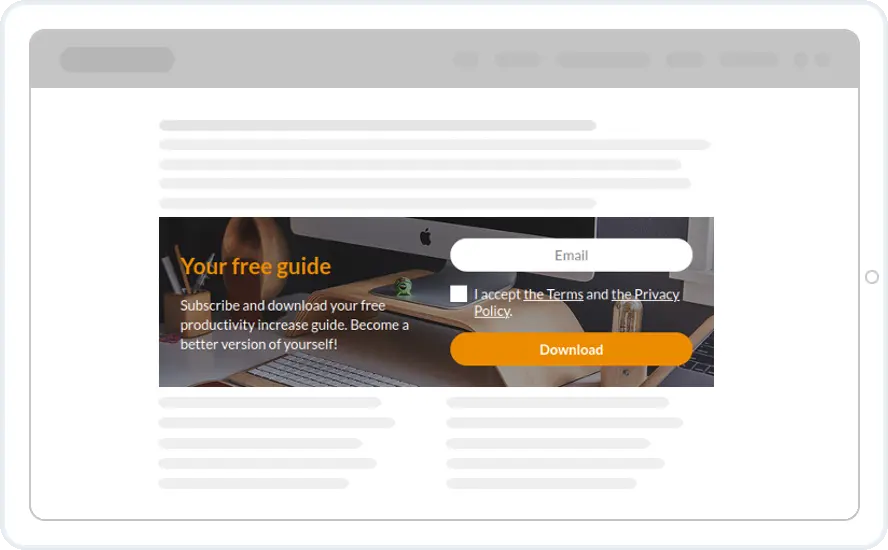
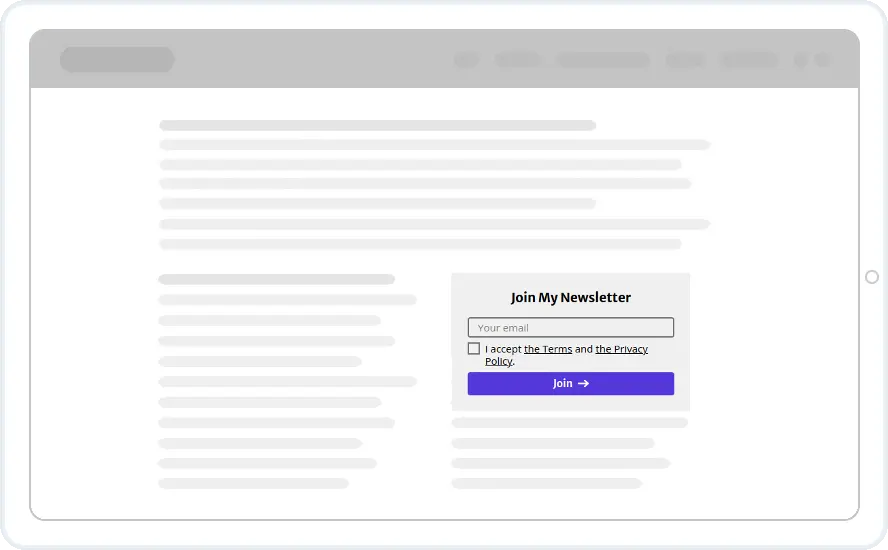
A form placed in the article, where readers meet it
An inline form is placed in the flow of your content with a shortcode or a small embed snippet. Readers meet it as they read, which makes it the natural home for a content upgrade, a mid-article newsletter box, a sidebar form or a lead form at the end of a landing page. It can be a single email field or a multi-step survey.
- Shortcode or snippet. Paste it where the form should appear. The WordPress plugin adds the shortcode for you.
- Content locking. Blur the rest of an article until the reader subscribes or shares.
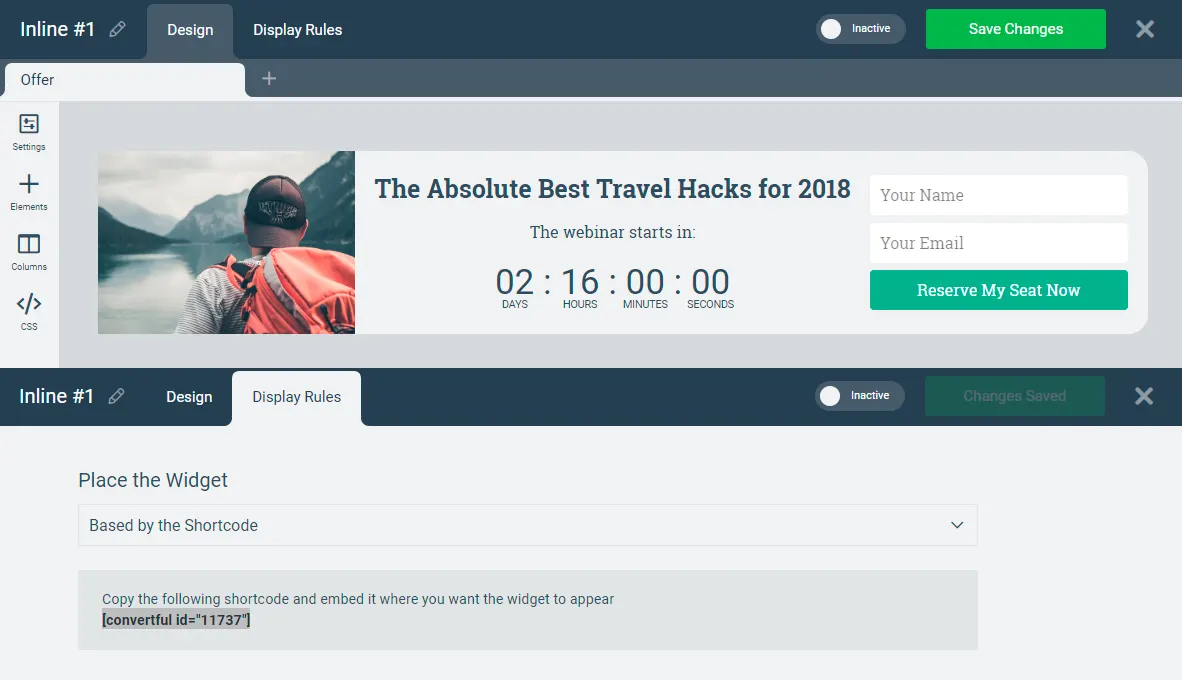
One shortcode, different forms for different readers
Show different readers different forms in the same spot. Hide it from subscribers, change the offer for visitors from Google or your newsletter, or switch it by country, device or CRM tag (CRM tags on Growth and above).
- Hide for subscribers. No form for people already on the list.
- Personalised text. Pull the visitor's name or fields from your CRM on Starter and above.
- A/B test in place. Two versions in the same spot, live results.
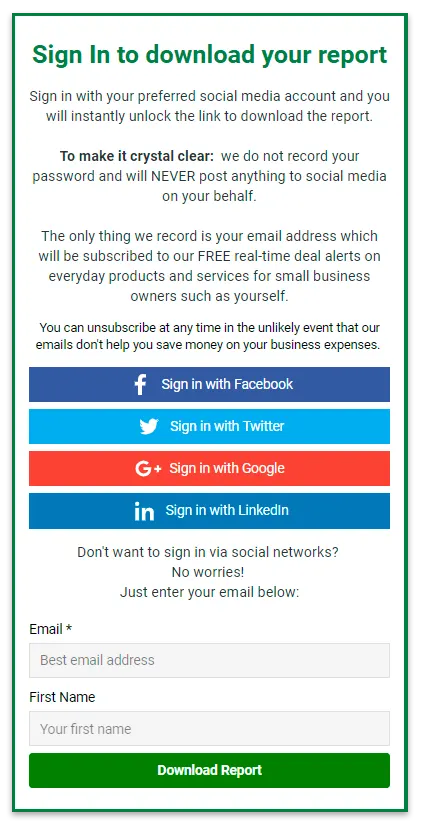
Inline form templates to start from
Content upgrades, content locks and simple sign-up forms. Every template is included on every plan, along with all 27 email and CRM integrations.
What customers say
“These are a very high-converting way to drive new email subscribers to your list. If you’re looking for detailed functionality at a low price point, I suggest you look into Convertful.”

“The form/CTA builder is easy to use and puts many other tools to shame”

“The Top on-site conversion tool that I use for ALL Campaigns”

Inline form questions
How do I add an inline form to WordPress?
Install the Convertful WordPress plugin, create the inline widget, and paste its shortcode into the post or a widget area. On other platforms paste the embed snippet from the editor.
Do inline forms count towards my pageview limit?
Only when they are seen. A pageview is counted when the visitor scrolls far enough for the form to appear on screen, not on every page load.
What is content locking?
A variation of the inline form that blurs the rest of an article, a download or a price list until the reader subscribes or shares an email address. It is one of the use cases with its own templates.
Can I hide the form from existing subscribers?
Yes. Display rules can hide a form from anyone who already submitted one. On Growth and above they can also use tags and fields from your email tool or CRM.
Put a form where your readers already are
Start with one of 24 inline templates and paste one shortcode where the form should appear.