

Inline form templates
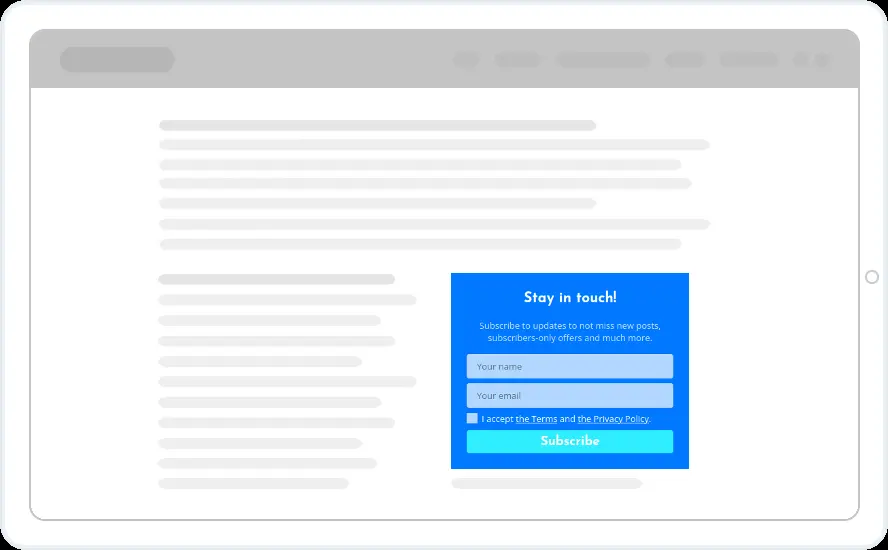
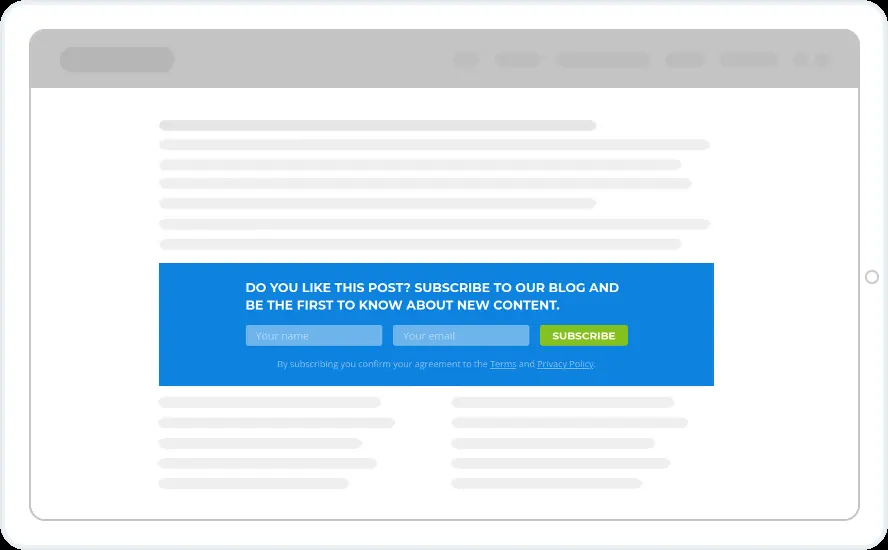
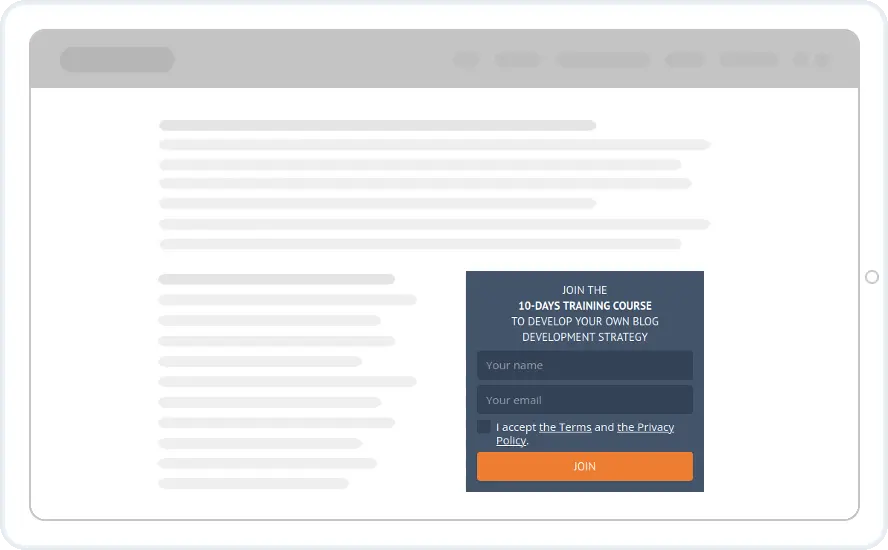
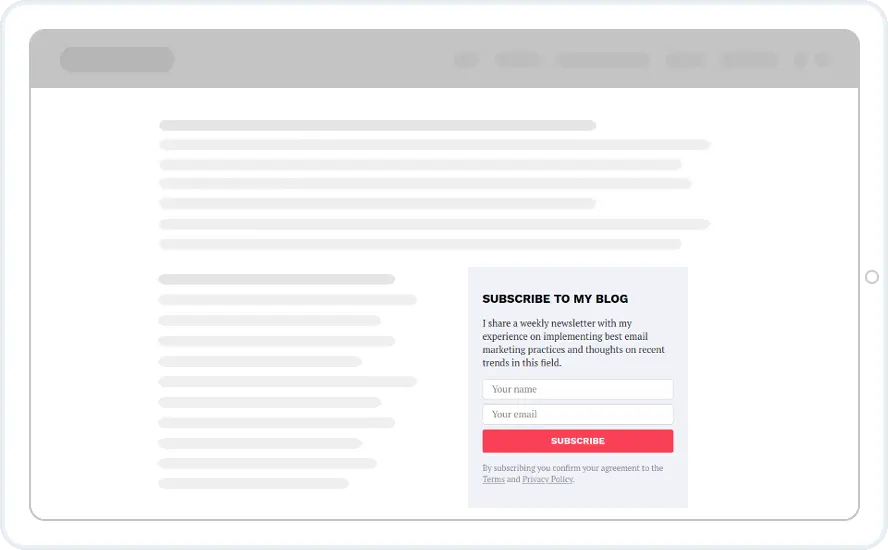
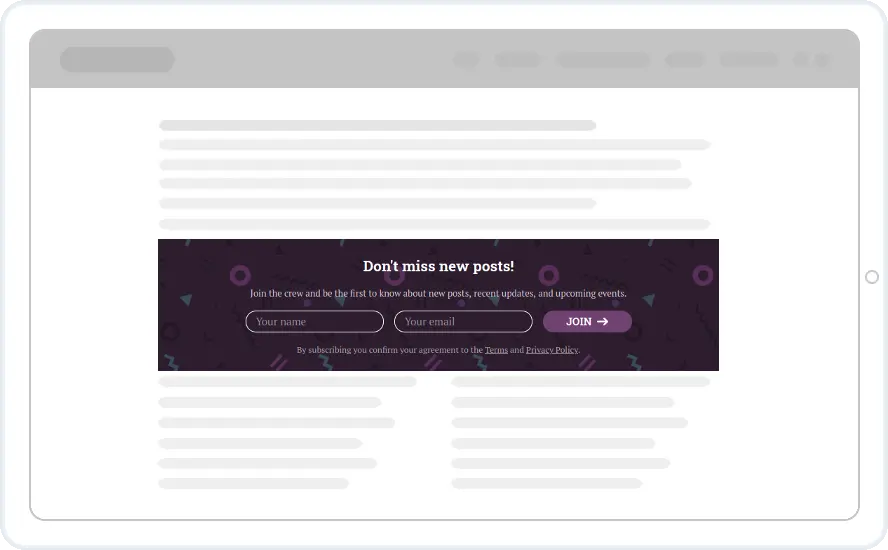
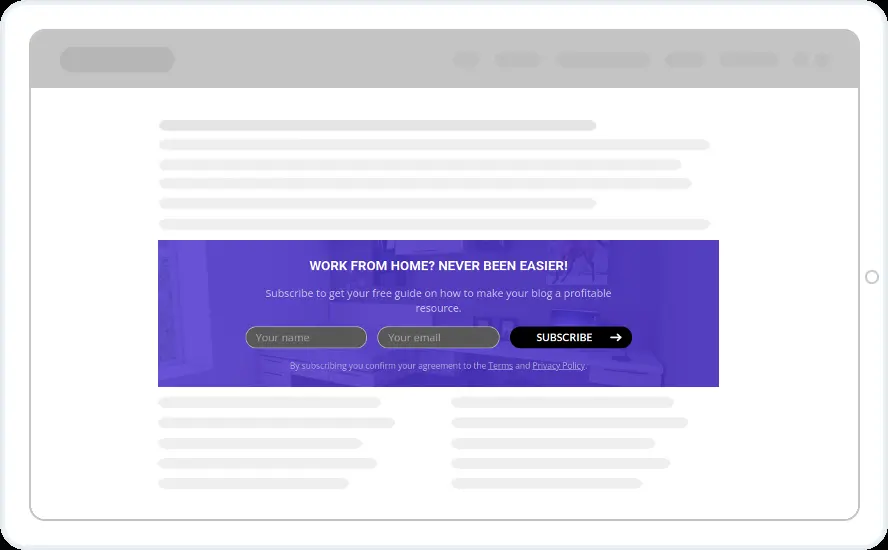
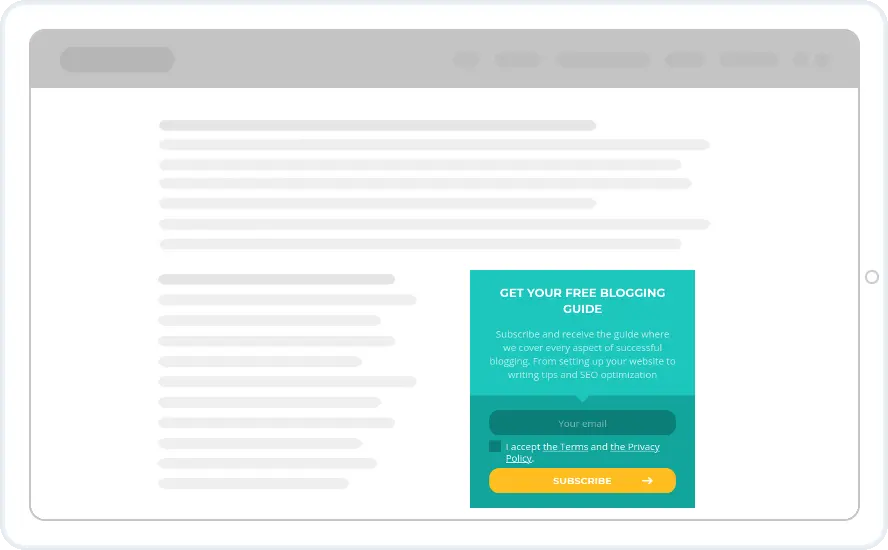
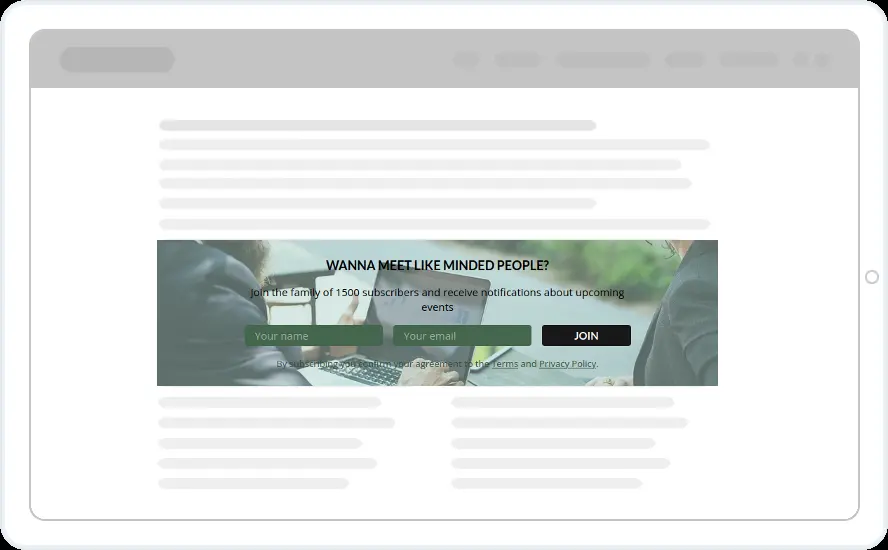
Forms embedded inside your content: subscription forms, targeted content upgrades and content locking. Inline widgets only count a pageview when the visitor actually scrolls to them.
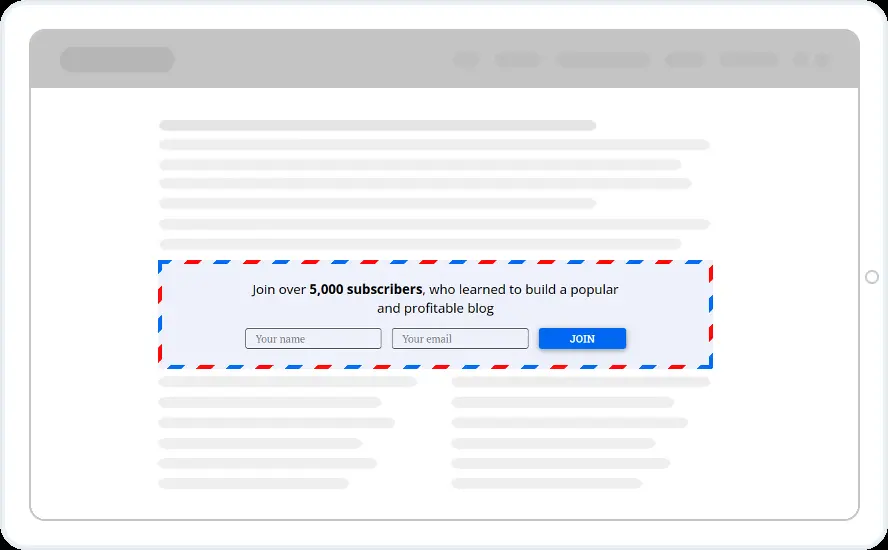
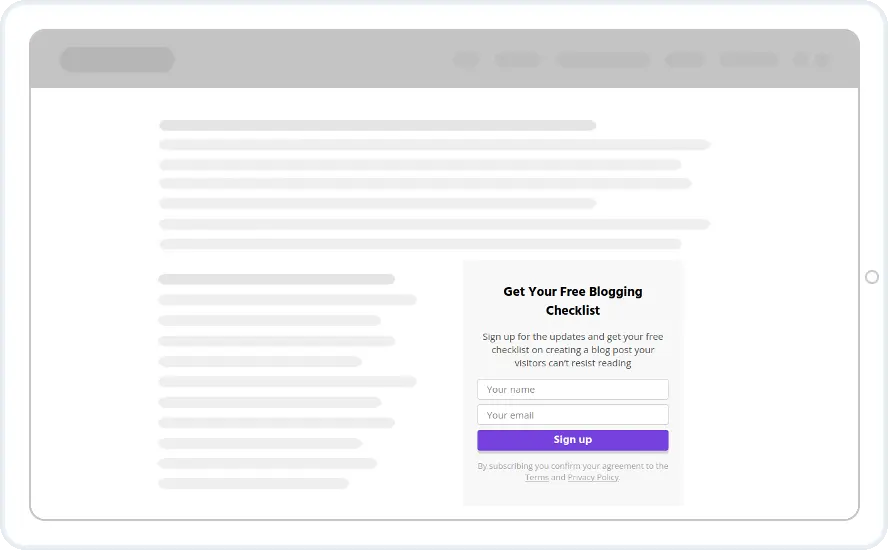
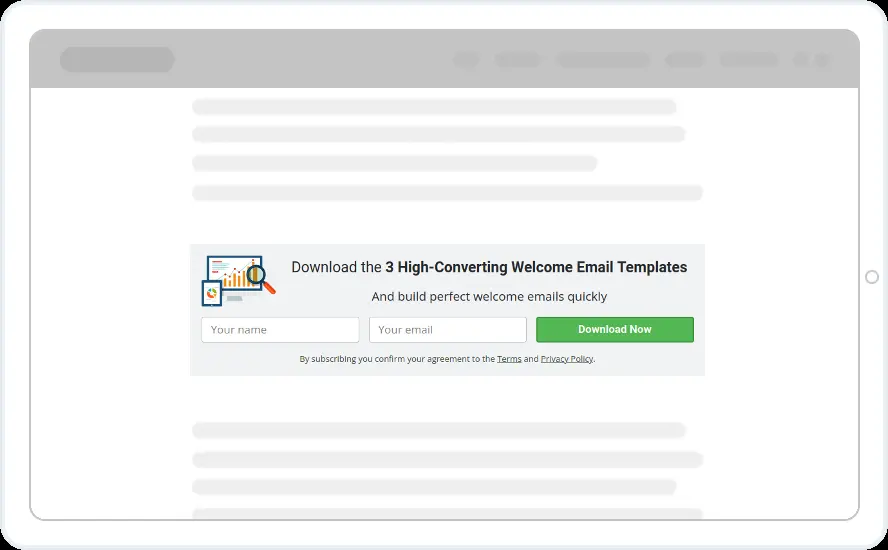
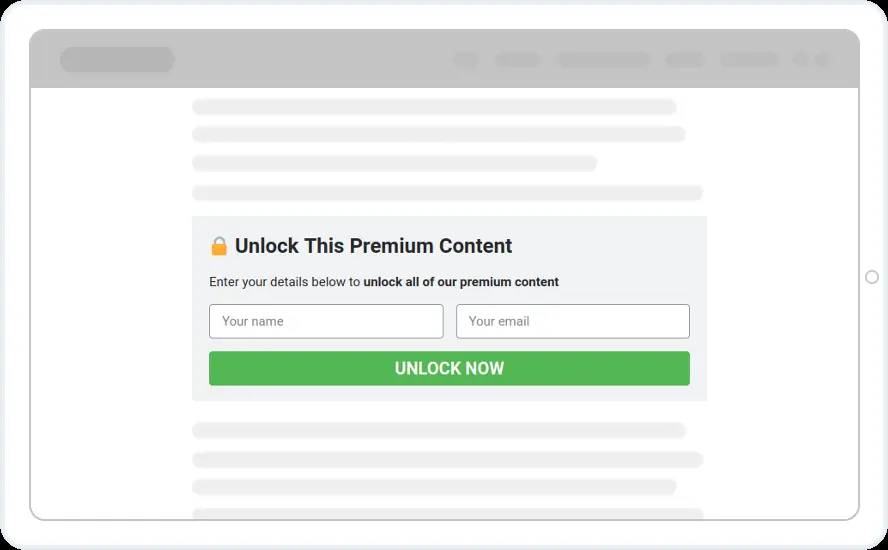

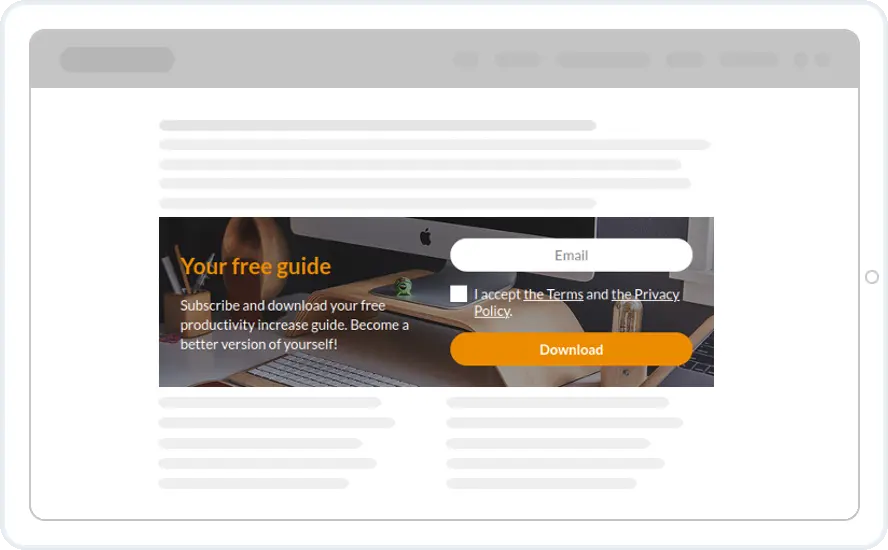
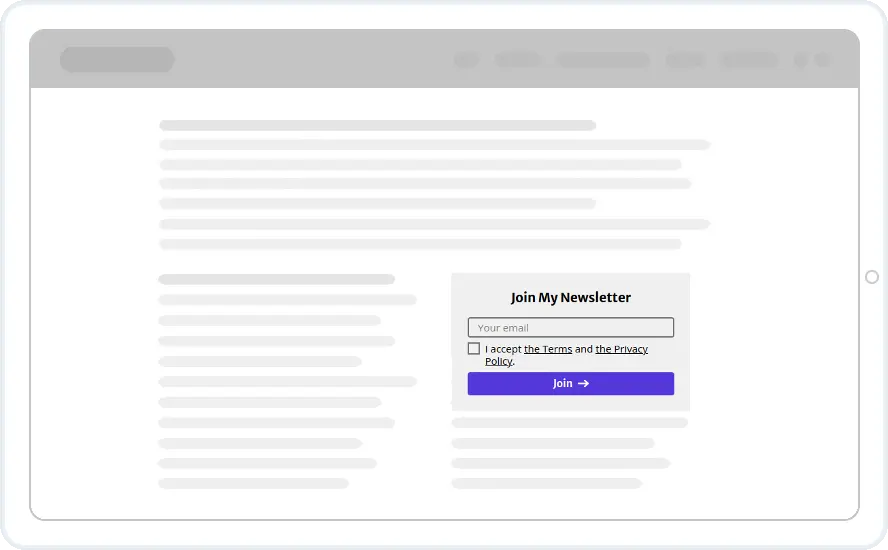
24 inline widgets templates. Click one to see it larger, or see all 313. Templates open in the editor once you have an account. Creating one takes a minute, the trial is free for 14 days and you can cancel any time.
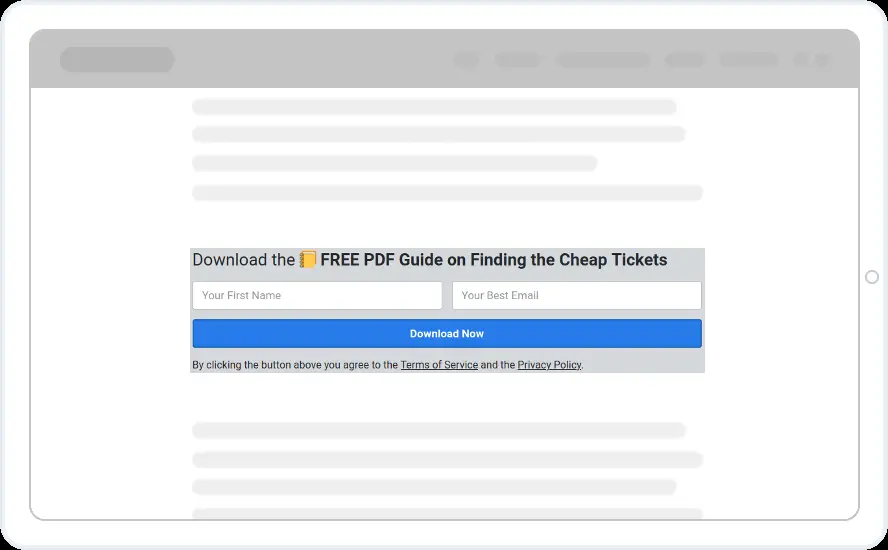
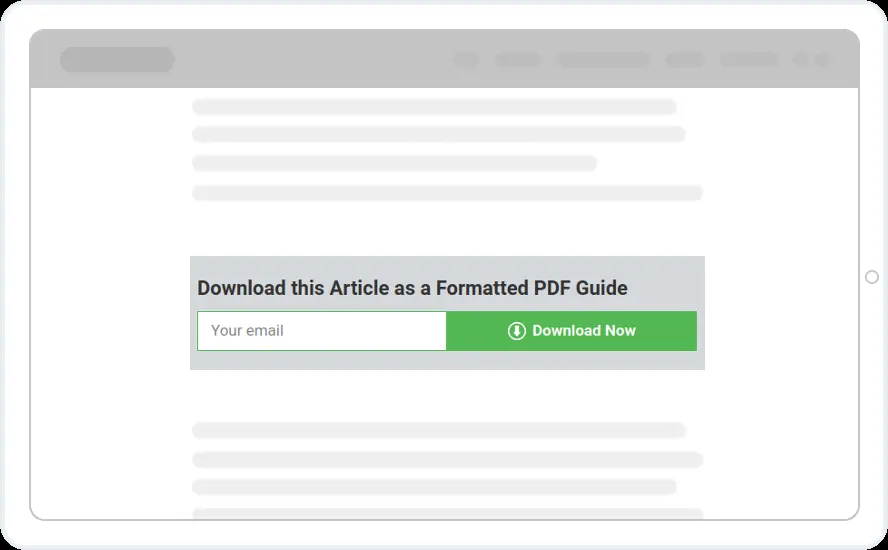



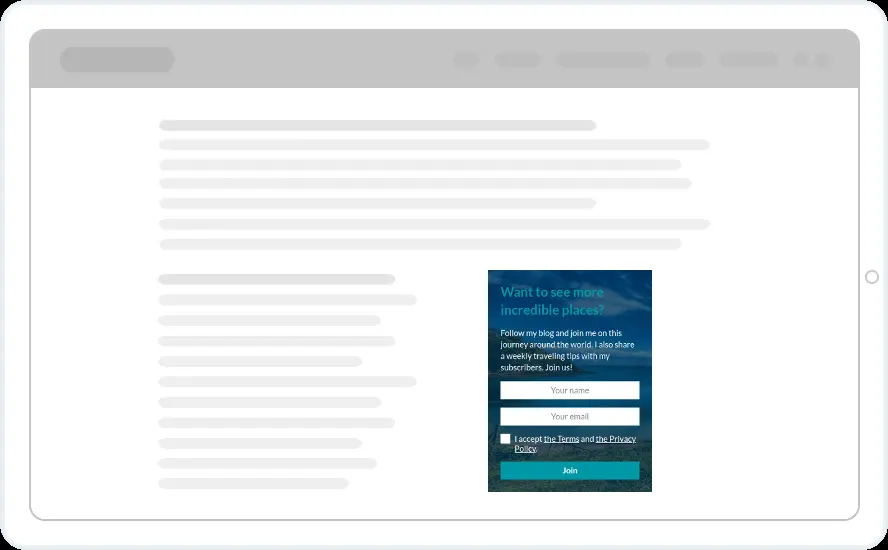
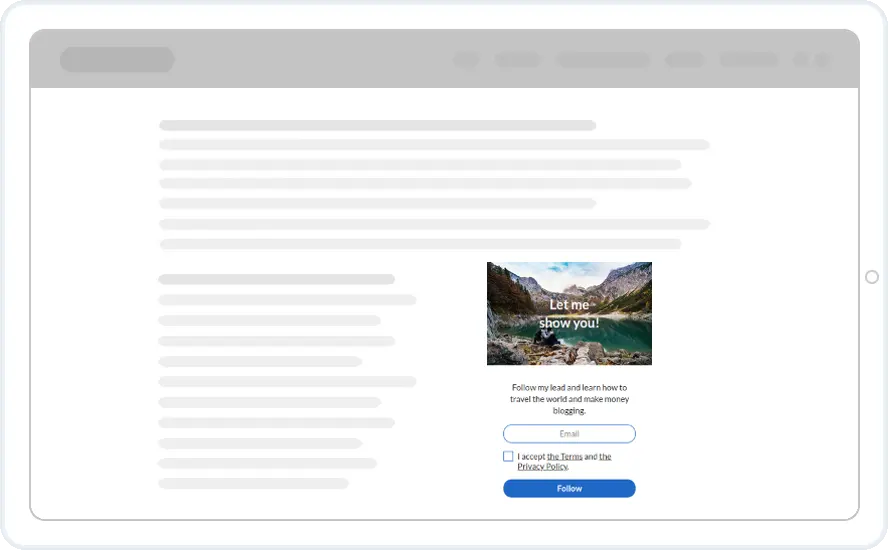
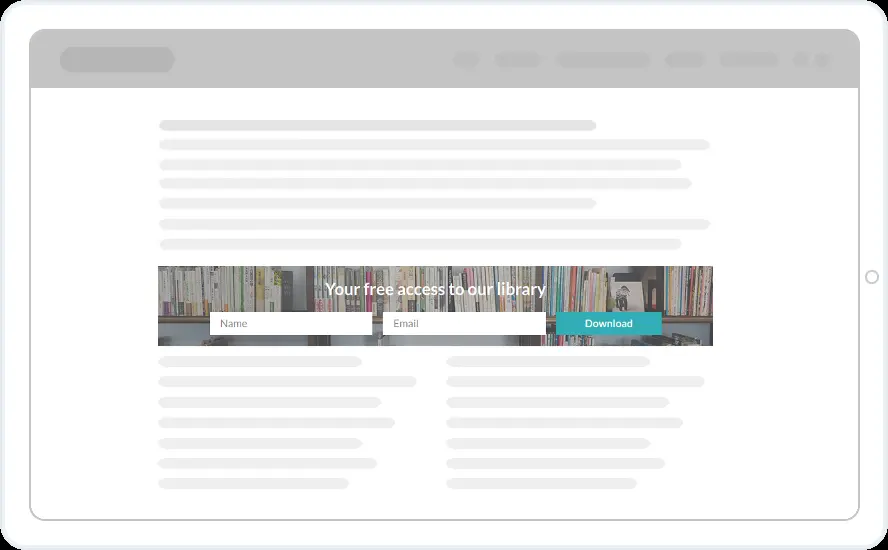
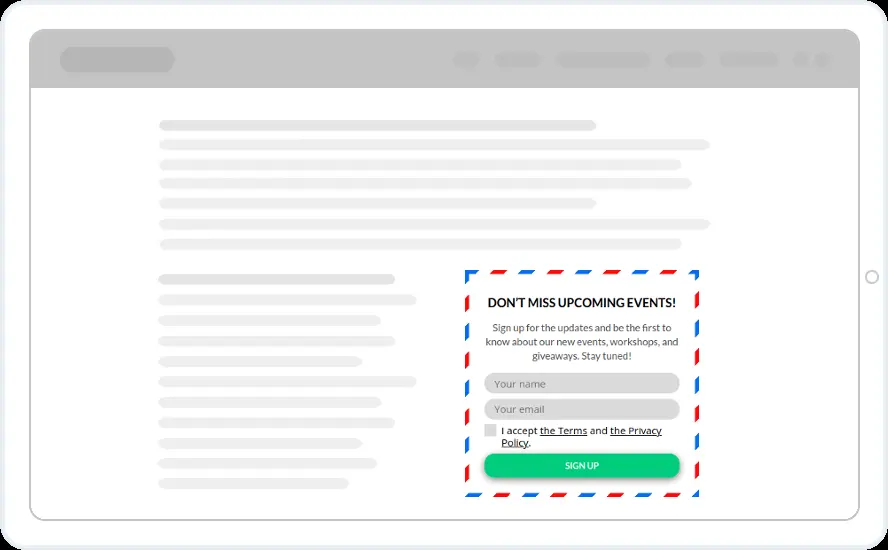
See what a template becomes
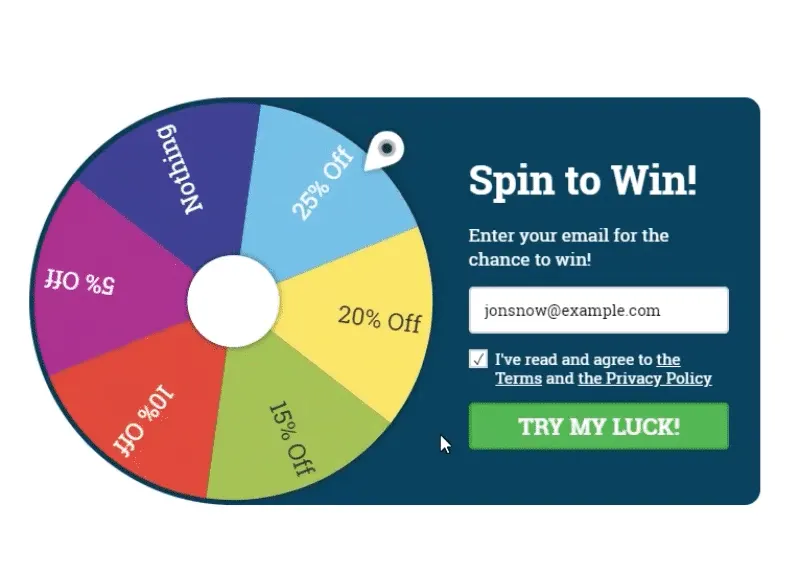
Spin to win
Offer visitors a spin for a discount or coupon code in exchange for their email address.

Smart discount pop-ups
Show a discount the moment a shopper moves to leave, in exchange for an email address.
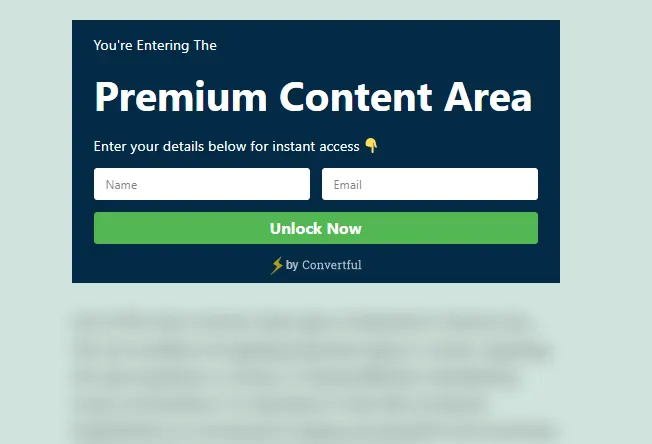
Content locking
Blur premium articles, downloads or pricing until the visitor signs up or shares an email address.

“The form/CTA builder is easy to use and puts many other tools to shame”Dustin D. Director of UX development
Questions about templates
How do I place an inline form?
Copy the shortcode or the small embed snippet from the editor and paste it where the form should appear. On WordPress the plugin adds the shortcode for you. Details are on the inline forms page.
Are templates included in every plan?
Yes. All templates, including seasonal packs, are available on every plan and on the free trial.
Can I change a template completely?
Yes. Every element is editable: text, images, colours, fields, buttons, layout and animations. You can also start from a blank canvas.
Do templates work on mobile?
Yes. Each template has a mobile version prepared automatically, which you can fine-tune in the editor.
How do I use a template?
Sign up, create a widget, choose a template, edit it, set the display rules and publish. The connection script or plugin puts it live on your site.
Pick a template and make it yours
Every template is included in every plan. Free for 14 days.
