

Inline signup form templates
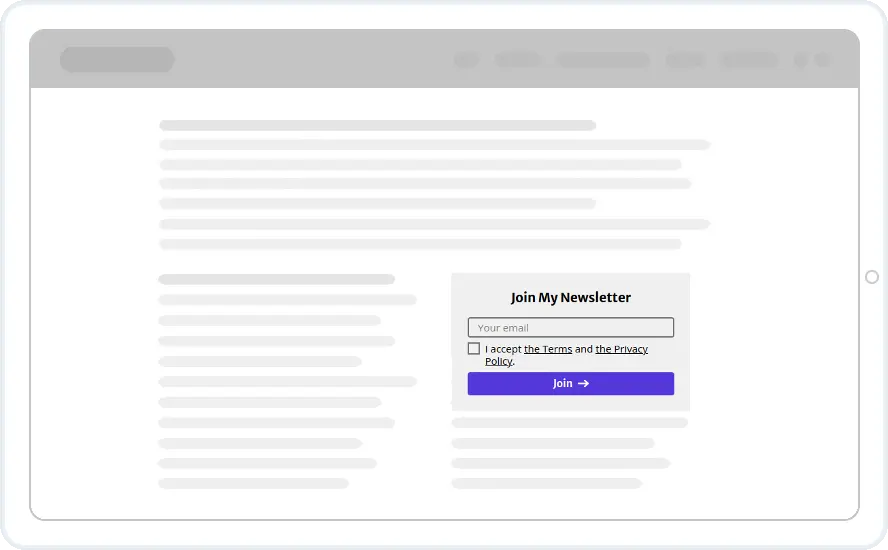
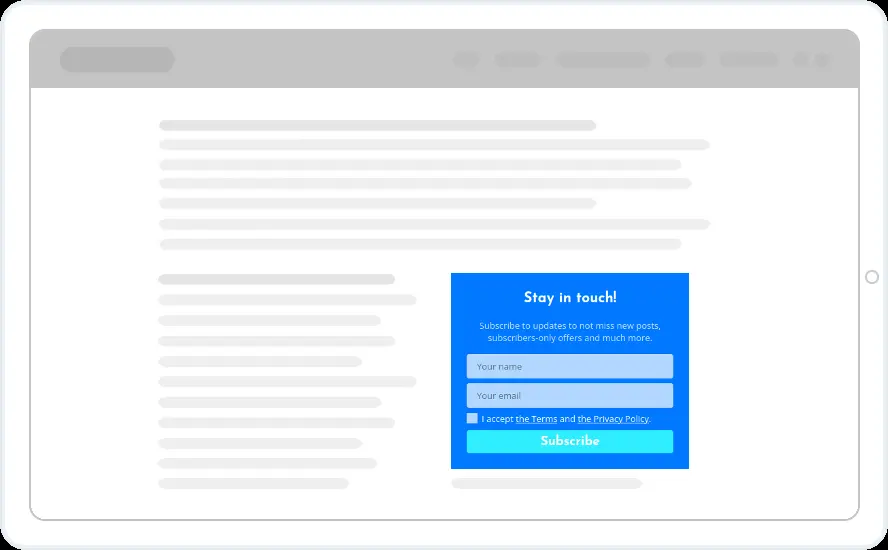
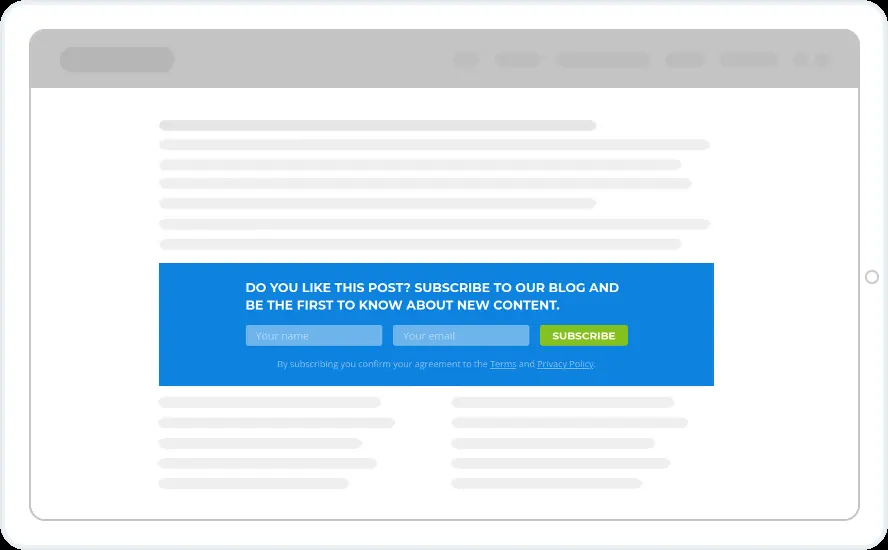
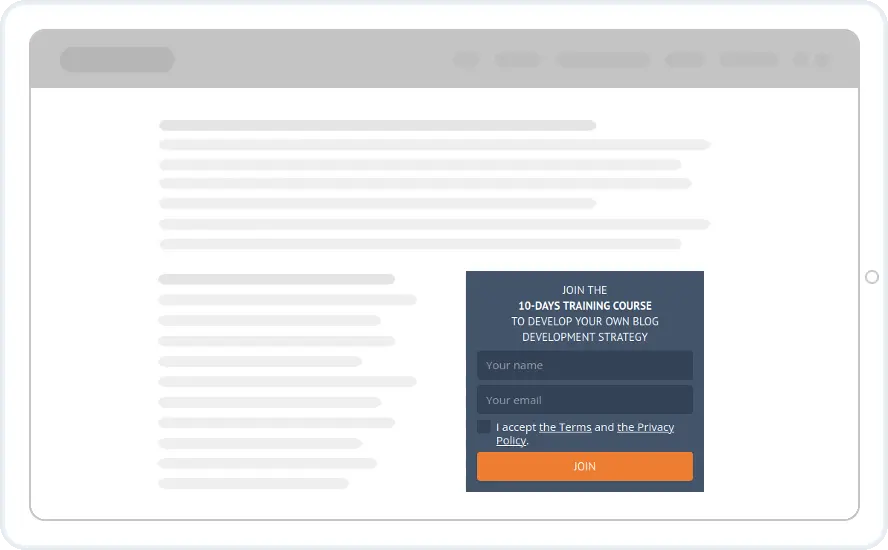
Put a sign-up form inside your pages and posts, where readers already are. Choose from newsletter boxes, free book and guide offers, event alerts and full-width banners.
Free 14-day trial Included on every plan Mobile version included

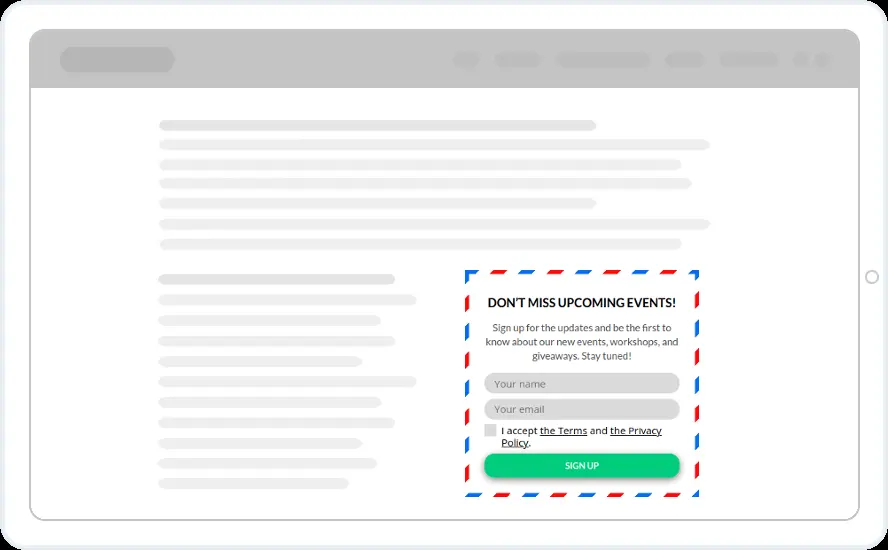


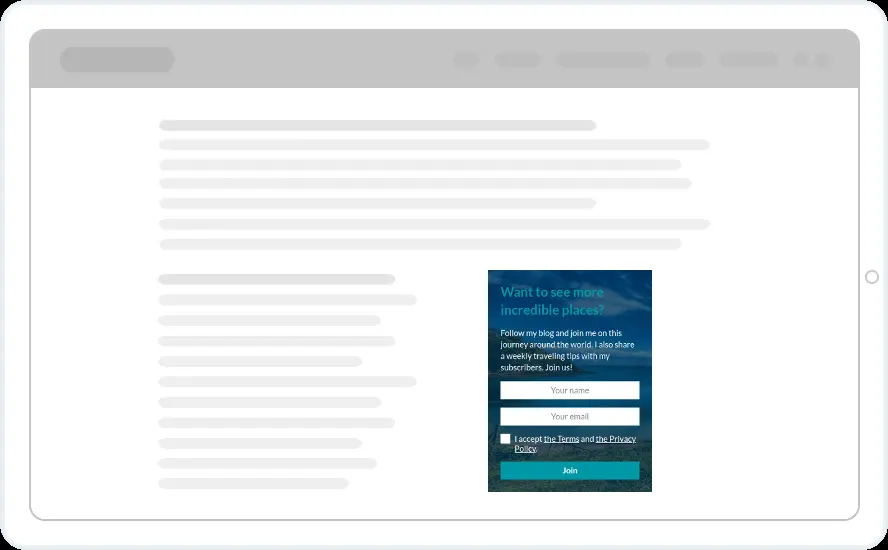
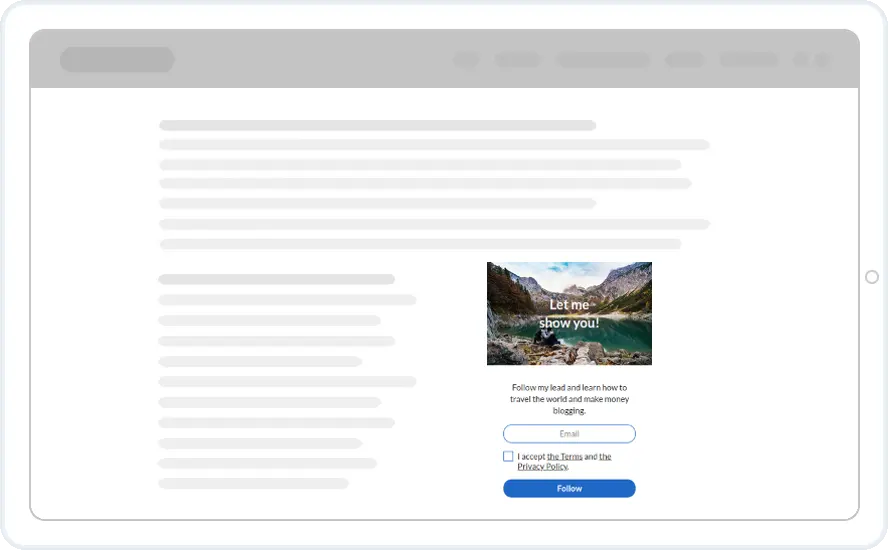
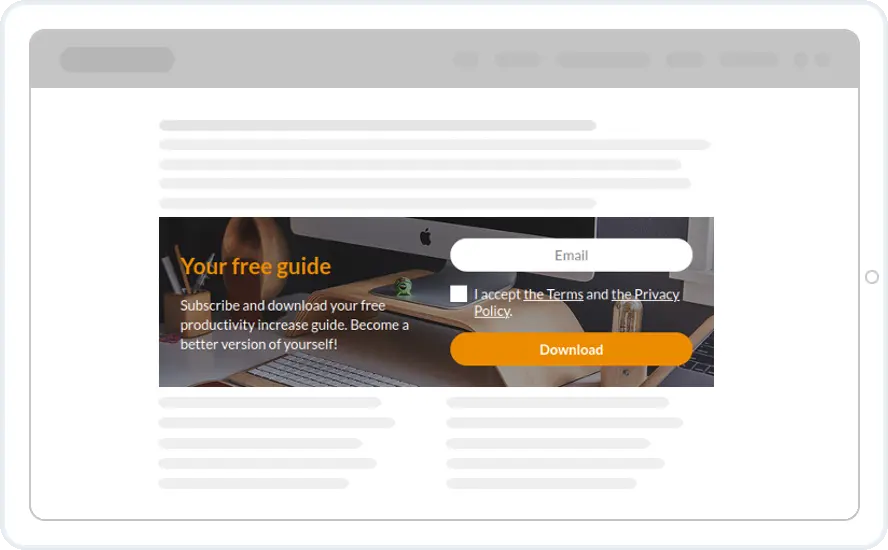
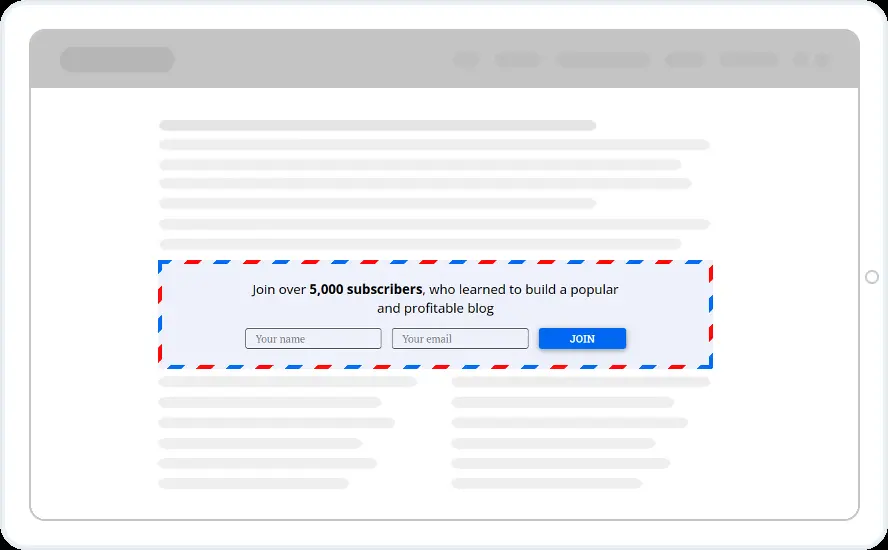
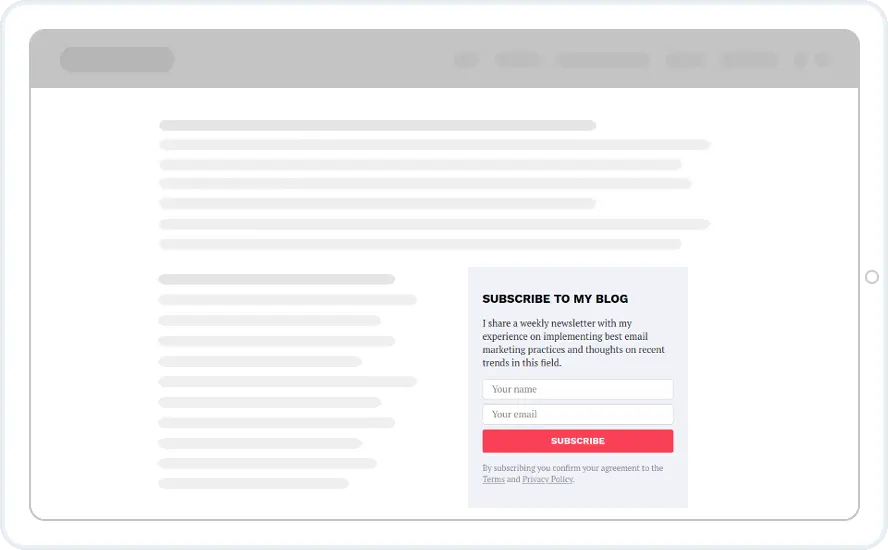
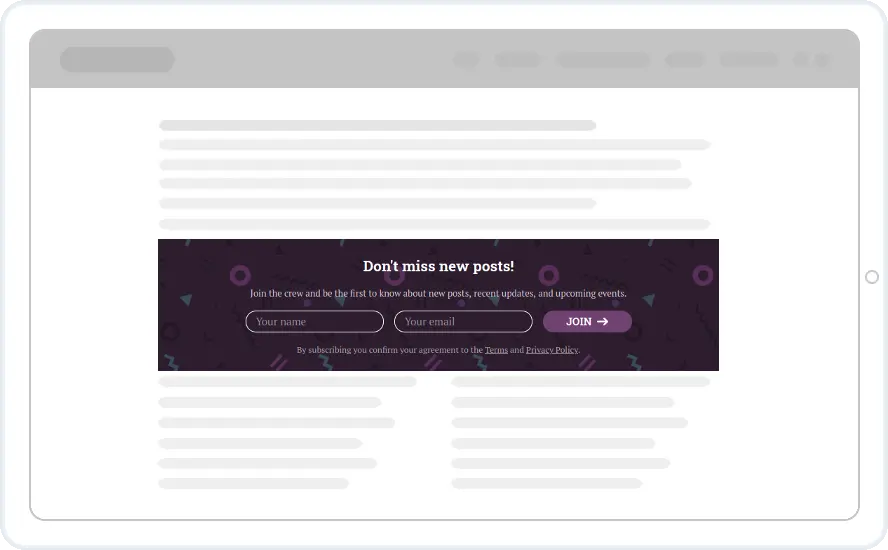
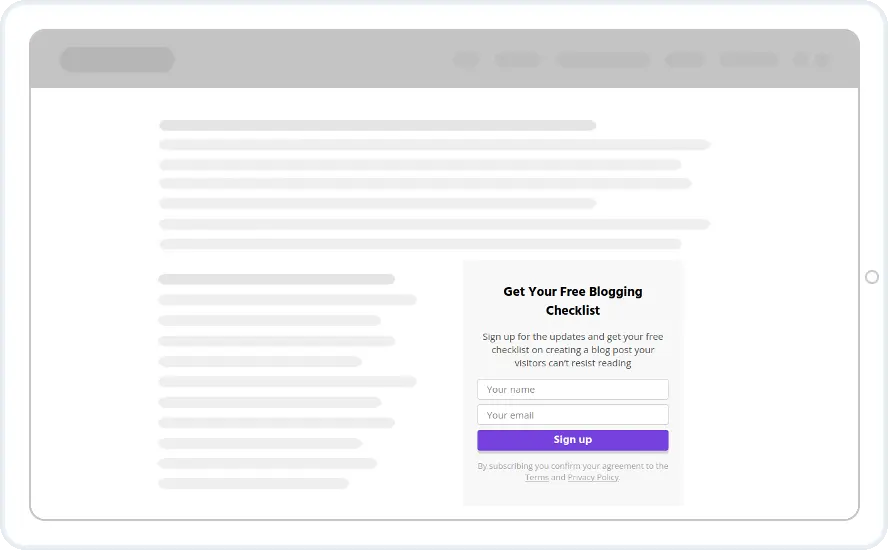
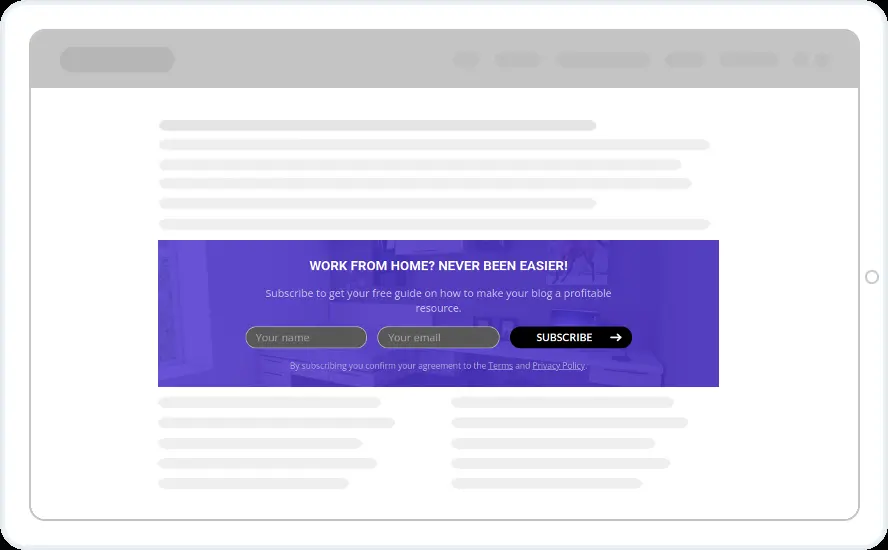
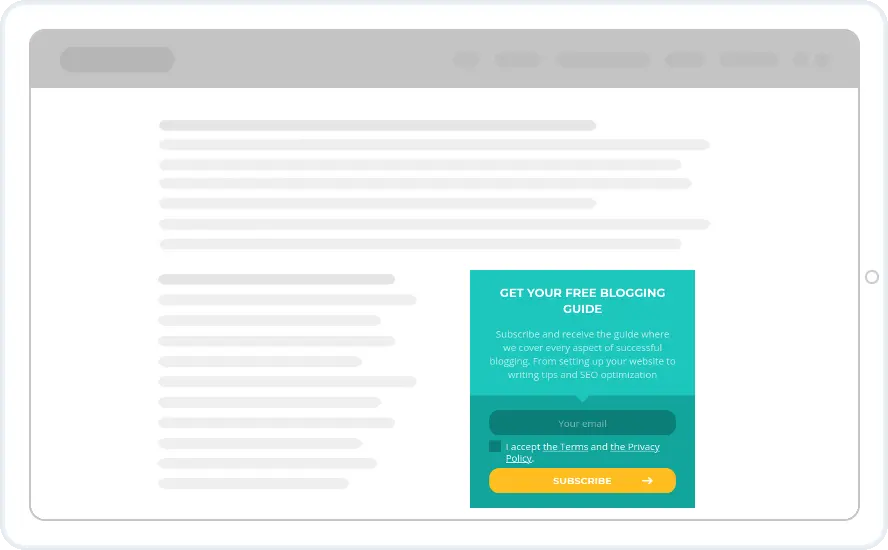
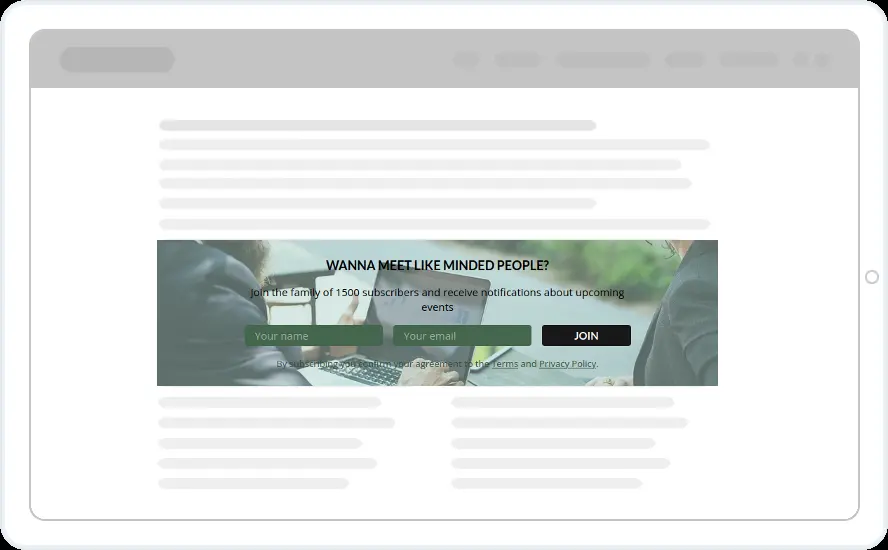
When to show it
- Placed by shortcode, CSS selector or after the post content
- Hidden from people who already subscribed
- A different offer per category or tag on WordPress
When to use it
An inline form is part of the page, so nothing pops up. Put one after the intro, in the middle of a long post or at the end, and readers meet it as they read. A pageview counts only when the form is actually seen.
Before you publish
- Pick a width that fits your content column
- Name the newsletter and say how often it goes out
- Link the consent line to your policy, or remove it if you do not need it
FAQ
Questions about inline signup form templates
How do I add an inline form to WordPress?
Install the Convertful WordPress plugin, create the inline widget and paste its shortcode into the post or a widget area. On other platforms, paste the embed snippet.
Do inline forms count towards my pageviews?
Only when they are seen. A pageview counts when the visitor scrolls far enough for the form to appear on screen.
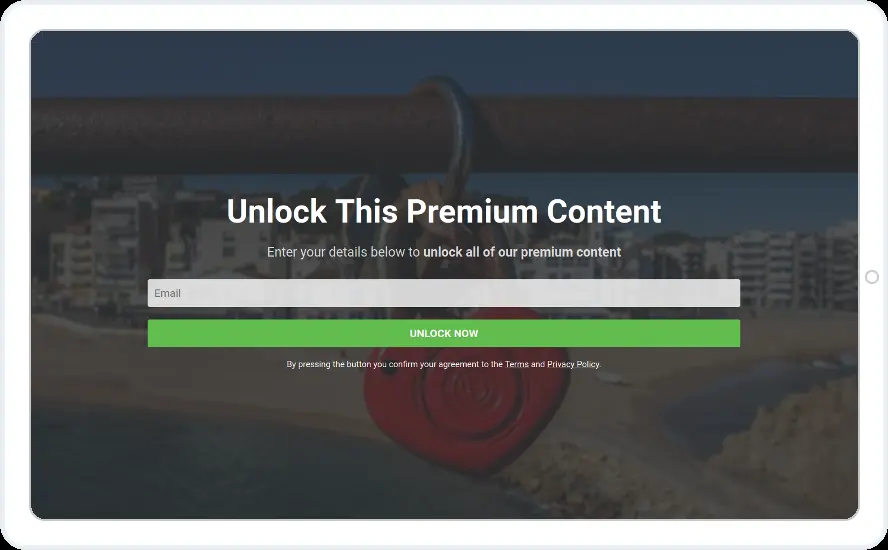


Start with this template
Open it in the editor, change the words and colours, choose who sees it and publish.
Cancel any time No developer needed
