

Content locking templates
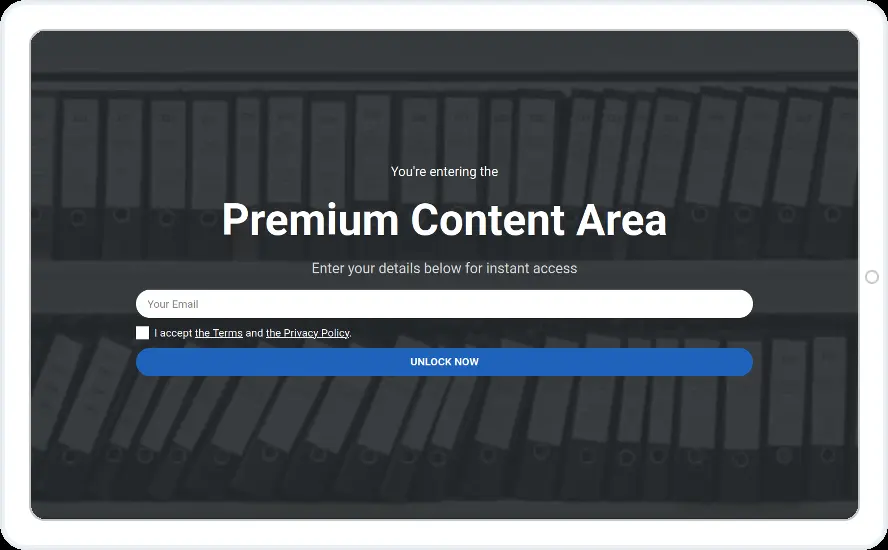
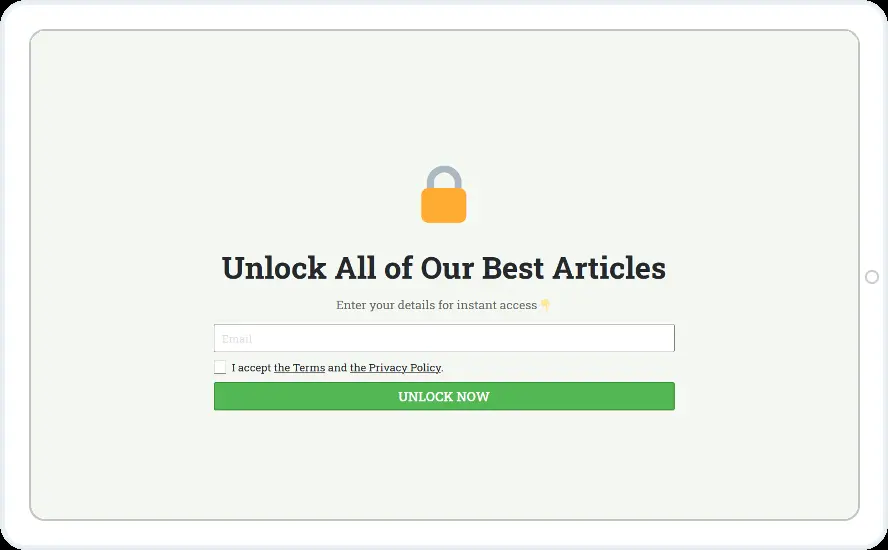
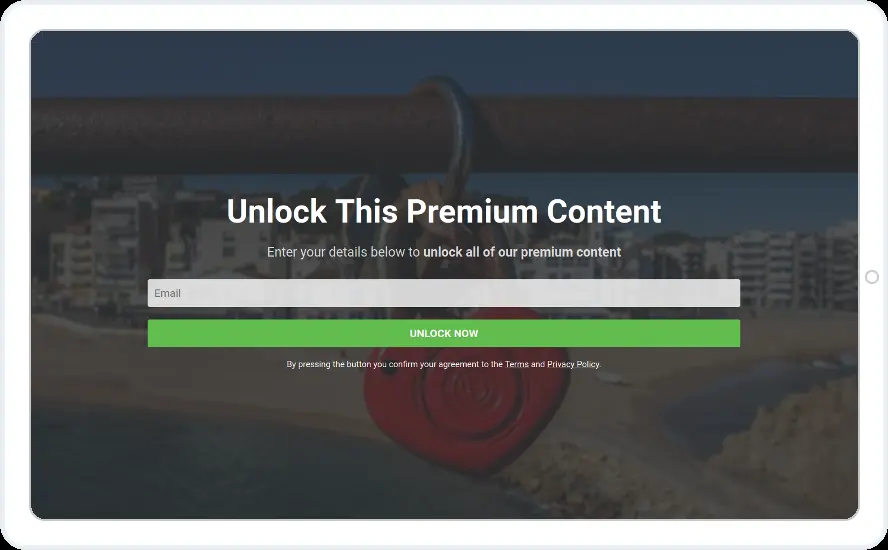
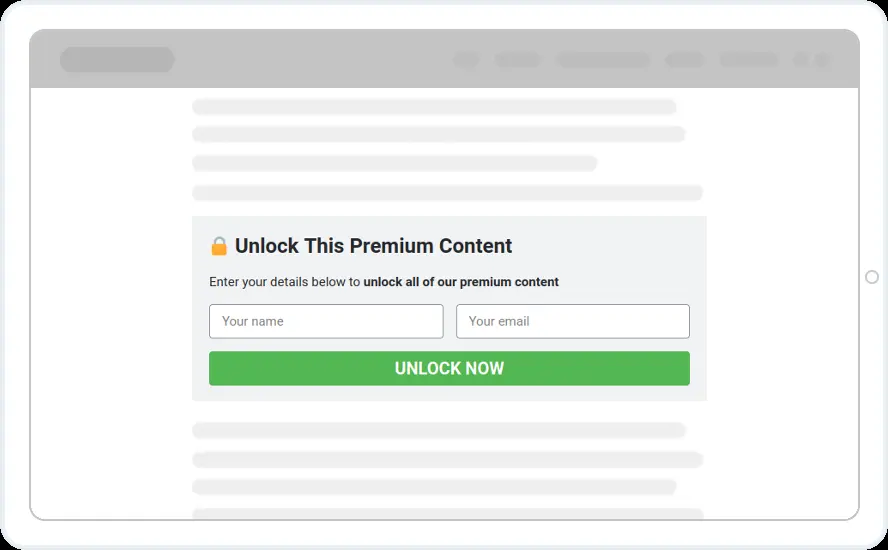
Blur your premium content until the reader signs up. Three designs lock the full screen and three sit inside the article.
Free 14-day trial Included on every plan Mobile version included
When to show it
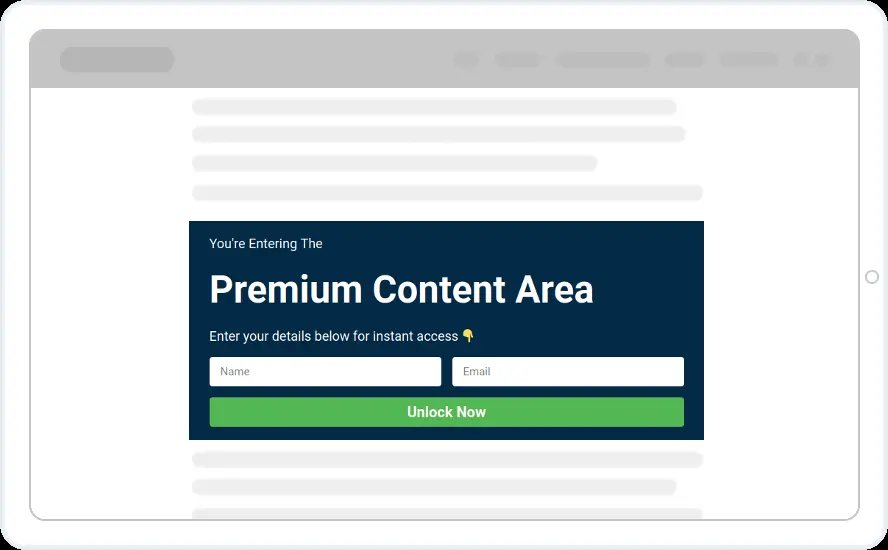
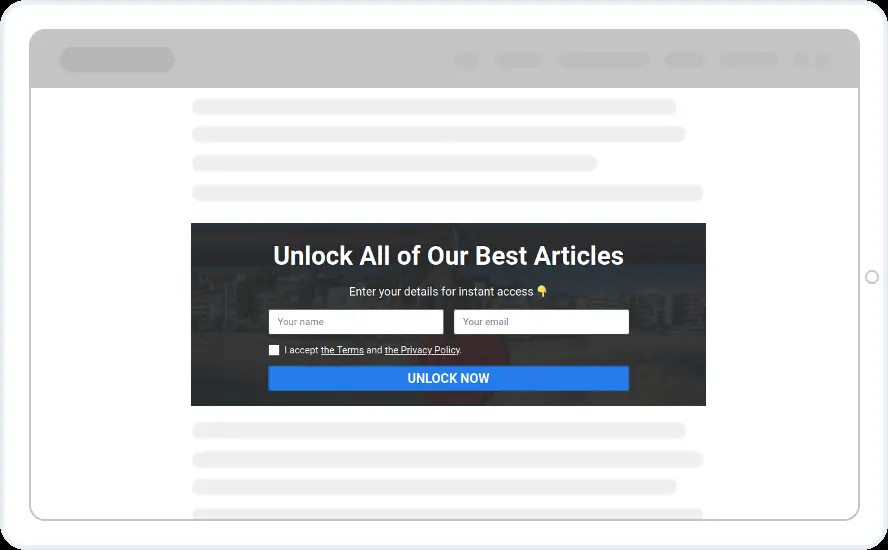
- Inline designs use Lock All Content Below, placed right before the locked part
- Pop-up designs need the blur on, no close button and overlay clicks switched off
- Only on the pages you want to gate, by page URL
When to use it
Use a lock for in-depth articles, downloads, price lists or member-only pages. The reader can see that something is waiting behind the blur, and one short form opens it.
Before you publish
- Choose how strong the blur is
- Say what the reader gets, such as every article or one guide
- Decide whether you need a name or only an email
FAQ
Questions about content locking templates
Can readers see a preview of the locked content?
Yes. The blur intensity slider sets how much shows through. A light blur gives a preview and a strong blur hides more.
Can I lock content inside the article?
Yes. The in-article designs are inline widgets with Lock All Content Below switched on. Everything under the widget stays blurred until the reader completes the form.
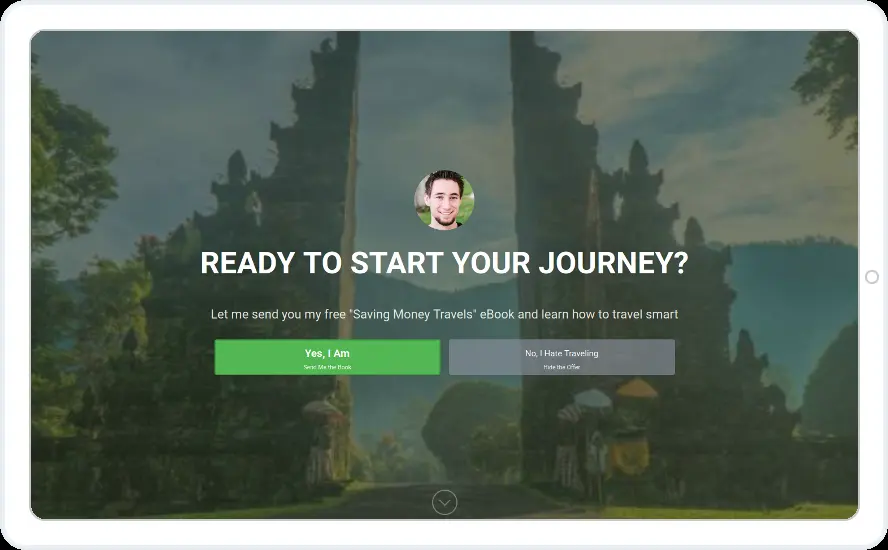
Start with this template
Open it in the editor, change the words and colours, choose who sees it and publish.
Cancel any time No developer needed
