

Content upgrade templates
Offer a bonus download on the article someone is already reading. It can be a PDF of the post, a guide, email templates or a bundle of all your resources.
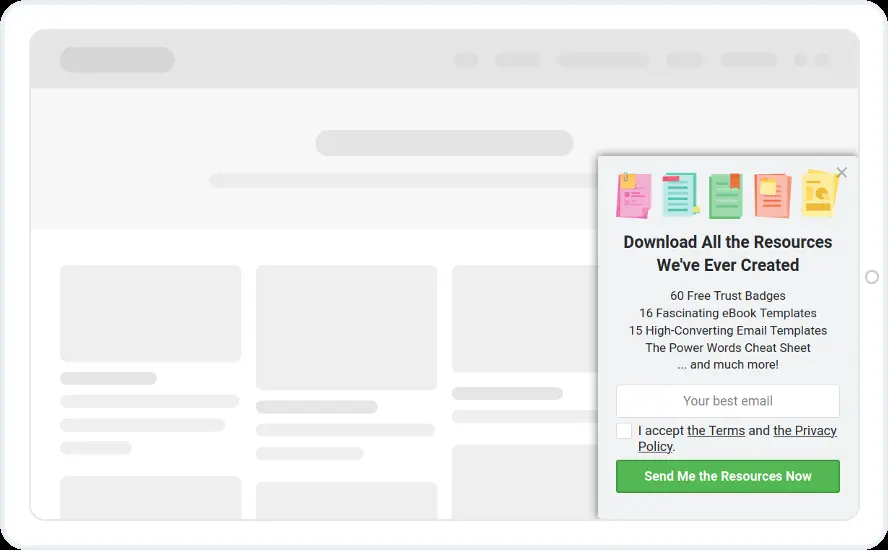
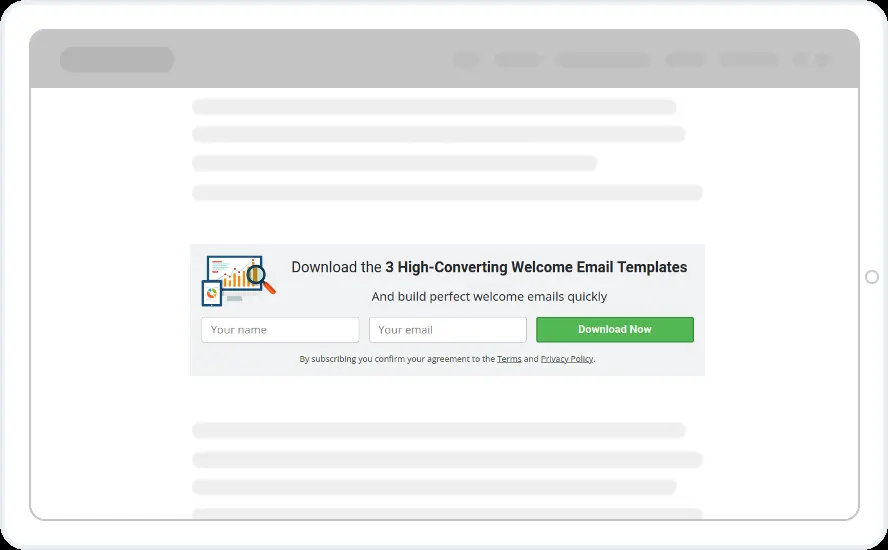
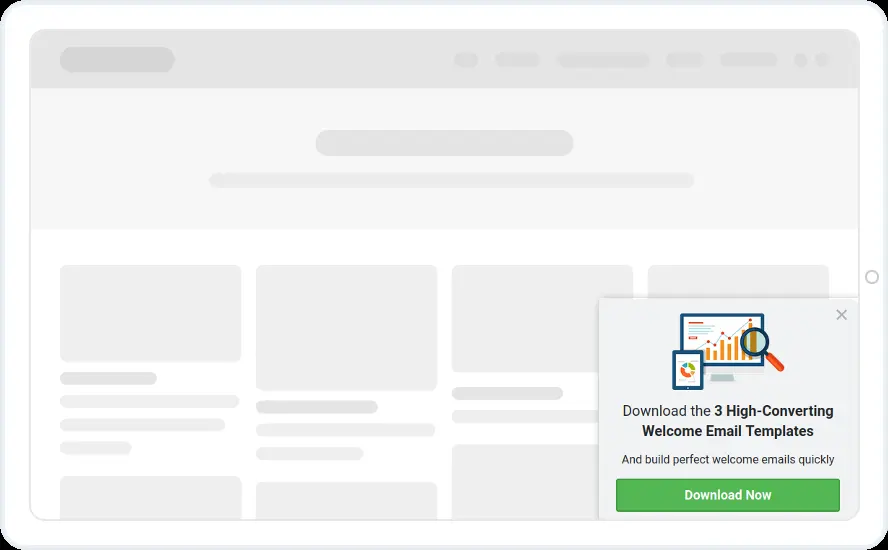
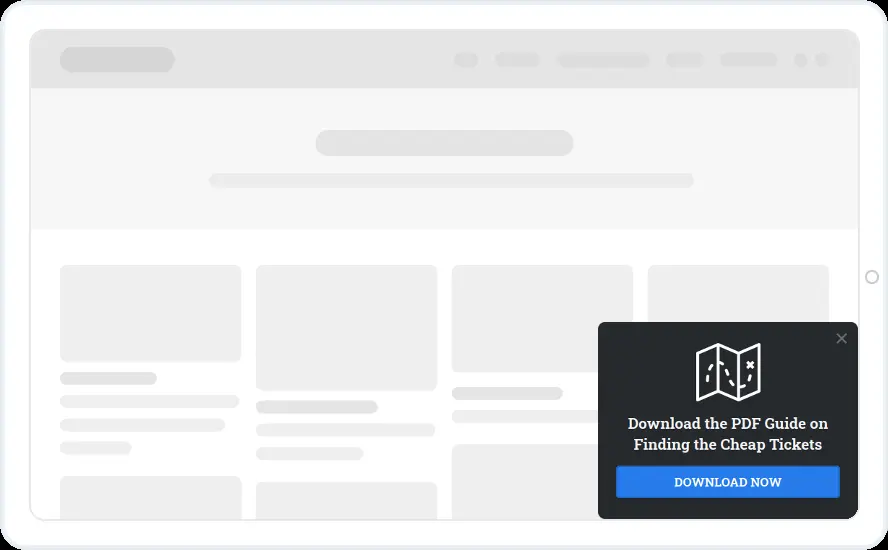
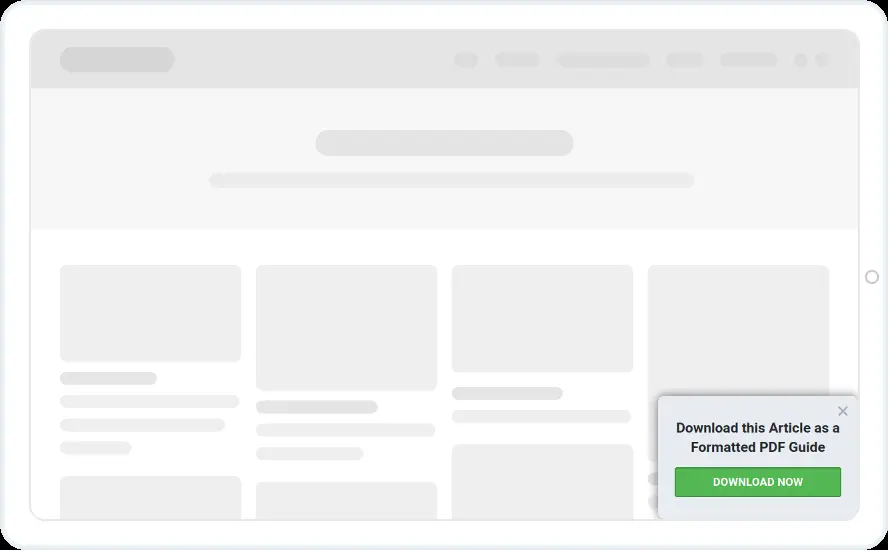
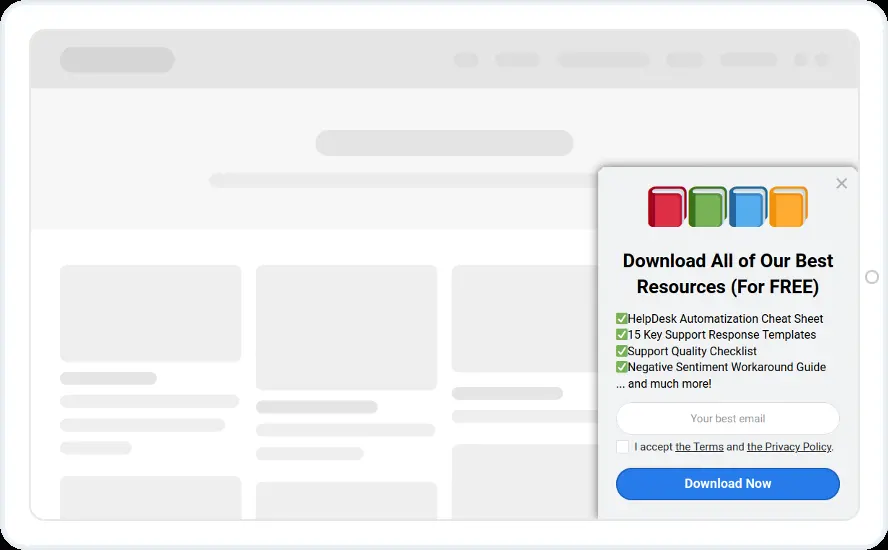
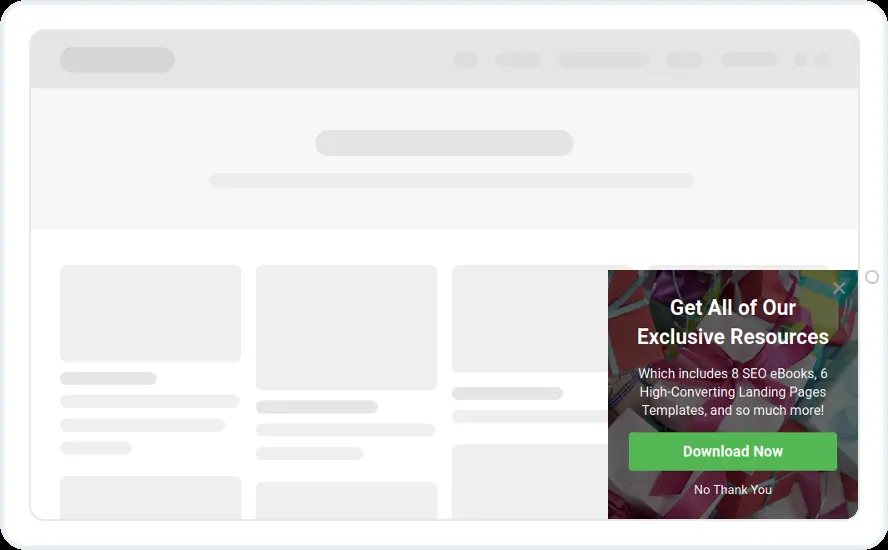
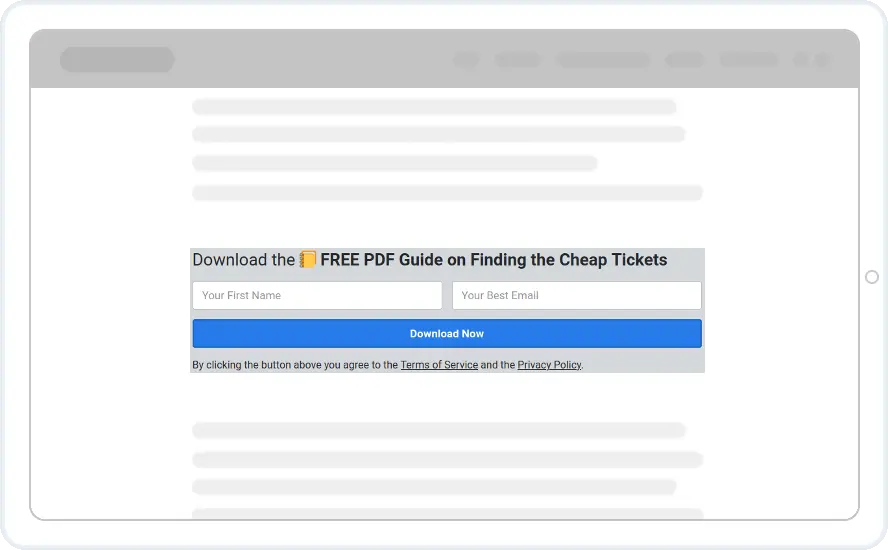
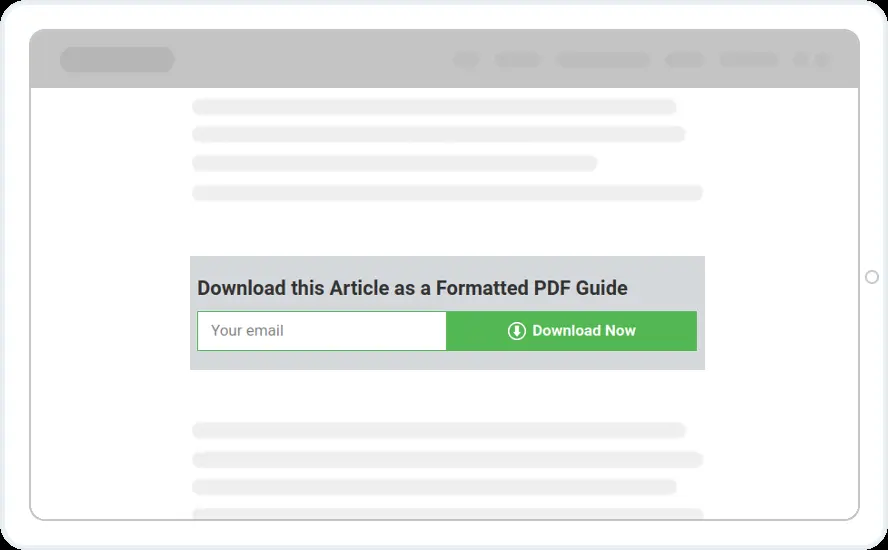
- Current page URL contains the article address, or a WordPress category or tag
- Corner boxes at about half the page, inline versions inside the post
- Hidden from people who already subscribed
When to use it
Someone reading a post about a topic cares about that topic, so a download on the same subject is an easy yes. Show a targeted design on one article or one category, and a resource bundle across the whole blog.
Before you publish
- Name the download in the headline
- Add a Thank You message with the link to the file
- Make one widget per topic, then reuse the design
Questions about content upgrade templates
How do I show the offer on one article only?
Under Show only if, set Current page URL matches or contains the article address. On WordPress you can target a post category or tag instead, so one widget covers a whole topic.
How does the reader get the file?
Add a Thank You message from the Plus tab with a link to the file. The email goes to your connected email tool at the same moment.
Start with this template
Open it in the editor, change the words and colours, choose who sees it and publish.
