

Newsletter scroll box templates
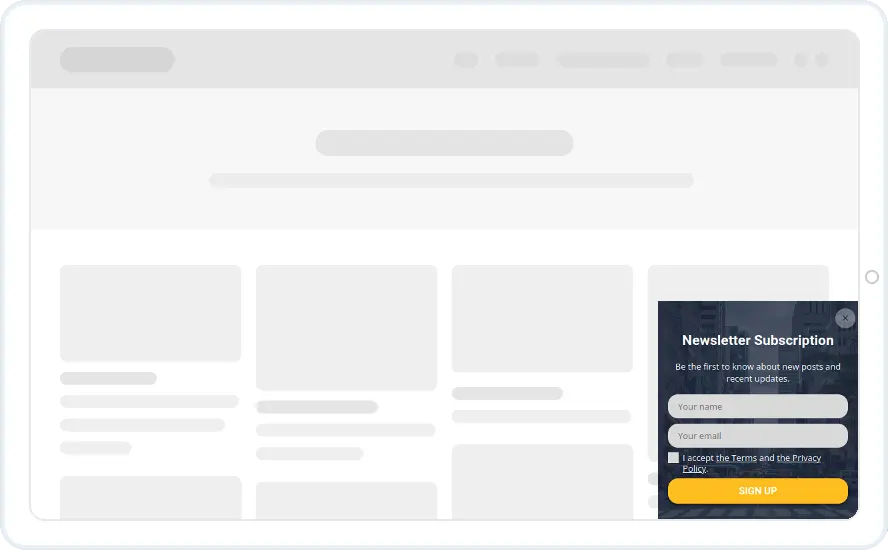
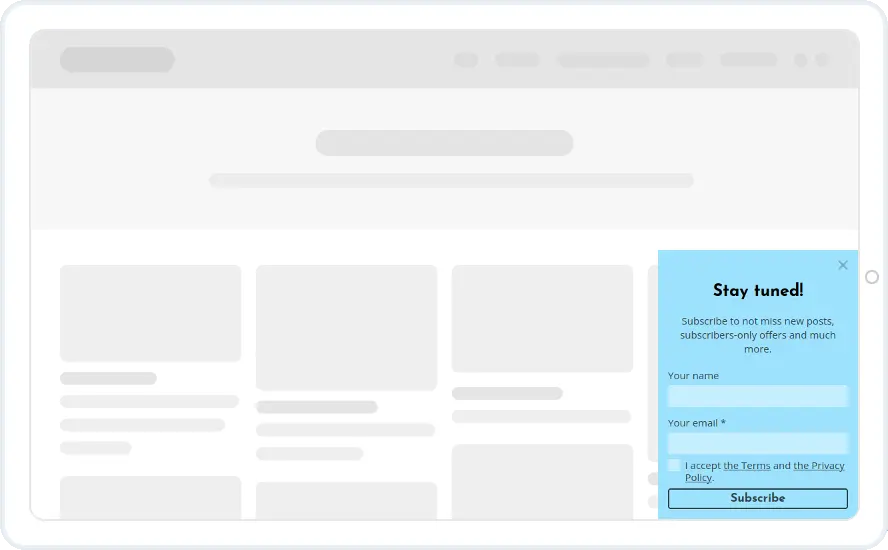
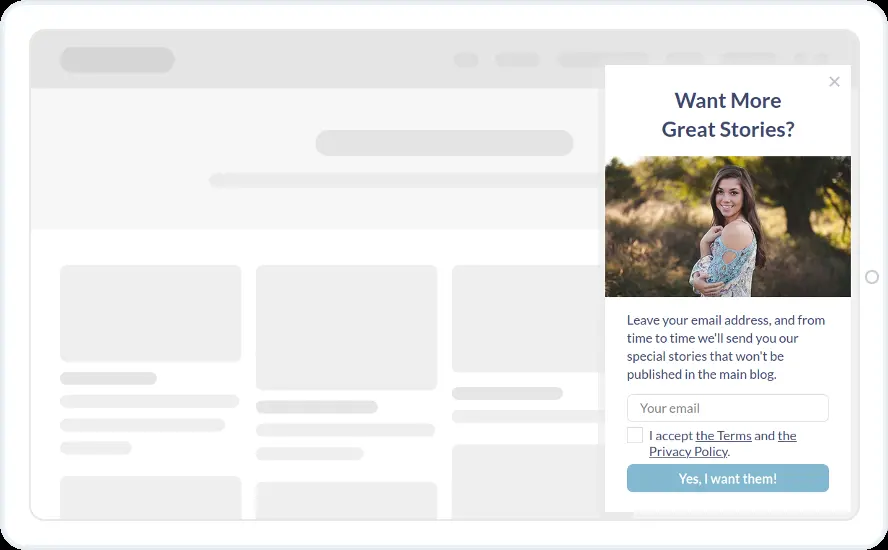
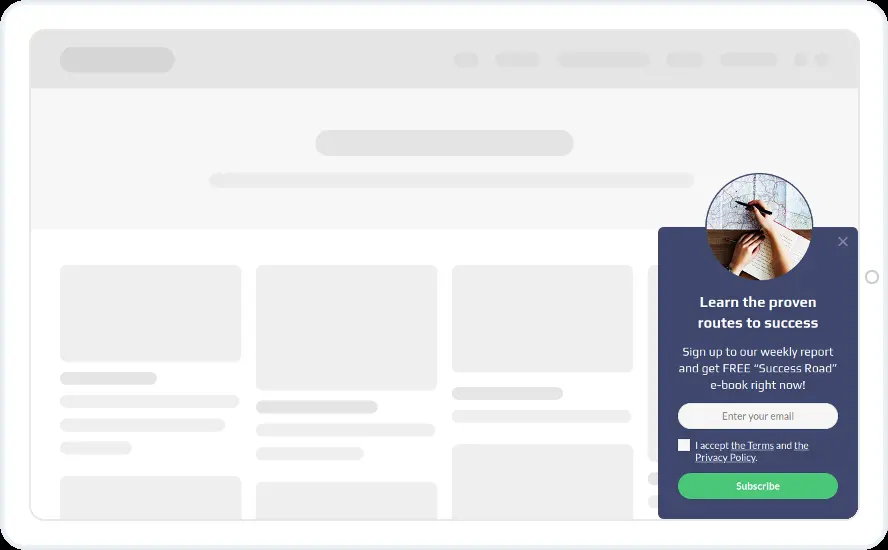
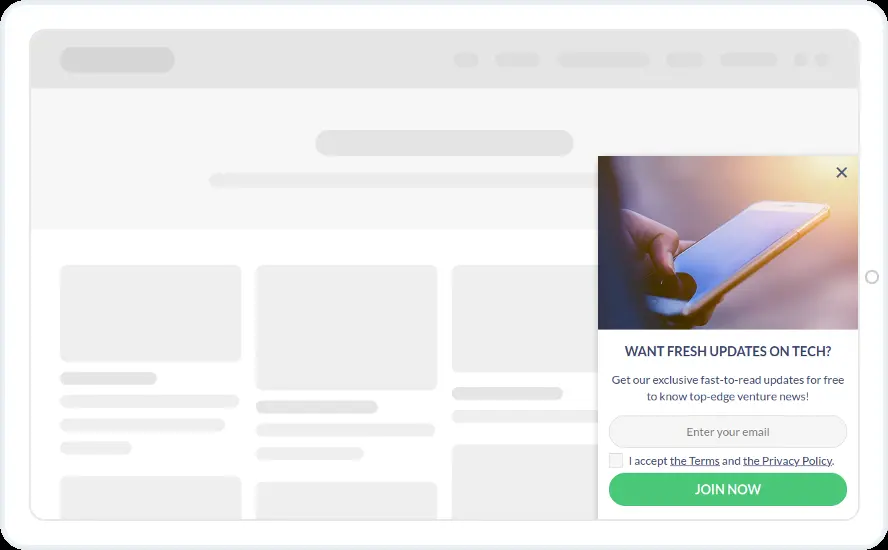
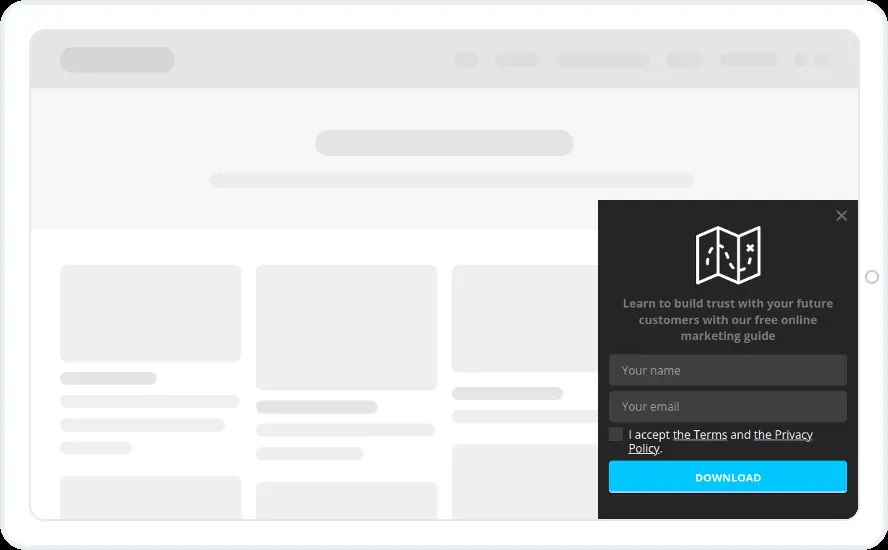
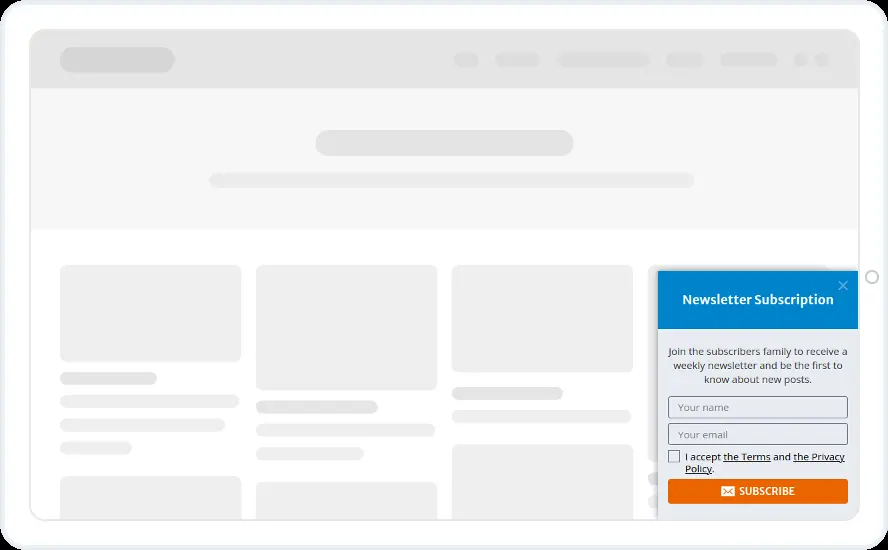
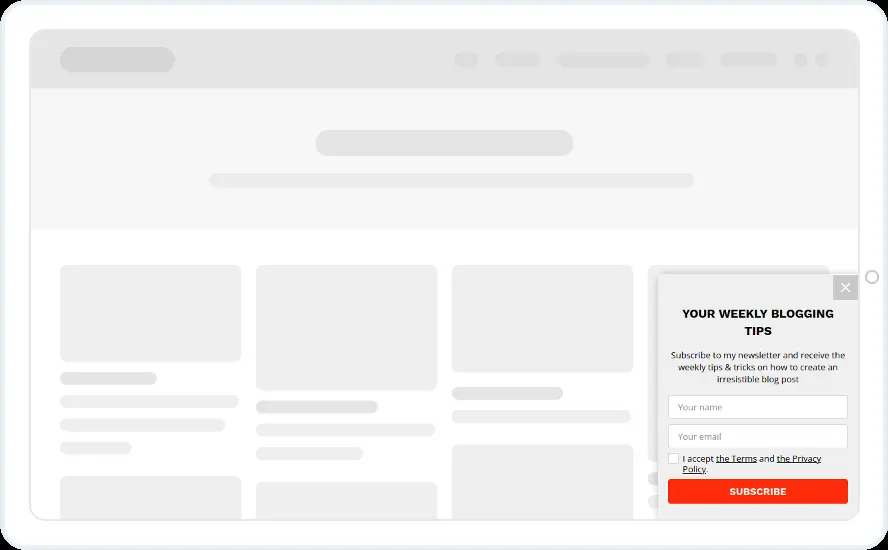
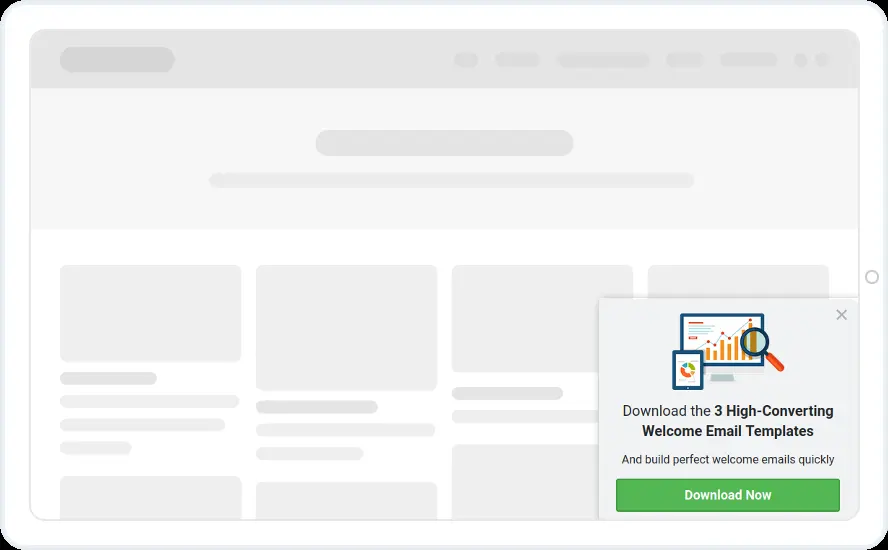
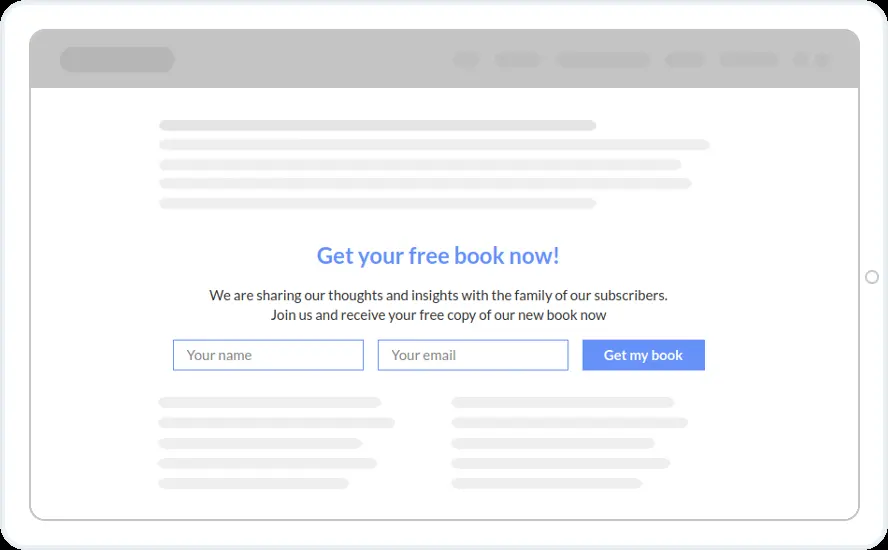
Ask for the email from a small box in the corner once a reader has scrolled. Offer weekly tips, blog updates, personal offers, a free eBook or a free marketing guide.
Free 14-day trial Included on every plan Mobile version included
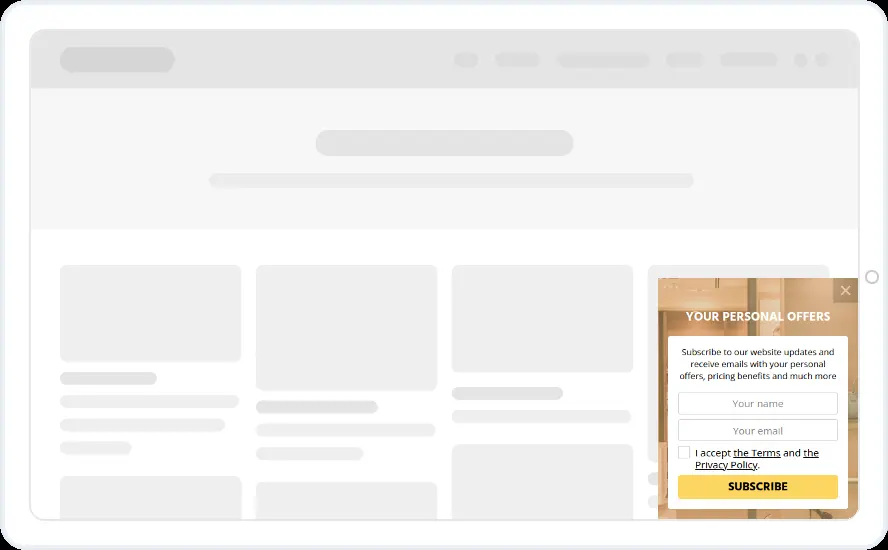
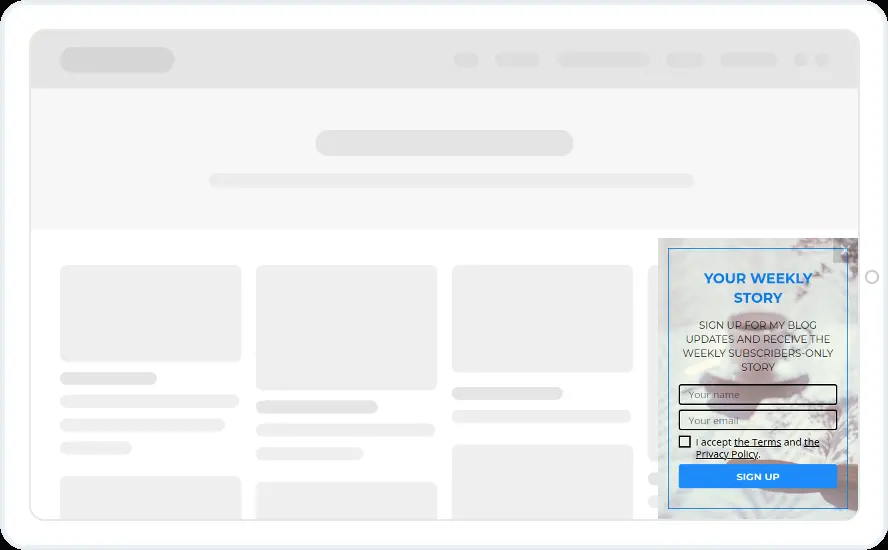
When to show it
- Page scroll at about half the post
- Bottom right or bottom left corner
- Hidden from subscribers and from people who closed it recently
When to use it
A scroll box waits until the reader has shown interest, then asks for the email from a corner. The article stays readable, which suits blogs and news sites that would rather not put a pop-up in the middle of the page.
Before you publish
- Say how often you send, such as weekly
- Swap the photos for your own
- Test two scroll depths and keep the better one (Starter and above)
FAQ
Questions about newsletter scroll box templates
How is a scroll box different from a pop-up?
A pop-up opens in the middle and dims the page. A scroll box sits in a corner and leaves the page readable. You build both in the same editor with the same rules.
What does it look like on a phone?
Convertful prepares a mobile version automatically. It appears as a compact sheet at the bottom of the screen.

Start with this template
Open it in the editor, change the words and colours, choose who sees it and publish.
Cancel any time No developer needed
