

Keep your offer one click away on every page
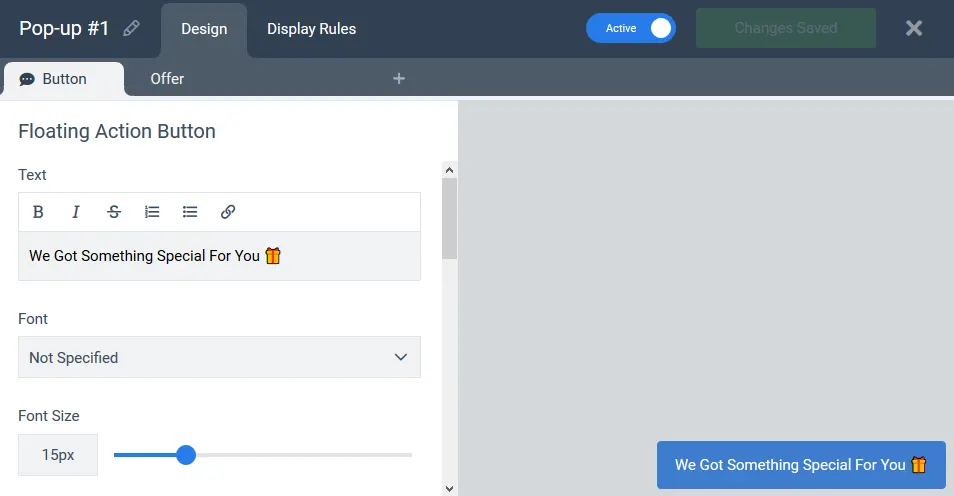
A small button pinned to the corner of every page. When a visitor is ready, one click opens the widget you choose: a form, a discount, a survey, a spin-to-win wheel or a contact request.
Visitors open it when they are ready
Pop-ups, bars and mats decide when to appear. A floating button sits in a corner with a short label such as Get 10% off, Ask a question or Take the quiz, and opens the widget you choose on click. Everyone who opens it chose to, so the form starts with someone who wants the offer.
- Opens any widget. Pop-ups, multi-step forms, surveys, wheels and scratch cards.
- Any label, icon and colour. Match your brand or stand out from it.
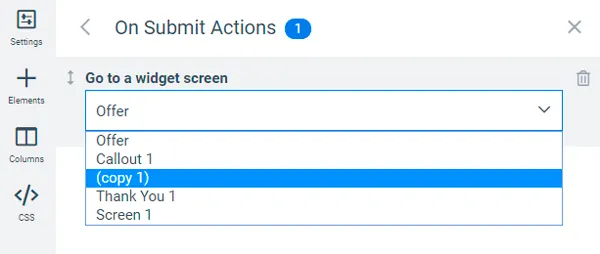
- Pairs with other widgets. Show an offer once with a pop-up, then keep it reachable through the button.
Four jobs a floating button does well
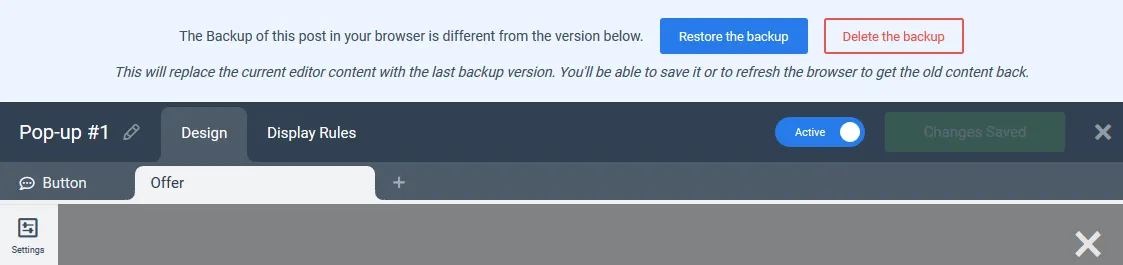
- Stores. Keep the welcome discount available after the pop-up has been closed.
- Services. A request-a-quote or call-me-back form on every page.
- Publishers and software. A one-question survey that opens on demand.
- Long landing pages. A lead form reachable from anywhere on the page.
What customers say
“My experience has been excellent and their customer support is super responsive when you need them”

“I’m using it for my own sites and client sites and it’s been my go-to software for all the different types of CTAs”

“Easiest Way to Gather Emails and Other Opt-ins (By Far!)”

Floating button questions
How is it different from a chat bubble?
Both sit in the corner. A chat bubble looks like a messenger and opens a conversational widget with a video or a short message. A floating button is a labelled button and opens any widget you choose.
Can the button open a multi-step form?
Yes. Any widget with any number of screens, including yes/no screens, quizzes and surveys.
Does it show on mobile?
Yes, with its own mobile position and size, and you can show it on mobile only or desktop only.
Can I hide it after someone has submitted the form?
Yes. Display rules can hide the button for visitors who already submitted, or for subscribers recognised through your email tool or CRM.
Give every visitor a way to say yes
Keep your welcome discount one click away after the pop-up closes.