

Exit intent pop-up templates
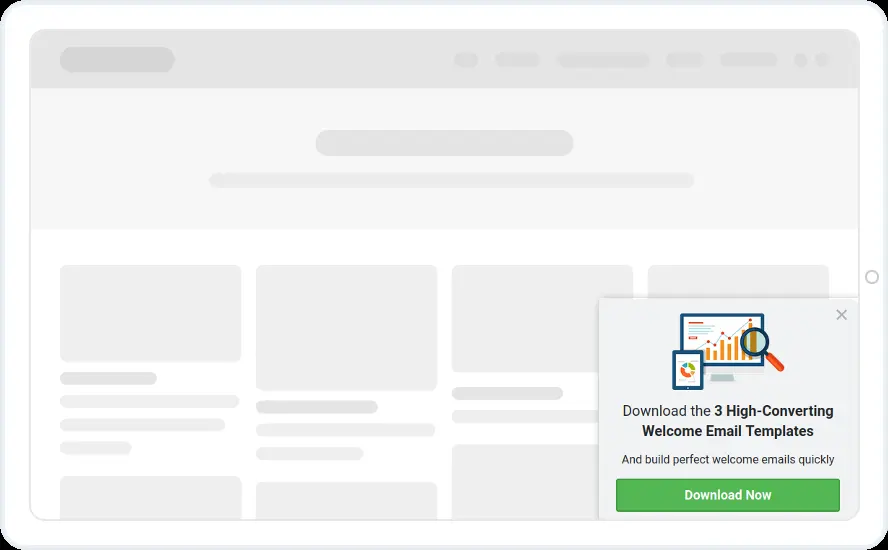
Four pop-ups that offer a free eBook or report as a reader heads for the close button. Three ask a yes/no question first, and one asks for a name and email straight away.
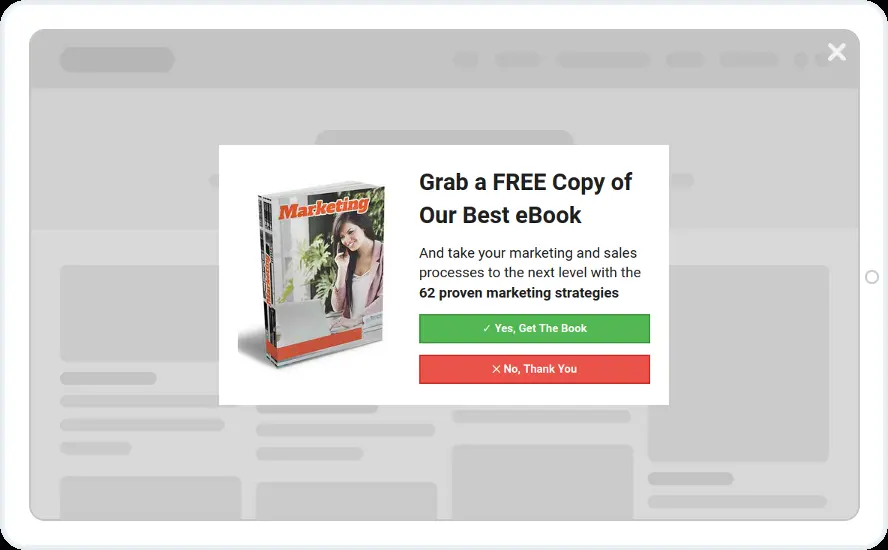
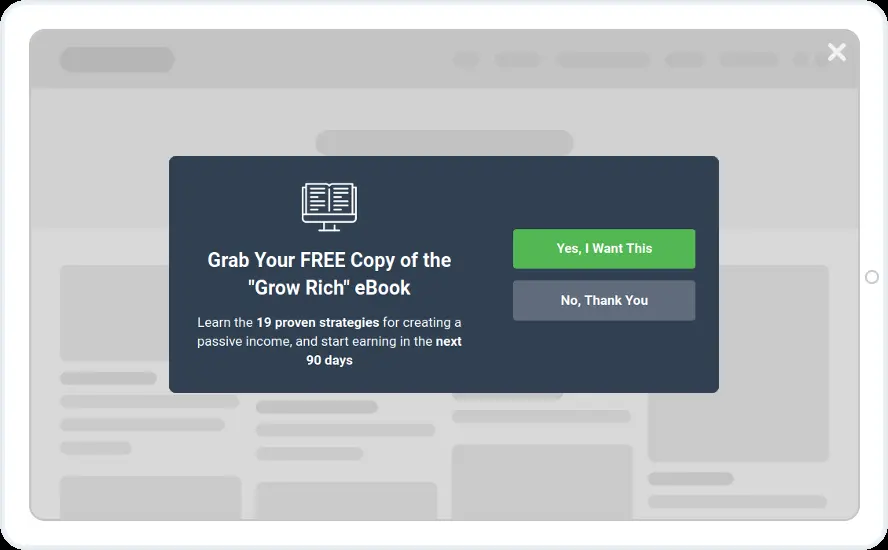
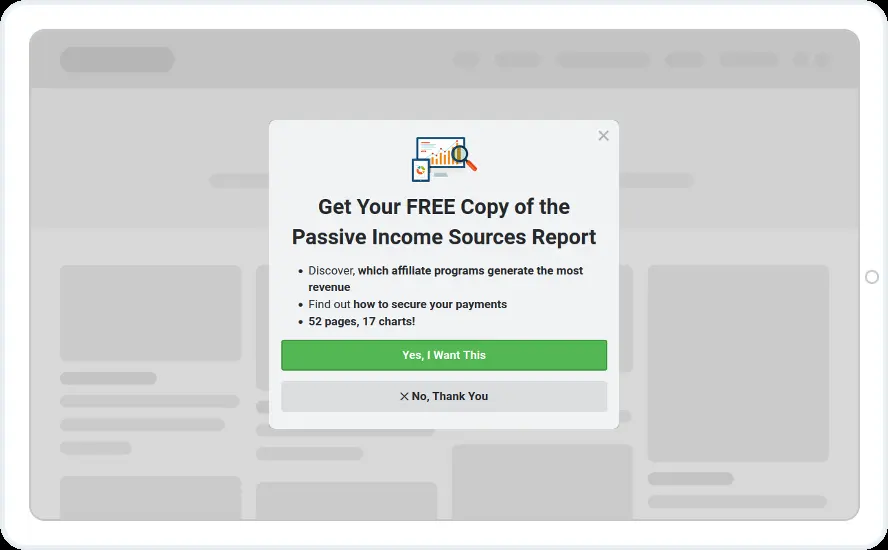
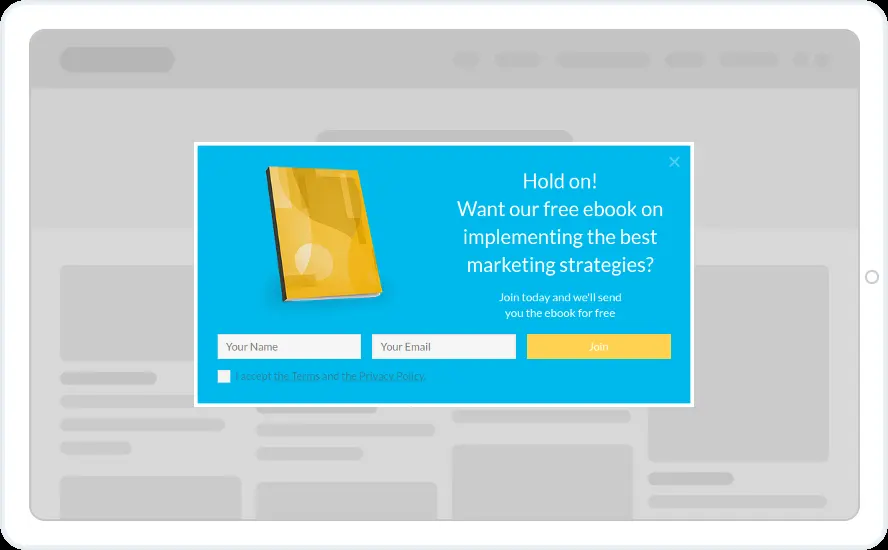
- Exit intent on desktop
- Blog posts and guides, by page URL or category
- A pause of days or weeks for people who closed it
- Hidden from people who already subscribed
When to use it
Exit intent gives you one more chance with readers who are about to leave. A free report or eBook on your topic is an easy offer to accept at that moment, and the yes/no step makes sure people read it before they see a field.
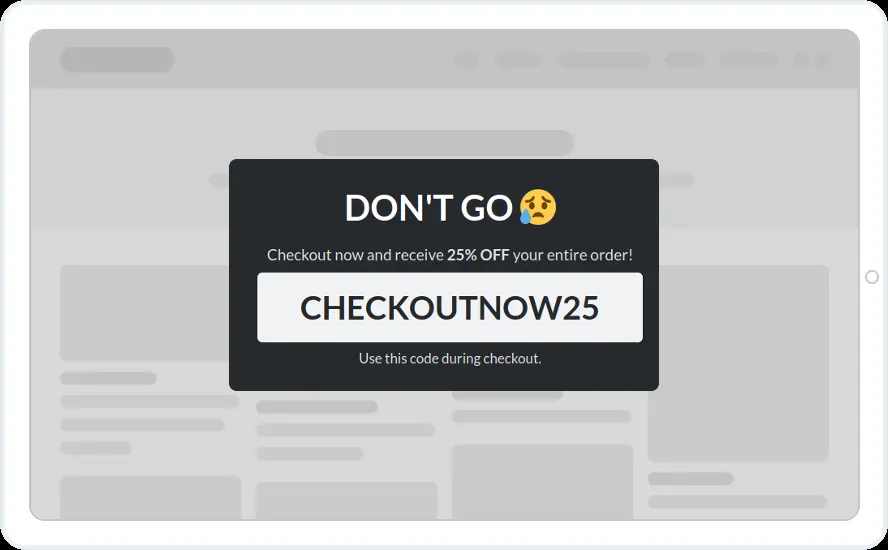
For stores, the cart abandonment designs are built for shoppers leaving a full cart.
Before you publish
- Put your own report title and three short benefits in the list
- Swap the eBook cover for yours
- Keep or soften the No, thank you button
Questions about exit intent templates
Does exit intent work on mobile?
It follows the mouse cursor, so it is a desktop trigger. On phones, use scroll depth, time on page or inactivity, and the device rule to show phones a different widget.
Will an exit pop-up annoy readers?
Keep it to pages where leaving costs you something, skip existing subscribers and pause it for people who closed it. With those three rules each reader sees it rarely.
Which plan includes the yes/no step?
The templates and exit intent are on every plan. The yes/no step starts on the Starter plan.

Start with this template
Open it in the editor, change the words and colours, choose who sees it and publish.
