

Cart abandonment pop-up templates
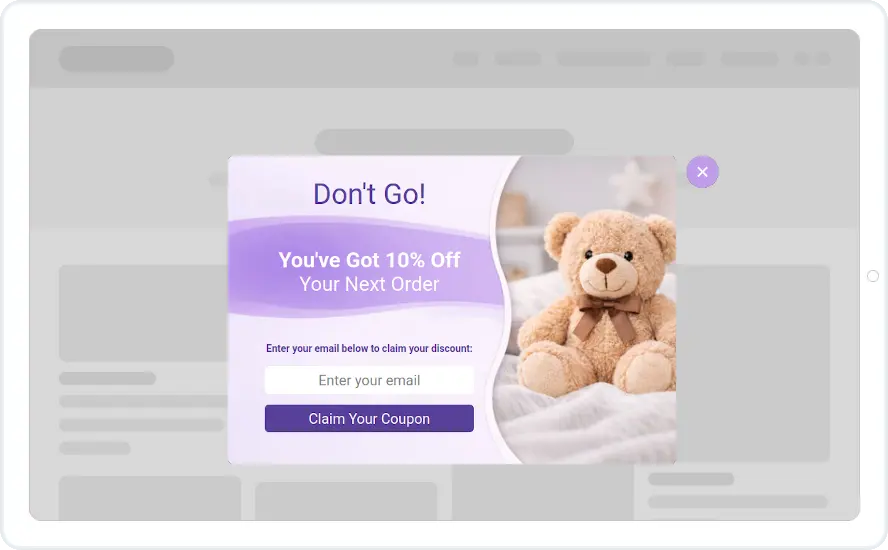
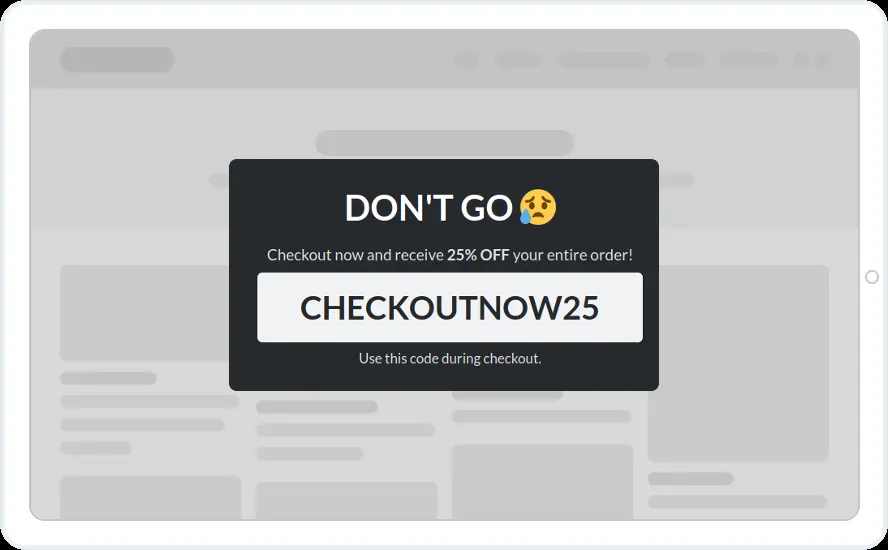
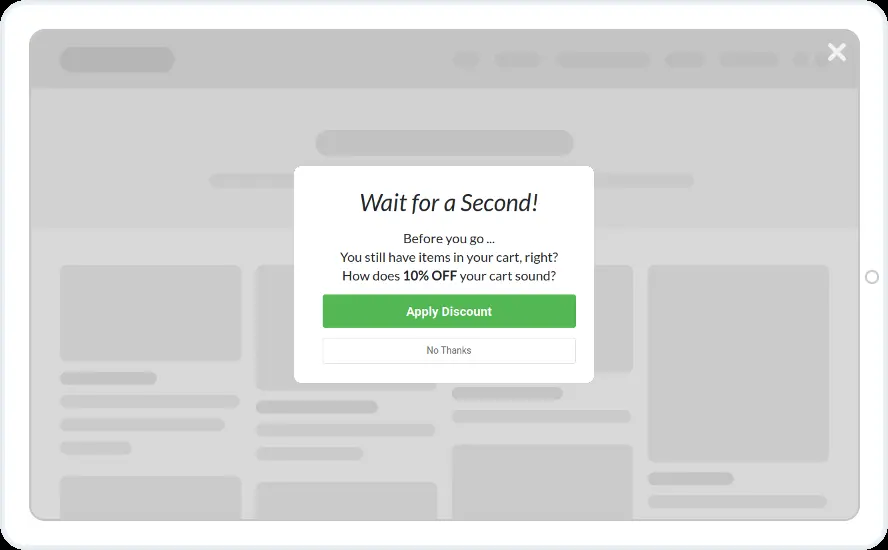
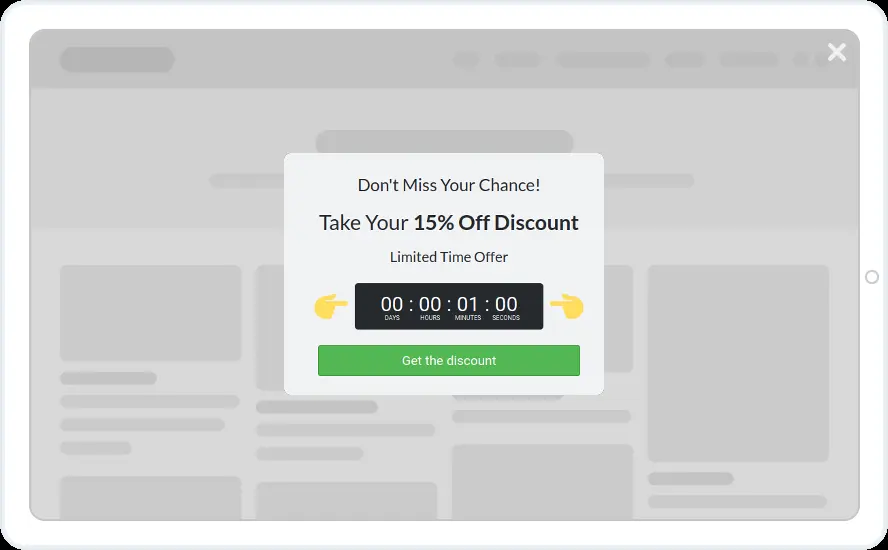
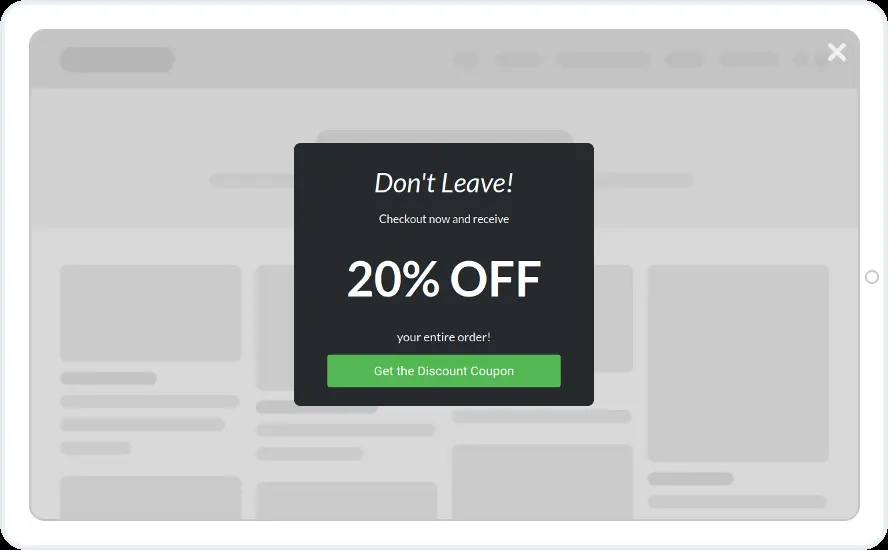
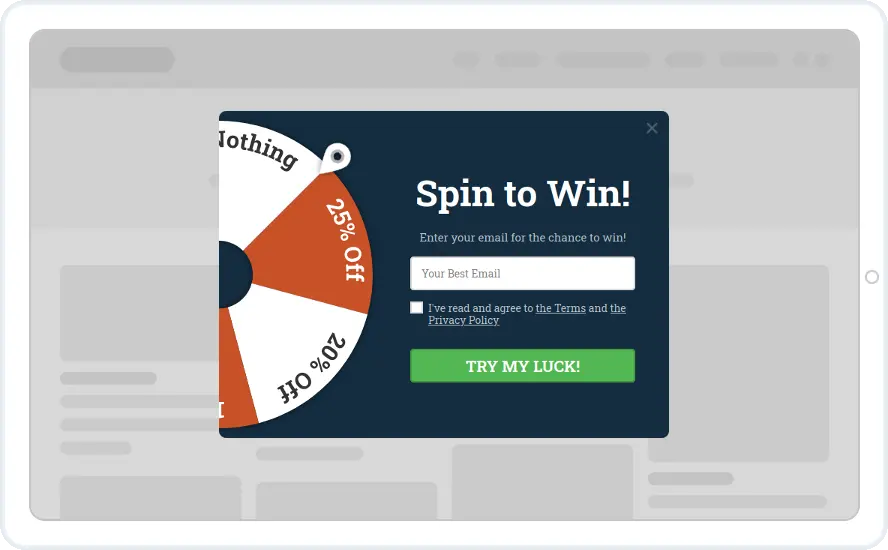
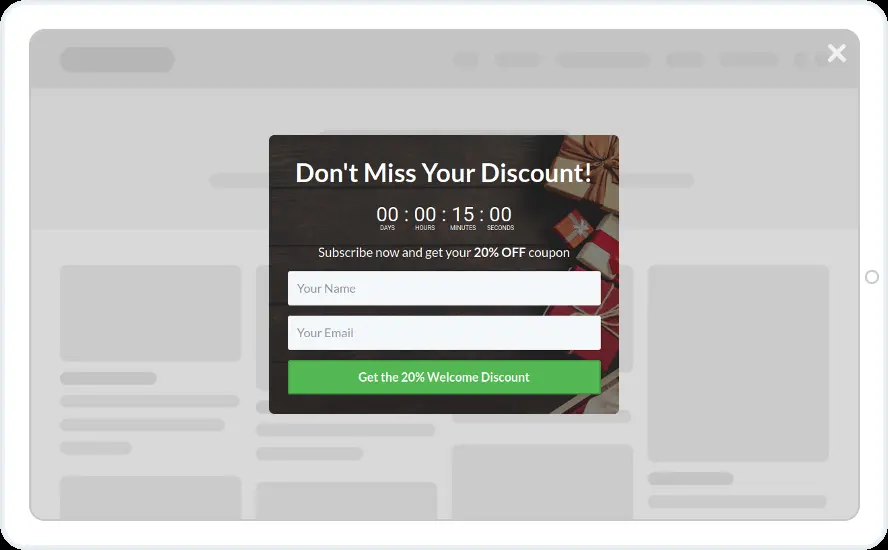
Make one last offer before a shopper leaves a full cart. Show a code for checkout, a discount with a countdown, a choice of free gift or a coupon in exchange for an email.

- Exit intent on desktop, and inactivity or time on page on phones
- Cart and checkout pages only, by page URL or page type
- A cart value condition, such as over $50, with the Shopify app or WordPress plugin
- Don't show if the visitor already submitted it
When to use it
Show these on cart and checkout pages as the shopper moves to leave. Some show the code straight away, such as CHECKOUTNOW25. Others ask for an email first, so you can follow up even if the shopper still goes.
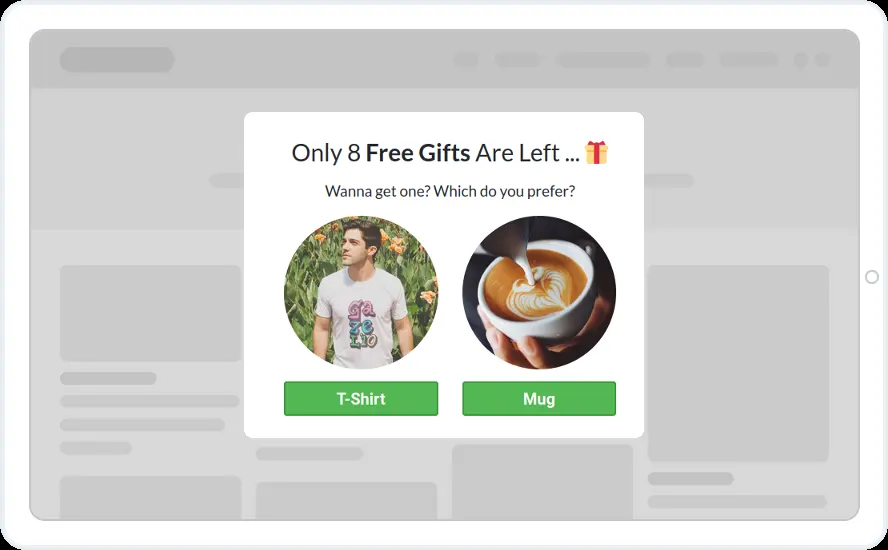
The free gift design asks shoppers to choose between a T-shirt and a mug. Use it when you would rather give a small gift than a discount.
Before you publish
- Replace CHECKOUTNOW25 with a code that exists in your store
- Give the countdown a duration so each shopper gets a personal deadline
- Swap the T-shirt and mug for two of your own products
Questions about cart abandonment templates
Does exit intent work on phones?
Exit intent follows the mouse cursor, so it is a desktop trigger. On phones, use time on page, scroll depth or inactivity, and target mobile visitors with the device rule.
Can each shopper get a unique code?
Yes, on Shopify and WooCommerce. When the shopper opts in, Convertful creates a one-off coupon and shows it on the success screen. On other platforms, use a code you created in your store.
Will it keep showing to people who already have the code?
No. Add a Don't show if rule for visitors who submitted the widget, and a pause for people who closed it.

Start with this template
Open it in the editor, change the words and colours, choose who sees it and publish.
