

Countdown timer pop-up templates
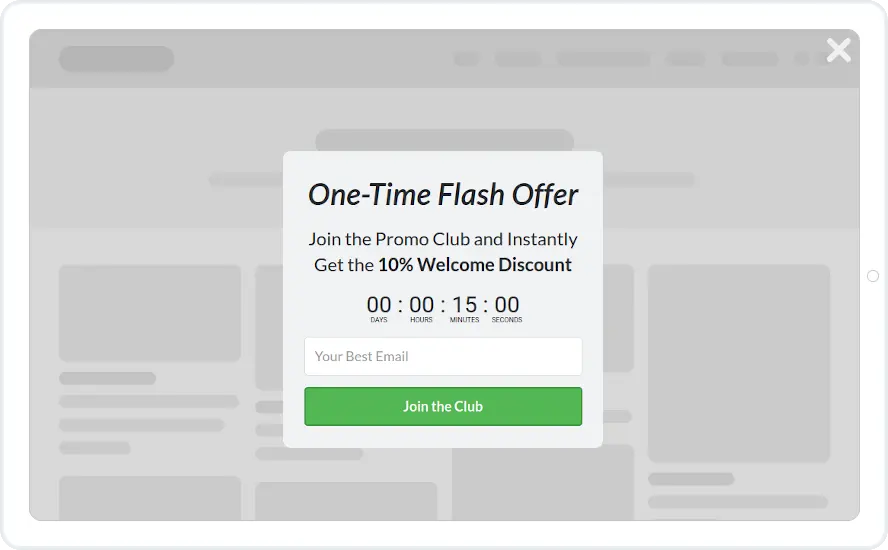
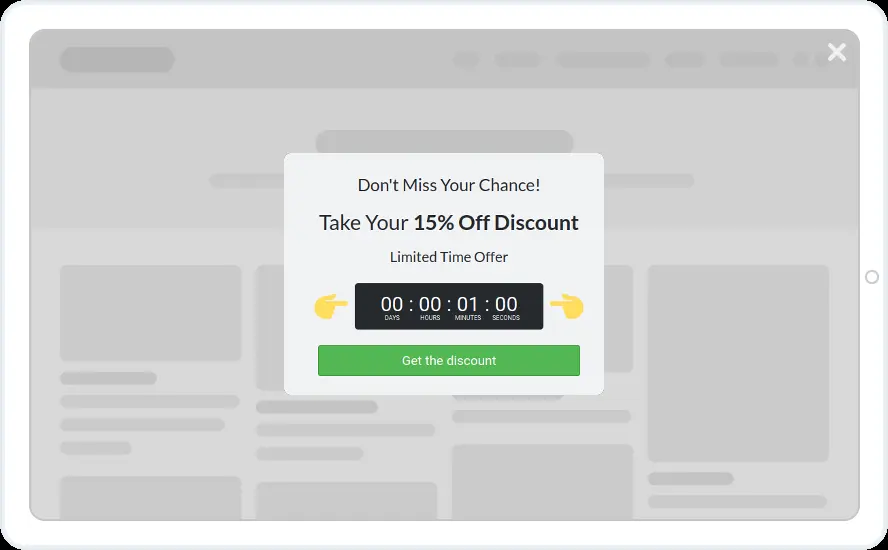
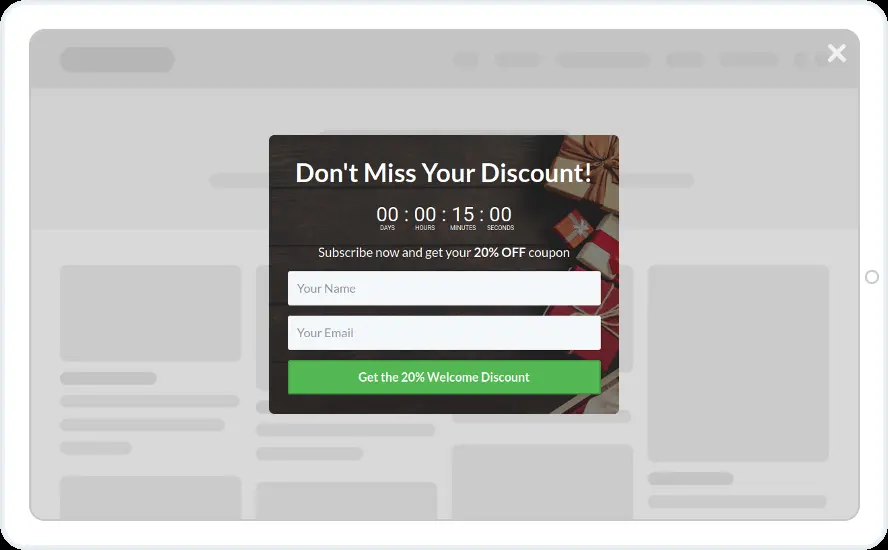
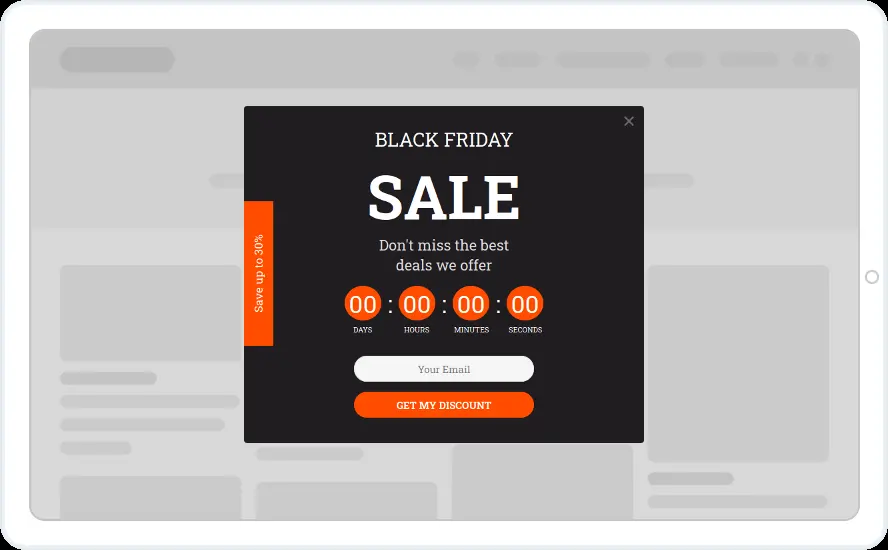
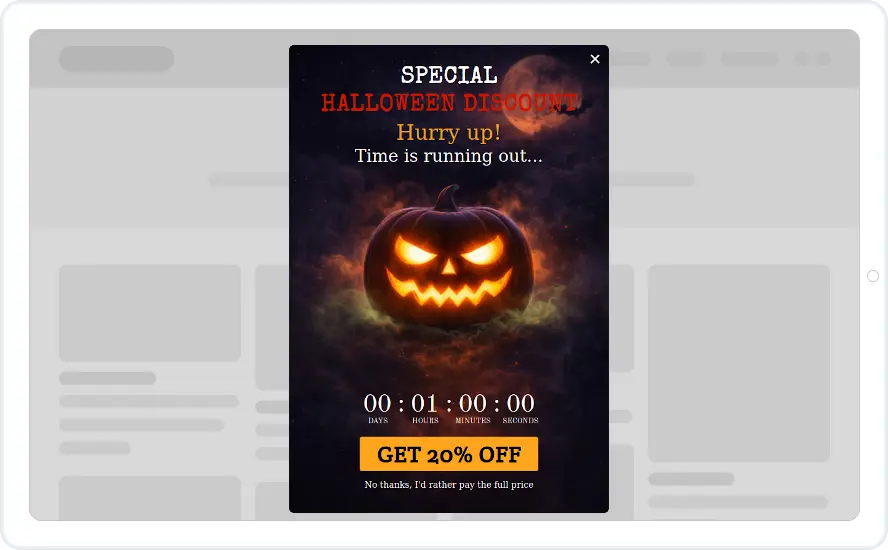
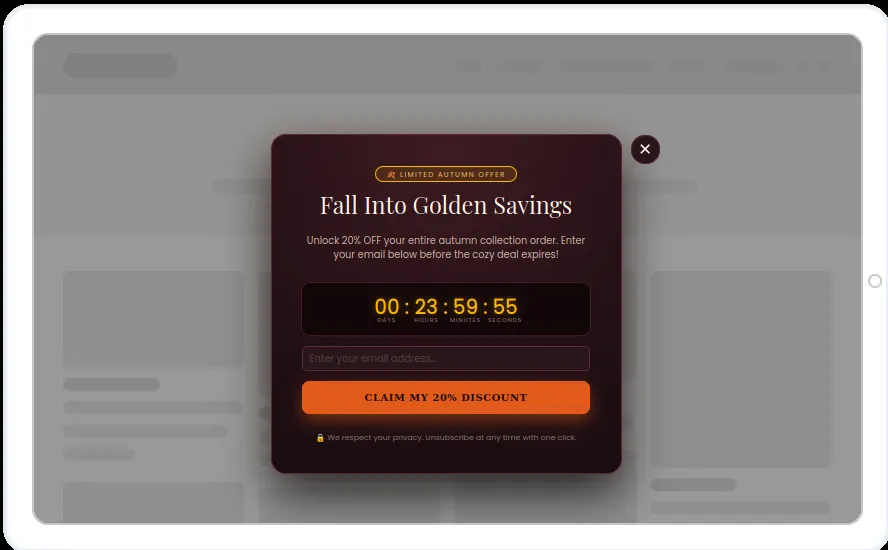
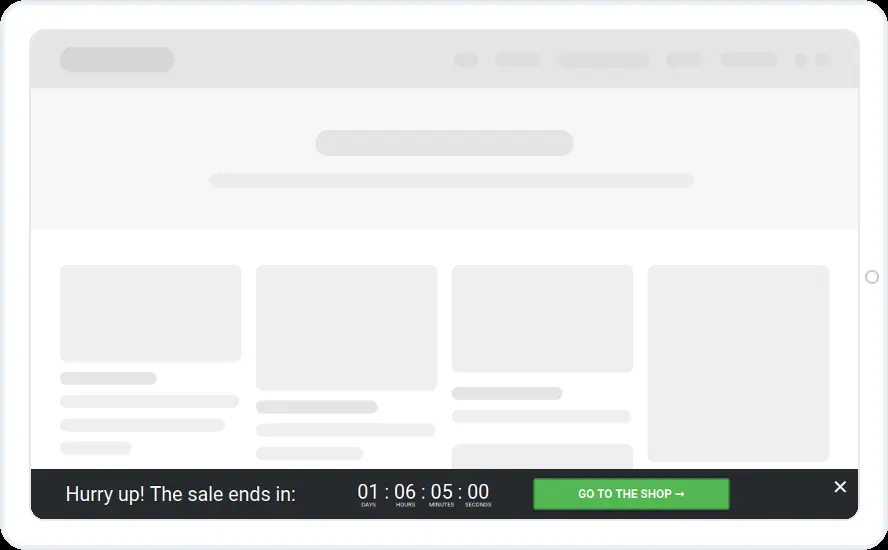
Six pop-ups with a countdown built in, taken from the welcome, cart and seasonal sets. Each one puts a deadline next to the offer.
Free 14-day trial Included on every plan Mobile version included
Countdown options
- A fixed date that matches the end of your sale
- A duration, such as 24 hours from the first view, with a reset period
- From Holidays, so it ends with the Recurring Limited Event
- Same as another timer, so a pop-up and a bar end together
When to use it
A countdown shows how long the offer lasts. Set it to a fixed date for a real sale, give it a duration for a personal deadline per visitor, or tie it to a holiday so it ends with the event.
Before you publish
- Decide what happens at zero, such as closing the widget or going to a page
- Match the timer colours and font size to the design
- Use a per-visitor duration only for offers you can honour for everyone
FAQ
Questions about countdown timer templates
What happens when the countdown ends?
That is up to you. The widget can stay as it is, close, or send the visitor to a page. A timer set to close the widget also stops it from showing again.
Can a pop-up and a bar share the same deadline?
Yes. Set one timer to end at the same time as another timer, so both count down together.

Start with this template
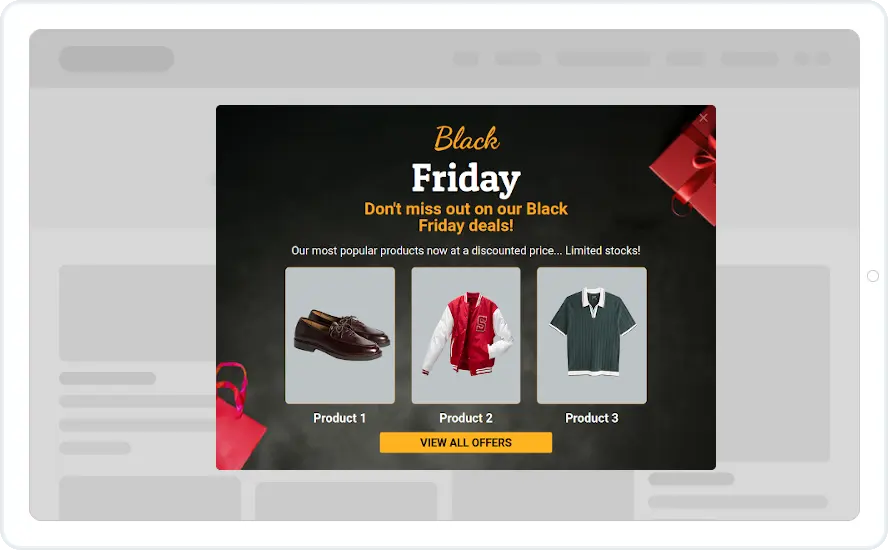
Open it in the editor, change the words and colours, choose who sees it and publish.
Cancel any time No developer needed
