

Countdown bar templates
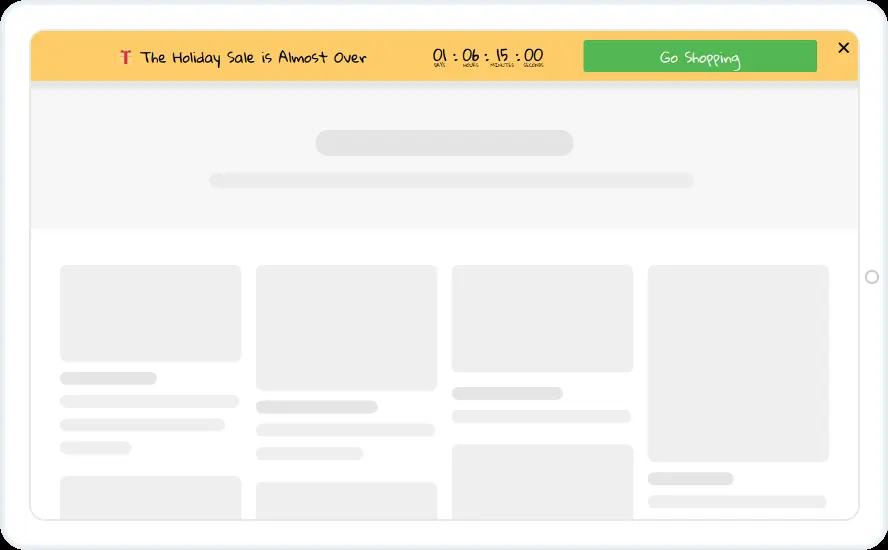
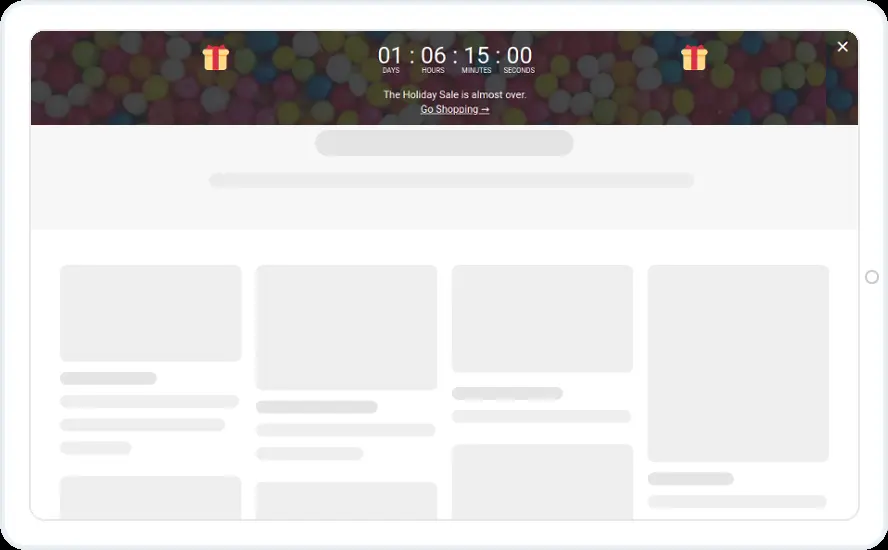
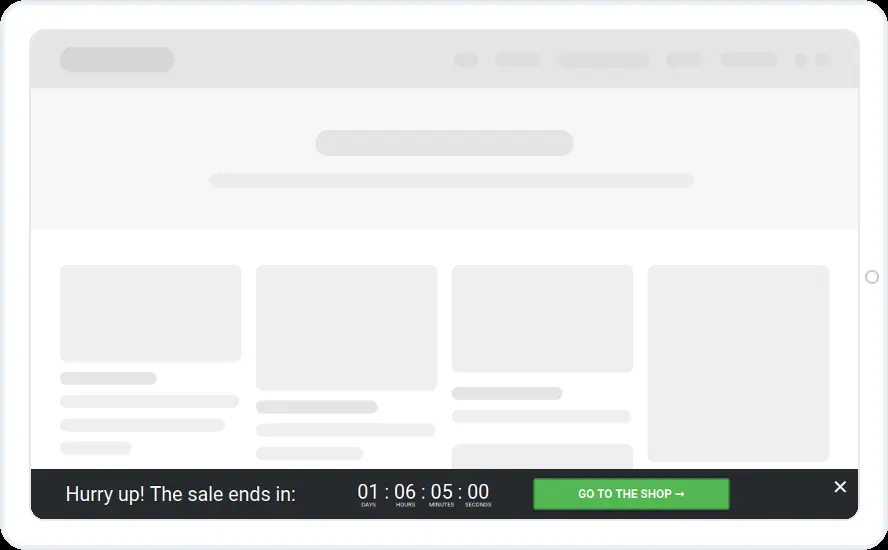
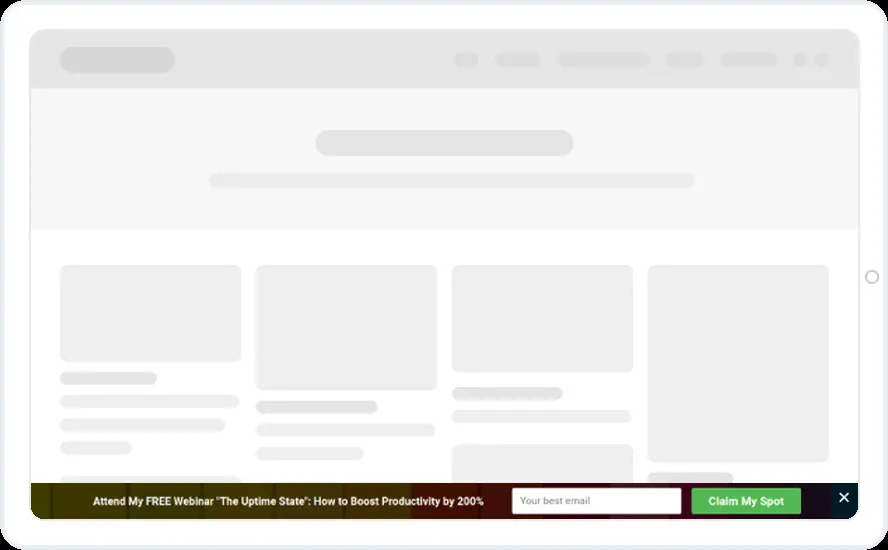
Keep your sale deadline in view on every page. Choose a dark bottom bar, a yellow top bar or a festive bar with large numbers, each with a running countdown and a shop button.
Free 14-day trial Included on every plan Mobile version included
When to show it
- Page load, on every page while the sale runs
- A countdown to a fixed date, or From Holidays with Recurring Limited Events
- Cart rules to show it only above or below a cart value
When to use it
A countdown bar keeps your deadline in view on every page without covering the content. Use it for a weekend sale, a holiday sale that is almost over or a launch price with an end date.
Before you publish
- Set the end date and what happens at zero
- Point Go shopping at the sale collection
- Choose top or bottom, and whether the bar pushes the page down
FAQ
Questions about countdown bar templates
Can the whole bar be clickable?
Yes. The whole bar can link to a page or open another widget, and you can also keep a button inside it.
Can each visitor get their own deadline?
Yes. Set the countdown to end after a duration, such as 24 hours. Each visitor's countdown starts the first time they see it.
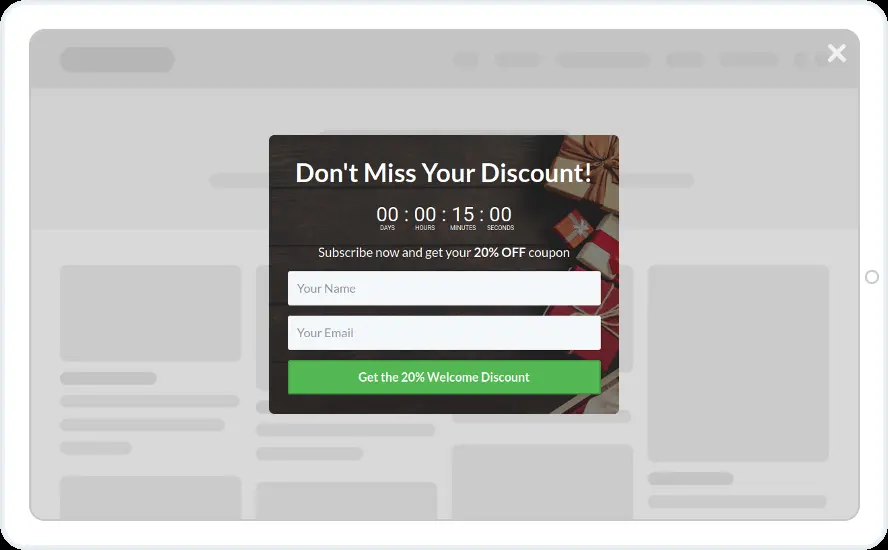
Start with this template
Open it in the editor, change the words and colours, choose who sees it and publish.
Cancel any time No developer needed
