

AWeber pop-ups and forms for WordPress
Grow your AWeber list from WordPress with pop-ups, scroll boxes and forms in your posts. Tag each reader by what they signed up for, and let AWeber send the matching emails.
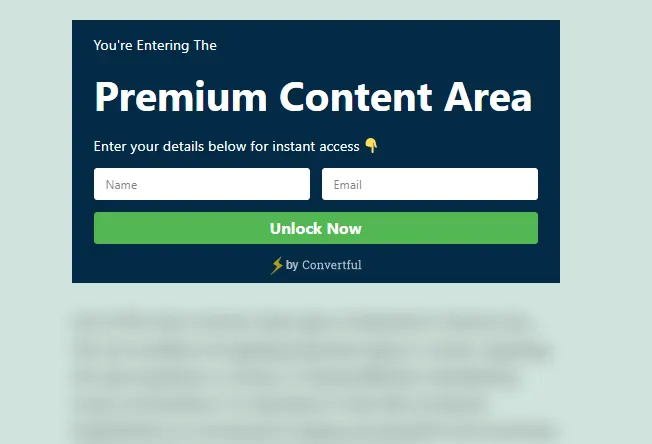
Connect AWeber to WordPress in six steps
You need to be able to install plugins on your site and log in to AWeber.
- 1Install the Convertful plugin
In WordPress, go to Plugins, Add New and search for Convertful. Install and activate the free plugin.
- 2Connect your site
Click Connect to Convertful on the plugin page and then Approve. You can create a Convertful account on the same screen.
- 3Log in to AWeber
In Convertful, add AWeber under Integrations and click Connect. Enter your AWeber login and click Allow Access.
- 4Choose a default list
Pick the AWeber list new subscribers join. Custom fields are matched for you, and you can change any match.
- 5Add tags and lists per widget
On the submit button, add or remove tags, add to a list, remove from a list or update a custom field.
- 6Place it and publish
Show it by post category, tag or post type, or put it inside posts with a shortcode. Save and activate.
Tag readers by what they signed up for
Give every widget its own AWeber tag, such as the checklist download or the course waitlist. In AWeber a tag can start a campaign, so each reader gets the emails for the offer they chose.
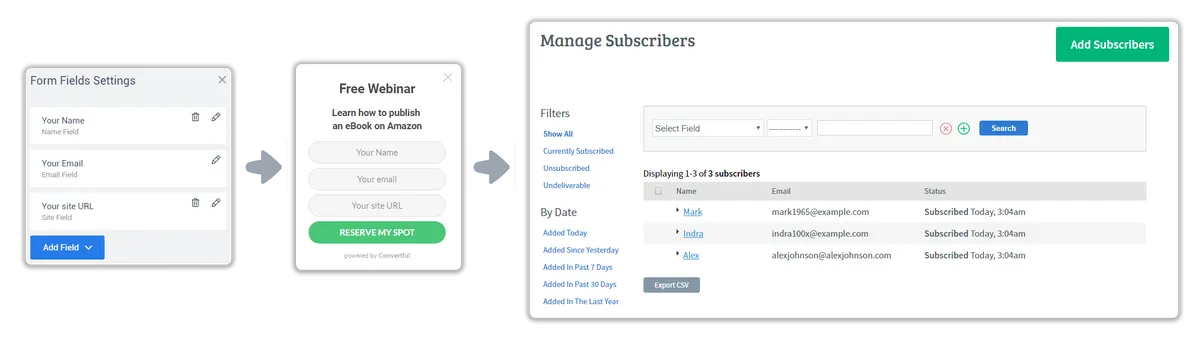
Offers by AWeber tag or list
On Growth and above, widgets can read AWeber tags, lists and custom fields. Skip the free offer for readers who already have it, and show them your next product instead.
Add ?conv_email={!email} to the links in your AWeber emails, and Convertful recognises readers who click through.
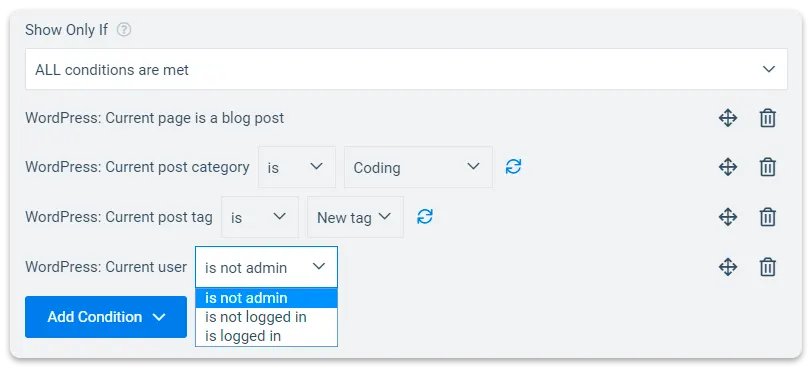
AWeber widgets for WordPress sites
AWeber and WordPress questions
Do I need an AWeber API key?
No. Click Connect in Convertful, log in to AWeber and click Allow Access. The AWeber setup docs show each screen.
Can I move subscribers between AWeber lists?
Yes. One submit can add a subscriber to one list and remove them from another.
Can a tag start an AWeber campaign?
Yes, if your AWeber campaign is set to start when that tag is applied. Convertful adds the tag the moment the reader submits.
Other WordPress setup guides
Add your first AWeber form to WordPress
Install the free plugin, log in to AWeber and pick a template.