

Klaviyo pop-ups for WordPress and WooCommerce
Collect Klaviyo subscribers on your WooCommerce store and give each one a one-time coupon. The code is saved to their Klaviyo profile, ready for your welcome flow.
Connect Klaviyo to WooCommerce in six steps
You need WooCommerce on your WordPress site and a Klaviyo account.
- 1Install the Convertful plugin
In WordPress, go to Plugins, Add New, search for Convertful, then install and activate the free plugin.
- 2Connect your site
Click Connect to Convertful on the plugin page, then Approve. You can create your Convertful account on the same screen.
- 3Add your Klaviyo API key
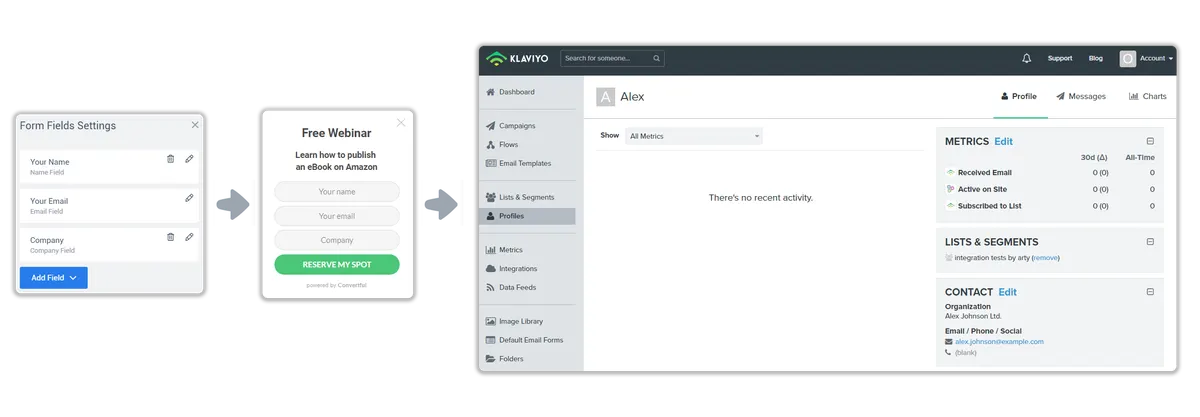
In Klaviyo, create a private API key with read and write access to Lists, Profiles and Subscriptions. Paste it into the Klaviyo integration in Convertful.
- 4Choose a default list
Pick the Klaviyo list new subscribers join, and check how your form fields match Klaviyo fields.
- 5Switch on WooCommerce coupons
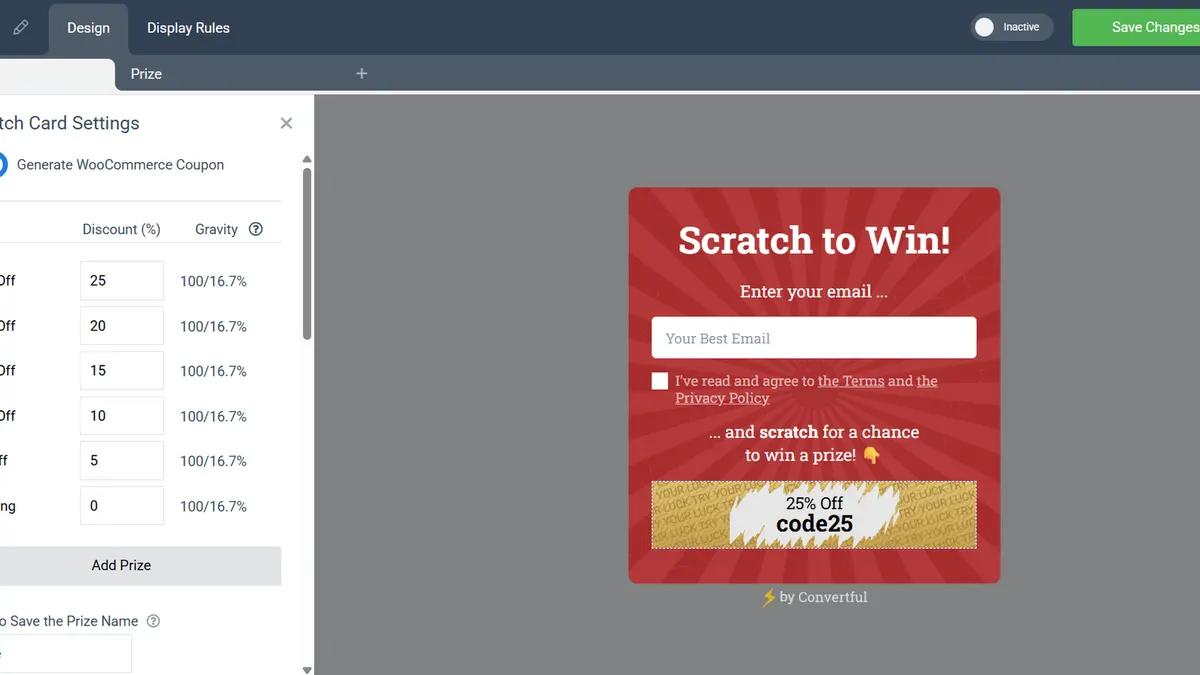
In a spin-to-win or scratch card widget, turn on Generate WooCommerce Coupon and set the discount for each prize.
- 6Choose the pages and go live
Show it on chosen product or category pages, or after a product is added to the cart. Save and activate.
One-time WooCommerce coupons in Klaviyo
Each win creates a one-time WooCommerce coupon tied to the shopper's email. The prize and the code are also saved to Klaviyo fields, so your welcome flow can repeat them.
Offers on the right product pages
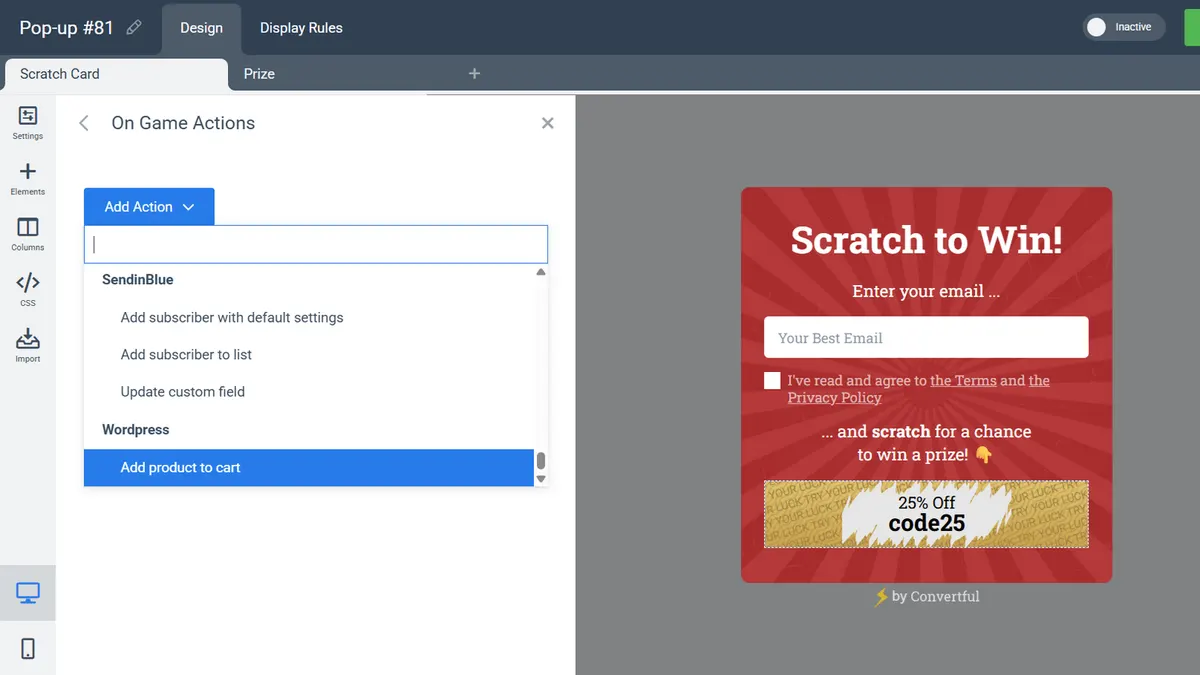
Show a widget on chosen product or category pages, or when a shopper adds a certain product to the cart. A button can also add a product to the cart for them.
- Klaviyo list rules. Hide the welcome offer from people already on your Klaviyo list, on Growth and above.
- Live cart text. Show the cart total or the amount left to free shipping in any widget.
Klaviyo widgets for WooCommerce stores
Klaviyo and WordPress questions
Do I need WooCommerce?
Only for coupons, add to cart and cart rules. A WordPress site without a store can still send Klaviyo subscribers from any widget.
Can a shopper win more than one coupon?
No. Each email address gets one code, so playing again shows the same code. You can find every code in WordPress under Marketing, Coupons.
I already use the plugin. What do I need to do?
Update the plugin to the latest version, then disconnect and reconnect the site under Tools, Convertful in WordPress. The WooCommerce options appear after that.
Why is a new subscriber not in Klaviyo yet?
If double opt-in is on for your Klaviyo list, the profile is added once the shopper confirms through Klaviyo's email. The Klaviyo setup docs have the details.
Other WordPress setup guides
Send your WooCommerce sign-ups to Klaviyo
Install the free plugin, add your Klaviyo key and launch a coupon offer.