

HubSpot pop-ups for your Shopify store
Send shoppers who sign up straight into HubSpot as contacts, with the list, lifecycle stage and lead status you choose. It suits stores that sell to businesses or follow up with a person.
Connect HubSpot to Shopify in six steps
You need admin access to your Shopify store and a HubSpot login.
- 1Install the Shopify app
Install Convertful: Lead Generation from the Shopify App Store, then click Approve to link the store to Convertful.
- 2Turn on the app embed
Paste the Owner ID from Convertful into the Convertful app embed in your Shopify theme settings, switch it on and save. Then click Check Connection in Convertful.
- 3Log in to HubSpot
Under Integrations in Convertful, add HubSpot and click Connect. Log in to HubSpot in the window that opens to give Convertful access.
- 4Choose a default list and properties
Pick the HubSpot list that new contacts join. Convertful matches form fields to HubSpot properties, and you can change any match in the integration settings.
- 5Set what happens on submit
On the widget's submit button, add HubSpot actions: add to a list, set the lifecycle stage, set the lead status or add a note.
- 6Pick the pages and go live
Choose the trigger and the Shopify pages, then save and activate. New contacts appear in HubSpot as they sign up.
Contacts that arrive ready for follow-up
Each sign-up can set the HubSpot lifecycle stage and lead status, and add a note to the contact. Your team finds new leads in the right place without sorting them by hand.
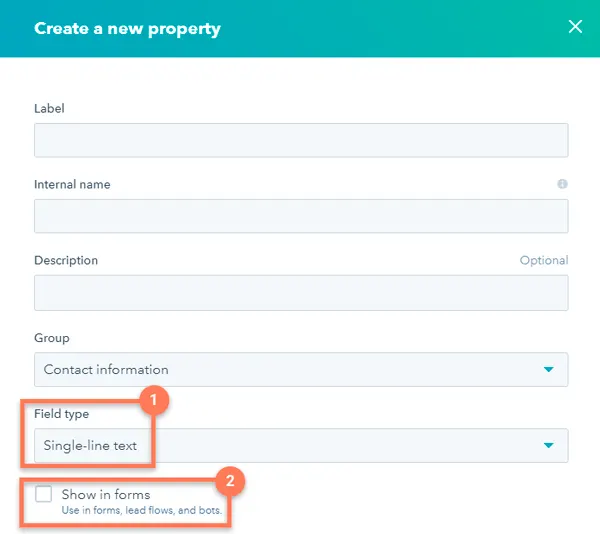
Asking for something extra, such as company name or order size? Create a HubSpot property for it and map the form field once.
Different offers for leads and customers
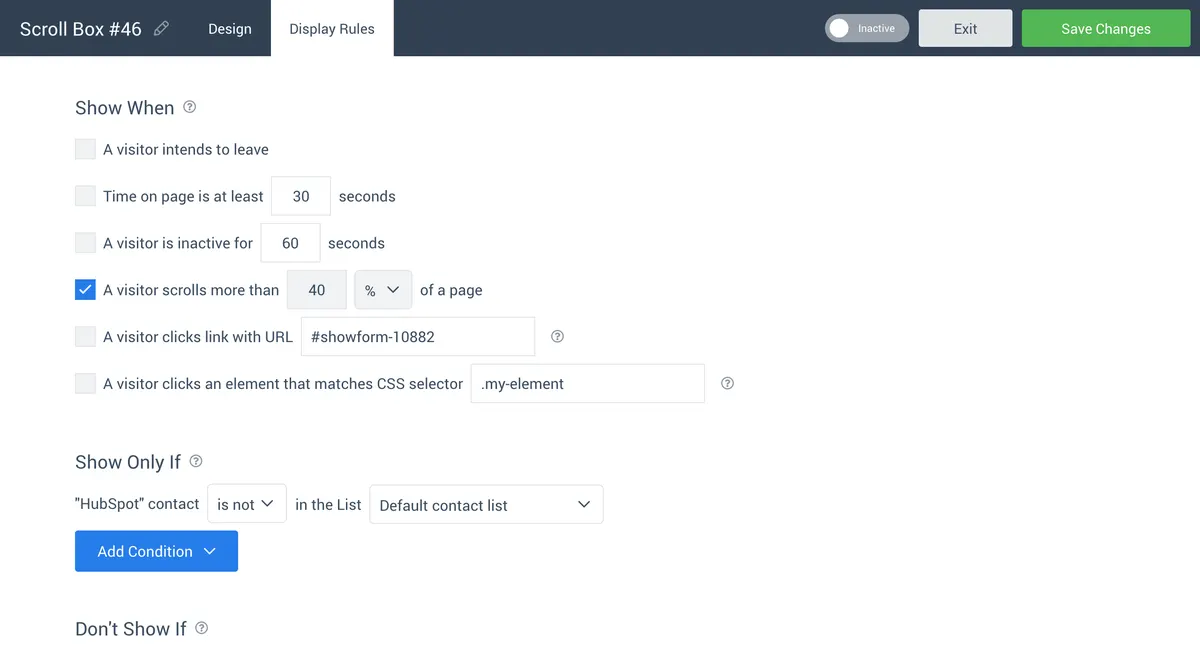
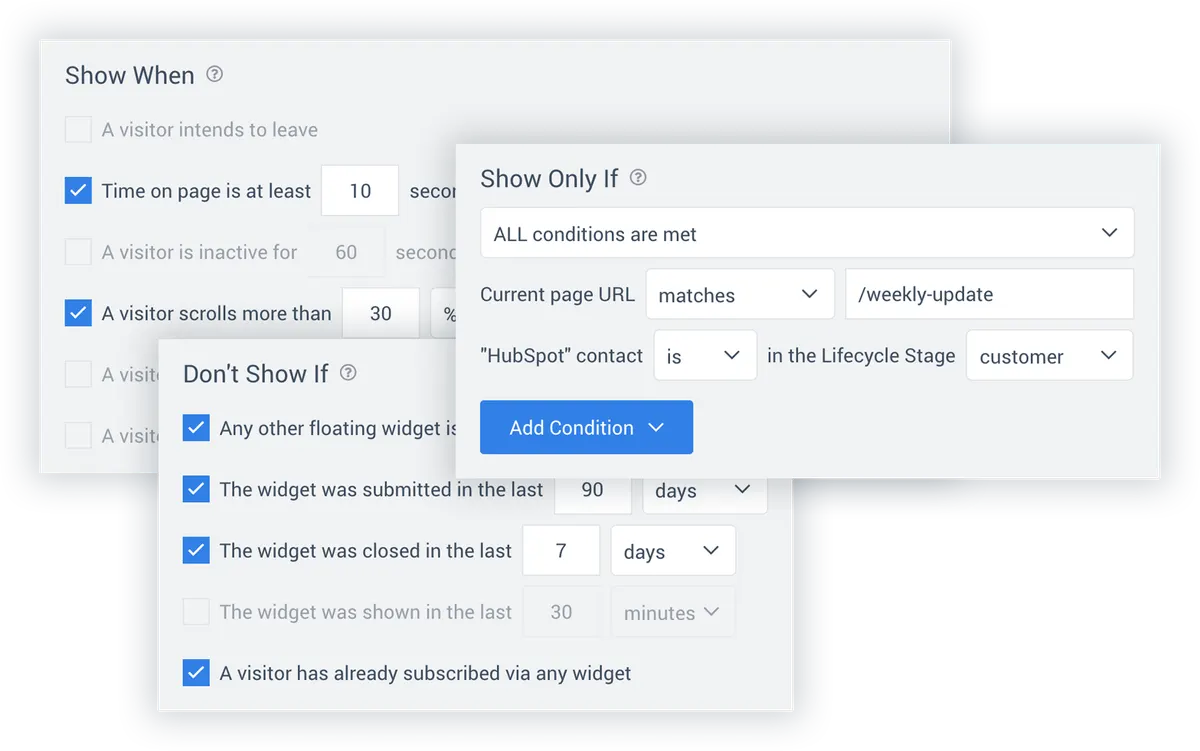
On Growth and above, a widget can check HubSpot before it shows. Target a list, a lifecycle stage, a lead status or a property value, and combine it with Shopify rules such as cart value or logged-in customers.
- Leave customers alone. Hide sign-up offers from contacts already marked as customers.
- Reach new leads. Show a first-order offer only to contacts at the lead stage.
HubSpot widgets for Shopify stores
Wholesale enquiry form
A form on product pages that sets the lead status to New and adds the contact to a wholesale list.
Welcome offer for new shoppers
A discount pop-up for logged-out visitors that adds them to a HubSpot list.
Feedback from customers
A rating question shown only to contacts at the customer stage.
HubSpot and Shopify questions
Do I need a HubSpot API key?
No. Click Connect in Convertful and log in to HubSpot to approve access. The HubSpot setup docs show each screen.
Can a pop-up set the lifecycle stage?
Yes. Add Set contact lifecycle stage to the submit button and pick the stage. Set lead status and Add note to contact work the same way.
How does Convertful know which HubSpot contact is visiting?
A visitor is recognised after they submit a Convertful widget, or when they open your store from a link that carries their email. Add ?conv_email={{contact.email}} to the links in your HubSpot emails.
What does it cost?
HubSpot is included on every Convertful plan. The Shopify app is free to install, and cart rules, add to cart and unique discount codes are a one-time $10 payment.
Other Shopify setup guides
Send your Shopify sign-ups to HubSpot
Install the free app, log in to HubSpot and publish your first form.