

Fall sale pop-up templates
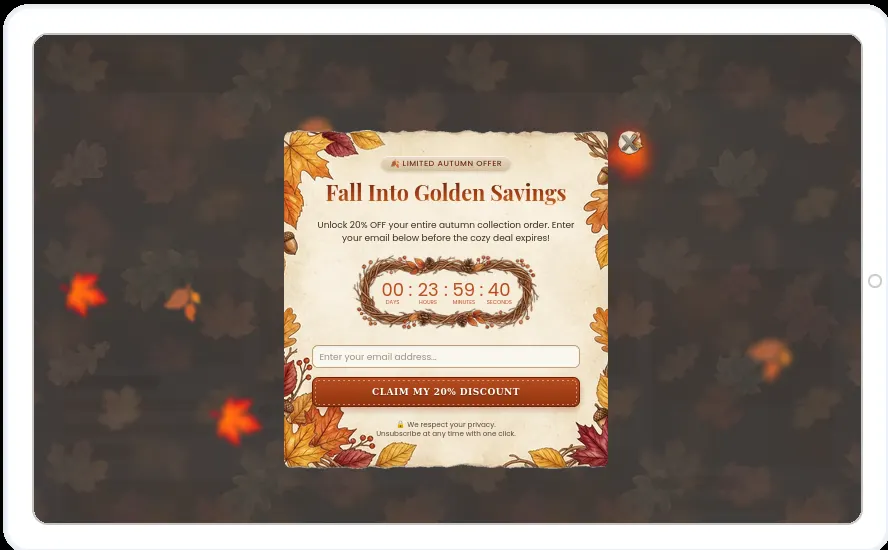
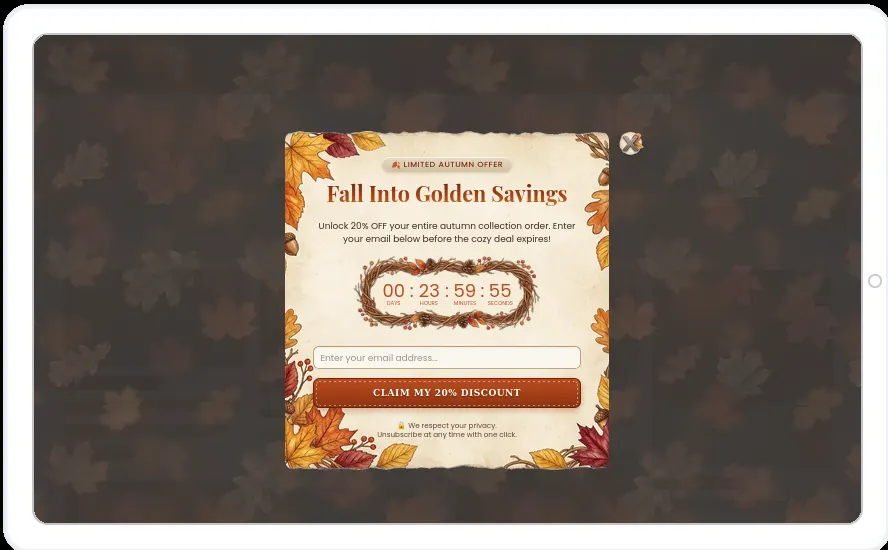
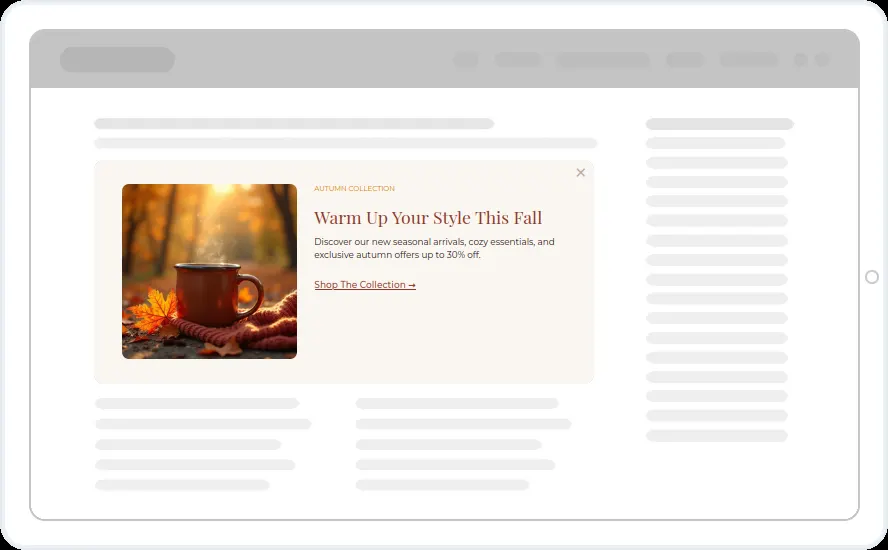
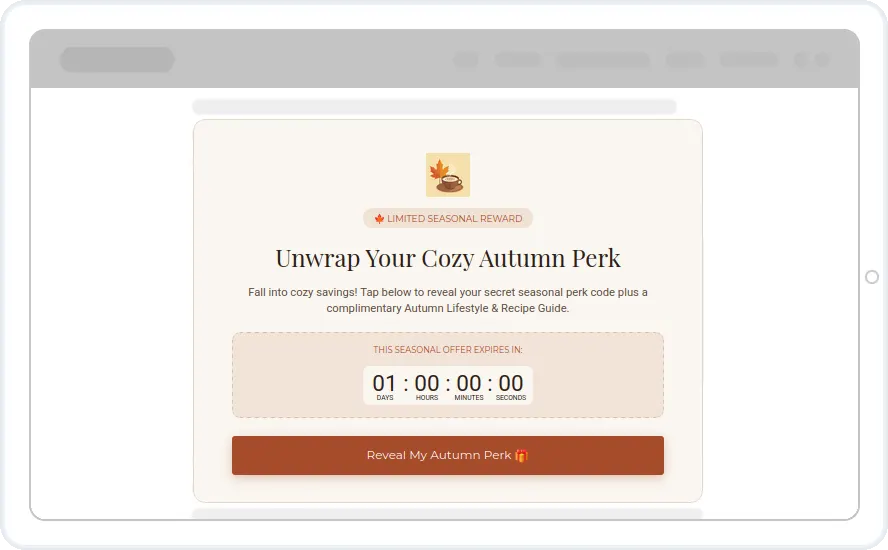
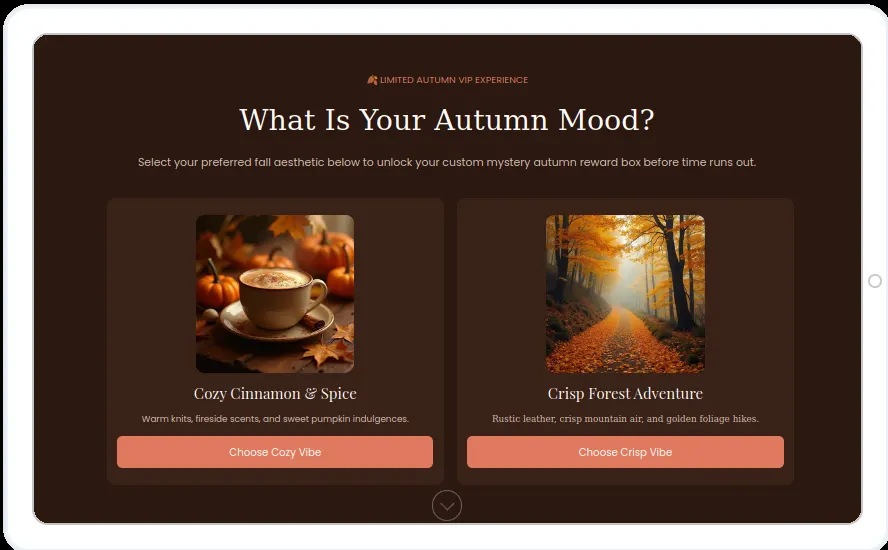
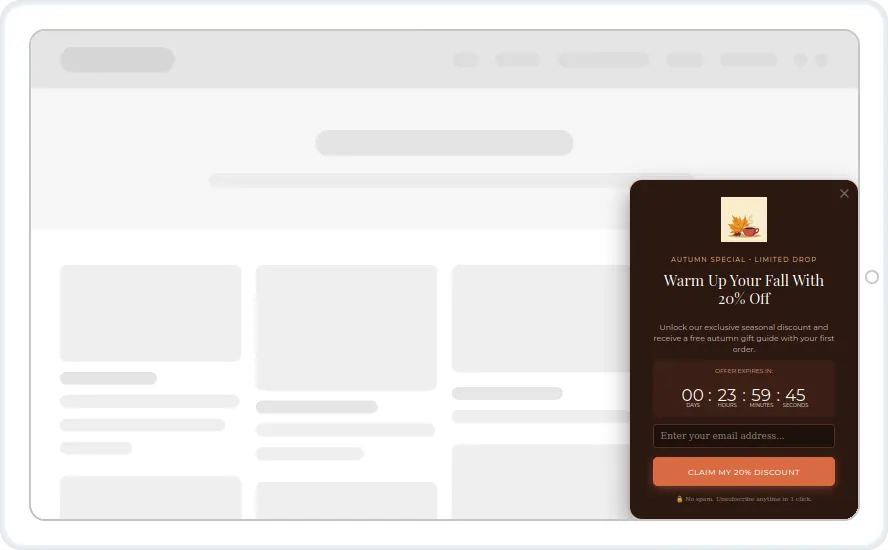
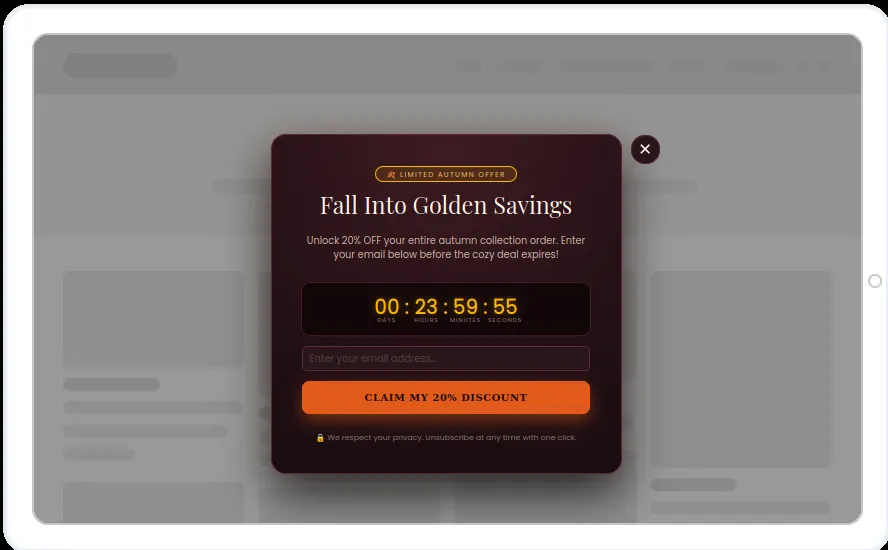
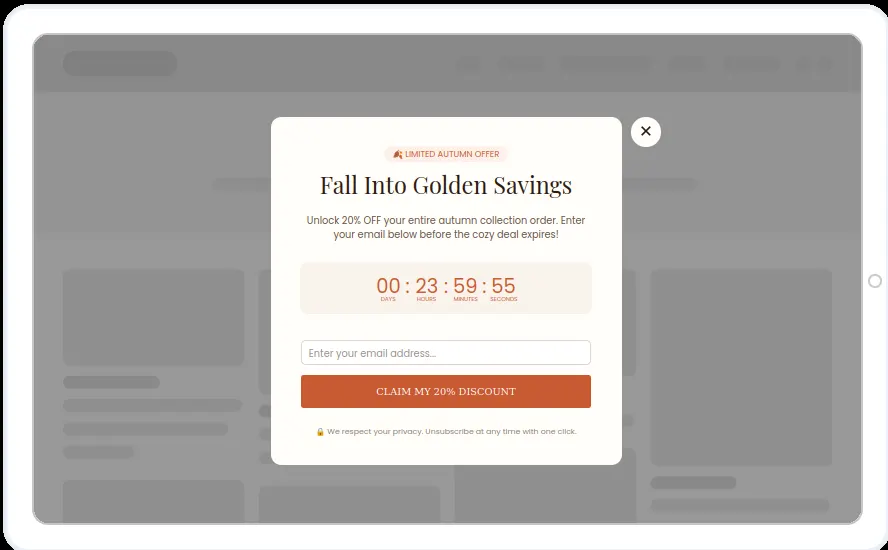
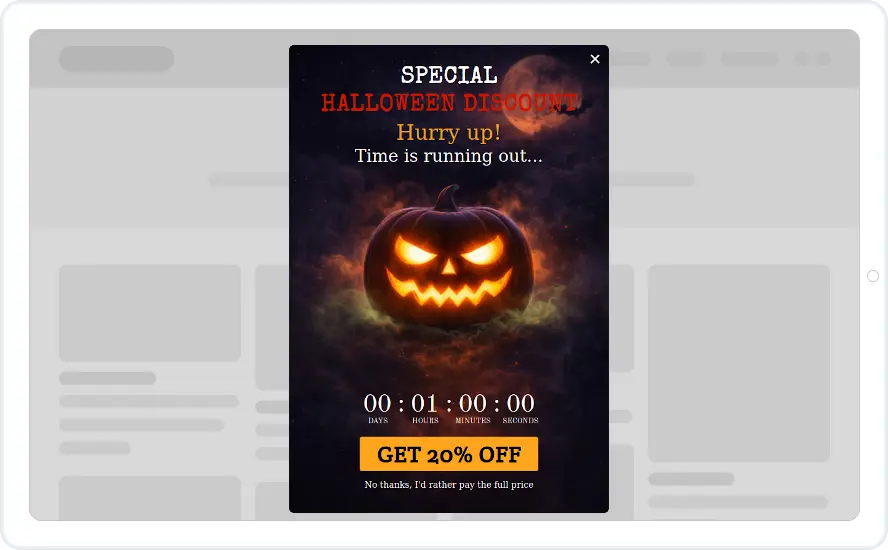
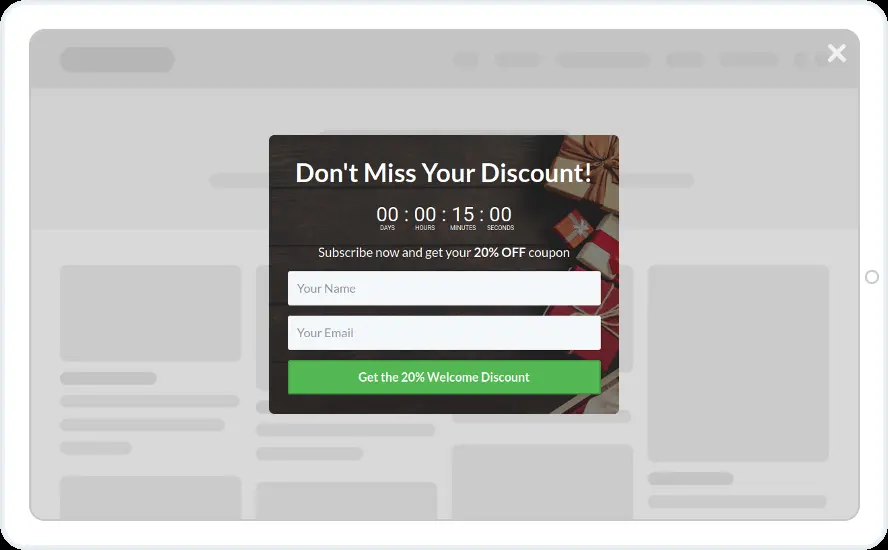
Warm browns and oranges for an autumn sale or a new seasonal collection. Most designs offer 20% off with a countdown, and one asks visitors to pick their autumn style.
- Recurring Limited Events with your autumn sale dates
- A countdown with a duration, so each visitor gets a personal deadline
- The quiz screen for first-time visitors
- Hidden from people who already subscribed
When to use it
Use them for a seasonal sale or a new autumn collection. Most designs offer 20% off the autumn collection with a countdown and an email field.
The “What is your autumn mood?” screen asks visitors to pick one of two styles. Each answer can add a tag, so you can send people the products that match their taste later.
Before you publish
- Change 20% and the collection name to match your sale
- Set the countdown length, for example 24 hours from the first view
- Make each quiz answer add a tag in your email tool
Questions about fall sale templates
Does every visitor see the same deadline?
Only if you set a fixed date. With a duration, such as 24 hours, each visitor's countdown starts the first time they see it, so two people who arrive an hour apart see different end times.
Can the quiz answers go to my email tool?
Yes. Each answer button can add a tag in your connected email tool or CRM. Showing a different screen after each answer uses multi-step widgets, which start on the Starter plan.
Start with this template
Open it in the editor, change the words and colours, choose who sees it and publish.
