

Quiz and segmentation survey templates
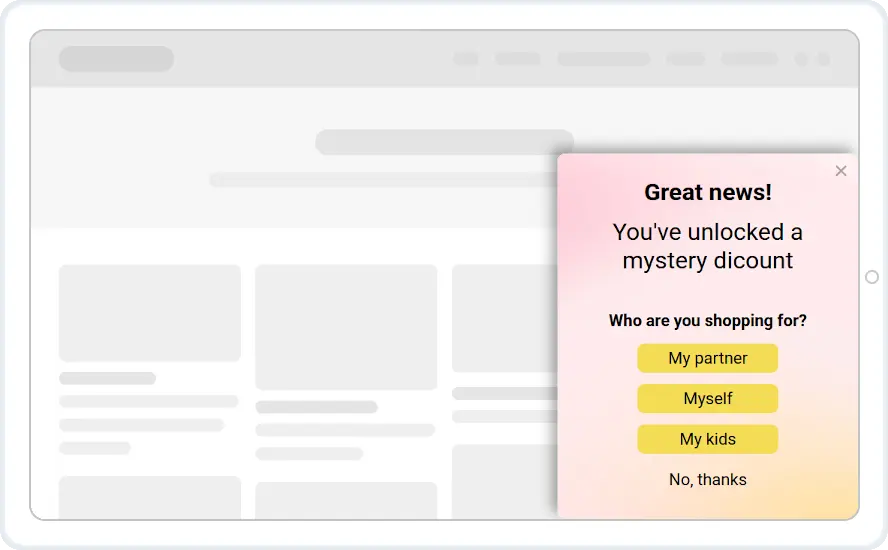
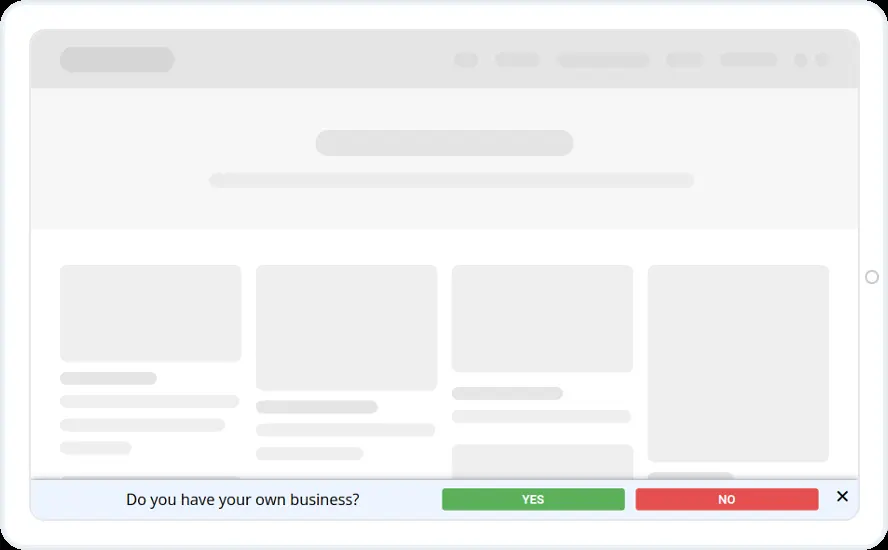
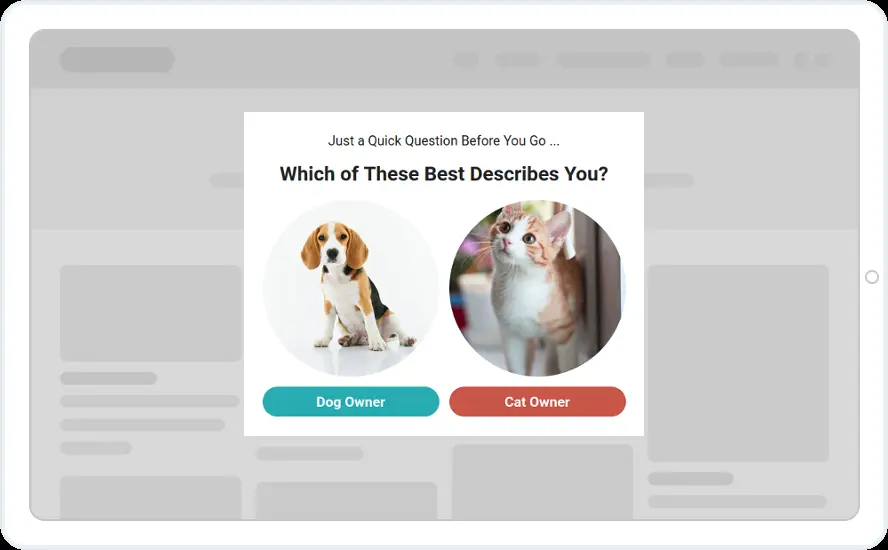
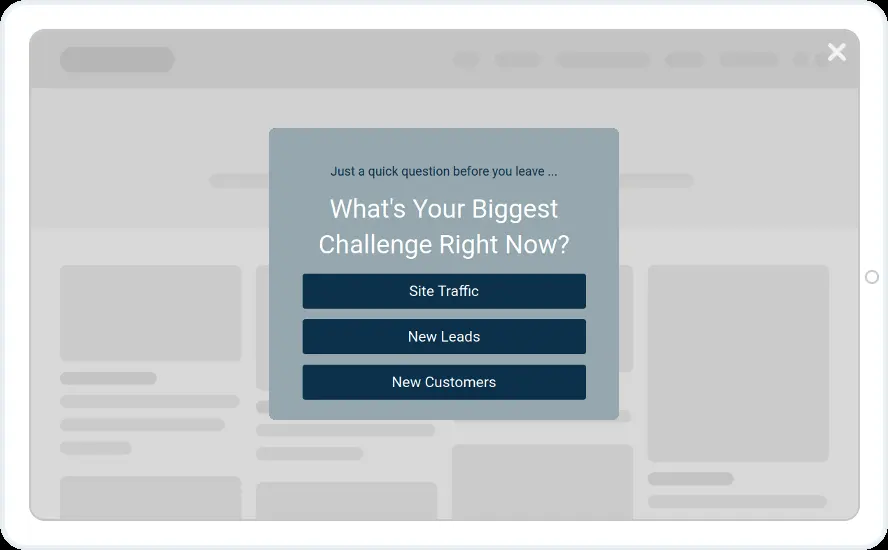
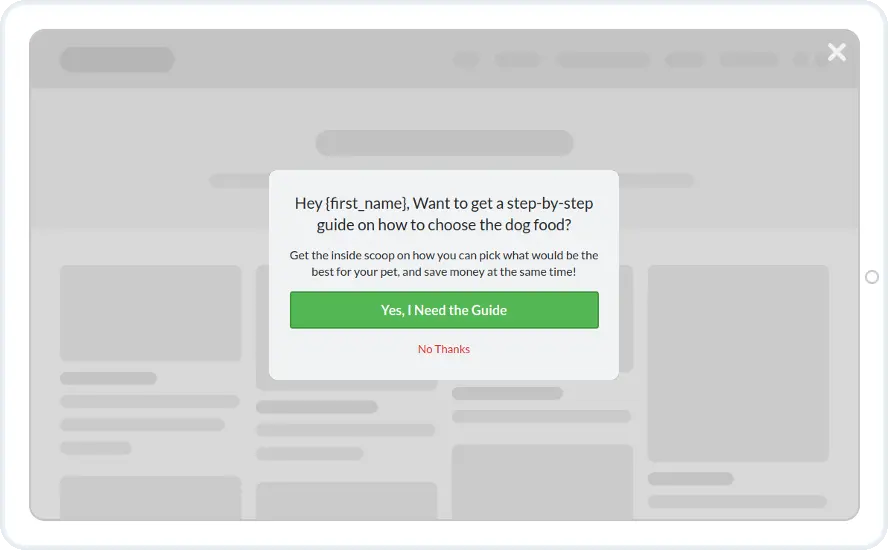
Ask one quick question and tag each visitor by the answer. These designs ask about pets, business type, experience level and who the visitor is shopping for.
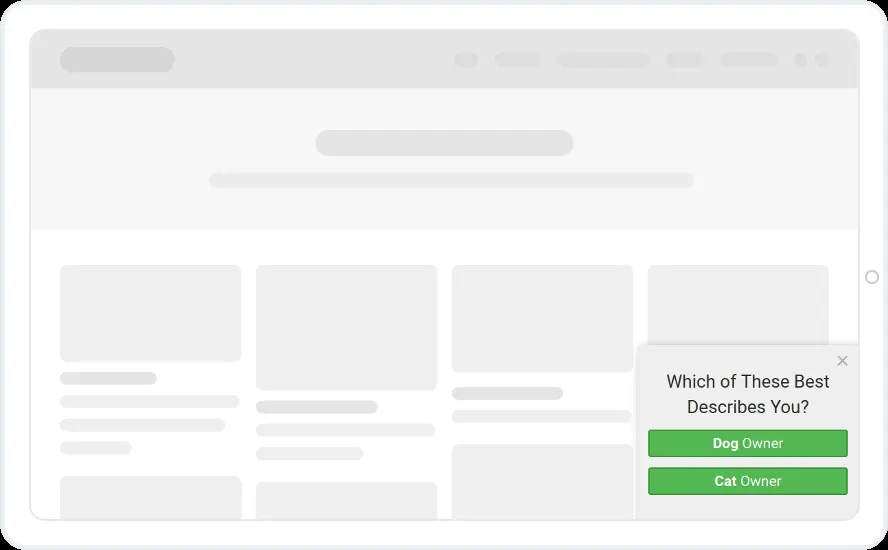
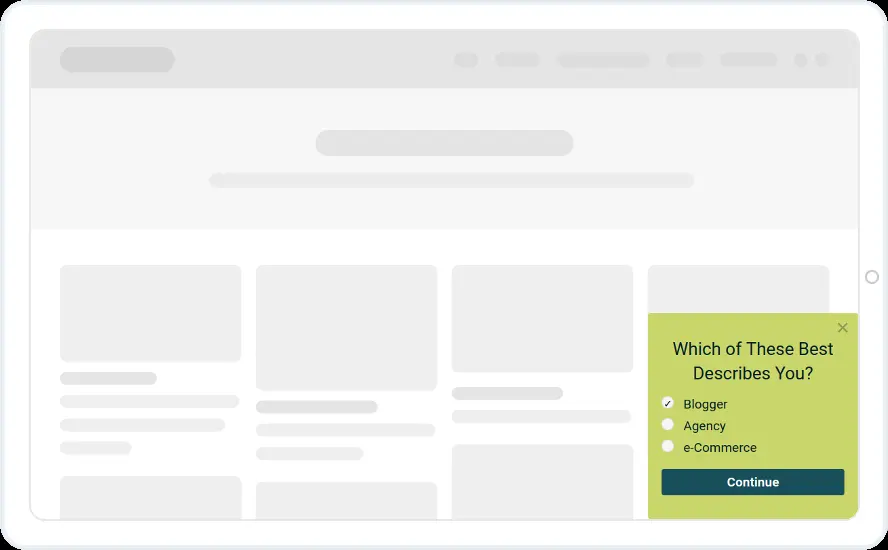
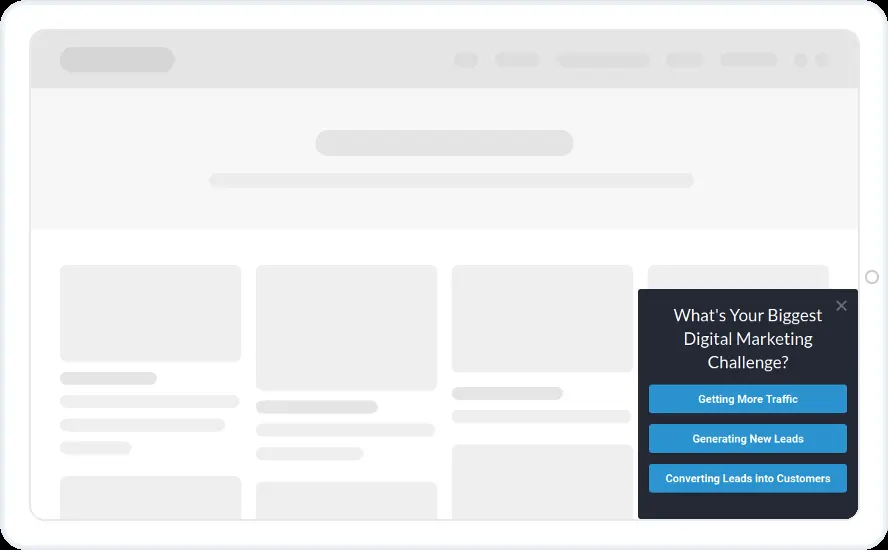
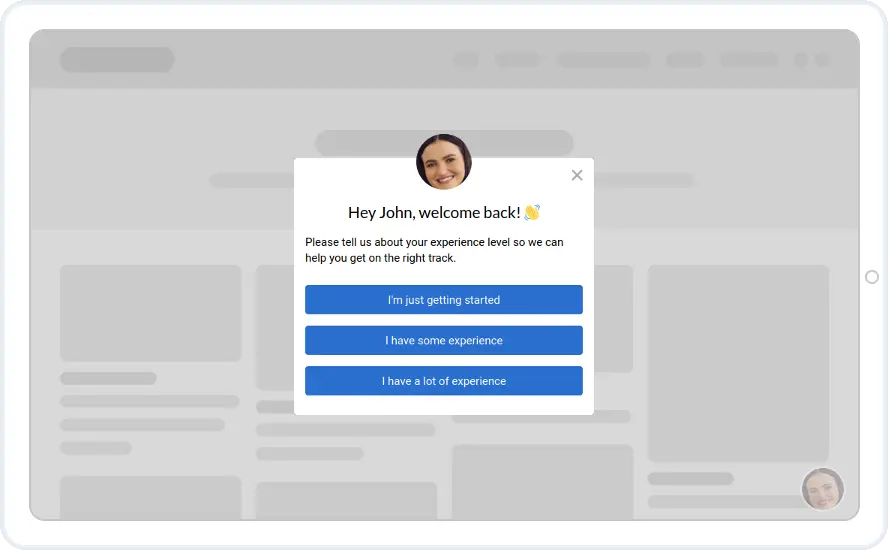
- Exit intent on desktop, or a few seconds on the page
- Don't show again once the visitor has answered
- A different follow-up screen for each answer
When to use it
Ask one easy question, then send each answer to its own tag or list. When you next email that person, you can send something that fits their answer.
The mystery discount box asks who the visitor is shopping for before it shows the code, so you learn something even from people who only came for a discount.
Before you publish
- Write your own question and answers
- Set each answer button to add a tag or go to its own screen
- Map the answers to fields in your email tool
Questions about segmentation survey templates
Can each answer lead to a different screen?
Yes. Set the answer button's On Submit Action to Go to a widget screen and pick the screen for that answer. Multi-step widgets start on the Starter plan.
Can answers add tags in my CRM?
Yes. A button can run more than one action, such as adding a tag and moving to the next screen. Answers can go to any of the 27 native integrations.

Start with this template
Open it in the editor, change the words and colours, choose who sees it and publish.
