

Welcome back pop-up templates
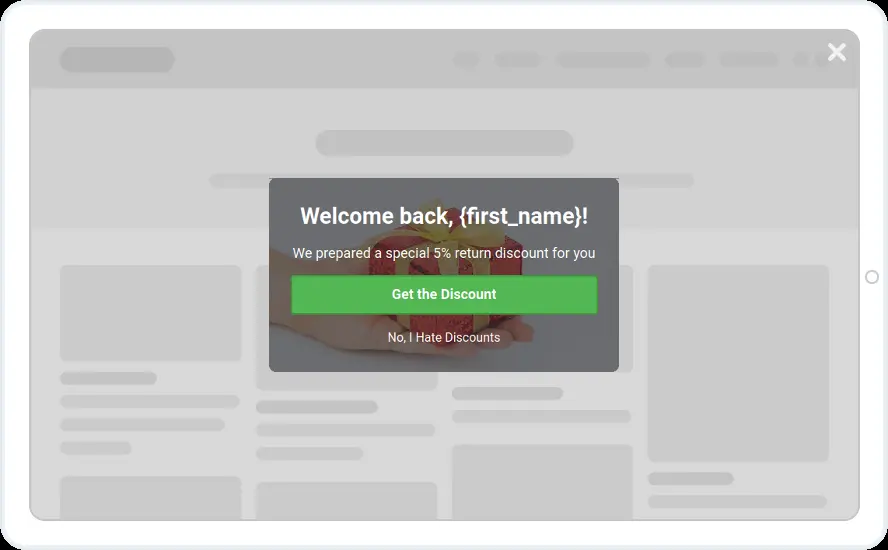
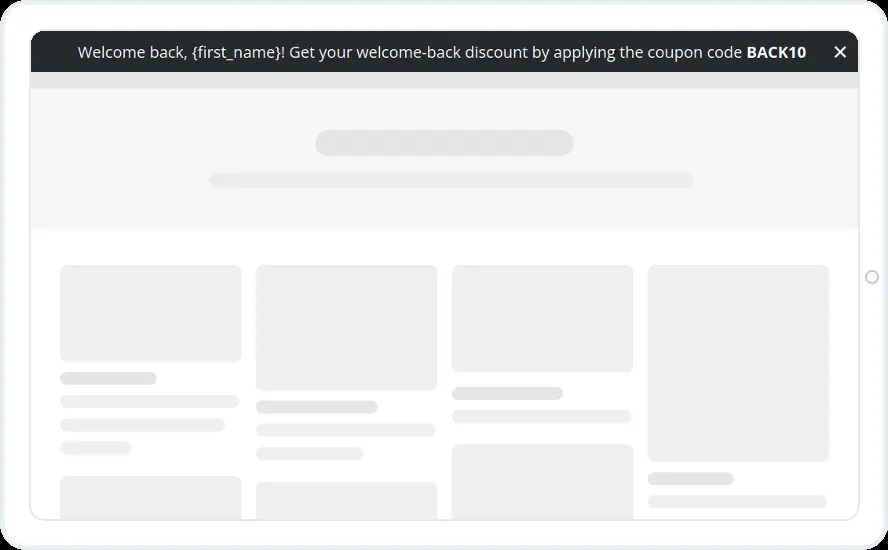
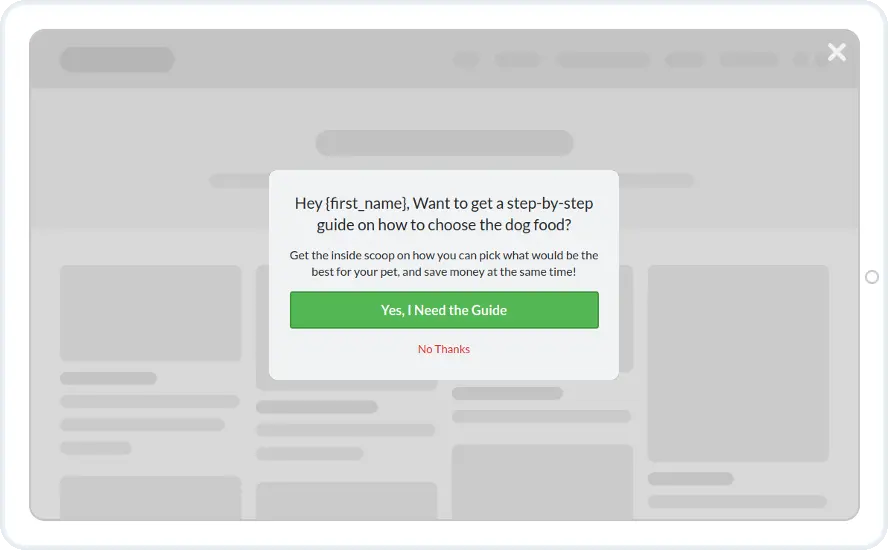
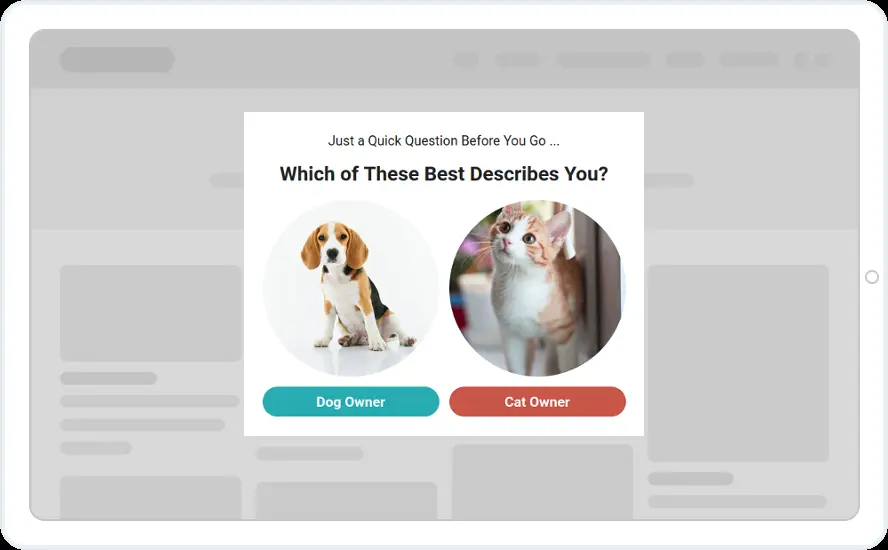
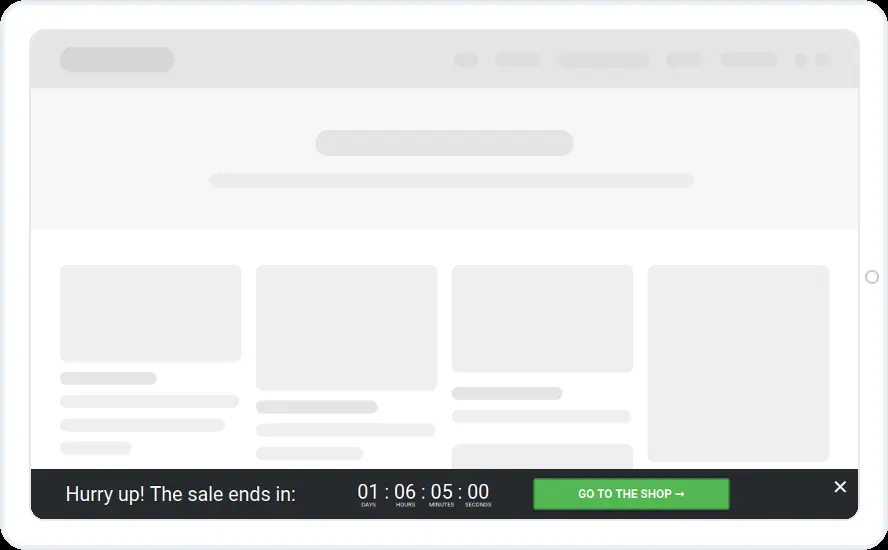
Greet returning visitors by their first name with an offer made for a second visit. Choose a guide, a 5% return discount or a top bar with the code BACK10.
Free 14-day trial Included on every plan Mobile version included
When to show it
- Visit number greater than 1
- The bar on every page, the pop-up once per visitor
- Hidden from customers your CRM has tagged (Growth and above)
When to use it
Returning visitors already know you, so these skip the introduction and get straight to the offer. Each one uses the {first_name} shortcode, with a default word for visitors whose name you do not have.
Before you publish
- Set a default, for example {first_name,there}, so nobody sees a blank
- Replace the dog food guide with an offer from your own store
- Make BACK10 a real code in your store
FAQ
Questions about welcome back templates
What do visitors without a known name see?
The default you set in the shortcode. Write it as {first_name,there} and they see “Hey there” while known subscribers see their own name. Personalised text starts on the Starter plan.
Can I show it only to returning visitors?
Yes. Use the visit number rule, for example greater than 1, and add a page rule if the offer only fits certain pages.
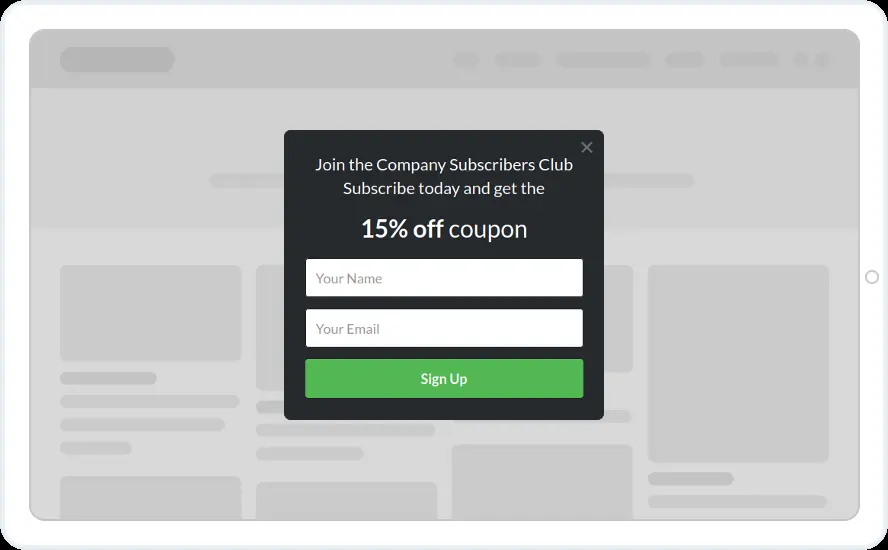
Start with this template
Open it in the editor, change the words and colours, choose who sees it and publish.
Cancel any time No developer needed
