

Send Convertful leads straight to Mailchimp
Build pop-ups, bars and inline forms in Convertful and every new subscriber lands in Mailchimp with the tags and fields you choose, so you never export a CSV. On Growth and above, widgets can also read Mailchimp tags to decide who sees what.
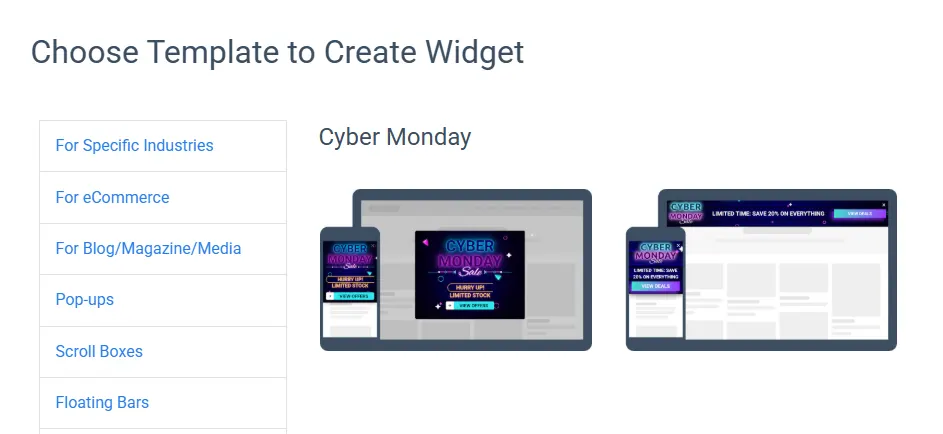
313 templates, every widget type
Pop-ups, scroll boxes, floating bars, welcome mats, inline forms, prize wheels, quizzes, surveys and polls. Pick a template, change the words and publish, and every new subscriber goes to Mailchimp.
Mailchimp fields and tags, mapped once
Choose the list, tags and custom fields each form writes to. Each form field lands in the Mailchimp field you pick, so you can segment and personalise without tidying anything up.
With Mailchimp the sync also runs the other way. From Starter, widgets can read fields to greet people by name, and from Growth they can use Mailchimp tags to decide who sees what.
Choose who sees each form, and when
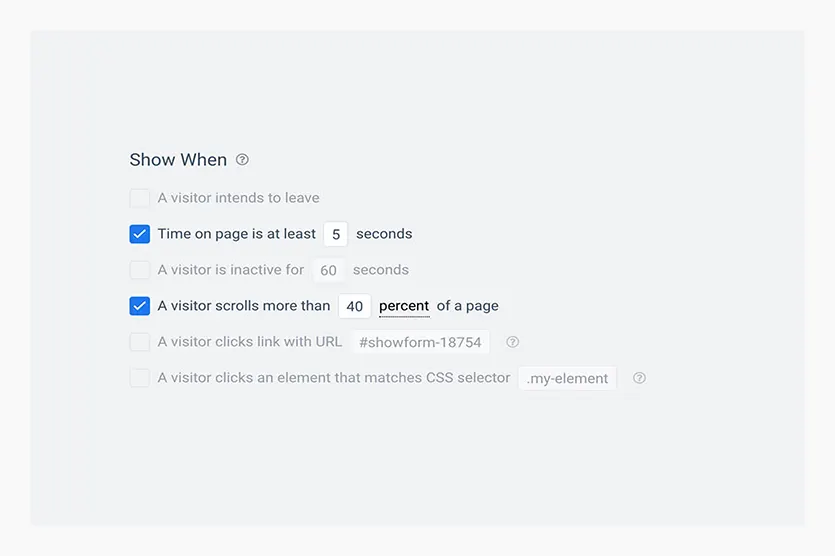
Show a form on exit intent, after a delay or a scroll, or when someone clicks a link. Narrow it down by page, visit number, country, device and referral source, and keep it away from people who already subscribed.
- Country, region and city targeting on every plan.
- A/B test two versions and keep the one that brings more subscribers (Starter and above).
Every type of signup form for Mailchimp
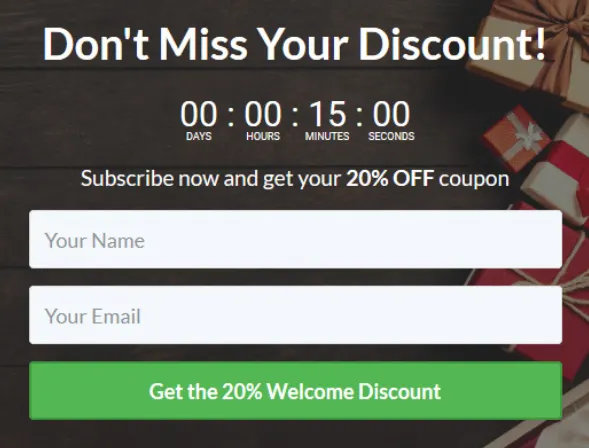
Whichever format you pick, new subscribers go straight to Mailchimp.
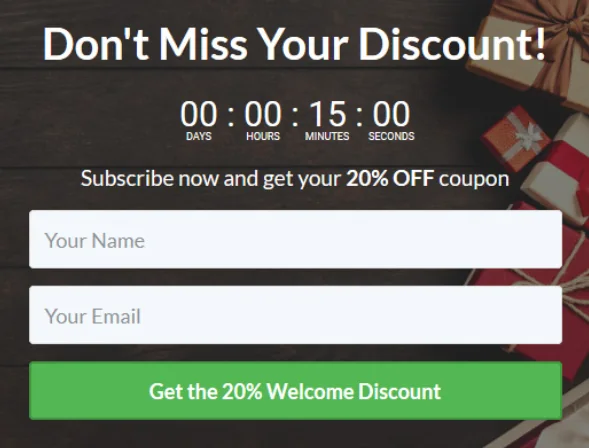
Pop-up
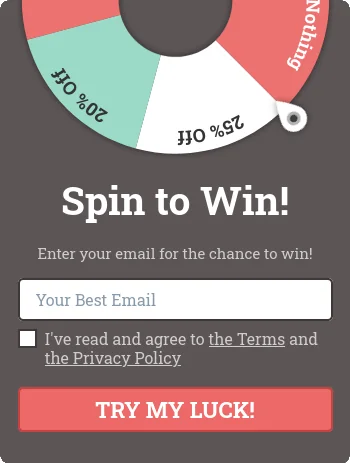
Scroll box
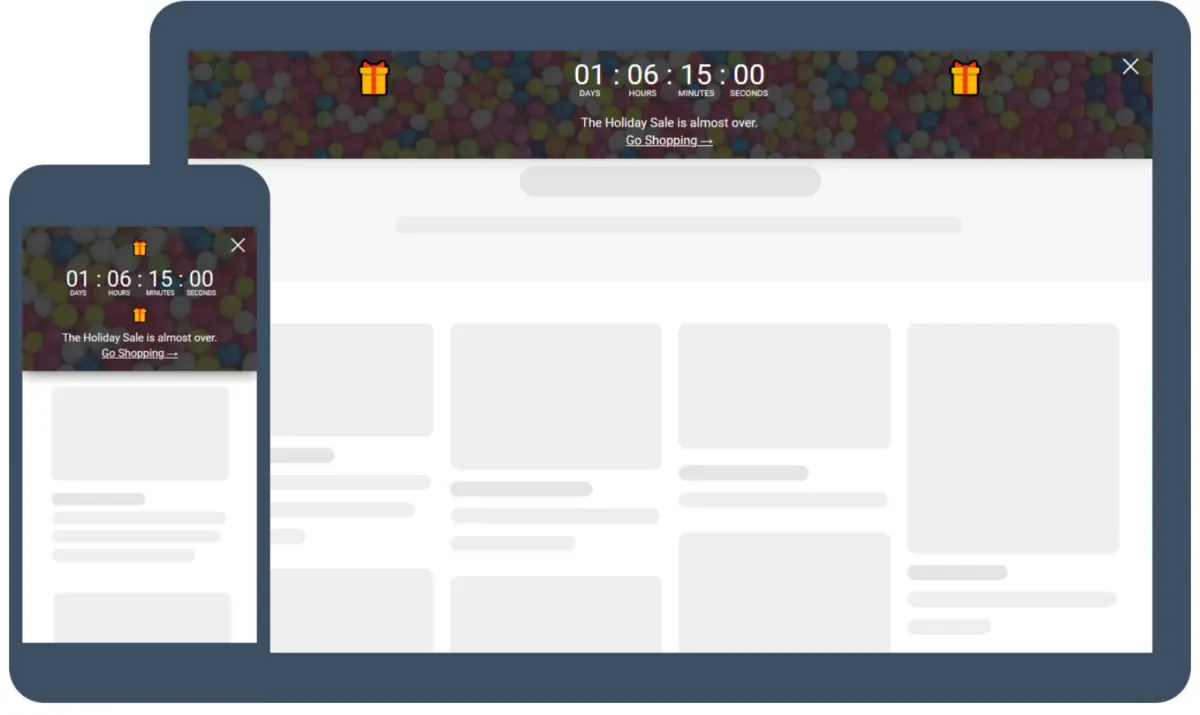
Floating bar
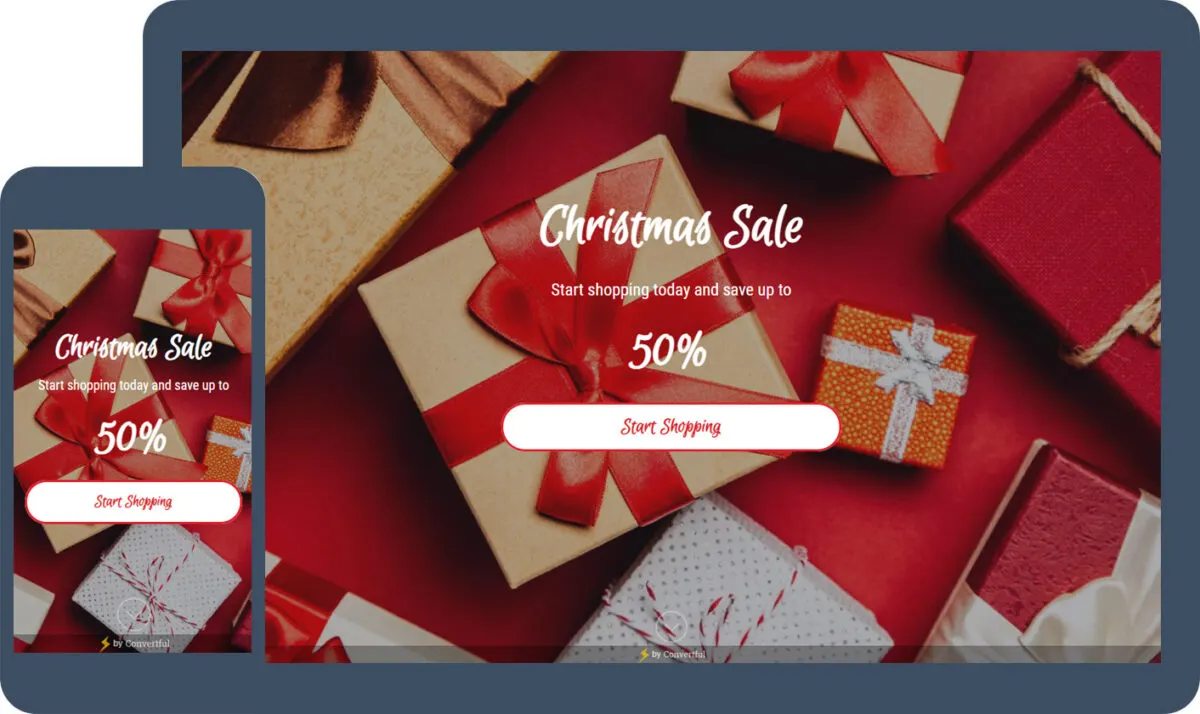
Welcome mat
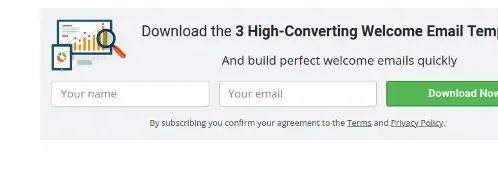
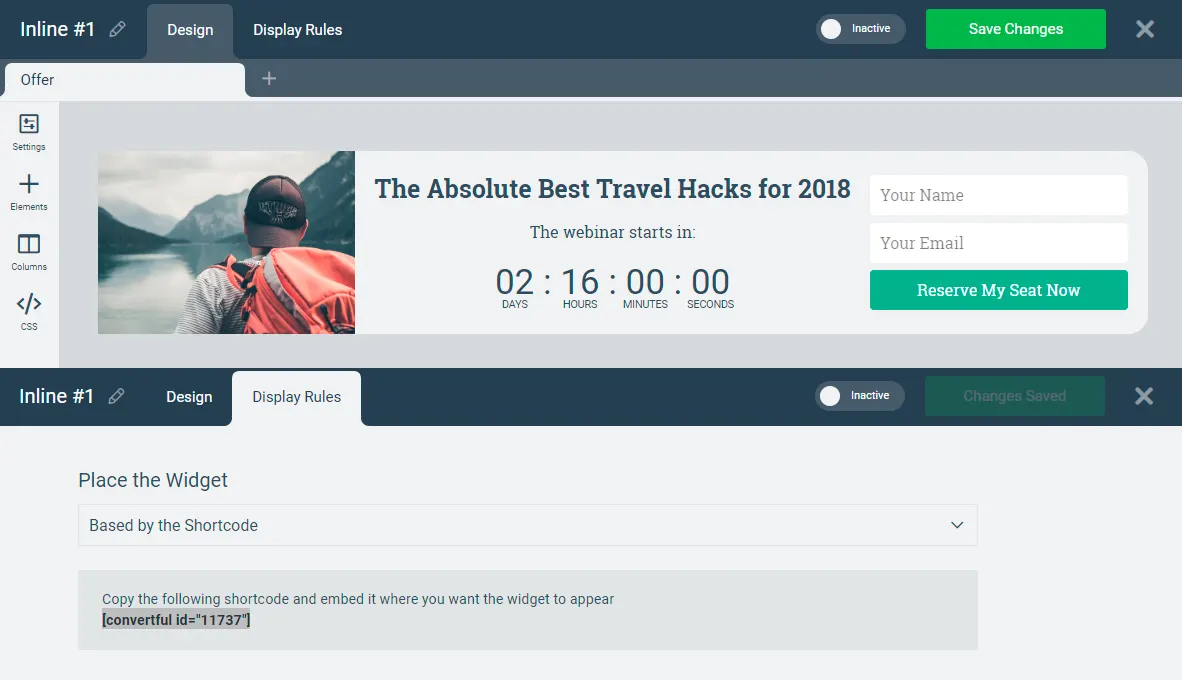
Inline form after the post
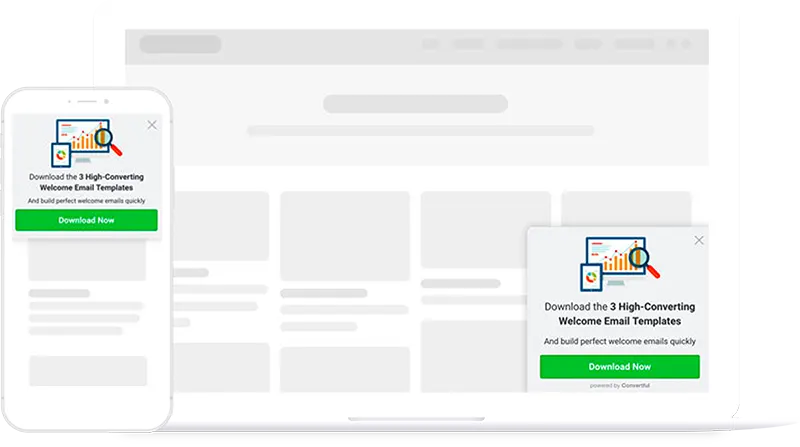
Sidebar widget
Connect Mailchimp in three steps
Connect your account
Add Mailchimp in the Convertful integration settings, with one click or an API key.
Map your fields
Choose the list, tags or custom fields each form should write to. Fields you already hold in Mailchimp can personalise your widgets too.
Go live
Publish the widget. New subscribers appear in Mailchimp the moment they submit.
Questions about the Mailchimp integration
Does the Mailchimp integration sync both ways?
Yes. Convertful writes new subscribers, tags and fields to Mailchimp, and it can read fields back to personalise the text (Starter and above) and use tags to decide which widget a visitor sees (Growth and above).
How do I connect Mailchimp?
Add the account in Convertful’s integration settings, with one click or an API key depending on the tool, pick the list or tags for each form, and publish. The integration docs show each step.
Is the integration included in every plan?
Yes. Native integrations are included on every plan, including the free trial. Two-way sync of fields is on Starter and above, and using CRM tags and fields as display rules starts on Growth.
Can leads also go to a second tool?
Yes. A form can send to several integrations at once, post to a webhook, or reach any other app through Zapier, n8n or Integrately.
Connect Mailchimp during your free trial
Every integration is included on every plan, and nothing is charged during the 14 days.