

Cyber Monday pop-up and bar templates
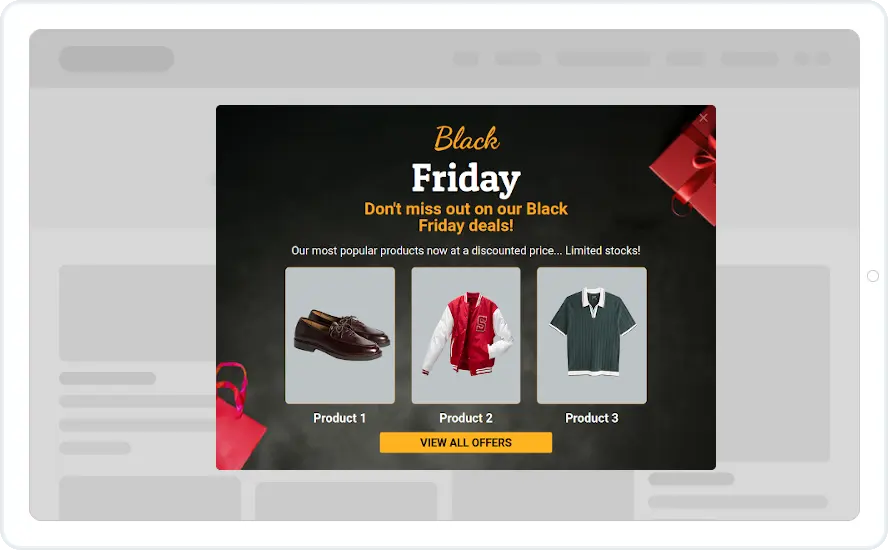
A neon pop-up and a top bar for your Cyber Monday sale. Both come with the sale copy in place, so you only add your offer and your link.
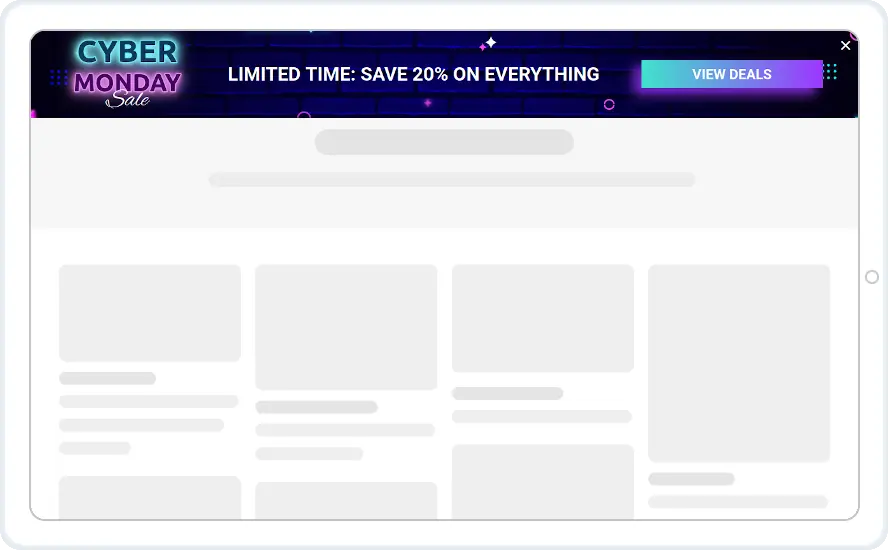

- Recurring Limited Events with Cyber Monday picked
- The bar on every page while the sale runs
- The pop-up after a few seconds, once per visitor
- A don't-show-again period after the pop-up is closed
When to use it
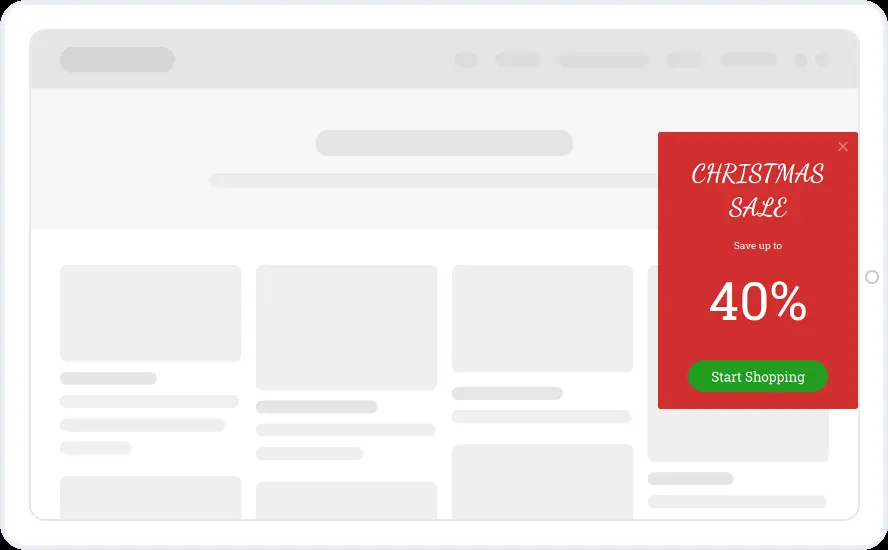
Both designs keep the message short, with one offer and one button. Show the pop-up once to announce the sale and keep the bar on every page until it ends.
If you already run a Black Friday widget, add Cyber Monday to it as a second event and let the shortcodes change the name and code for you.
Before you publish
- Change the Save 20% on everything line to your real offer
- Point the View offers and View deals buttons at your sale page
- Make the whole bar clickable if you want one tap to reach the sale
- Tone down the neon colours if they clash with your site
Questions about Cyber Monday templates
Can one widget cover Black Friday and Cyber Monday?
Yes. Add both events to the same widget under Recurring Limited Events, each with its own dates and code. Write {holiday_name} and {holiday_coupon} in the text and the right name and code show for whichever event is running. This rule starts on the Starter plan.
Does the bar push my page down?
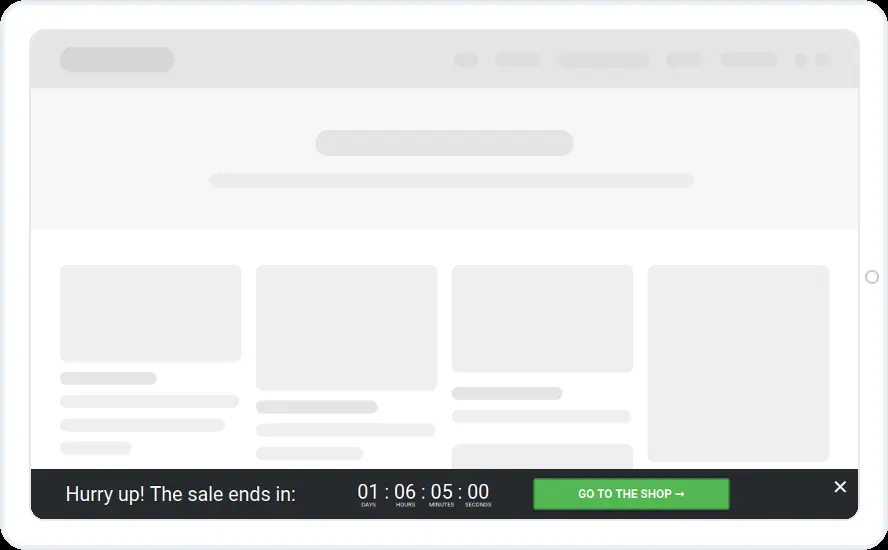
You choose. A floating bar can push the page down or float over it, at the top or the bottom of the screen.
Start with this template
Open it in the editor, change the words and colours, choose who sees it and publish.
