

Christmas pop-up templates
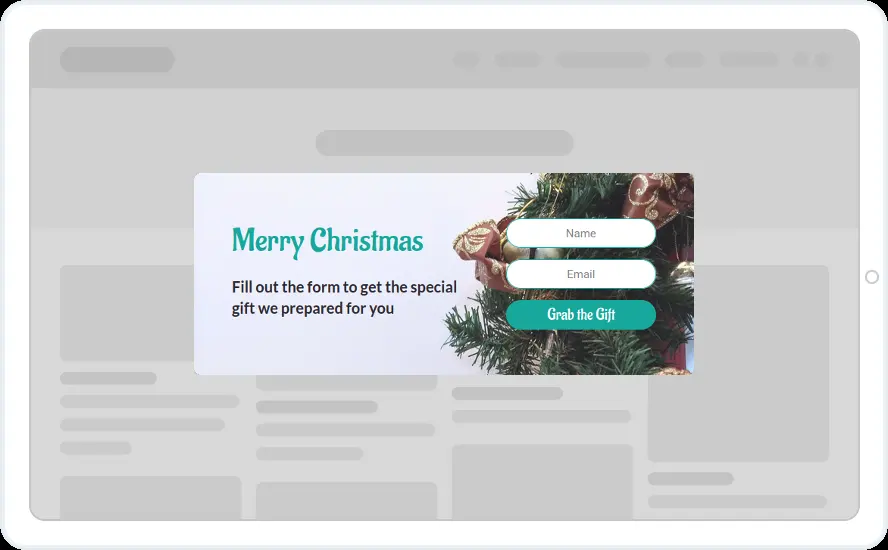
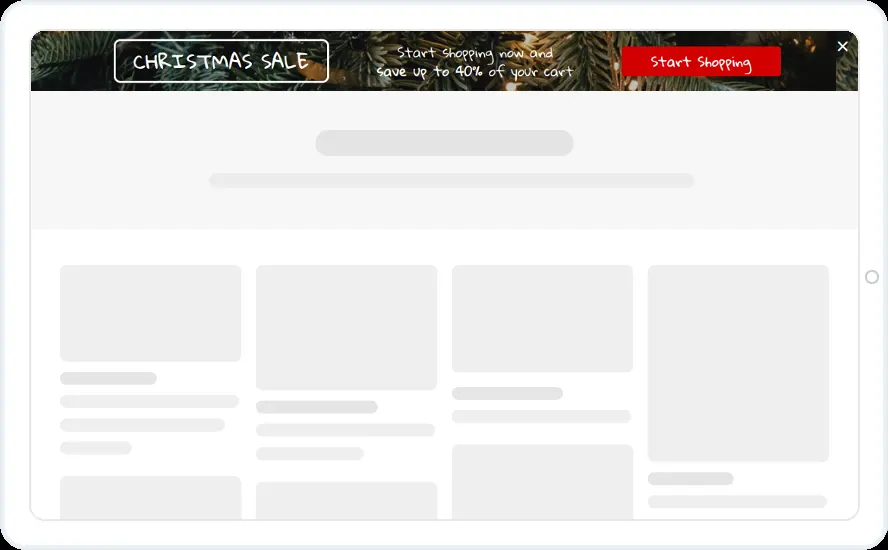
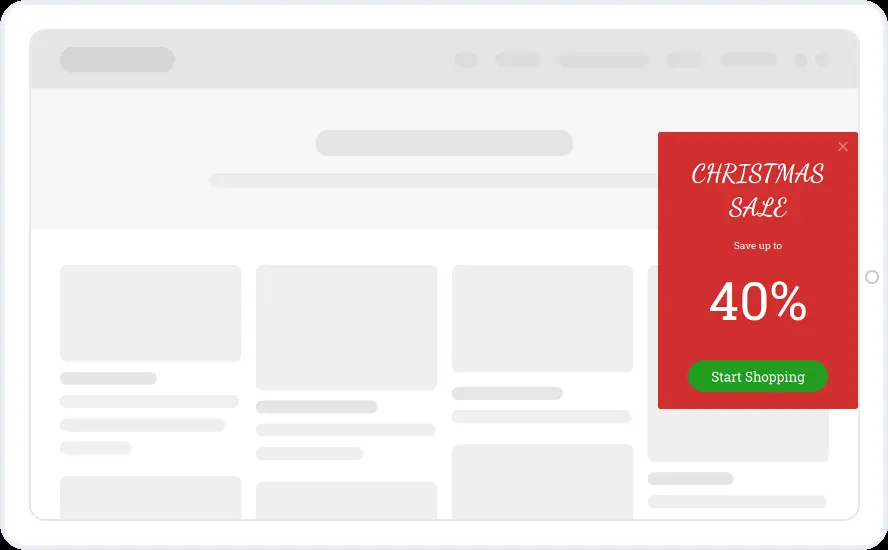
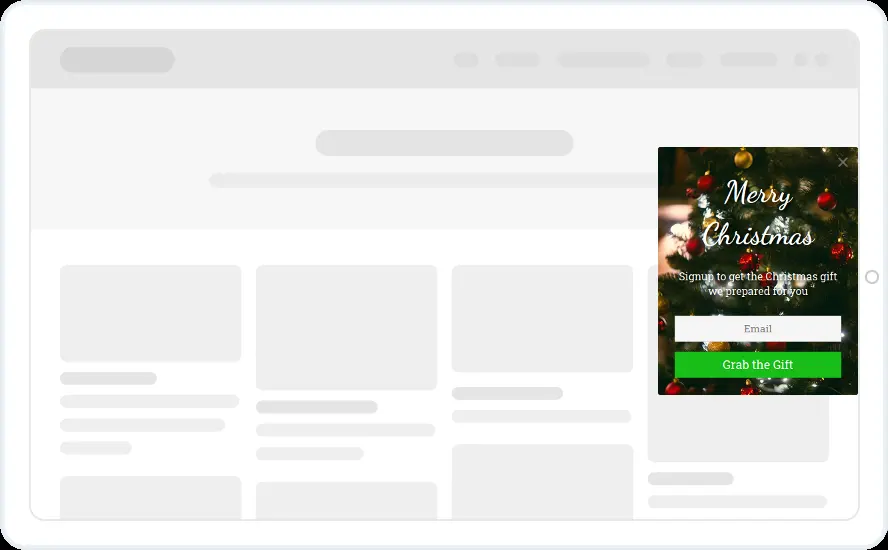
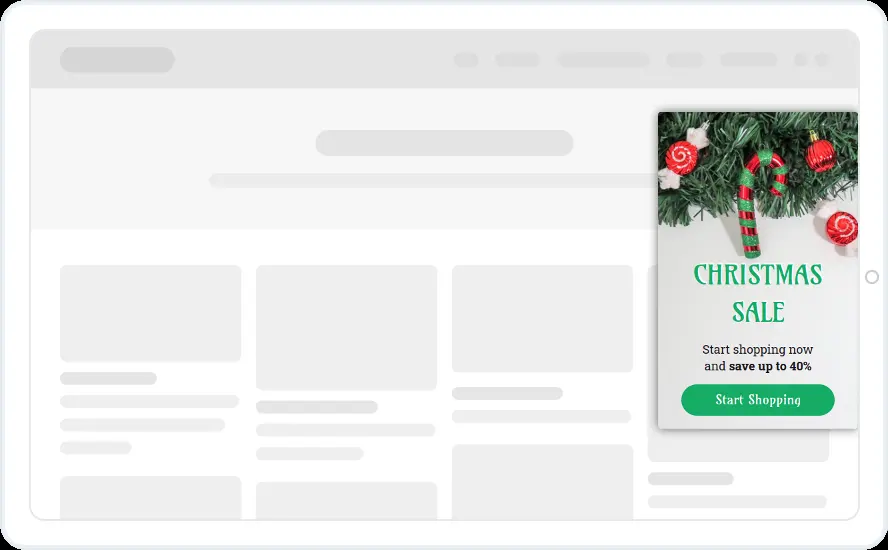
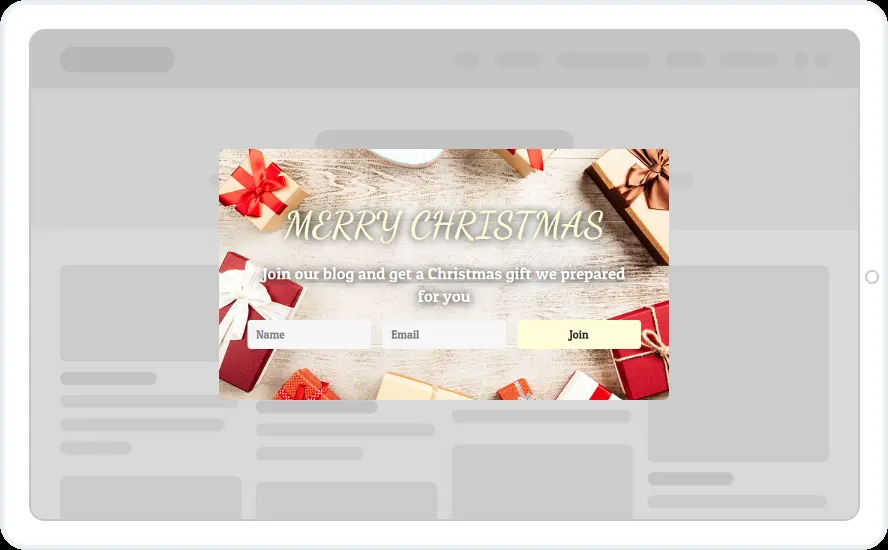
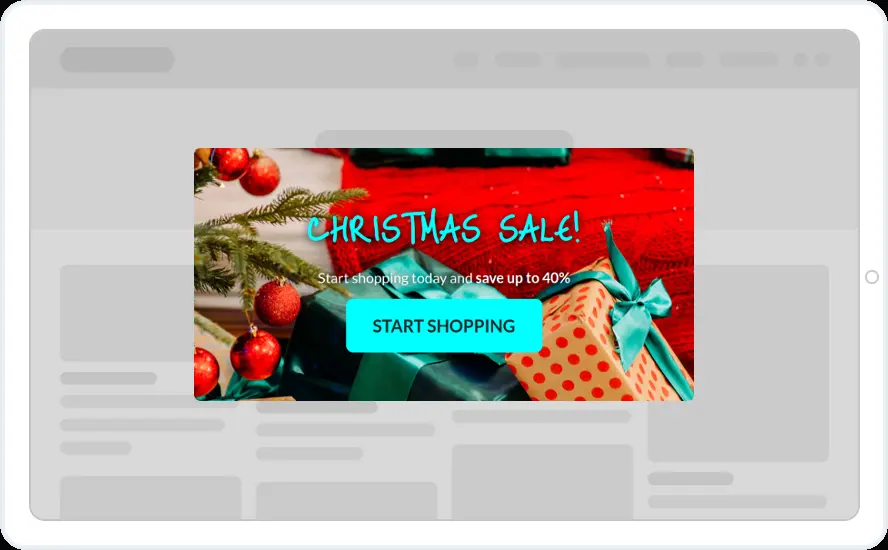
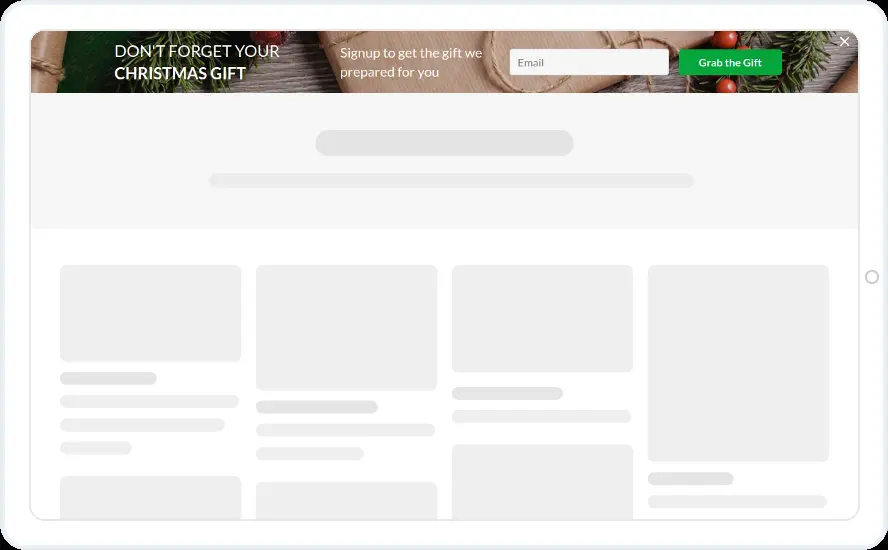
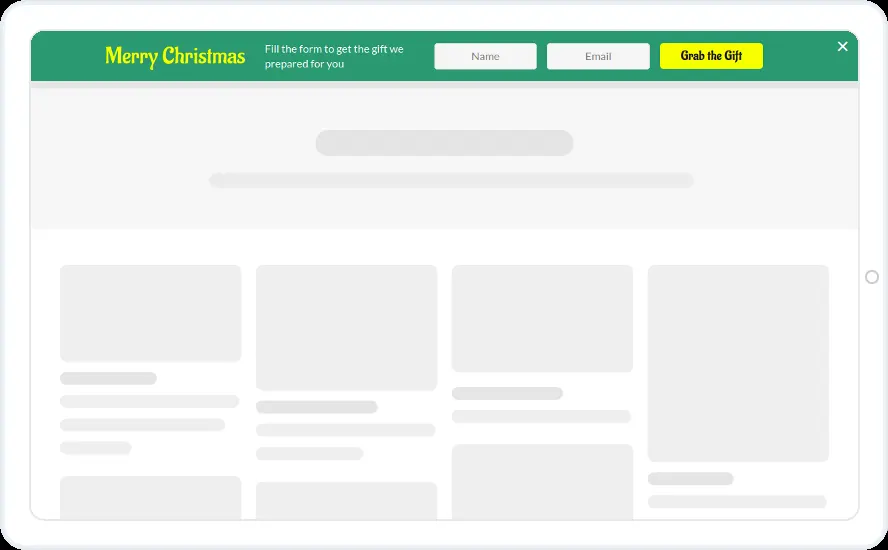
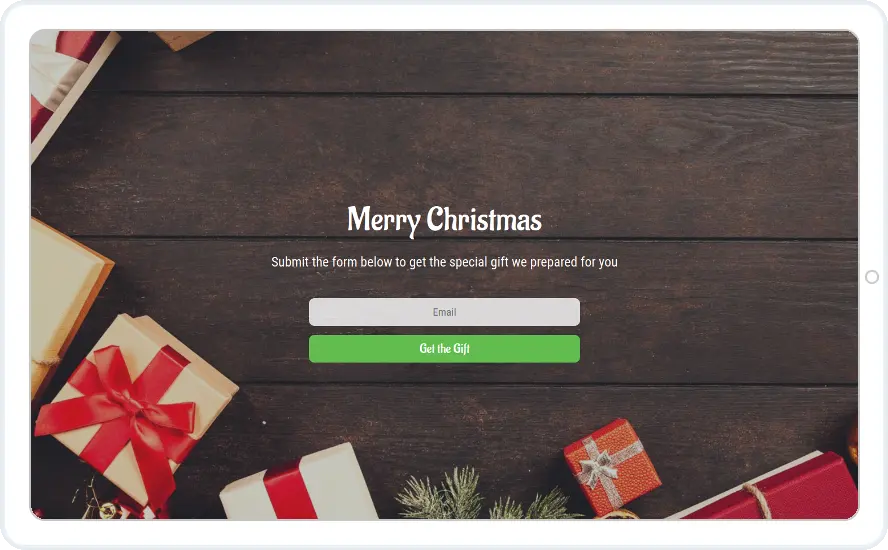
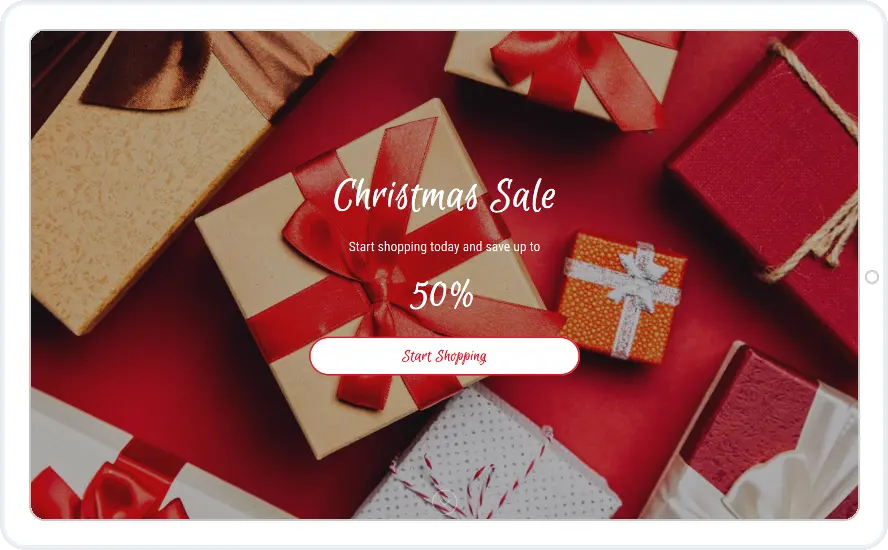
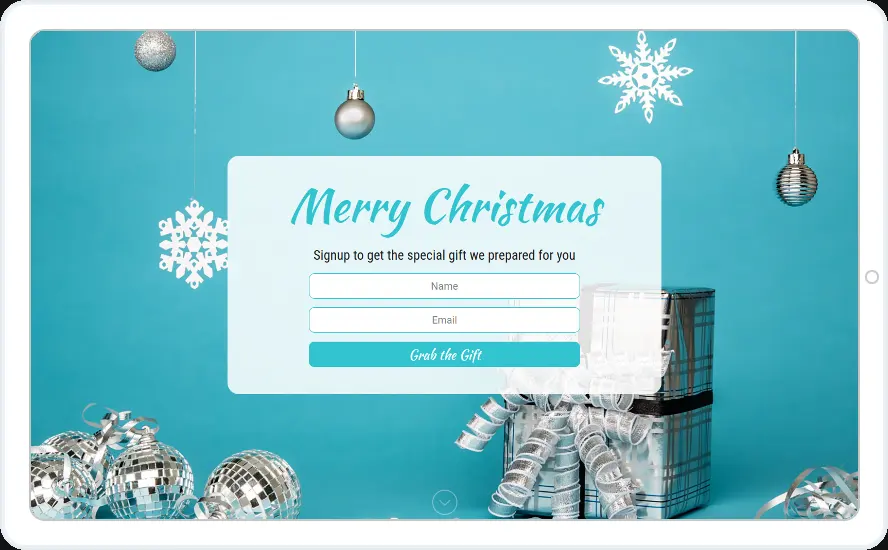
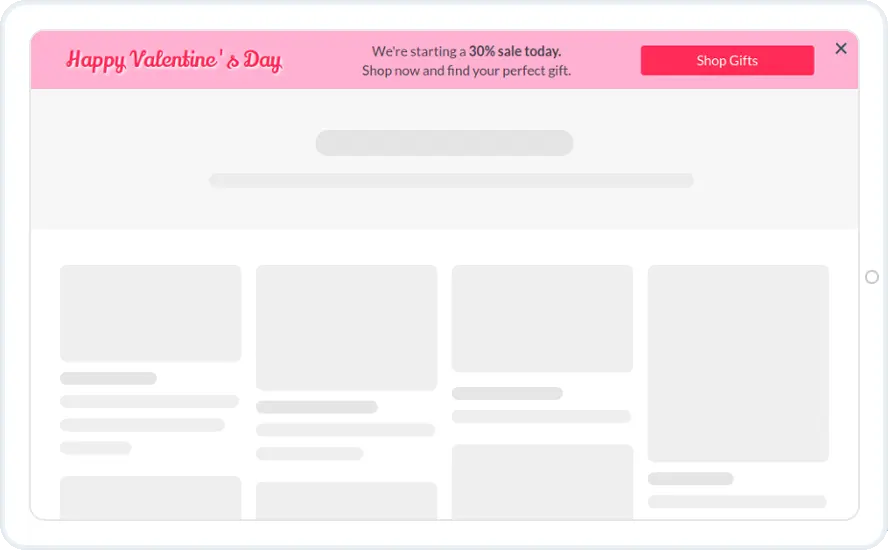
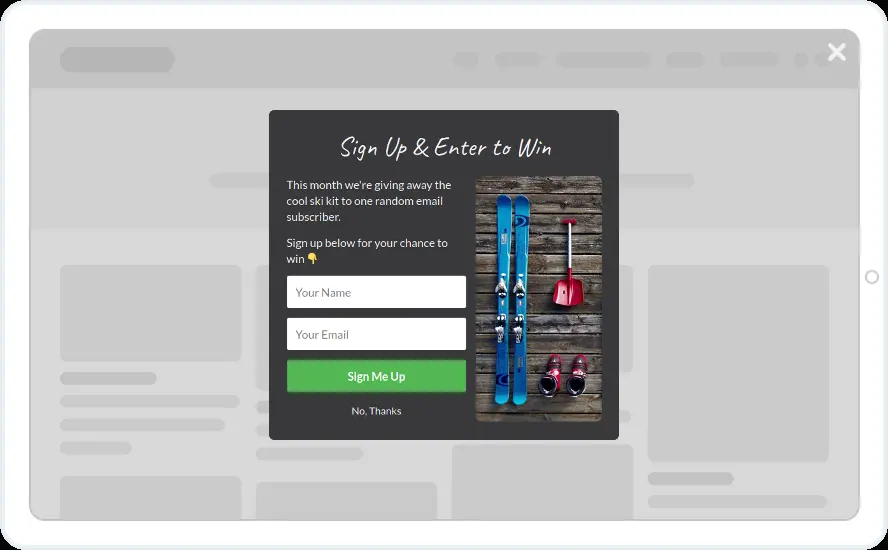
Announce your Christmas sale or give away a gift in exchange for an email address. There are fifteen designs, from pop-ups and top bars to full-screen offers and banners inside your blog posts.
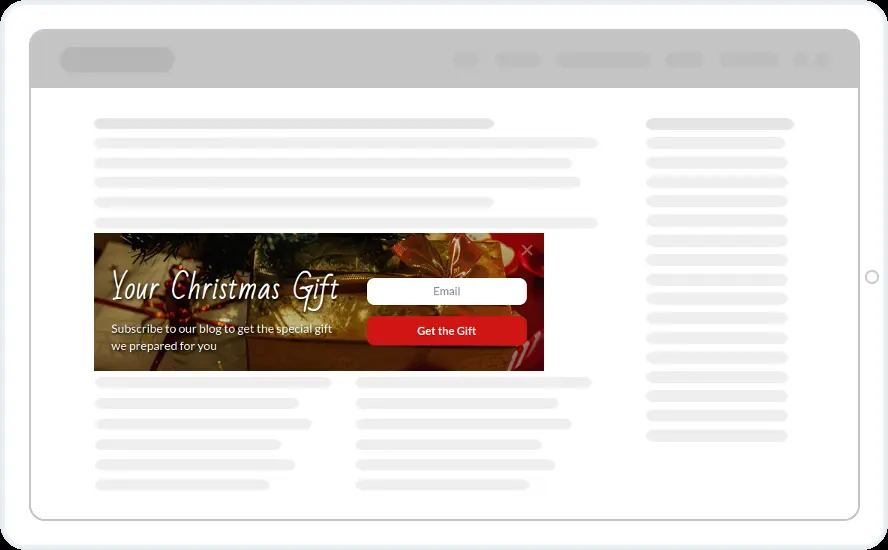
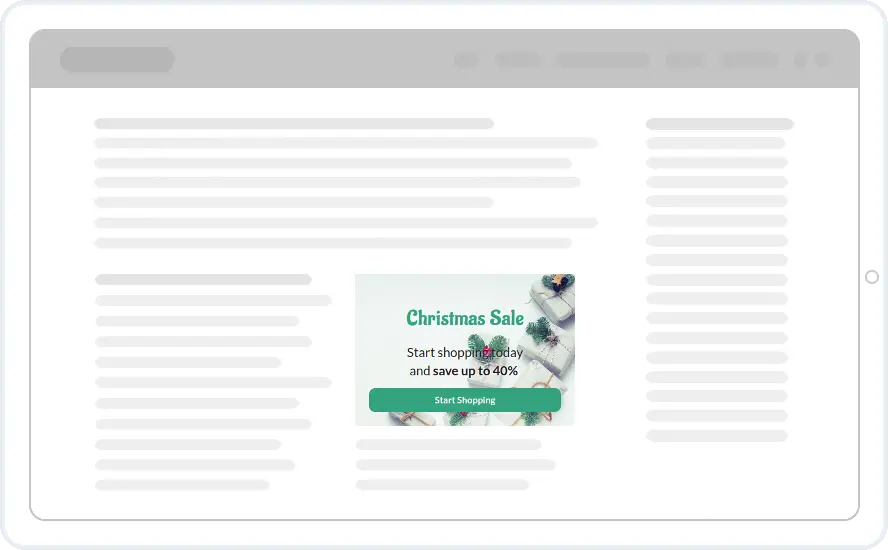
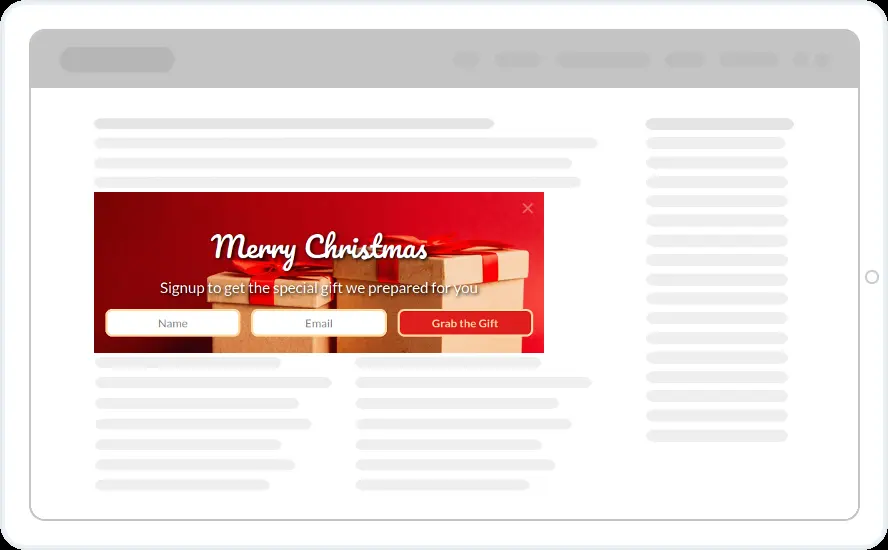
- Recurring Limited Events with Christmas, plus New Year if the offer runs past the 25th
- Sale designs after a few seconds on any page
- Gift forms hidden from anyone who already subscribed
- In-article designs placed inside blog posts as inline widgets
When to use it
There are two kinds of design here. The sale designs announce a discount, up to 40% or 50% off, with a Start shopping button. The gift designs ask for a name and email in exchange for a Christmas gift, which suits blogs and stores that want a bigger list before January.
The bars and in-article designs keep the offer visible after the pop-up has been closed.
Before you publish
- Replace the percentages with your real discount
- Say what the gift is, for example a guide or a free sample
- Link the thank-you screen or the button to the gift itself
- Swap the photos if your brand uses a different style
Questions about Christmas templates
Can the Christmas widget come back every year?
Yes. Choose Christmas under Recurring Limited Events and it returns on the same dates each year. You can add New Year to the same widget. This rule starts on the Starter plan.
How do people receive the gift?
Add a Thank You message with a link to the gift, or send it from your email tool. Every sign-up goes to your connected email tool or CRM with the fields you chose.
Can I put a Christmas offer inside my blog posts?
Yes. The three in-article designs are inline widgets. Place them with a shortcode, a CSS selector or after the post content.
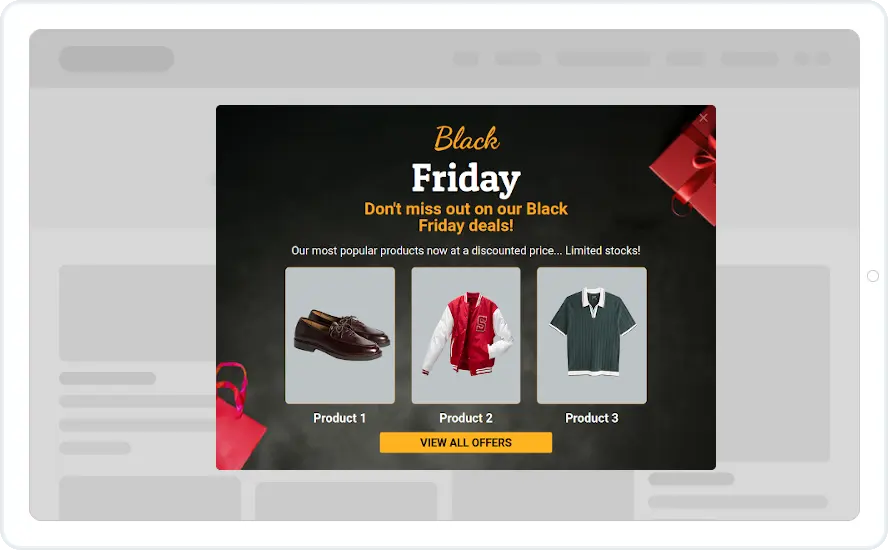
Start with this template
Open it in the editor, change the words and colours, choose who sees it and publish.
