

Sale banner templates for your website
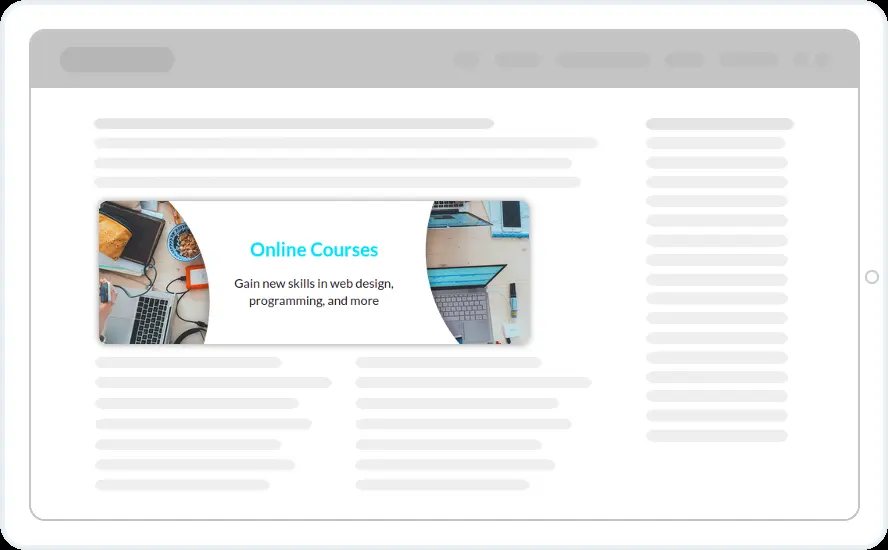
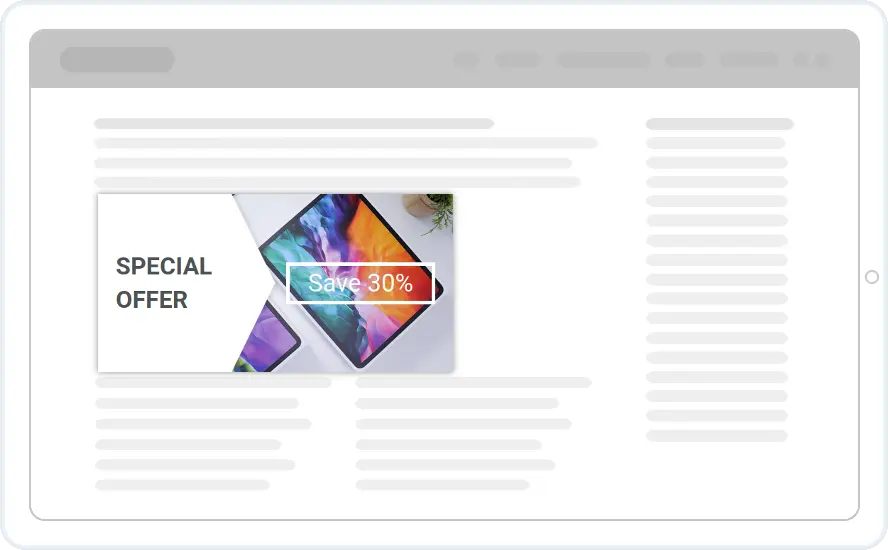
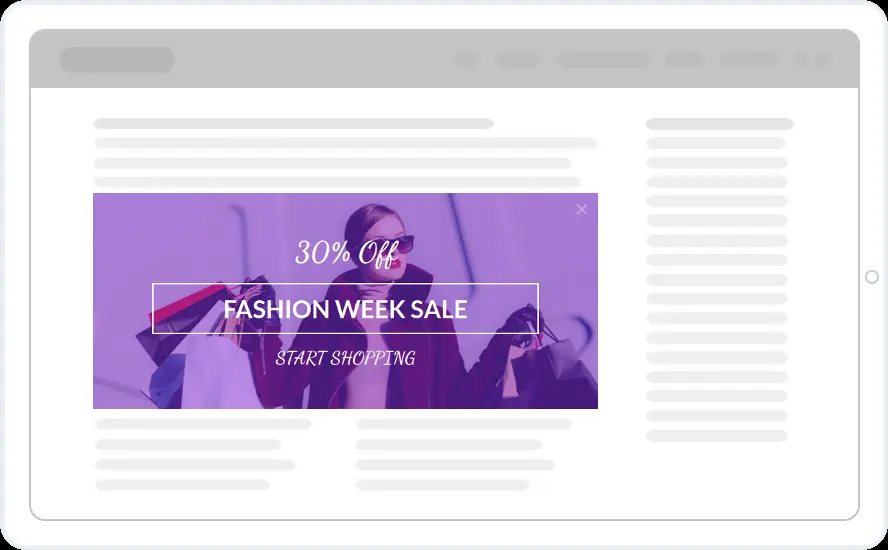
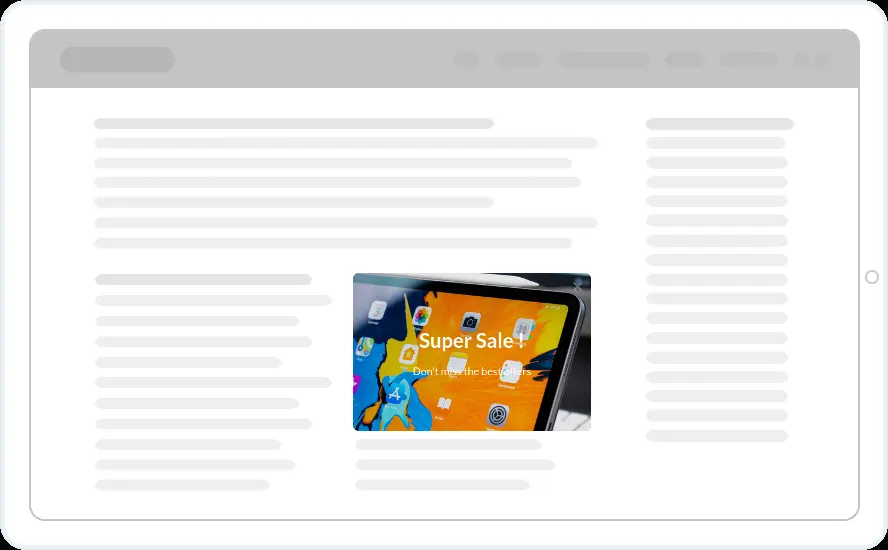
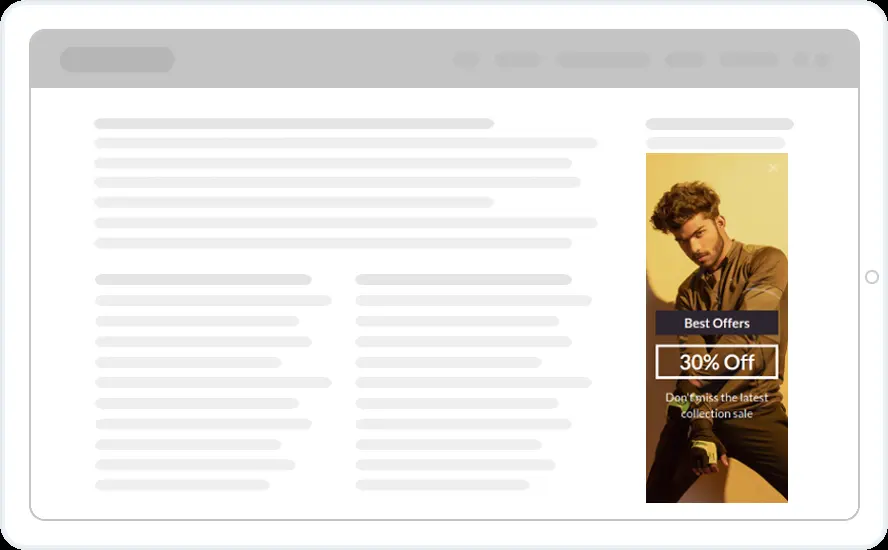
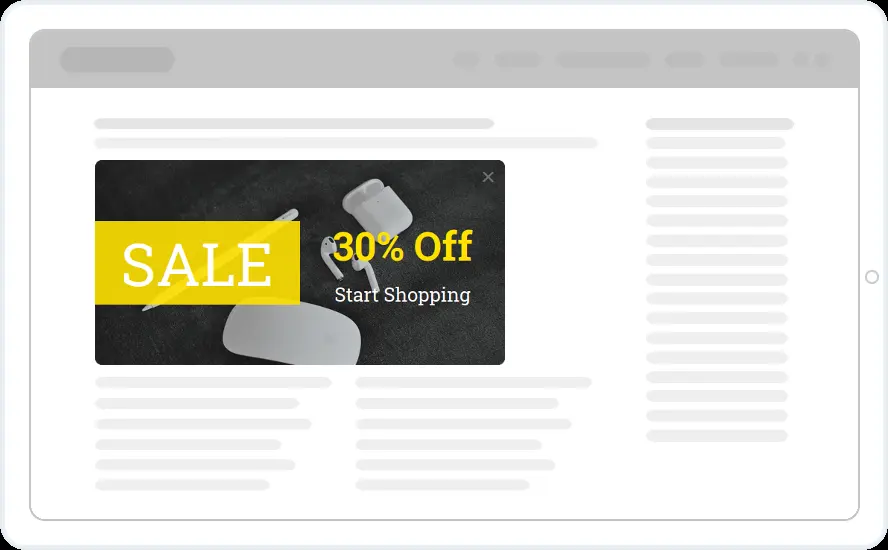
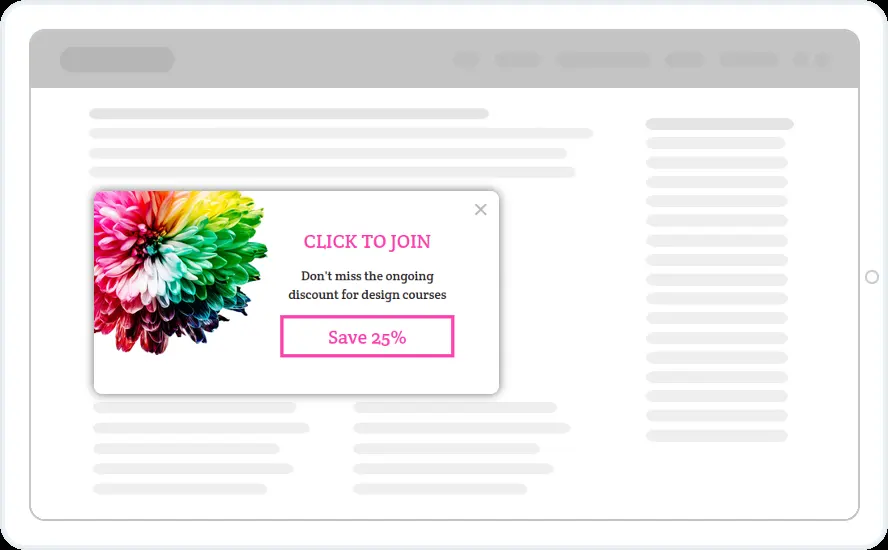
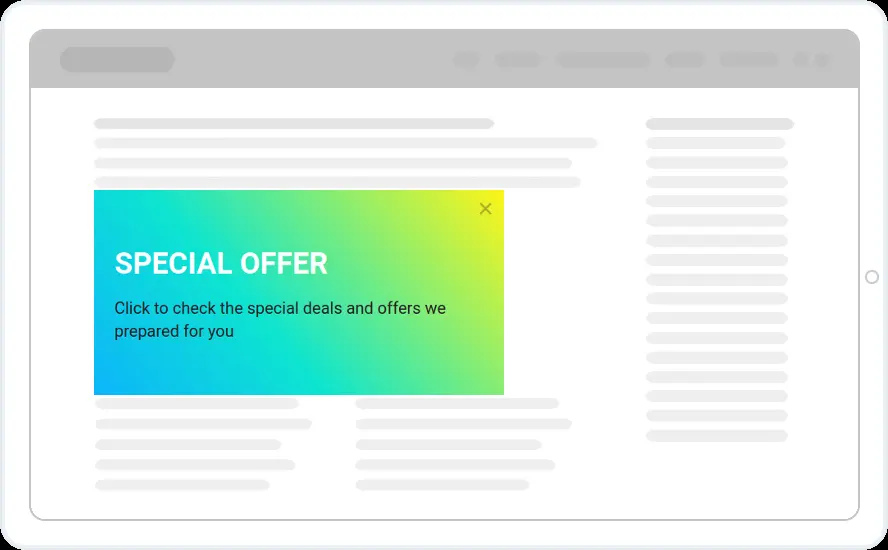
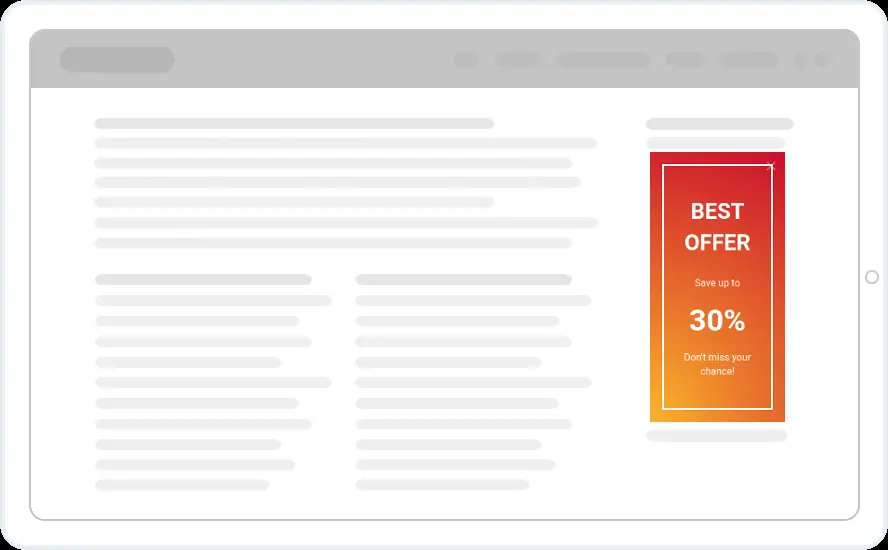
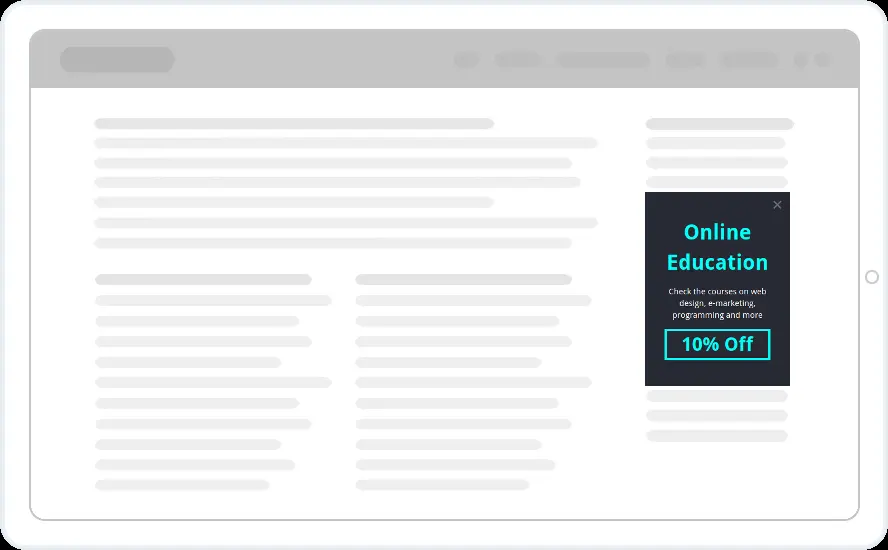
Promote your own sales and courses with clickable banners inside your pages. Offers run from 10% to 30% off, alongside a fashion week sale, course promotions and a tall sidebar banner.
Free 14-day trial Included on every plan Mobile version included
When to show it
- Placed with the Place the Widget option in Display Rules
- In the sidebar or between paragraphs
- Only on pages where the offer fits, by page URL or category
When to use it
Banners sit inside your pages like an ad, but they promote your own offers. The whole banner is one link, so use it to send readers from a blog post or sidebar to a sale or course page.
Before you publish
- Set the aspect ratio for desktop and a separate one for phones
- Upload your own image, or a different one for mobile
- Add the target URL and choose the same tab or a new one
FAQ
Questions about sale banner templates
Is the whole banner clickable?
Yes. Clicking anywhere on the banner opens the URL you set, in the same tab or a new one.
Can I use a different image on phones?
Yes. Set the aspect ratio for desktop and mobile separately, and upload a different image for mobile if the desktop one does not fit.
Start with this template
Open it in the editor, change the words and colours, choose who sees it and publish.
Cancel any time No developer needed
