

Newsletter welcome mat templates
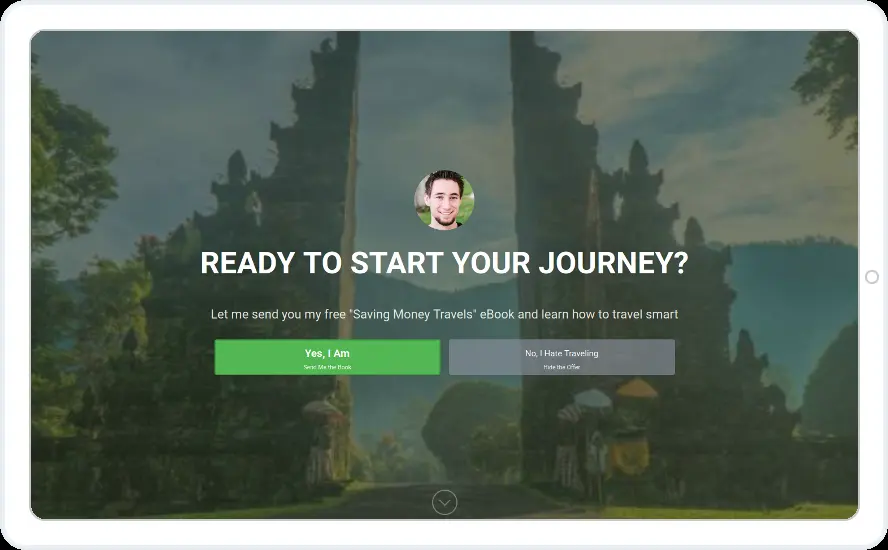
Give your main sign-up the whole screen. These eight designs use large photos for a productivity guide, a travel blog, daily stories, webinar alerts and free training.
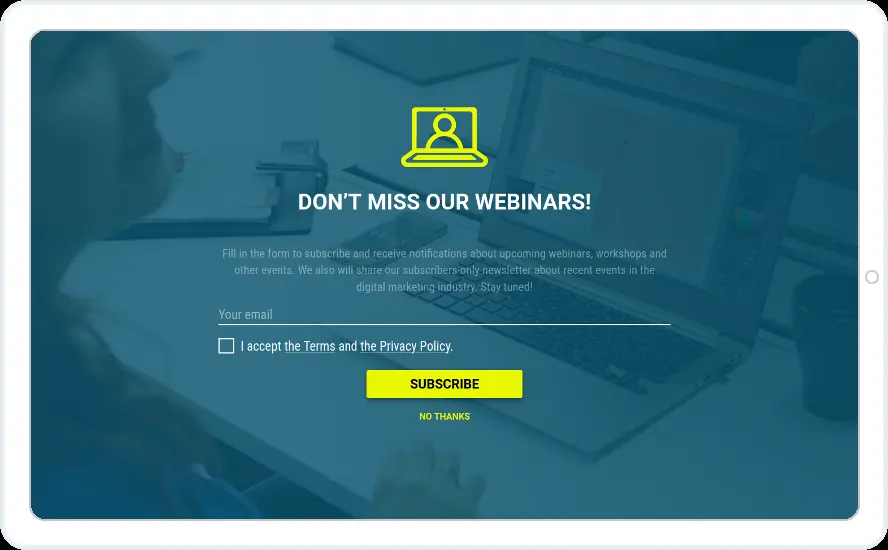
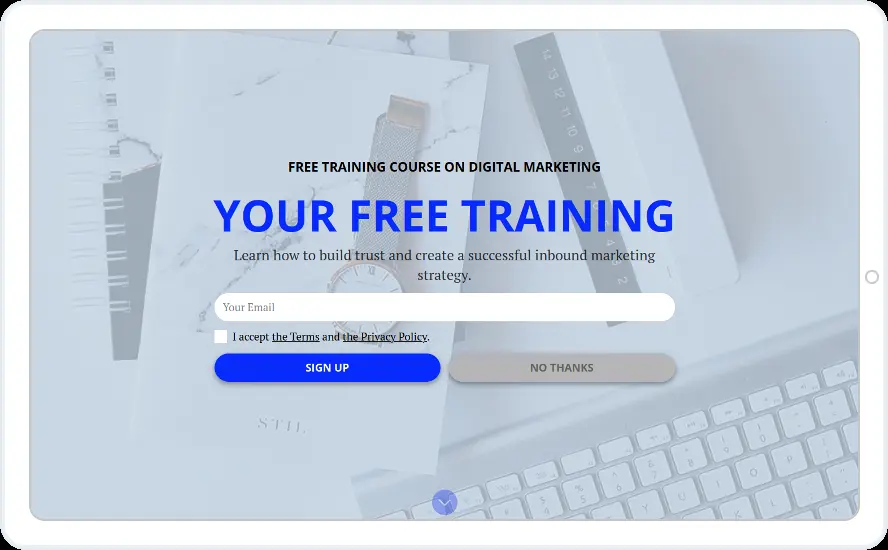
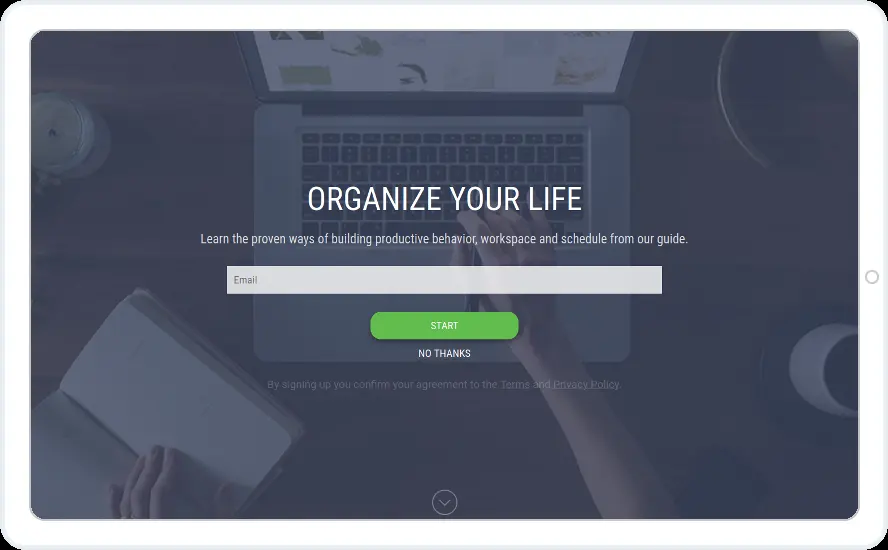
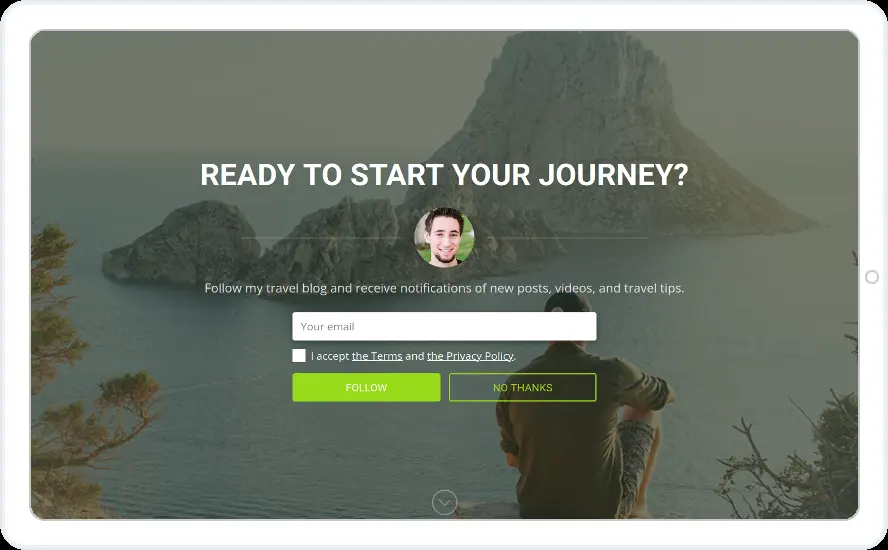
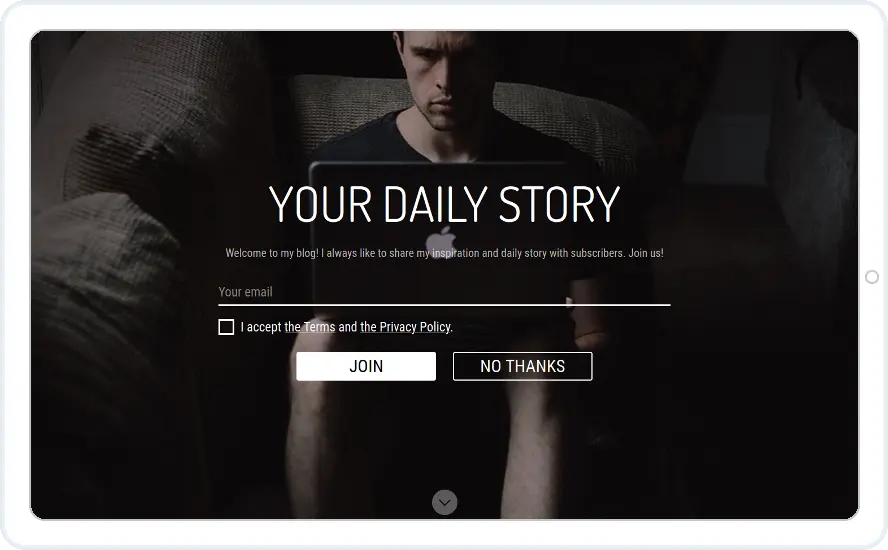
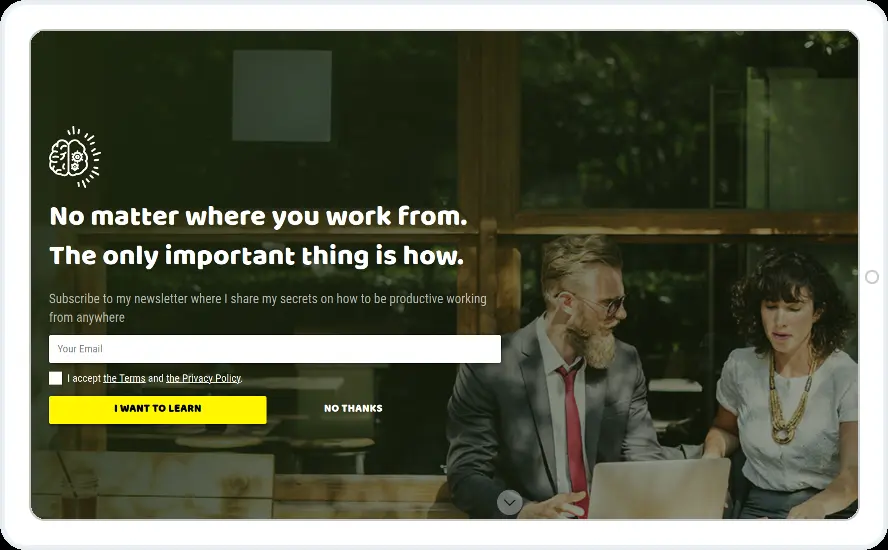
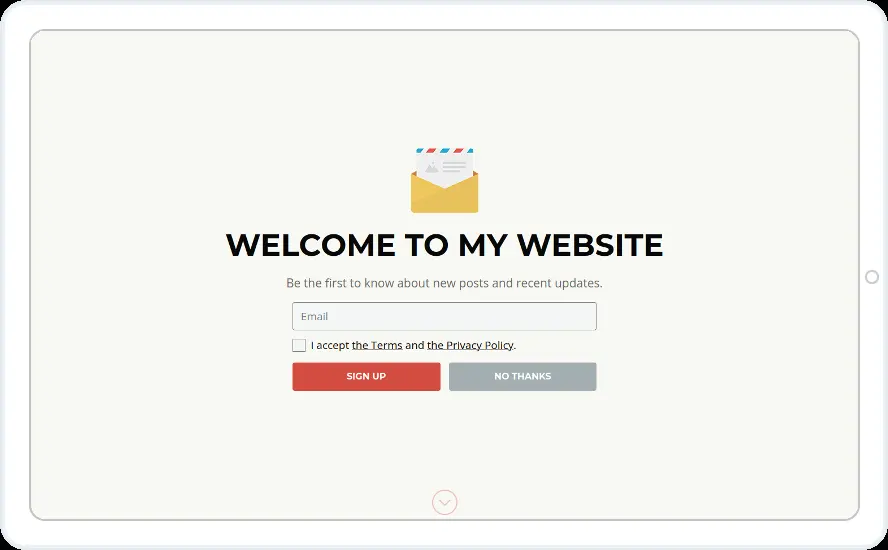
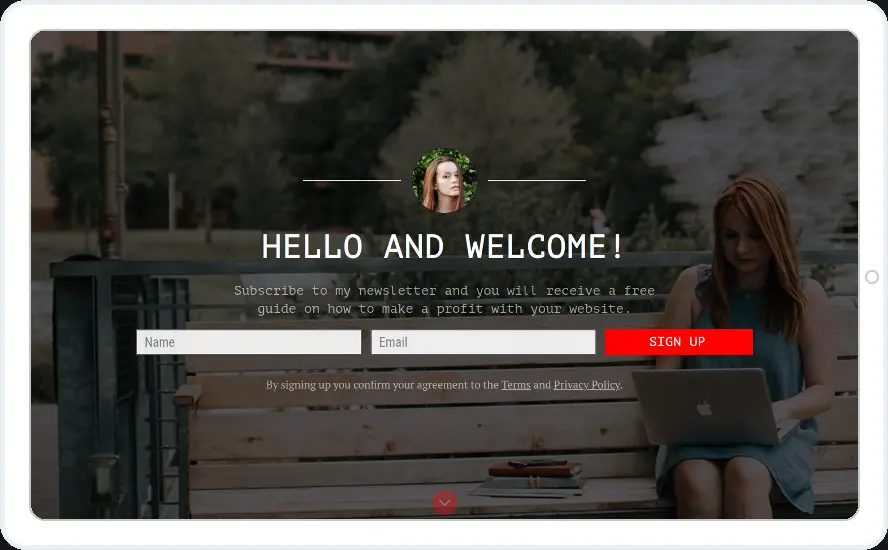
- Desktop only, with a floating bar on phones instead
- Once per visitor, with a pause after it is closed
- Hidden from people who already subscribed
When to use it
A welcome mat covers the screen with one message, so save it for your most important sign-up. Each design has a No thanks link, and the visitor is one click away from the page.
Before you publish
- Use a background photo that shows your topic
- Keep the headline to one line
- Check the mobile layout before you publish
Questions about newsletter welcome mat templates
Will a welcome mat hurt my Google rankings?
Google can rank mobile pages lower when a full-screen offer covers them on arrival from search. Show the mat on desktop, to returning visitors or on pages people do not reach from search, and use a floating bar on phones.
Can visitors scroll past it?
Yes. Switch on the Scrollable option and visitors can scroll the welcome screen. You can also choose the close button type.
Start with this template
Open it in the editor, change the words and colours, choose who sees it and publish.
