

Scratch card pop-up templates
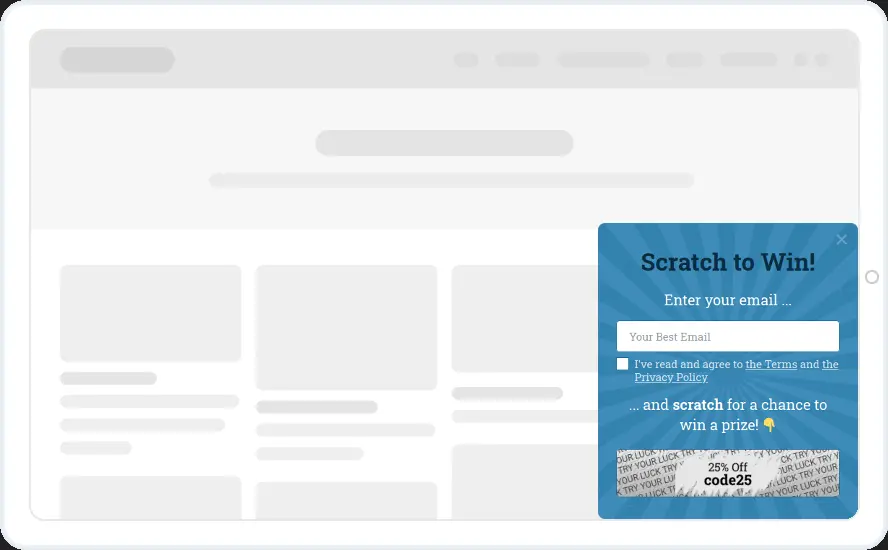
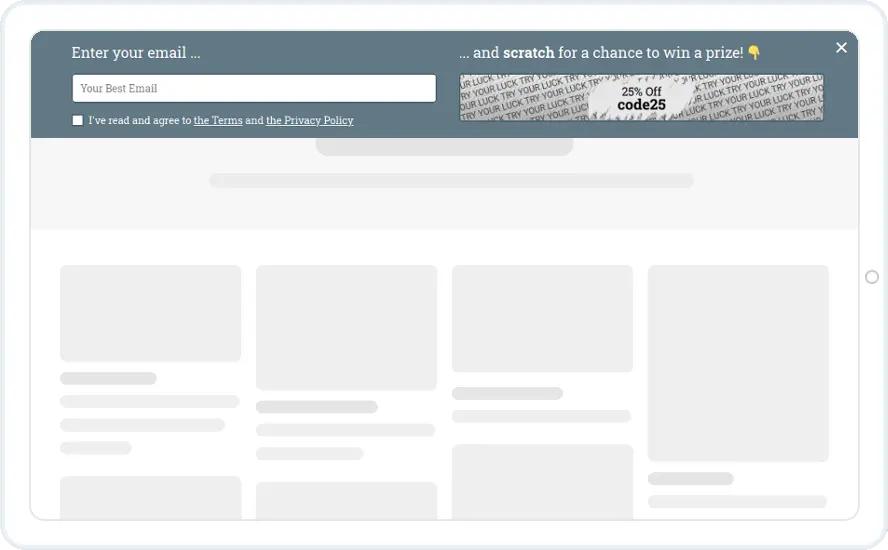
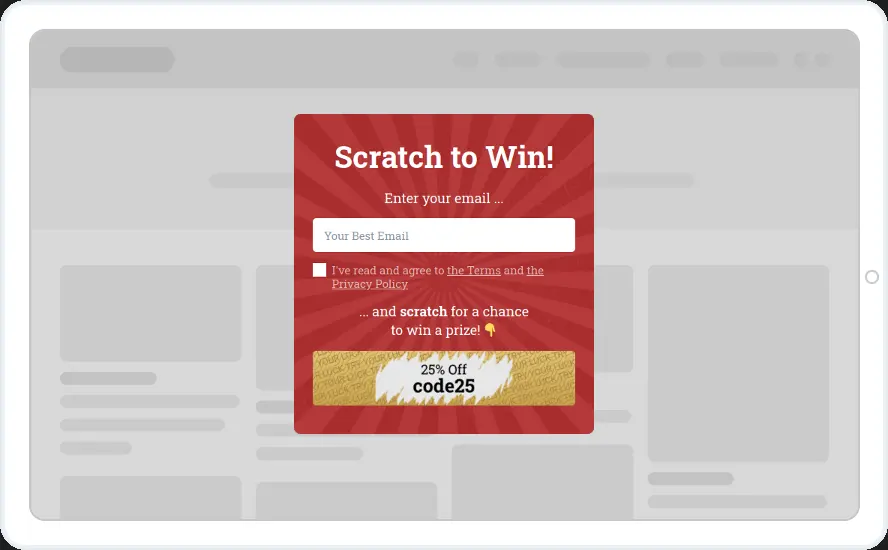
Visitors enter their email, then scratch a card to reveal a prize such as 25% off. Pick the red pop-up, the blue corner box or the top bar.
Free 14-day trial Included on every plan Mobile version included
When to show it
- First-time visitors, a few seconds after they arrive
- Don't show again once the widget is submitted
- Hidden from people who already subscribed
When to use it
A scratch card uses the same prizes and odds as a wheel in less space. The bar version runs along the top of the page, so you can use it where a pop-up would feel like too much.
Before you publish
- Set the prizes and the chance of each one
- Replace the sample code25 with your own codes
- Map the prize name and code to fields in your email tool
FAQ
Questions about scratch card templates
When does the card get scratched?
The scratch animation starts after a successful submit, so required fields such as email must be filled first. The prize and code then appear in the text through shortcodes.
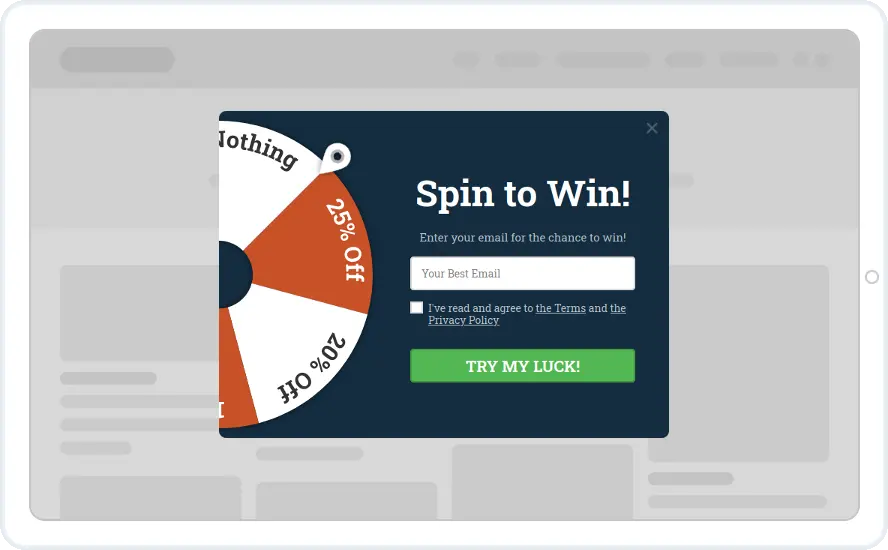
Can I run a wheel and a scratch card at the same time?
Yes. Give each widget its own data fields for the prize and code, so prizes from different campaigns do not overwrite each other.
Start with this template
Open it in the editor, change the words and colours, choose who sees it and publish.
Cancel any time No developer needed
