
Looking for the perfect form builder for your site? From simple contact forms to payment pages and surveys, choosing the right solution can save time and boost your conversion rates.
After working on websites built with many different tools and platforms, we have learned how important it is to use a form builder that feels easy, flexible, and reliable.
Over time, we have relied on Convertful for popup campaigns and UserFeedback to better understand visitor behavior. These tools have played a key role in improving our performance.
That said, no two businesses operate the same way. Needs and priorities vary widely, which is why we explored and compared a range of options. This guide shares the form builders that stood out to us, making it easier for you to choose what fits your project best.
How We Reviewed Online Form Builders
Finding a solid online form builder is not always straightforward. The ideal tool should cover essential features, remain easy to work with, connect smoothly with other services, and stay within a reasonable price range.
To make the decision easier, we spent time hands-on with each form builder and compared them using practical criteria. Below are the main aspects that guided our evaluation process:
Practical usage
Several of the platforms included in our review are tools we already rely on for our own projects, including Convertful and UserFeedback. We also tested other well-known solutions to see how they performed in real conditions.
Range of use cases
We looked at builders designed for different needs, from basic contact forms to surveys and lead capture. Our goal was to include options that work well for various types of websites and online businesses.
Ease of use
We paid close attention to how simple it is to get started. This covered everything from building a first form to working with more advanced settings, regardless of technical background.
Available templates
We compared the libraries of pre-built templates, focusing on how quickly they allow users to create clean, professional-looking forms without extra effort.
Design flexibility
We explored how much control each builder gives over visual elements such as colors, typography, and layout so forms can match a brand’s style.
Notification system
We reviewed how well each tool handles automated email alerts, since timely notifications are essential for managing responses and leads.
Integrations
We tested how easily the builders connect with common third-party services like email marketing tools, CRM platforms, and payment systems.
Support resources
We considered how easy it is to get help when needed, whether through documentation, email assistance, or live chat.
Pricing structure
Finally, we examined the pricing models to determine whether the features offered justify the cost and deliver good overall value.
Convertful
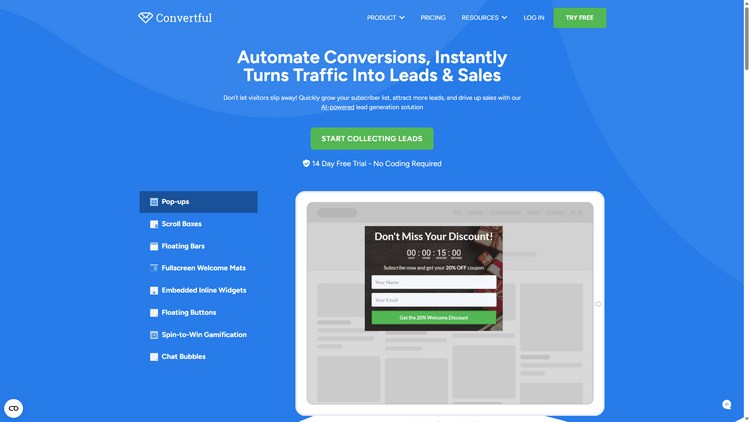
Convertful positions itself as a flexible conversion optimization platform built to help websites turn visitors into subscribers and customers. It supports a variety of campaign types, including popups, sticky bars, slide-ins, inline forms, and fullscreen overlays.
We use Convertful across different projects to promote offers, capture leads, and present targeted messages. It has worked particularly well for lightweight popups, embedded forms, and banners that integrate smoothly into the overall page design.
A noticeable advantage of the platform is its template collection. The available layouts cover common marketing scenarios, making it easy to launch campaigns without starting from a blank canvas.
Where Convertful becomes especially interesting is in its targeting and segmentation capabilities. Campaigns can be displayed based on visitor behavior, traffic source, device type, and other practical conditions that influence engagement.
The targeting rules allow you to decide who sees a message and at what moment. This includes triggers tied to actions such as scrolling, time spent on a page, or user interactions.
Convertful also includes exit-intent functionality. By detecting when a visitor is about to leave, the system can display a final prompt that encourages signups or highlights a last-minute offer.
Used thoughtfully, this feature can produce meaningful improvements. In our own tests, exit-intent campaigns consistently outperformed static forms in terms of subscriber growth and interaction rates.
Beyond form design, Convertful offers built-in analytics and split testing tools. These features make it easier to compare variations, identify effective designs, and fine-tune campaigns over time.
The platform integrates with a wide range of third-party services, including email marketing providers and automation tools, which simplifies the process of connecting campaigns to existing workflows.
Support and learning resources are also well covered. Users can rely on documentation, tutorials, and direct assistance when needed.
Advantages of Convertful
- Multiple campaign types with ready-to-use templates
- Flexible targeting and segmentation rules
- Exit-intent detection for recovering abandoning visitors
- Built-in A/B testing and performance tracking
- Broad integration options with marketing tools
Drawbacks of Convertful
- Advanced features may require higher-tier plans
- Smaller template library compared to some competitors
Why consider Convertful
For websites focused on improving conversions and lead generation, Convertful offers a practical and streamlined solution. Campaigns are quick to build, targeting options are versatile, and the platform fits well into most marketing stacks without adding unnecessary complexity.
Automate Conversions, Instantly Turns Traffic Into Leads & Sales
Don’t let visitors slip away! Quickly grow your subscriber list, attract more leads, and drive up sales with our AI-powered lead generation solution
UserFeedback
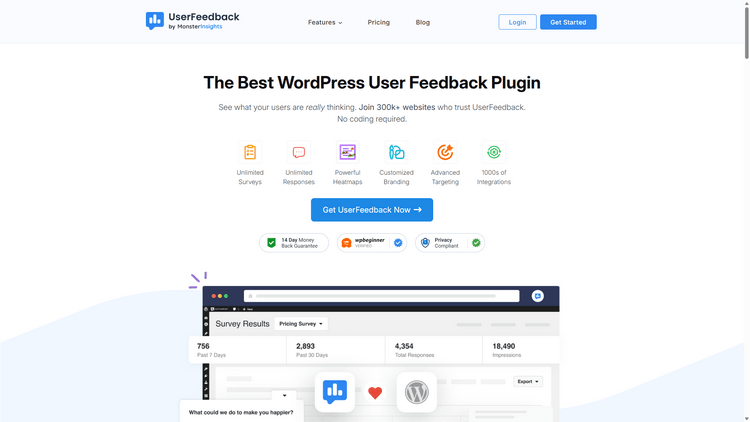
UserFeedback has established itself as a popular solution for collecting visitor opinions on WordPress sites. It allows users to submit comments, highlight problems, suggest ideas, or leave ratings through a slide-in form that fits naturally into the browsing experience. The tool can be added to websites, apps, and other digital products without much effort.
On our own projects, UserFeedback has been useful for understanding how visitors interact with content and features. It provided a simple way to capture reactions and identify areas that needed attention.
Getting started with UserFeedback does not require complicated configuration. The setup follows a clear sequence of steps, from choosing questions to adjusting basic settings and notifications.
Once everything is configured, the Surveys section displays your active forms. From there, you can quickly verify whether a survey is live on your site.
One detail we appreciated was the option to vary answer order. This small feature can make a noticeable difference in how respondents interact with multiple-choice questions.
People often gravitate toward answers that appear first or last in a list. To limit this tendency and obtain more balanced data, UserFeedback allows you to shuffle choices automatically.
During testing, a couple of add-ons stood out for their practical value.
The Behavior add-on controls when surveys appear and how long they remain visible. For example, you might trigger a form after a few seconds on a page or once a visitor scrolls to a certain point.
The Branding add-on focuses on visual adjustments. It lets you tweak colors and switch between light and dark styles to better match your site’s design.
For those who want a cost-effective starting point, the free version covers the basics well. It includes core survey functionality along with reporting tools for tracking responses and views.
Help is available through email tickets, and the documentation library answers most common questions. We found it particularly helpful when exploring less obvious settings.
Advantages of UserFeedback
- Clear onboarding and guided setup
- Supports multiple question formats
- Includes a selection of ready-made templates and theme options
- Answer randomization for improved response quality
- Response export in common file formats
Disadvantages of UserFeedback
- Advanced add-ons require a paid plan
- Reasons to recommend UserFeedback
Why Consider UserFeedback
UserFeedback offers a straightforward way to add surveys, polls, and feedback forms to a WordPress site. The interface is easy to navigate, question types are flexible, and features like answer randomization add practical value. The availability of a free version also makes it accessible for smaller projects or first-time users.
OptinMonster
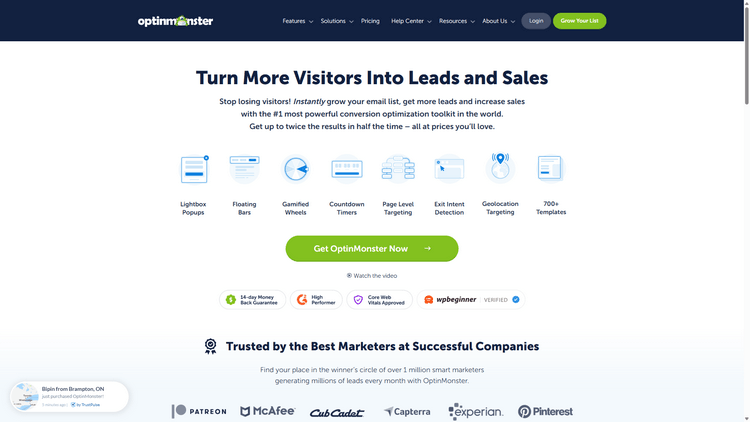
OptinMonster has built a strong reputation as a go-to solution for lead capture and conversion-focused forms. It supports multiple campaign formats, including popups, floating bars, fullscreen overlays, embedded forms, slide-ins, and even interactive opt-in experiences.
We run OptinMonster on several of our sites to highlight promotions, limited-time deals, and announcements. It has proven especially useful for popups, slide-ins, and top banners that draw attention without disrupting the browsing experience.
One of the platform’s strengths is its large template library. There are designs suited for many campaign goals, along with ready-made layouts tailored for seasonal events and major sales periods.
The targeting system is where the tool really stands out. Features like Display Rules and exit detection give you precise control over how and when campaigns appear, which can make a noticeable difference in engagement.
Display Rules let you define exactly who sees a campaign, under which conditions, and on which pages. You can also trigger forms using click-based actions, allowing offers to appear when visitors interact with specific links or images.
Exit detection works by identifying when a visitor is about to leave the site. This creates an opportunity to present a final message, encourage signups, or recover potentially lost conversions.
In practice, this strategy can be very effective. On one of our projects, introducing exit-triggered campaigns led to a dramatic lift in subscriber growth, far beyond what we saw with static forms.
Beyond form creation, OptinMonster includes built-in conversion tracking and split testing. These tools help refine campaigns and measure what actually drives results.
Support options are solid as well. Users can reach out through live chat or email, and the documentation covers most common questions and setup scenarios.
Advantages of OptinMonster
- Multiple campaign formats with a large selection of templates
- Detailed targeting controls for better audience segmentation
- Exit detection features designed to capture abandoning visitors
- A/B testing and performance tracking tools
- Comprehensive help resources and guides
Drawbacks of OptinMonster
- Limited native payment-related features
- No permanently free plan
Why consider OptinMonster
For projects where list building and conversions are a priority, OptinMonster remains a compelling choice. The interface is easy to work with, campaigns can be launched quickly, and the targeting features offer flexibility that many simpler tools lack.
WPForms
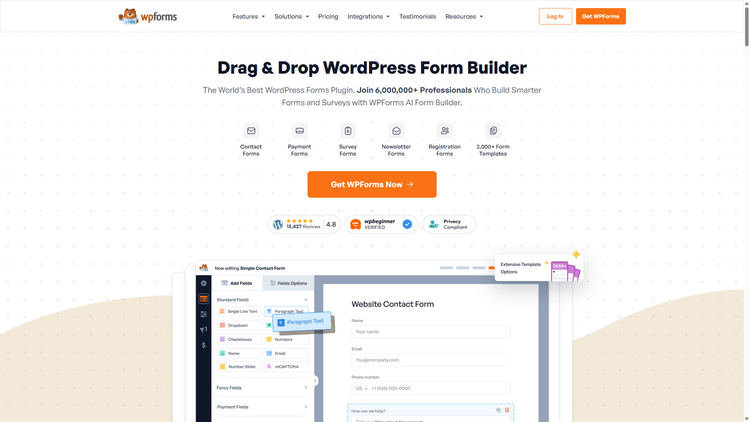
WPForms has become one of the most widely adopted form builders in the WordPress ecosystem, with millions of active installations. Created with ease of use in mind, it manages to balance simplicity with a strong set of features.
On our own projects, WPForms handles essential tasks such as contact pages and reader surveys. It has proven dependable for both basic forms and more structured data collection.
The visual builder is one of its biggest advantages. Forms can be assembled quickly through drag-and-drop editing, which keeps the entire process approachable even for non-technical users.
WPForms also introduces AI-driven tools that speed up common tasks. These additions feel practical rather than experimental, especially when building larger or more detailed forms.
While exploring the AI Choices feature, we found it particularly useful for generating option lists. Instead of entering items manually, you can describe what you need and receive a ready-made set for dropdowns or multiple-choice fields.
The generated lists remain fully editable. Items can be rearranged, rewritten, or removed without restrictions, so the automation never limits customization.
There is also an AI Form Builder that can assemble an entire form from a short description. This can save considerable time when creating standard layouts or starting from scratch.
Once the structure is created, adjustments are straightforward. You can continue refining the form until every field and setting matches your needs.
For users who require more advanced behavior, WPForms Pro expands the toolkit significantly. The premium version introduces features that go well beyond simple form creation.
Conditional logic is a good example. Forms can react dynamically to user input, revealing or hiding fields based on selections, which makes interactions feel more natural.
Another notable extension is the Geolocation add-on. It captures location-related details during submissions, providing data that can support regional targeting or analysis.
Template variety is another area where WPForms stands out. The library includes thousands of pre-built designs covering everything from surveys to payments and registrations.
These templates are only starting points. Layouts, styles, and fields can be freely adjusted, ensuring forms do not look repetitive or generic.
For those working with smaller budgets, WPForms Lite is available at no cost through the WordPress plugin directory. The free version covers core contact form functionality and supports a few useful integrations.
Support resources are easy to access. Documentation is detailed, email assistance is available, and the community around the plugin remains active.
Advantages of WPForms
- Clean interface with intuitive drag-and-drop editing
- AI-assisted tools for faster form building
- Extensive template library
- Smart tags for automated workflows and notifications
- Flexible design and styling options
- Wide range of add-ons and integrations
- Multiple support and learning channels
Drawbacks of WPForms
- Works only with WordPress websites
- Many advanced features require the Pro version
Why consider WPForms
For WordPress users seeking a reliable all-purpose form builder, WPForms offers a strong combination of usability and depth. The template selection, customization controls, and advanced options like conditional logic make it suitable for projects ranging from simple sites to more demanding setups.
OptiMonk
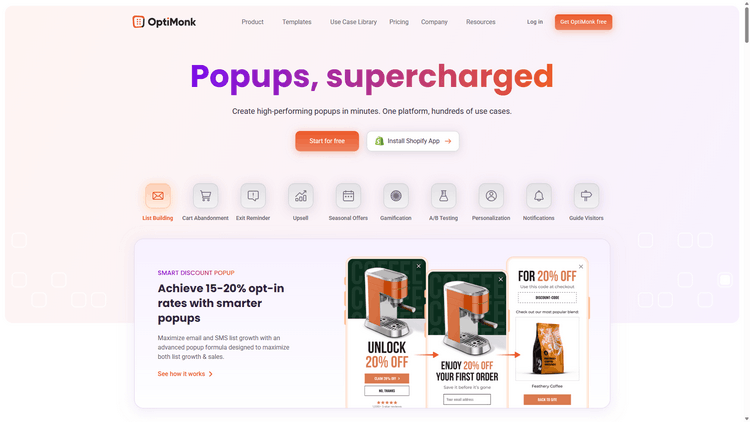
OptiMonk is widely recognized as a powerful platform for building lead capture and conversion campaigns. It allows you to create popups, sticky bars, fullscreen messages, embedded forms, and slide in elements designed to engage visitors at key moments.
We have used OptiMonk on various projects to promote discounts, highlight special campaigns, and collect email subscribers. It works particularly well for popups, side messages, and announcement bars that blend naturally with the site experience.
One of OptiMonk’s notable strengths is its template selection. The platform includes many ready made designs suited for different marketing goals, including layouts optimized for seasonal promotions and limited time offers.
OptiMonk also stands out for its targeting and behavioral triggers. Features such as page level targeting and exit intent detection give site owners precise control over when and how campaigns appear.
The targeting rules make it possible to decide exactly which visitors see a message. Campaigns can be displayed based on factors like traffic source, device type, browsing behavior, or time spent on a page.
Exit intent detection focuses on visitors who are about to leave the site. By showing a well timed message at this stage, you have another opportunity to capture attention, encourage signups, or present a compelling offer.
In practice, this approach can deliver strong results. In our own experiments, exit triggered campaigns consistently generated higher engagement compared to static forms placed within page content.
OptiMonk also includes built in analytics and A/B testing tools. These features help identify which designs and messages perform best, making ongoing optimization much easier.
For users who need help, OptiMonk provides multiple support channels. Documentation is available for self guided learning, and direct assistance can be reached when needed.
Advantages of OptiMonk
- Multiple campaign formats with a solid range of templates
- Flexible targeting and visitor segmentation options
- Exit intent technology to re engage abandoning visitors
- A/B testing and performance tracking tools
- Accessible learning materials and support resources
Drawbacks of OptiMonk
- Certain advanced features are limited to higher plans
- Template library is smaller than some competitors
Why Consider OptiMonk
OptiMonk is a strong choice for businesses focused on improving conversions and capturing leads. The editor is easy to work with, campaigns can be deployed quickly, and the targeting features provide enough flexibility for both simple and advanced marketing strategies.
Thrive Leads
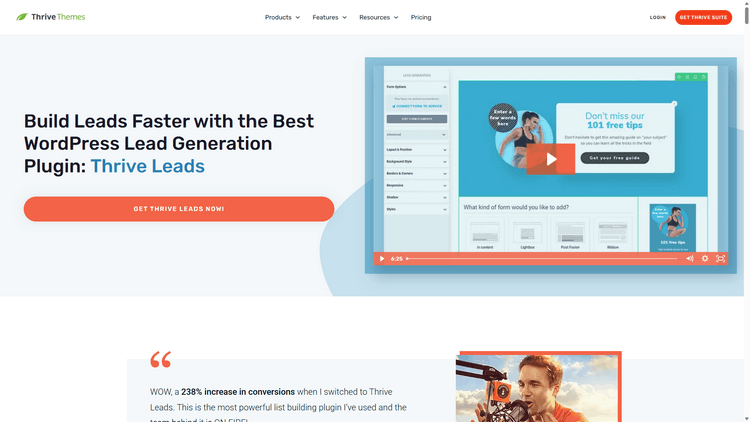
Note: Thrive Leads comes as part of the broader Thrive Themes membership. Once the suite is installed, you also get access to other tools such as Thrive Comments, Thrive Quiz Builder, and Thrive Optimize.
Thrive Leads is designed for WordPress users who want more control over how they capture leads. The interface uses drag-and-drop editing, and the plugin supports multiple form styles, including lightbox popups, inline forms, slide-ins, ribbons, and scroll-based overlays.
For this guide, we spent time testing the plugin to better understand how it performs in real scenarios. The goal was to look beyond feature lists and see how practical it feels during everyday use.
For websites focused on audience growth, Thrive Leads offers plenty of useful options. It is particularly well suited for building email lists and presenting targeted offers.
In day-to-day use, the plugin proved capable and flexible, though it does require more familiarization than some competing tools. New users may need a bit of time to fully grasp its structure and settings.
One area where Thrive Leads stands out is its trigger system. Forms can be displayed based on user behavior, including exit actions, delays, scrolling activity, and click events.
This level of control makes it easier to show forms at moments when visitors are more likely to respond. Proper timing often has a direct impact on conversion rates, and the plugin gives you room to experiment.
Another strength is targeting. Thrive Leads allows campaigns to be shown according to detailed conditions, such as specific content types, categories, or tags.
This makes segmentation far more precise. Instead of displaying the same message everywhere, you can match offers to the context of each page and guide users more effectively through your funnel.
Performance optimization is supported through built-in split testing and reporting. These tools help identify which designs and triggers deliver the best results.
Support resources are also worth mentioning. Users can rely on a knowledge base, forums, ticket-based assistance, as well as tutorial videos and training sessions.
Advantages of Thrive Leads
- Broad selection of form types and templates
- Flexible trigger settings for display control
- Strong targeting and segmentation options
- A/B testing with integrated reporting
- Multiple learning and support resources
Disadvantages of Thrive Leads
- Interface may feel less intuitive for beginners
- No free plan available
Why consider Thrive Leads
Thrive Leads is a solid option for WordPress site owners who want advanced lead capture capabilities. While it may take longer to master, the depth of targeting, trigger controls, and testing features make it a serious alternative for projects where optimization and segmentation matter.
What Is the Best Online Form Builder?
Out of all the tools we reviewed, Convertful proved to be the most well rounded option for a wide range of needs. It combines ease of use with strong customization and targeting capabilities, which makes it suitable for many types of websites.
Building forms with Convertful feels straightforward thanks to its visual editor. Whether you want a simple contact form or something more conversion focused, the interface keeps the process accessible. Beginners can get started quickly, while more advanced users still have room to fine tune behavior and design.
For lead capture and conversion campaigns, OptinMonster remains a solid alternative. Its variety of campaign formats and ready made templates allow you to launch opt in forms quickly, regardless of your site’s size or niche.
If your project calls for more complex functionality, Formidable Forms is worth considering. It includes advanced tools such as calculation fields and custom actions, which are particularly appealing for developers and power users.
For nonprofit websites, Charitable continues to be a strong choice. The core plugin allows unlimited donation forms and supports popular payment gateways like Stripe and PayPal. Upgrading unlocks options such as recurring contributions and additional fundraising features.
 The 5 Best Popup Builders in 2026
 How to Use Convertful Opt-in Forms for eCommerce