

Broadcast notifications
Show a floating bar that tells visitors about upcoming sales, important events and significant changes, so they know what to expect before they go looking.
Good for: Agencies, eCommerce, Digital Businesses, Bloggers
- A template: Simple Subscription Floating Bars, included on every plan
- A display rule: page load, on every page while the announcement runs
- Your email tool or CRM, connected once, so every lead lands there (optional)
Show smart Floating Bar to notify visitors about upcoming sales, important events and significant changes. It’s the simple, quick and natural way to form the right expectations for your visitors and customers.

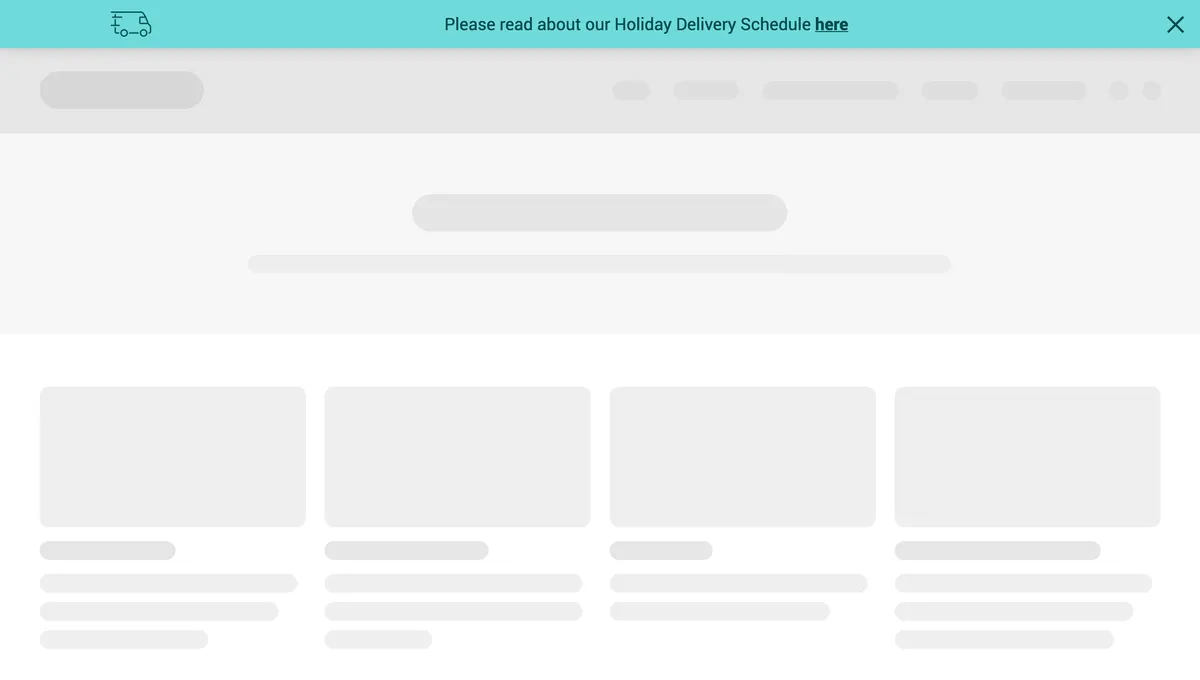
How to do this:
- Create a widget, add the relevant text message, and remove input fields.
- Add a link to the sales page inside the text (Text Settings → Text Editor) or to the button (Button Settings → Actions → Go to URL).
“The form/CTA builder is easy to use and puts many other tools to shame”

Set this up during your free trial
Start from the template, change the words and colours, choose who sees it and publish.
Questions about Broadcast notifications
Does a notification bar need a form field?
No. Create the widget, add your message and remove the input fields. The bar then works as a pure announcement with no email capture.
How do I link the notification to the sales page?
Either add a link inside the text through the Text Editor, or add a button and set its action to Go to URL. Both send the visitor straight to the page you name.
Can I show a broadcast notification only to some visitors?
Yes. Display rules cover exit intent, time on page, scroll depth, visit number, page URL, country, device and referral source, and you can hide it from people who already subscribed. On Growth and above you can also use tags and fields from your email tool or CRM.
Try this on your own site
Free for 14 days on every plan. Cancel from your billing page at any time.